
Systems and Workflows
Should Your Team Build an Internal App with Copilot Code?
Microsoft says Copilot Code can build internal apps from natural-language requests. Here is how to decide whether your team needs one and what to verify before live use.

On this page
- What Microsoft announced, and what remains to verify
- Find the problem beneath the spreadsheet complaint
- Compare options using the same request
- Define the record before the screen
- Write a prototype brief someone else can review
- Test decisions and exceptions, not just screens
- Treat sharing and live data as design decisions
- Review the app as a tool people must maintain
- Count operating work alongside usage charges
- Make the build-or-keep decision
In a fictional operations team, the request spreadsheet says an equipment order is “in progress.” The approval file says it was rejected. By Friday, the requester, owner, and approver each have a different answer about what happens next.
A purpose-built app might bring those people and decisions into one workflow. It might also put a new interface over rules the team has never agreed on. Before writing a build prompt, the team needs to decide which record governs the request, who may change its status, and what an app must do better than the tools already in place.
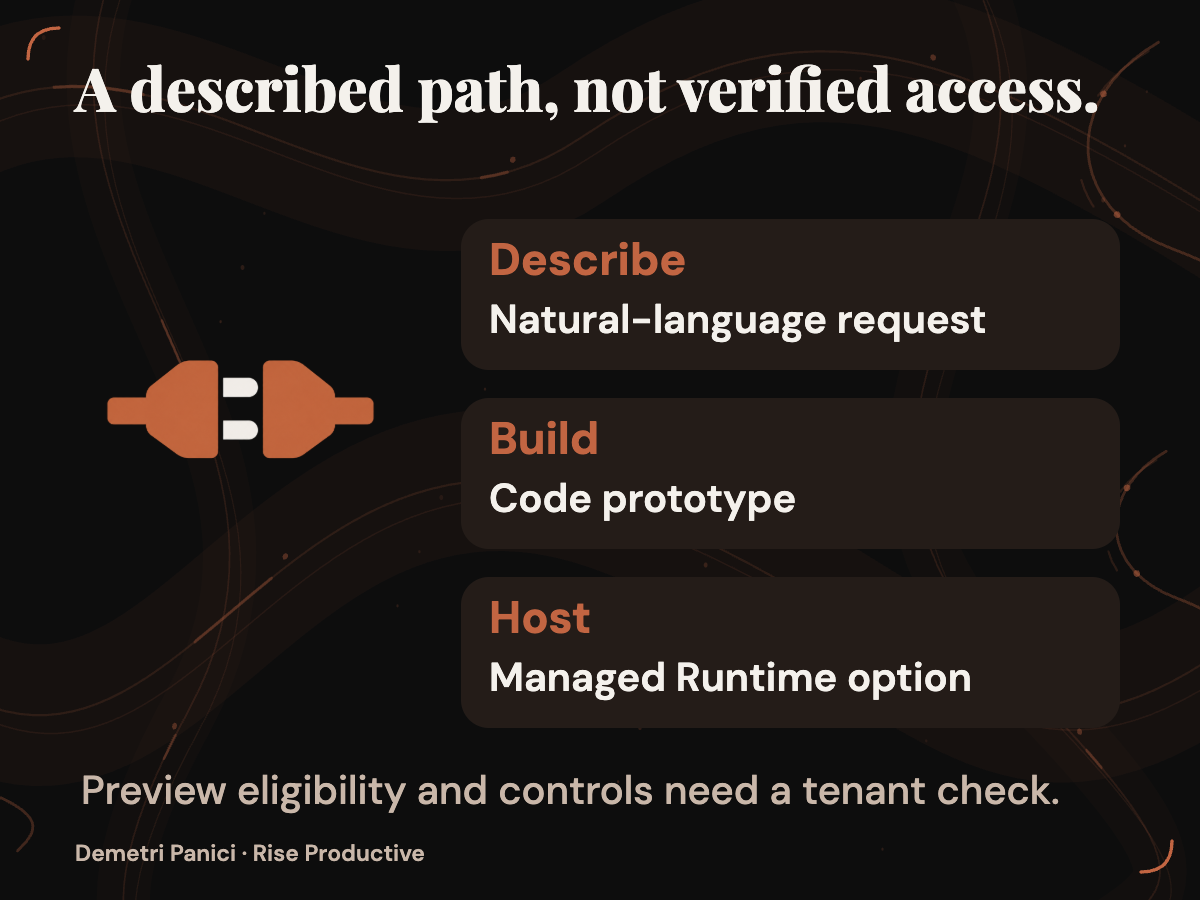
In a September 25, 2026 announcement, Microsoft described Code in the Copilot app as a way to create apps, trackers, dashboards, automations, and workflows from natural-language requests. It described Copilot Managed Runtime as hosting infrastructure for code inside a company’s Microsoft 365 environment. Rise Productive has not built an app with Code, inspected Managed Runtime in a tenant, or confirmed access for a particular organization.
The practical decision is whether a small app would solve a defined problem that a clearer process, improved spreadsheet, or approved tool cannot solve acceptably. If it might, write a narrow prototype brief and acceptance cases before building anything. Judge the result by the work people can complete and explain, rather than by how finished the first screen looks.
Key takeaways- Define the authoritative record and approval rules before choosing an interface.- Compare a proposed Code app with existing options using the same request and success criteria.- Keep a prototype on synthetic data until its behavior, access, operating cost, and recovery path can be checked in an authorized environment.
What Microsoft announced, and what remains to verify
Microsoft says Code can choose an approach after someone describes a solution in natural language. Its examples range from desktop widgets and interactive dashboards to cloud-hosted internal apps a team can share. Microsoft says Code runs in a sandboxed environment and can be hosted within a customer tenant. It describes Managed Runtime as infrastructure for hosting code inside a company’s Microsoft 365 environment, with IT governance, sharing, and live-data connections. The announcement said Managed Runtime was in preview on September 25 and would also be accessible inside Code.
Those descriptions establish what Microsoft announced. They do not show how a generated app handles conflicting edits, restricts a requester to appropriate records, or preserves a usable change history. The word “sandboxed” does not specify the isolation boundary a team could rely on. Those details require applicable technical documentation and inspection of the organization’s configuration.
Access needs a date as well. On September 25, Microsoft said Home and Code would start rolling out through its Frontier program in the following weeks. The Code section also described a Frontier rollout at the end of September, with broad availability in the weeks that followed. Microsoft forecast a Code preview for Microsoft 365 Premium and Pro subscribers later in 2026. The supplied copy of that announcement was captured on September 28, 2026. Neither the capture nor those rollout statements confirm Code access for a particular tenant, plan, or region on September 28. A team should check eligibility before putting a prototype on a delivery schedule.
Code appeared beside Cowork and Autopilot in the announcement, but this article concerns an internal tool people would use to view or change work. The question is whether that tool improves a defined workflow enough to justify building and operating it. A description of what Code can generate cannot answer that for a particular team.
Find the problem beneath the spreadsheet complaint
Consider a fictional team receiving internal equipment, workspace, and account-access requests. Its spreadsheet contains a requester, a description, an owner, and a status. People still ask for updates because “in progress” means different things to different owners. One person uses it after reading a request; another uses it only after work begins. An approver cannot easily find requests awaiting a decision.
The team lacks a shared rule for how work changes state and a convenient view of what each person needs to do. An app could present a rule, but the team must first decide who has authority to assign, approve, and close work. Without that decision, a new approval button would give an old ambiguity a more convincing interface.
The first repair might be procedural. Define who assigns an owner, what “awaiting approval” means, and when a request can be marked complete. Put those definitions beside the existing record. Give one person responsibility for reviewing entries that lack an owner or contain an unclear status. If people can then find and update current work consistently, the reason to build an app becomes weaker.
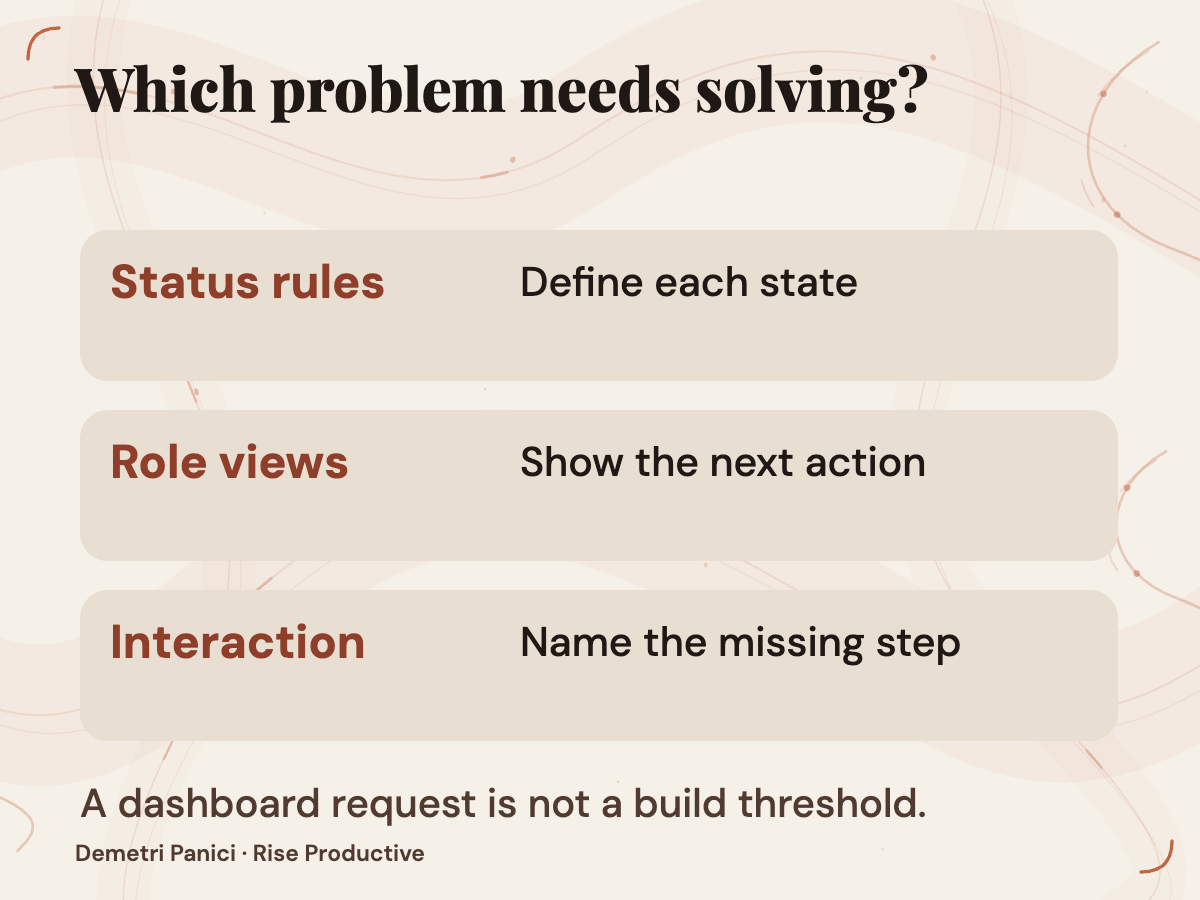
Suppose the friction remains. Requesters need to see whether an item was received. Owners need a queue of assigned work. Approvers need a queue of pending decisions. A spreadsheet might provide those views. The case for an app grows if the workflow also needs to guide permitted changes: an owner proposes completion, an approver records a required decision, and the tool prevents that decision from being skipped. The team should identify which interaction its approved tools cannot support acceptably.
A useful build threshold names that interaction and the consequence of getting it wrong. For this fictional team, it might be: consider an app if approved existing tools cannot show each role’s current queue and support the required approval transition with acceptable effort. The team would still need to define “acceptable” for its request volume and the consequences of a missed decision. “We want a dashboard” supplies no comparable test.
Compare options using the same request
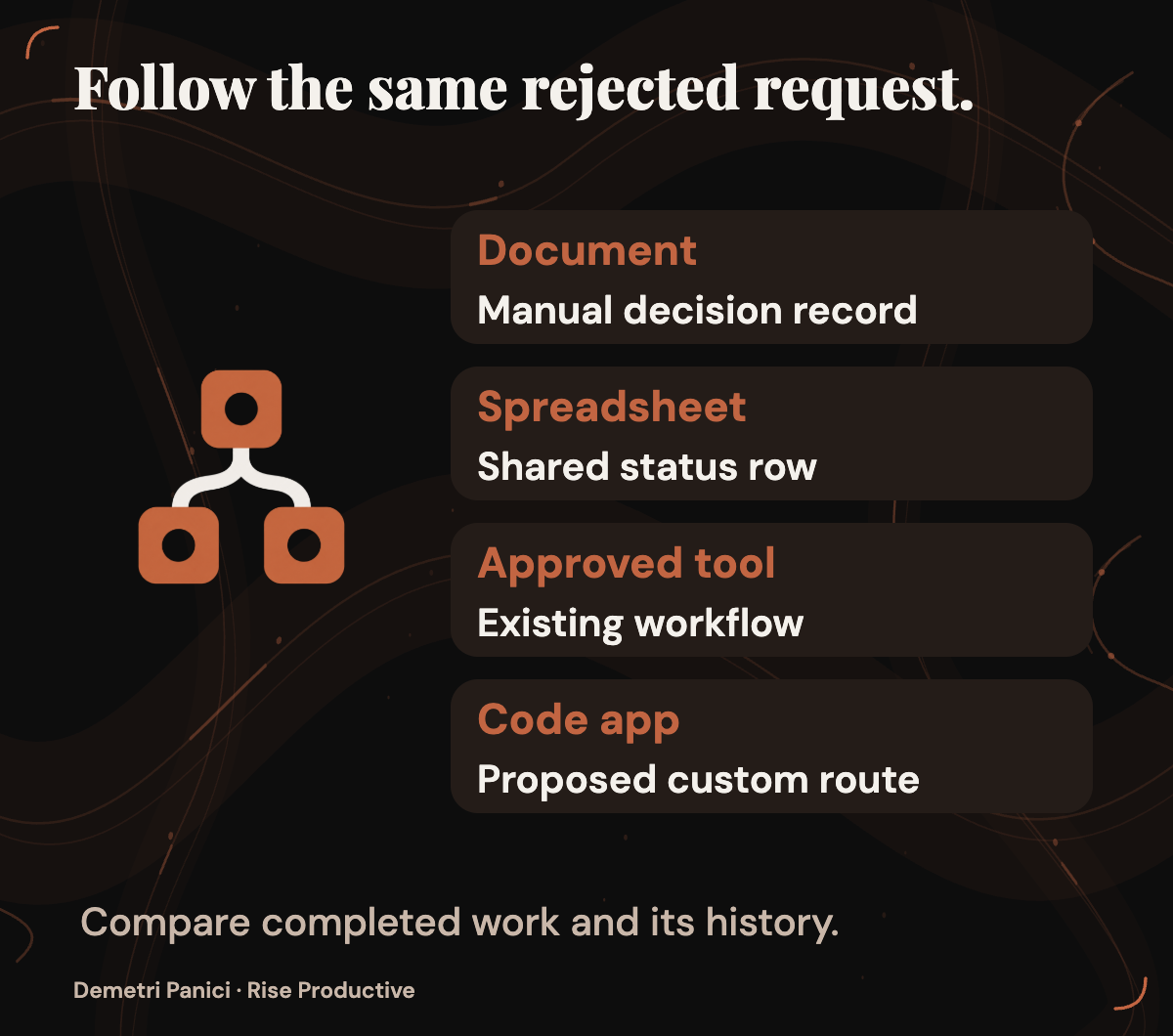
Follow one fictional equipment request across the available choices. A requester submits it, an owner routes it for approval, an approver rejects it with a reason, and everyone who needs the result should be able to find its current state. Judge each option by whether that sequence can be completed and explained, including the rejection. A polished intake form cannot compensate for an approval nobody can locate later.
- Process document with the current record: How the same request would be handled: People follow written status and approval rules while updating the existing record.; What the team must verify: Do they apply the rules consistently and find the current decision?; Continuing owner: A process owner maintains the rules and reviews exceptions.
- Improved spreadsheet: How the same request would be handled: Defined fields and filtered views show assignments, pending decisions, and outcomes.; What the team must verify: Can access, status changes, and the decision history be kept reliable enough?; Continuing owner: A named owner maintains fields, views, access, and review routines.
- Existing approved software: How the same request would be handled: The team configures a request and approval flow in a tool it already uses.; What the team must verify: Does it support this request without disproportionate configuration or duplicate records?; Continuing owner: The tool owner supports configuration and later changes.
- Proposed Code app: How the same request would be handled: A tailored interface presents each role’s queue and the required transitions.; What the team must verify: Can the team verify behavior, access, recovery, charges, and maintenance in its environment?; Continuing owner: A named app owner handles defects, changes, and handoff.
The comparison is a decision aid, not a finding that any option passes. The team might need a process document whichever tool it chooses. It might also discover that approved software already holds the formal approval record, making a second status history undesirable.
Ask the same questions of every route. Can the requester find the current result? Can the owner see what remains to do? Can the approver identify the decision awaiting them? Can a later reviewer explain why the status changed? Who maintains the route when a rule changes? These questions keep the comparison focused on completed work rather than the novelty of the interface.
Define the record before the screen
A prototype begins with a record people can understand outside the app. For the fictional tracker, define a request ID, request type, requester, assigned owner, current status, relevant dates, decision owner, and explanation of the latest change. Identify which fields come from an authoritative system and which people may edit locally. If the app displays a status from another system, the team needs to know when that status was read and what happens when the two disagree.
Give each status a meaning. “New” means received but unassigned. “Awaiting decision” means a named approver must act. “In progress” means an owner has accepted the work. “Complete” means the required decision or work has been recorded and reviewed. These are proposed definitions for the fictional team, not states Code is known to supply. A real team would have to adapt them to its work and approval obligations.
Then describe allowed changes. A requester may create a practice request and view its state. An owner may accept assigned work and propose a resolution. An approver may accept or reject a decision requiring approval. An administrator may manage the setup. A team would need to decide whether those roles fit its actual process and verify whether available controls enforce them. A prompt that says requesters cannot approve expresses a requirement; it does not prove the generated app prevents approval.
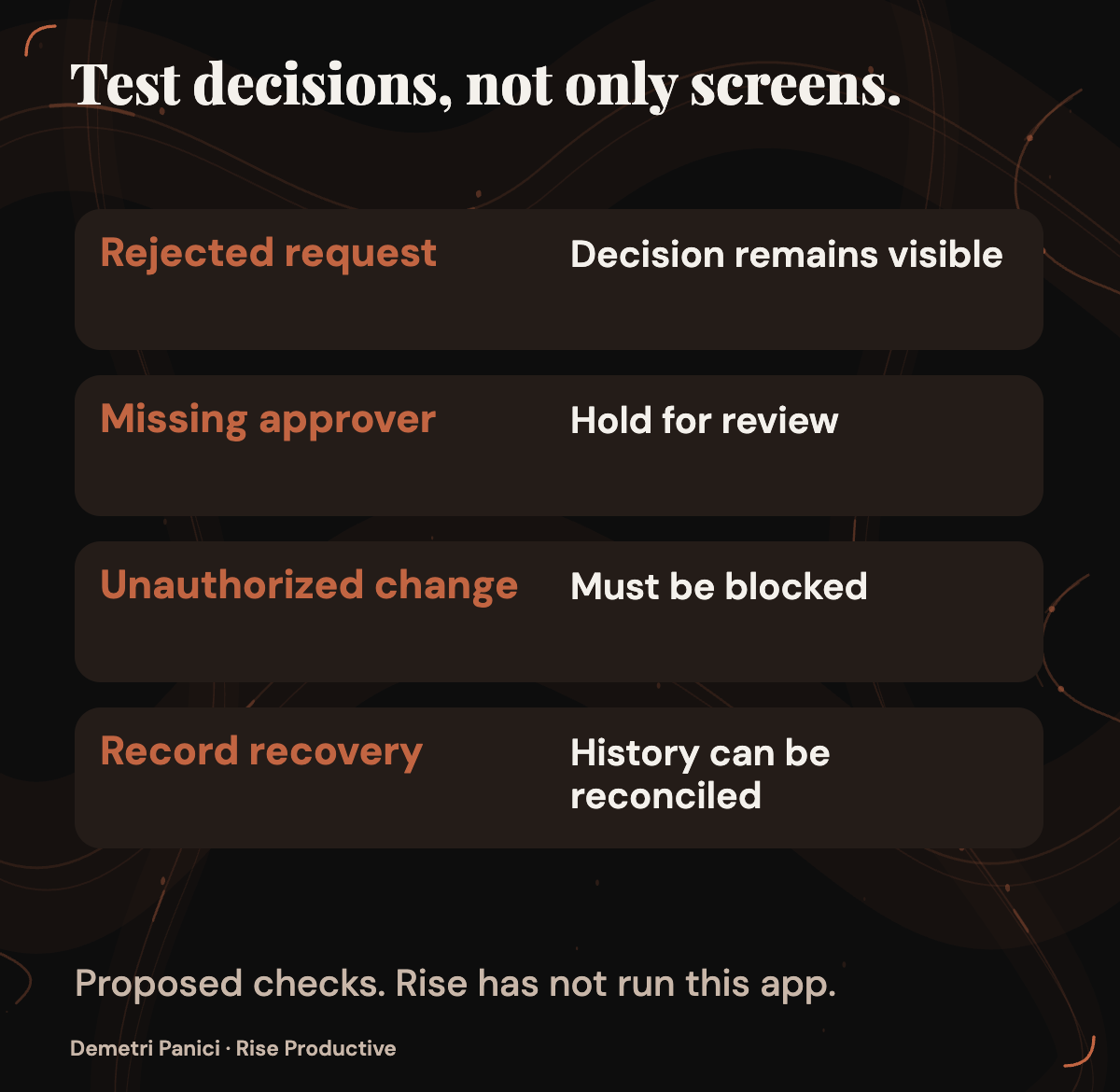
Model an exception before drawing the happy path. Imagine a synthetic equipment request that needs approval but has no assigned approver. It should remain visibly incomplete. Someone must be responsible for noticing and repairing the assignment. If an app silently treats the request as complete because its other fields are filled, it hides the problem it was meant to expose.
Now follow the fictional request through a decision. A requester submits it. An owner checks that its fields are complete and sends it for approval. The approver rejects it with a reason. The requester should see that reason, the owner should see what work remains, and the record should retain the decision that produced the new status. If one view says “rejected” while another says “ready to order,” the team has a shared-state problem. The next design question is which record governs and how the conflicting views are corrected.
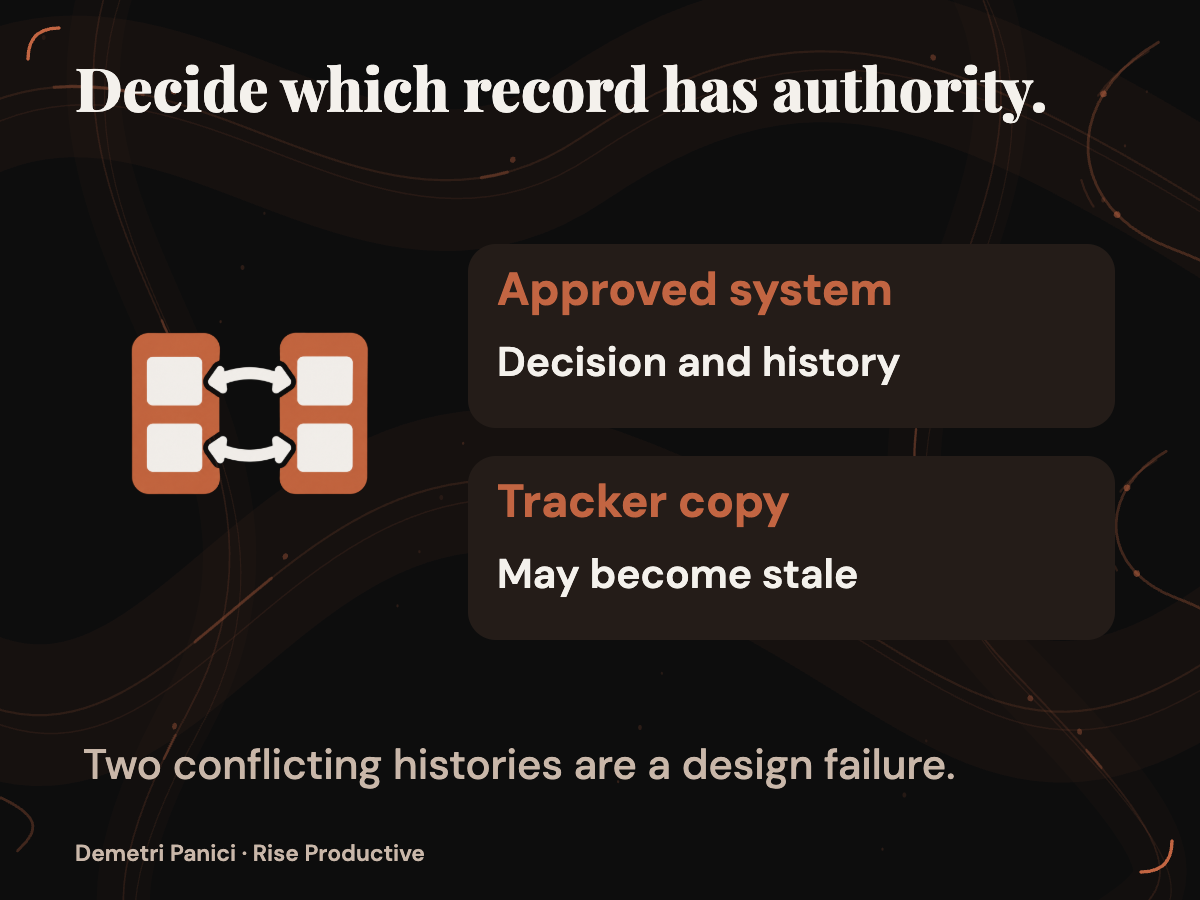
This exercise reveals whether the app would duplicate a source of truth. If an approved system already holds account-access decisions, copying them into a tracker could create two conflicting histories. The team must decide whether an app should display that system’s status or whether the workflow belongs in the approved system itself. That decision depends on records and authority, not on how quickly a screen can be generated.
Write a prototype brief someone else can review
If the build threshold is met and access is authorized, start with synthetic requests. “Build a request tracker” leaves Code, or any developer, to guess at users, authority, exceptions, and recovery. Write the behavior down so a second person can judge the result without relying on the person who requested it.
A draft request for this fictional team might say: “Create an internal request tracker for the four proposed roles, fields, status definitions, and allowed changes. Show owners their assigned queue and approvers their pending decisions. Use synthetic data only. Keep a visible history of status changes. Do not connect live records or send notifications.” This describes requested behavior. It is not evidence that Code can implement or enforce every instruction.
The brief should also identify the record that governs each decision. For example, a formal account-access approval may belong in an existing approved system. A proposed tracker could display its result, but the team should specify whether it may change that result. Without this rule, two tools can each appear current while telling different stories about the same request.
Add the people who will judge the prototype. A process owner can confirm that the status rules match the work. An administrator can inspect available access and sharing controls. A person who handles requests can say whether the queues reveal the next action. These are roles in a proposed review, not a claim that Microsoft supplies a particular approval workflow. Name a person for each role in an actual brief so that an unclear result has somewhere to go.
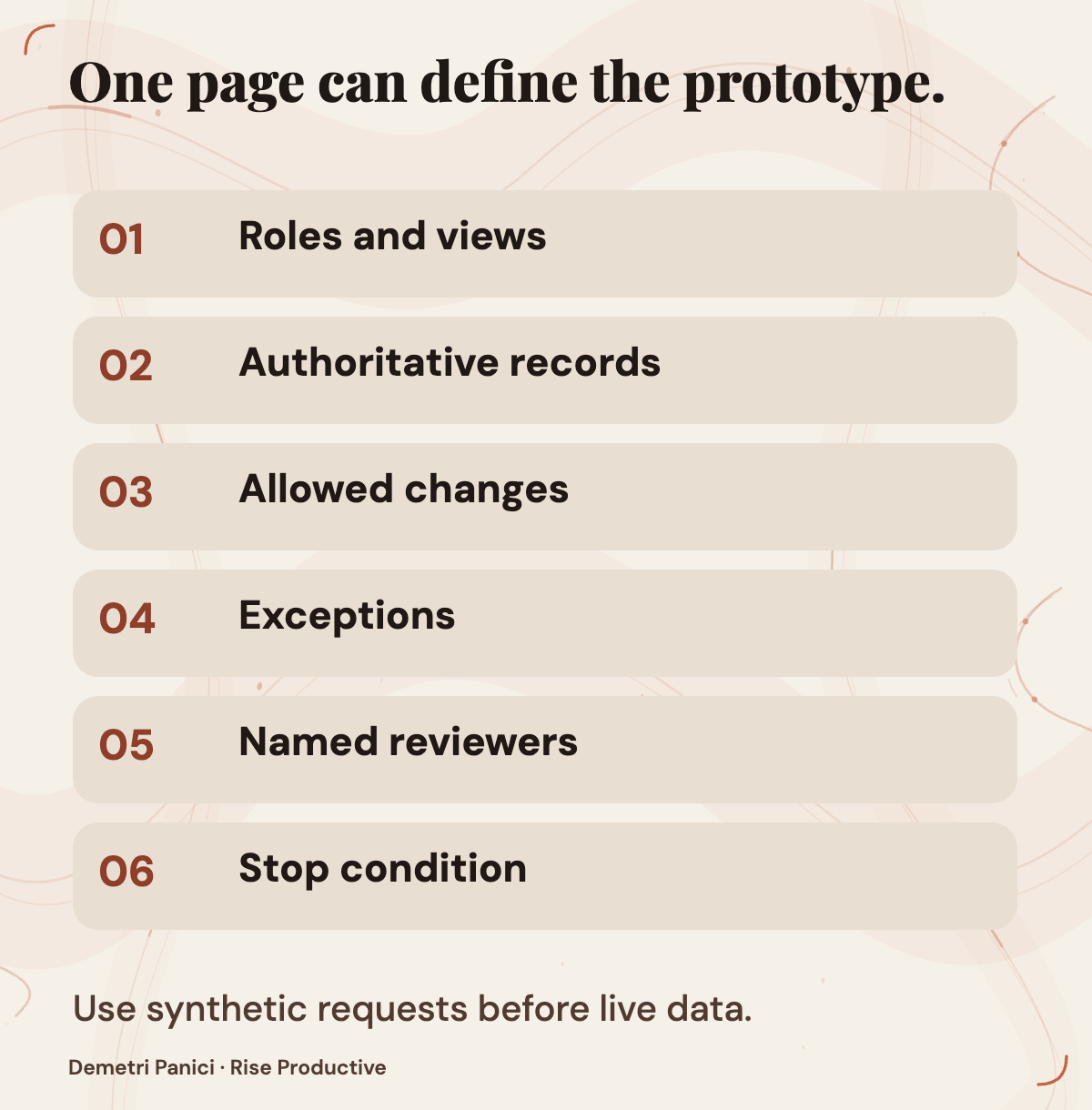
Keep the brief short enough to use. It needs the user roles, authoritative records, required views, permitted changes, important exceptions, expected output, and a way to stop the exercise. Long lists of desired features can wait. The first prototype should answer the build question: can a tailored interface make this particular request process clearer and safer to operate than the approved alternatives?
Test decisions and exceptions, not just screens
Keep an acceptance sheet outside the generated app. Before a proposed trial, a reviewer could record the expected result for each synthetic request and check whether:
- A new practice request receives a distinct ID and appears in the appropriate queue.
- An item awaiting approval stays out of the complete queue until the required decision is recorded.
- A user without approval authority cannot make that change, if the available controls support the restriction.
- Two users viewing a request can identify its current status and latest change.
- A missing owner or conflicting status appears as a problem instead of being silently replaced.
- A rejected decision reaches the requester and owner views with its stated reason.
- The team can export or otherwise recover practice records through an approved method.
The checks have different jobs. The first and fourth concern whether people see the right record. The second, third, and sixth concern the team’s decision rules. The fifth tests an exception. The seventh asks whether the team can repair or leave the tool. An attractive submission screen answers none of those questions by itself.
For the fictional equipment request, write down a short sequence. Create the request as a requester. Assign it as an owner. Reject it as an approver and enter a reason. Then inspect the requester’s view, the owner’s queue, the status history, and the record intended to remain authoritative. Record the expected result before each step. If an unauthorized role can approve the request, a correct-looking final status is still a failed check: the route to that status matters.
Run an exception case through the same proposed review. Leave the approver unassigned, or enter a decision that conflicts with the authoritative record. The acceptable behavior depends on the team’s rules, but silent completion should not be accepted merely because the interface remains tidy. The reviewer needs to see what is unresolved and who can correct it.
These are proposed acceptance cases. Rise has not run them in Code. If an authorized prototype becomes available, preserve the brief, synthetic entries, expected results, observed results, and any corrections. A failed check may reveal an unclear specification, a configuration problem, or a failure to meet a clear requirement. Keeping that distinction helps the team decide whether to revise the brief, repair the prototype, or abandon the build.
Treat sharing and live data as design decisions
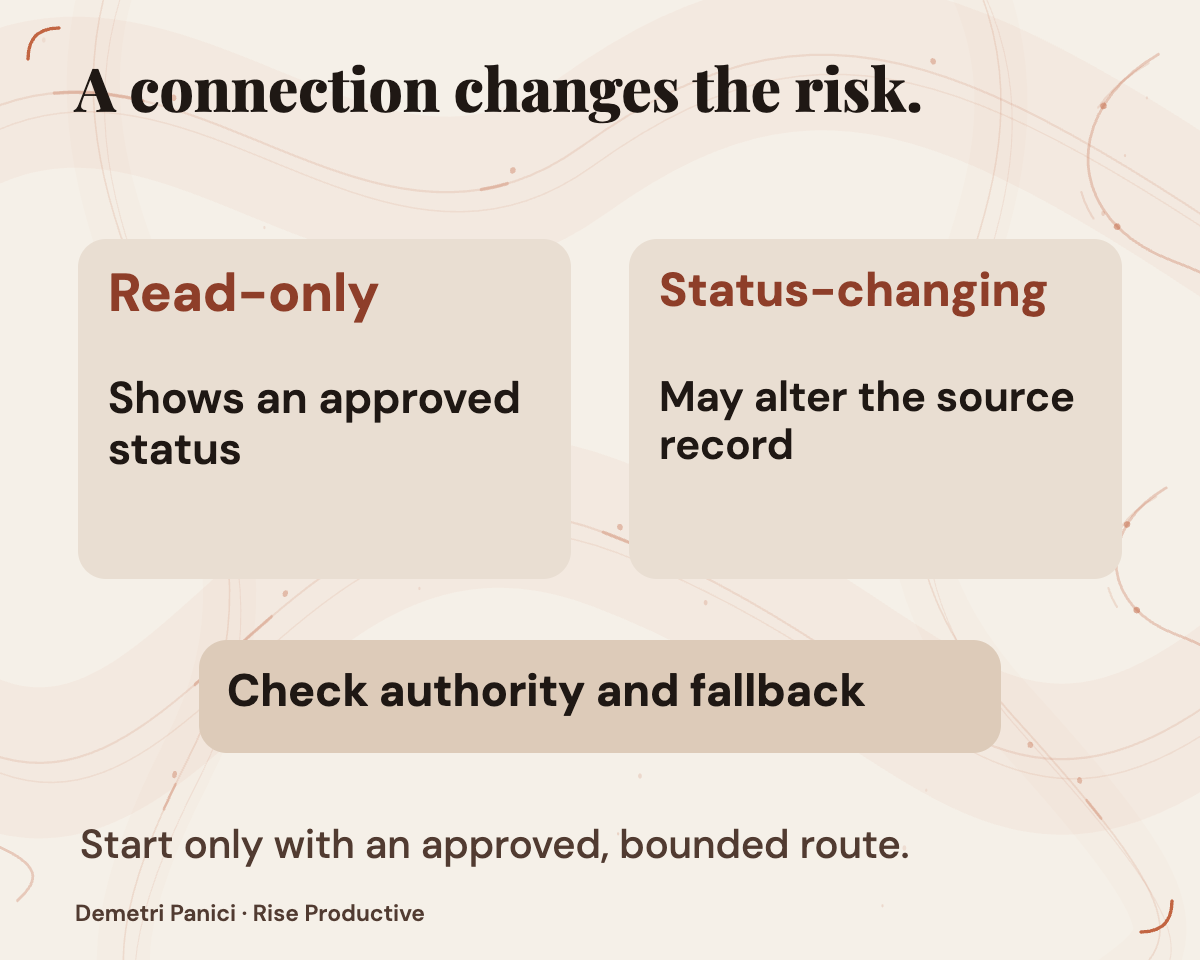
Microsoft says a Managed Runtime app can connect to live data and be shared with teammates. Before enabling a connection, list the records the app would read, any changes it might make, the users who could open it, and the person authorized to approve each grant. The announcement provides the capability description; it does not document the controls for this fictional tracker.
A tenant-hosted description does not answer how a Code app is created and hosted in a particular organization, how connections and permissions are assigned, or which events can be reviewed. The team also needs to know what happens when someone changes roles or leaves. Can app access be narrowed or revoked? Can a connection be removed without losing records the organization must retain? These questions require applicable documentation and inspection of the available tenant controls.
Inspect sharing as a workflow, not merely as a link that opens. Can a requester see another person’s request? Can an owner alter a field representing a formal approval? Can an approver see the source record behind a decision? Who can correct an erroneous change, and where does the correction appear? Keep the fictional prototype on synthetic data while these answers remain unresolved.
Consider the direction of each data connection. A read-only view of an approved system and an app that changes that system create different obligations. If a connection writes a new status, determine which record wins when the write fails or someone changes the source at the same time. The prototype brief should state the expected behavior instead of assuming that a successful connection produces a reliable workflow.
If later live use is justified, the team could begin with one approved group, one request type, named reviewers, and a route back to the existing process. These are proposed adoption boundaries. The organization would have to verify that its available controls can support them before applying them to real work.
Review the app as a tool people must maintain
A prototype could pass its first acceptance cases and still be a poor team tool. People will enter incomplete data, disagree about a decision, or need to explain an old change. The build decision includes diagnosing and maintaining the app after its first demonstration.
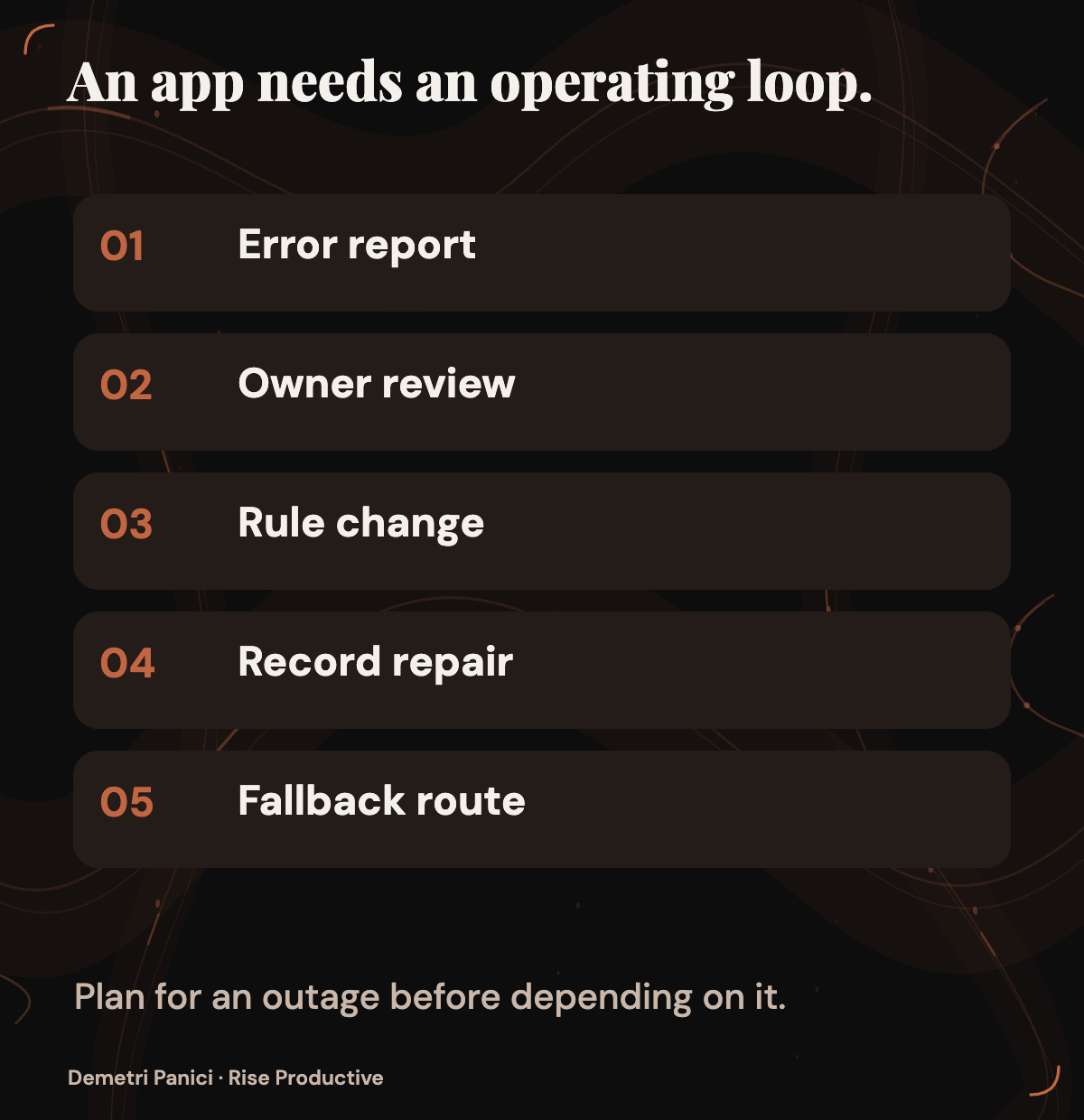
Start with ordinary errors. What does a requester see when a required field is missing? Can an owner tell whether a save succeeded? If two people change one item near the same time, what state does each view show, and how does the team establish the authoritative result? These are proposed test cases. Microsoft’s announcement does not report how a Code-built tracker handles them.
Ask a different authorized colleague to use the prototype brief and practice records. Can they identify where the rules live, who approves a rule change, and how to repair a bad record? If only the person who requested the app can explain or modify it, the team has acquired a maintenance dependency. Easier initial creation does not settle who owns the tool when colleagues rely on it.
Accessibility belongs in the review. Check whether fields have understandable labels, keyboard users can reach necessary actions, errors are explained, and status is communicated in text rather than color alone. These are inspection criteria, not capabilities Rise has verified in Code. Apply the checks with people and methods relevant to the team’s actual work.
Plan one change after the initial prototype. The team might add a request type or revise an approval rule. Who writes and reviews the change? How will they check that old records still make sense? If “complete” acquires a new approval requirement, the team needs to know how existing completed requests will be interpreted. A brief that specifies only the first version leaves a predictable maintenance question unanswered.
Define a fallback, too. If the app is unavailable or its records are in doubt, where should an urgent request go? How will the team reconcile work recorded during the interruption? The answer might be an existing system or a manual procedure. The proposed app should not become the sole route for consequential requests until the team knows how work continues when it fails.
Count operating work alongside usage charges
Microsoft’s September 25 announcement says Code, Cowork, and Autopilot use usage-based billing. It also describes administrator spending policies and user views of credit usage, balances, and history. The supplied announcement gives no applicable rate, billing unit, cap, or observed charge for the fictional tracker. It does not confirm which controls appear in a particular tenant. An estimate would need current terms and usage records for the organization’s actual access.
The comparison includes human work. Record time spent defining the workflow, preparing safe data, checking permissions, running acceptance cases, correcting the app, explaining it to users, and maintaining it. Compare that with improving the spreadsheet or configuring approved software for the same request volume and review standard. A quick build can demand substantial support, while a slower setup may be easier to operate.
The team can collect evidence without inventing a savings figure. During a review period, note each time someone asks what a status means, searches for the current record, or repairs an incorrect update in the existing workflow. During a contained prototype, record those same kinds of friction, plus setup, support, and billed usage when available. If charges or repair effort cannot be separated, record the uncertainty. Unknown cost is a decision input, not zero cost.
Use the same definition of completion across options. For this example, count a request as resolved only when the authorized person made the required decision and both the requester and owner can find its current state. Record how long that took and how many corrections it needed. The measure is whether people can complete and explain the same work with acceptable effort and risk, rather than whether one option produces the most polished demonstration.
Set an end condition before investing further. An approval boundary that cannot be enforced, a consequential status that remains ambiguous, an unrecoverable record, or support work greater than the problem the app was meant to remove would each justify stopping or redesigning this fictional prototype. A real team should adapt those conditions to its workflow before testing. They keep the decision tied to the problem that prompted the build.
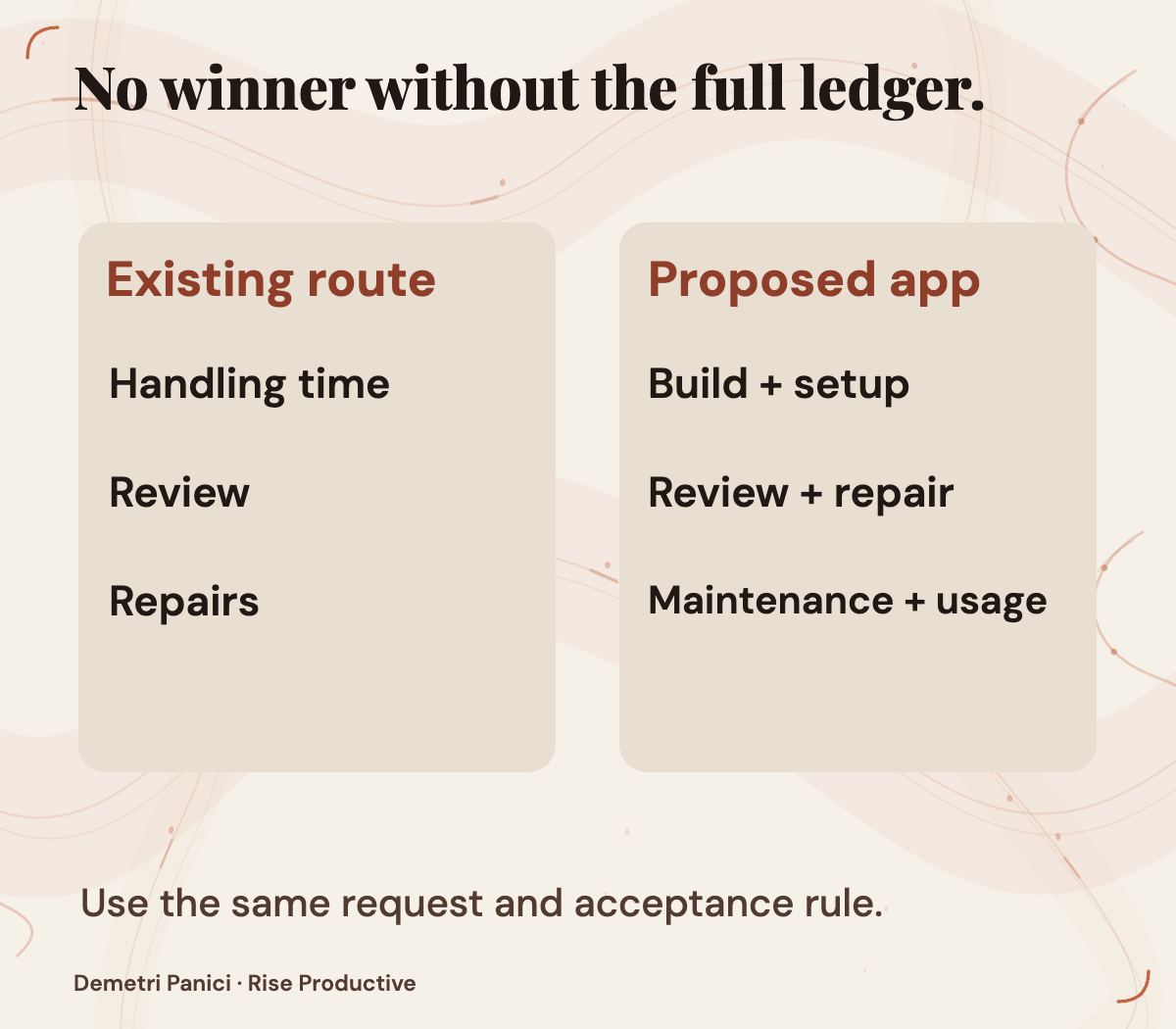
Make the build-or-keep decision
Keep the current tool when unclear ownership or inconsistent status definitions account for most of the friction and can be repaired directly. An improved spreadsheet may be enough when the team has one authoritative record, manageable access, and no interaction requiring a purpose-built interface. Existing approved software may be the better home when it already supports the necessary decisions and history.
Consider a bounded Code prototype when a specific need remains, authorized access exists, and the team can describe expected behavior before seeing the generated app. Use synthetic data, acceptance cases across roles, and a named reviewer. If Code is unavailable to the tenant under Microsoft’s dated rollout, the team can still prepare the brief. Preparation alone cannot establish how Code performs.
Move an app into live work only after the organization verifies its data connections and sharing, checks important transitions and exceptions, understands applicable charges, assigns a maintenance owner, and establishes recovery from an app or record failure. These are adoption conditions proposed by Rise, not a certification of Code or Managed Runtime.
The fictional team’s next artifact is a one-page brief: request types, authoritative records, roles, status meanings, allowed changes, acceptance cases, access boundary, reviewer, fallback, and end condition. Use it first to examine the existing workflow. If a specific need remains and Code access is authorized, use the same brief to judge a prototype. Either route gives the team a decision it can explain and a tool it is prepared to own.
Checked for this article
Sources
- Microsoft: new Copilot, Code and Autopilot announcementMicrosoft
- Microsoft: Copilot Managed Runtime launchMicrosoft
- Microsoft Learn: Managed Runtime overviewMicrosoft Learn
- Microsoft Learn: Managed Runtime administrationMicrosoft Learn
- Microsoft Learn: subscription and usage-based billingMicrosoft Learn
Keep going
Related notes.

Systems and Workflows
How to Turn Notion Into a Live-Updating CMS, CRM, and Database
A maintainable architecture for using Notion as a working source while synchronized tools power portals, apps, and structured views.
Read the article
Automation and Agents
Copilot Autopilot: What to Check Before Delegating Recurring Work
Microsoft describes Autopilot as an agent for recurring work. This proposed trial helps teams check its output, access, memory, cost, and stop controls before expanding an assignment.
Read the article
AI in Practice
What does an AI task really cost? GPT-6 vs Claude vs Gemini
A dated comparison of four AI API rate cards, hypothetical ticket workloads and the measurements needed to find the cost of accepted work.
Read the article