
Automation and Agents
Agent-Native 0.200.0: Check Prompt Recovery After Setup
Builder.io says toolkit 0.200.0 saves setup-refused prompts and coordinates retries. Here is how to check the request and result in a host you use.

On this page
- What the release establishes
- Identify the request’s state before retrying
- Follow a refused prompt through setup and reload
- Compare the whole request, not just its sentence
- Understand the one-tab claim’s boundary
- Check queued follow-ups and stopping separately
- Run a disposable evaluation in your host
- Decide when recovery is dependable enough
A prompt may include an attachment, references, a chosen model, and other run options. If a chat refuses it because AI setup is missing, connecting a provider solves only part of the problem. The application still needs to identify the refused request, check whether the draft changed during setup, and show whether a retry began.
Builder.io’s Agent-Native toolkit 0.200.0 release notes describe changes to that recovery path. Builder.io says a prompt refused before a run starts is saved with a typed failed run, its retry context survives a reload, and the server allows only one tab to claim the resend after setup. Composer features give an integrating application information it can use to compare the held draft with the current one.
The operating decision is whether the application your team uses has integrated these capabilities and shows you what happened. The release notes describe toolkit changes. They do not establish that a particular host preserves an attachment through reload, completes a retry through every failure condition, or exposes a working stop control. No host flow was tested for this article.
Key takeaways
- Builder.io says the toolkit records a setup-refused prompt, a typed failed run, and retry information.
- A host can use the composer’s draft snapshot to check for changed references or attachments before resending.
- The one-tab claim coordinates competing retries. It does not prove that every interrupted request completes exactly once.
- Setup recovery, queued follow-ups, and stopping an active run need separate checks in the host you use.
What the release establishes
The supplied GitHub capture identifies @agent-native/toolkit@0.200.0 and displays “released this 02 Oct 17:24.” It was captured on October 3, 2026. That displayed line omits the year, timezone, and seconds, so it does not independently confirm the dashboard’s more precise 2026-10-02T17:24:43Z timestamp.
The release notes describe several connected changes. When the server refuses a turn before a run starts because AI setup is missing or no usable model credential is available, it persists the prompt and a typed failed run in the thread. Builder.io says the chat shows a connection card with a retry, while the refusal marker and retry context survive a client thread save and reload.
The separate Agent-Native Component API documentation explains why the host matters. It describes PromptComposer as a chat field with attachments, references, draft persistence, and submission behavior. Its example gives an integrating application its own onSubmit handler. The documentation also describes a submissionDisabled path that can block sending during missing provider setup while leaving draft staging available. That documented composer path and the release’s server refusal path should not be assumed to appear together in every application. The documentation establishes an integration boundary, not adoption of this release by a named host.
The composer changes address what could be sent after setup. According to the release, an optional submit() method can send the current draft, including its attachments, as though the user pressed send. onBeforeSubmit receives the draft it is holding. getDraftSnapshot() lets a host check whether that draft changed. Builder.io says the comparison examines every field of each reference and distinguishes a replacement attachment even when its filename stays the same.
A server-side claim coordinates the resend so only one tab can claim it. The notes also describe releasing a claim when the thread’s run slot is busy and sweeping a claim with a compare-and-delete operation. These details concern the toolkit’s recovery flow. A host still needs to present that flow clearly and use the composer’s information when deciding what to send.
The release covers two other moments in a conversation. Builder.io says follow-up queueing is more reliable, each queued prompt keeps its run options, and internal context stays out of user-visible chat text. It also adds useAgentKitStopButton for hosts rendering AgentKitChat directly. Neither feature can be assessed from a successful setup retry alone.
 View image detail
Identify the request’s state before retrying
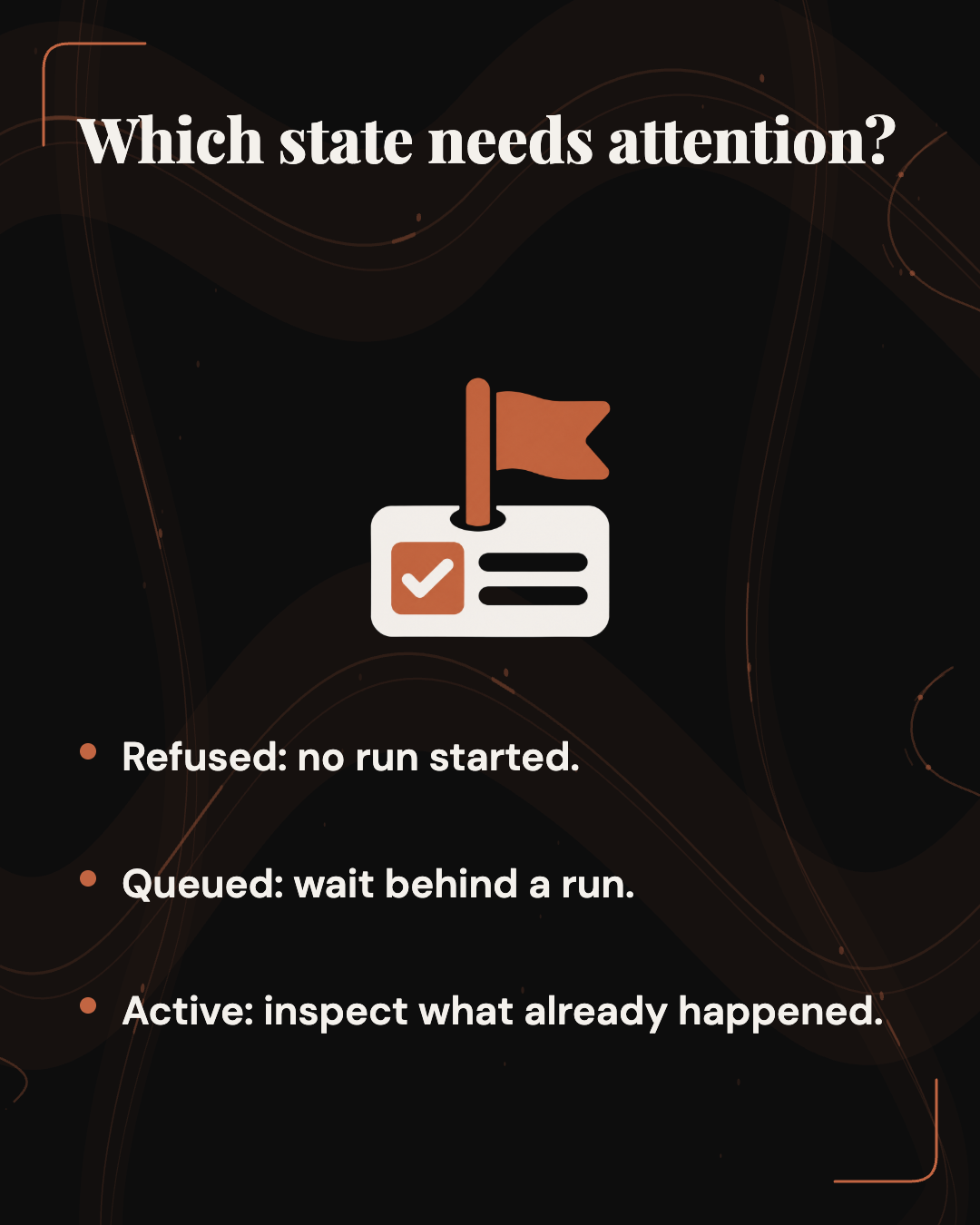
A setup refusal happens before an agent run starts. In Builder.io’s described flow, the thread records the prompt and a typed failed run. The record gives a host a specific request to explain and potentially resend after setup. A prompt bubble alone does not show that the agent began work.
A queued follow-up waits behind a run that has started. Its question is whether its own text and options stay attached until it runs. Builder.io says toolkit 0.200.0 preserves each follow-up prompt’s run options. That claim concerns queueing, not a refusal caused by missing setup.
An active run has passed the setup gate. A user might stop it after spotting a wrong instruction, or it might fail after doing some work. The release’s stop hook is relevant here, but the captured notes do not describe a general restart procedure for every partly completed run.
Consider an illustrative request to summarize a harmless document. If setup refuses it, the task is to recover the intended inputs. If the agent starts reading and then stops, the task is to learn what it already did before submitting again. That difference matters more when an agent can create a ticket or edit a record. Repeating a partly completed action may have consequences that resending a never-started prompt would not.
Begin with the state the host actually shows. If it offers only a generic failure banner, find out how its thread or run history distinguishes refusal, waiting, and work already started. That answer determines what you need to inspect before using retry. The release’s typed failed run can give an integrating host a clearer basis for that distinction, but the release does not show how every host presents it to users.
 View image detail
Follow a refused prompt through setup and reload
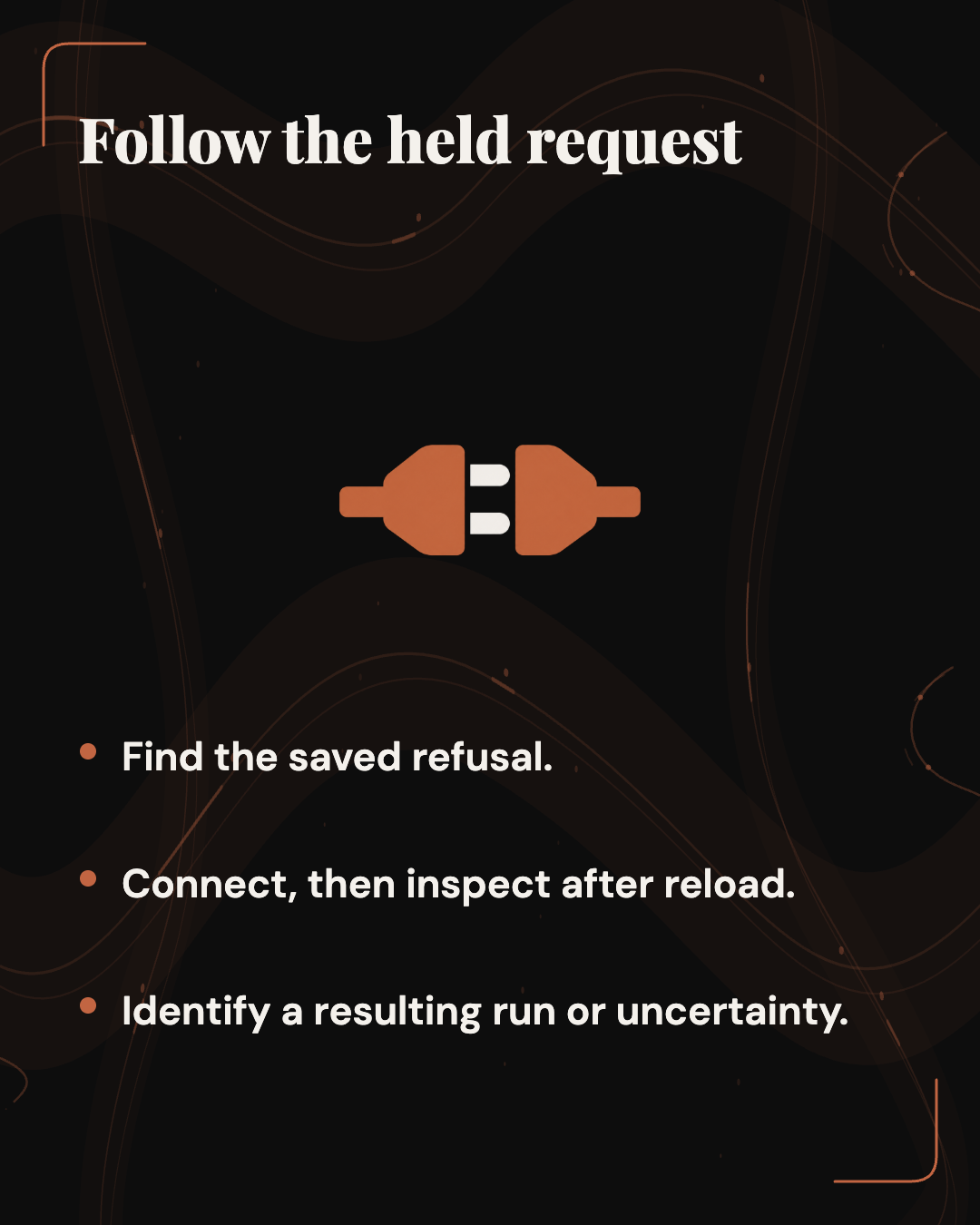
According to Builder.io’s release account, a setup refusal is recorded in the thread as a prompt and typed failed run. A connection card offers retry. The refusal marker and retry context then survive a client thread save and reload.
This matters because setup interrupts the usual send flow. Someone may leave the thread to connect a provider, reload the page, or return in another tab. The saved prompt identifies what was refused. The failed-run record says that this turn did not start normally. The surviving marker helps the recovery flow recognize the request after the interruption.
- Initial send: What Builder.io describes: Missing setup or a usable model credential causes refusal before a run starts.; What to inspect in your host: Does the interface distinguish refusal from a run that began?
- Thread record: What Builder.io describes: The prompt and typed failed run are persisted.; What to inspect in your host: Can you find both after returning to the thread?
- Setup path: What Builder.io describes: A connection card offers retry.; What to inspect in your host: Is that path available for your account and provider?
- Reload: What Builder.io describes: The refusal marker and retry context survive save and reload.; What to inspect in your host: Is the pending request still identifiable?
- Resend: What Builder.io describes: One tab can claim the resend after setup.; What to inspect in your host: Can you identify a resulting run or an unresolved retry state?
The last column is a proposed inspection guide, not a report of a completed test. If the host resumes automatically, inspect the request it submitted and the resulting run. If it offers a retry button, review the recovered inputs first. In either case, the next state should be clear enough that the user does not have to infer it from the quality of an answer.
A busy run slot adds another possible state. Builder.io says a resend claim is released when that slot is busy. The captured notes do not say how a particular host displays the contention. If a retry appears stuck, check the thread and run history before assuming nothing happened or pressing send again.
 View image detail
Compare the whole request, not just its sentence
Imagine this illustrative draft: “Use the attached planning notes to prepare a client update. Separate decisions from unresolved items.” The attachment supplies source material. References may point to other context. The selected model, engine, effort, and request mode can affect how the request runs. Restoring the sentence while losing one of those inputs may change the work the agent does.
Builder.io says the saved retry context includes references, model, engine, effort, and request mode. The composer’s optional submit() can send its current draft with attachments. These are related pieces of state: the thread records the refused turn, while the composer holds material the user could edit during setup. A host needs to decide whether the draft it is about to submit still matches the request it held back.
The release notes say onBeforeSubmit receives that held draft and getDraftSnapshot() helps a host compare it with the current draft. Builder.io says the comparison checks every reference field and detects when an attachment has been replaced by another file with the same name. Comparing only the visible prompt or filename would miss those changes.
Suppose the original attachment is planning-notes.pdf. While connecting a provider, the user replaces it with an updated file also named planning-notes.pdf. The displayed name may look unchanged, but the request now points to different material. The release says the draft snapshot can distinguish the replacement. It does not show whether a particular host uses that signal to pause a resend or ask the user to review it.
There are three useful outcomes for this example. If the draft is unchanged, the host can consider resuming the held request. If the attachment or reference changed, the user should review the current request before it is sent. If the host cannot tell which file will be submitted, the user should resolve that uncertainty before relying on the resulting answer. These are operating choices, not observed behavior in a named application.
A reference deserves the same attention. Its label might look familiar while a field behind it has changed. Builder.io says the comparison examines every field and validates references saved with a refusal against the composer’s bounded reference shape. The operator does not need to inspect that implementation detail. They need to know which references the resumed request will use.
The captured notes describe submission with attachments and detection of replacements. They do not demonstrate that attachment bytes survive reload in every host or that a recovered upload succeeds. For a file-dependent task, inspect the material available to the resulting run. A filename beside a chat bubble cannot confirm that the intended file was processed.
 View image detail
Understand the one-tab claim’s boundary
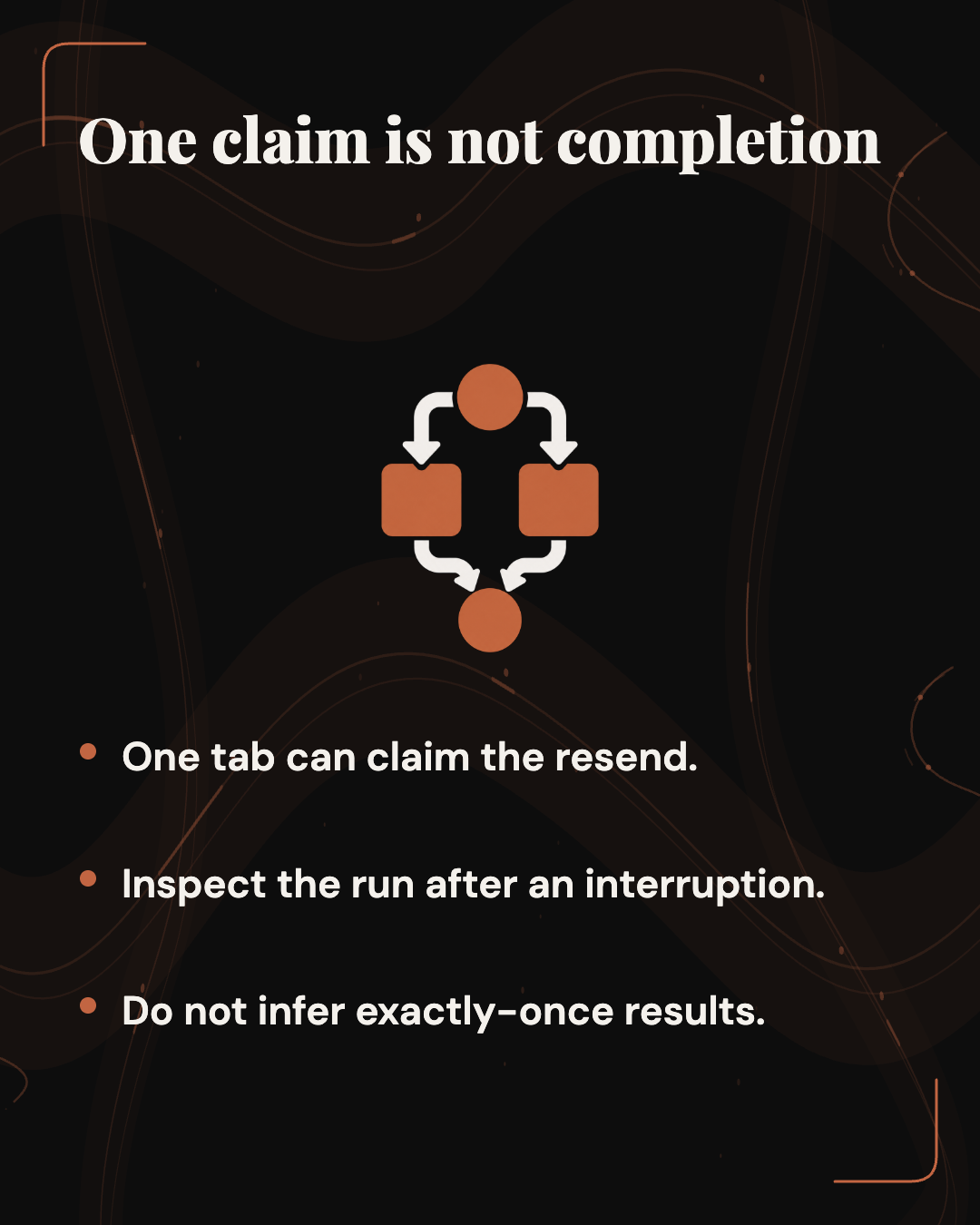
Two tabs may show the same refused prompt after setup. If both submit it, one intended request could become two runs. Builder.io says the server allows only one tab to claim the resend and that a recovery message’s retry marker survives reload. The notes also describe handling a busy run slot.
Those mechanisms coordinate the intended recovery flow across cards, tabs, and reloads. They do not, by themselves, prove that every interrupted request completes exactly once. The captured notes do not show what a particular host displays if a tab closes after making a claim or a network connection fails between claiming and submitting.
Suppose a user sees a retry card disappear but no answer appears. The disappearance alone would not tell them whether a run began. A practical next step is to inspect the thread’s run history and, if the agent could act elsewhere, the relevant downstream record. Only then can the user decide whether another send is appropriate. This scenario illustrates an uncertain state; it is not a failure observed in Agent-Native 0.200.0.
For a drafting task, uncertainty could mean duplicate answers or wasted work. For an action-taking agent, the question may be whether a ticket or record was already created. The release notes do not establish downstream safeguards for any host. The operator’s decision should follow the evidence available in that host and the system it can change.
 View image detail
Check queued follow-ups and stopping separately
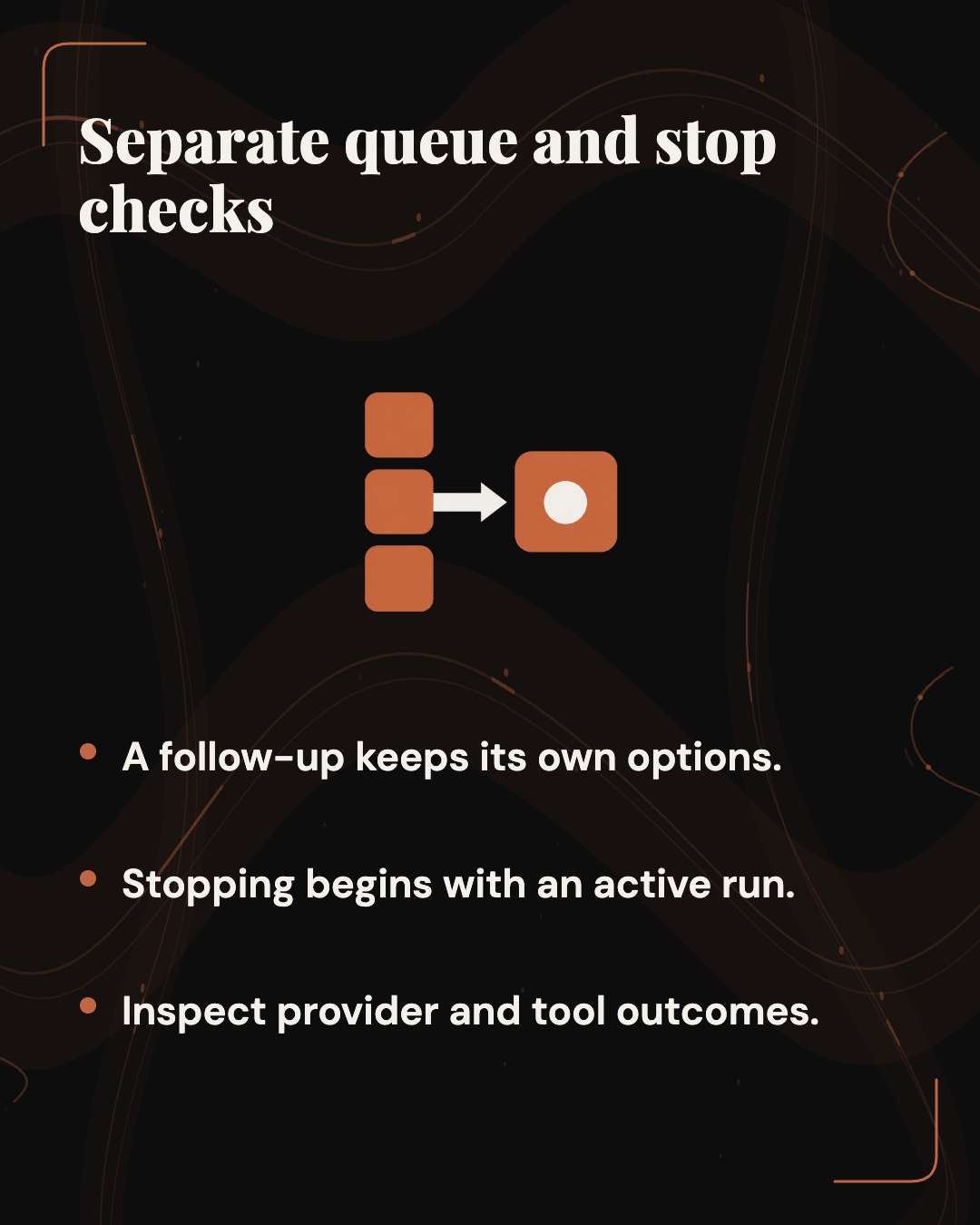
Builder.io says toolkit 0.200.0 improves follow-up queueing, preserves each prompt’s run options, and keeps internal context out of user-visible chat text. A queued prompt waits while another run is active. It therefore needs a different check from a prompt refused before any run starts.
For a proposed queue check, start a harmless document analysis, then queue a short-summary request with a deliberately different option if the host exposes one. Record the option chosen for the follow-up. When it runs, compare what the host shows for that run with the queued request. This checks the host’s visible behavior under those conditions. It does not turn the release statement into a reliability benchmark.
The internal-context change has a narrower scope than a privacy audit. Builder.io says internal context stays out of user-visible chat text. Inspecting a transcript could show what appeared in that transcript during an attempt. It would not reveal every component that stored or transmitted context. If those data paths matter to the workflow, use the host’s documentation and controls for that separate decision.
The release notes add useAgentKitStopButton so hosts rendering AgentKitChat directly, including the Chat app named there, can stop an active run. A host needs to expose and use that control. The capture does not establish that every application has a stop button or define what stopping does to every provider operation or external action.
For a safe stop check, distinguish the control from its result. Does the host show an active run? Does pressing stop change the reported state and end visible output? If the agent could call tools, what does the host report about work already completed? A stopped animation alone does not prove that provider-side or downstream work was canceled.
 View image detail
Run a disposable evaluation in your host
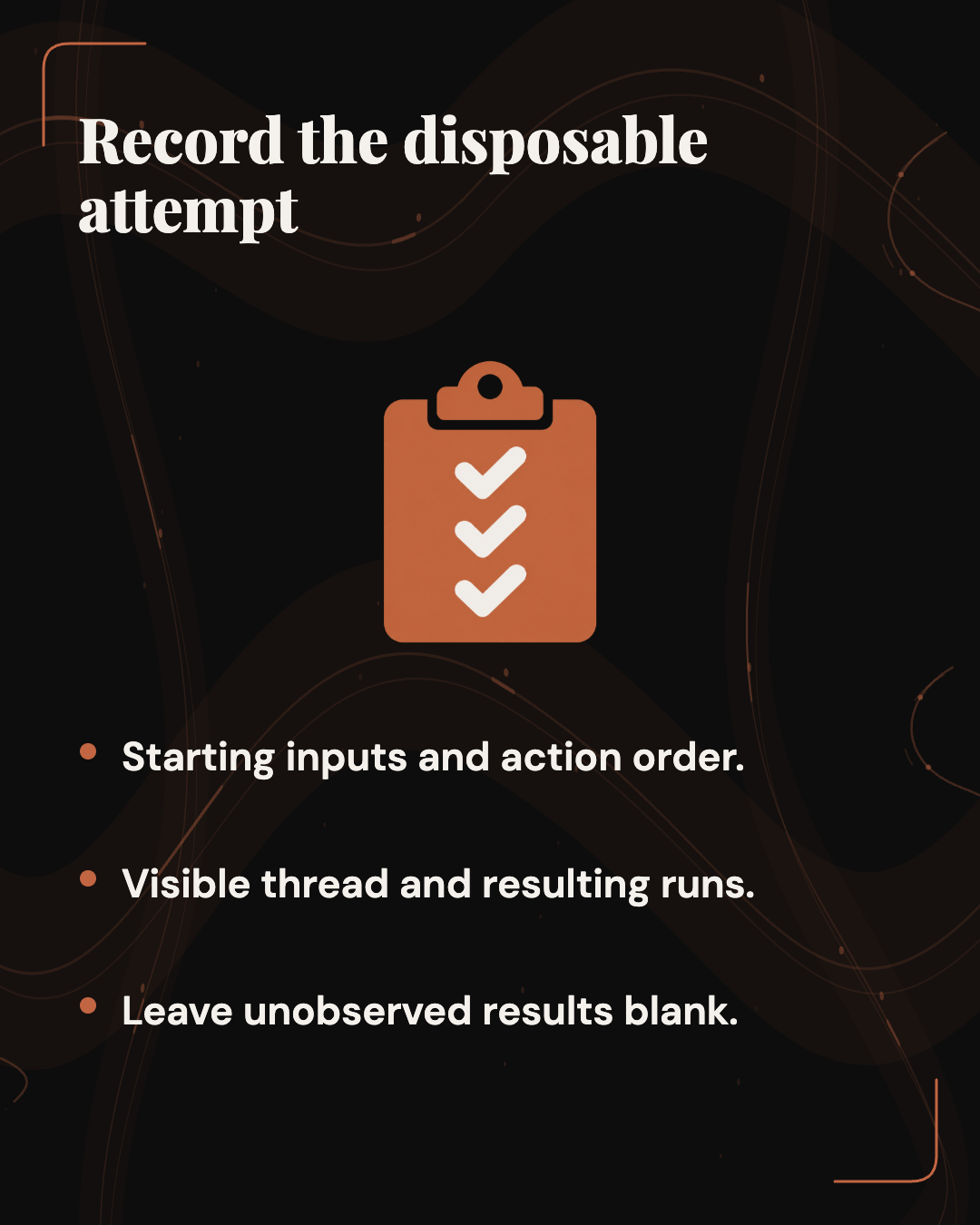
The following procedure is proposed. It has not been performed for this article. Use a disposable thread, a harmless attachment, and a prompt that cannot send messages or change client records. First establish whether the host says it has integrated the relevant toolkit changes. The captured release page does not list every application that has adopted them.
Record the starting request. Save the exact prompt text and identify the attachment selected. Note any references, model, engine, effort, and request mode the interface exposes. Record hidden settings as hidden rather than assigning them assumed values. This starting record makes a later comparison possible.
Trigger a setup refusal. In a safe environment where AI setup is incomplete, submit the disposable prompt. Inspect the thread for the refused prompt, failed-run state, and connection card. Write down the state the interface shows. A prompt bubble does not establish that a run began.
Connect and reload. Follow the host’s ordinary connection flow. Where the interface permits, reload before retrying. Compare the recovered text, attachment, references, and exposed options with the starting record. If the host resumes automatically, inspect what it sent. If it asks for a manual retry, review the request first. Then count the resulting runs and record their status.
Edit the draft deliberately. Repeat with another harmless file, replacing the original attachment while setup is open. A replacement with the same filename checks whether the host notices more than the name. You could instead change a reference or the prompt text. Record whether the host pauses, updates the pending request, or submits an earlier version. Attribute the observation to the tested host and conditions.
Try two tabs. Open the same disposable thread twice and follow the normal setup and retry path. Check whether one run appears, two appear, or the result remains uncertain. Record the order of actions and what each tab displayed. One clean attempt describes that attempt; it cannot establish behavior at every network failure point.
Check queue and stop in separate attempts. Queue a follow-up with a different option during a harmless run, if the host exposes that option. Inspect the queued item and later run. During another harmless run, use a stop control if one is available and record the reported state and any continuing output. Do not infer provider-side cancellation from the control’s label.
For each attempt, keep the starting inputs, actions, visible thread state, run count, and the point where the outcome became clear or uncertain. That record gives a host team something reproducible if a problem appears. It also helps an operator decide whether reviewing the request before resend is sufficient for the work they plan to do.
 View image detail
Decide when recovery is dependable enough
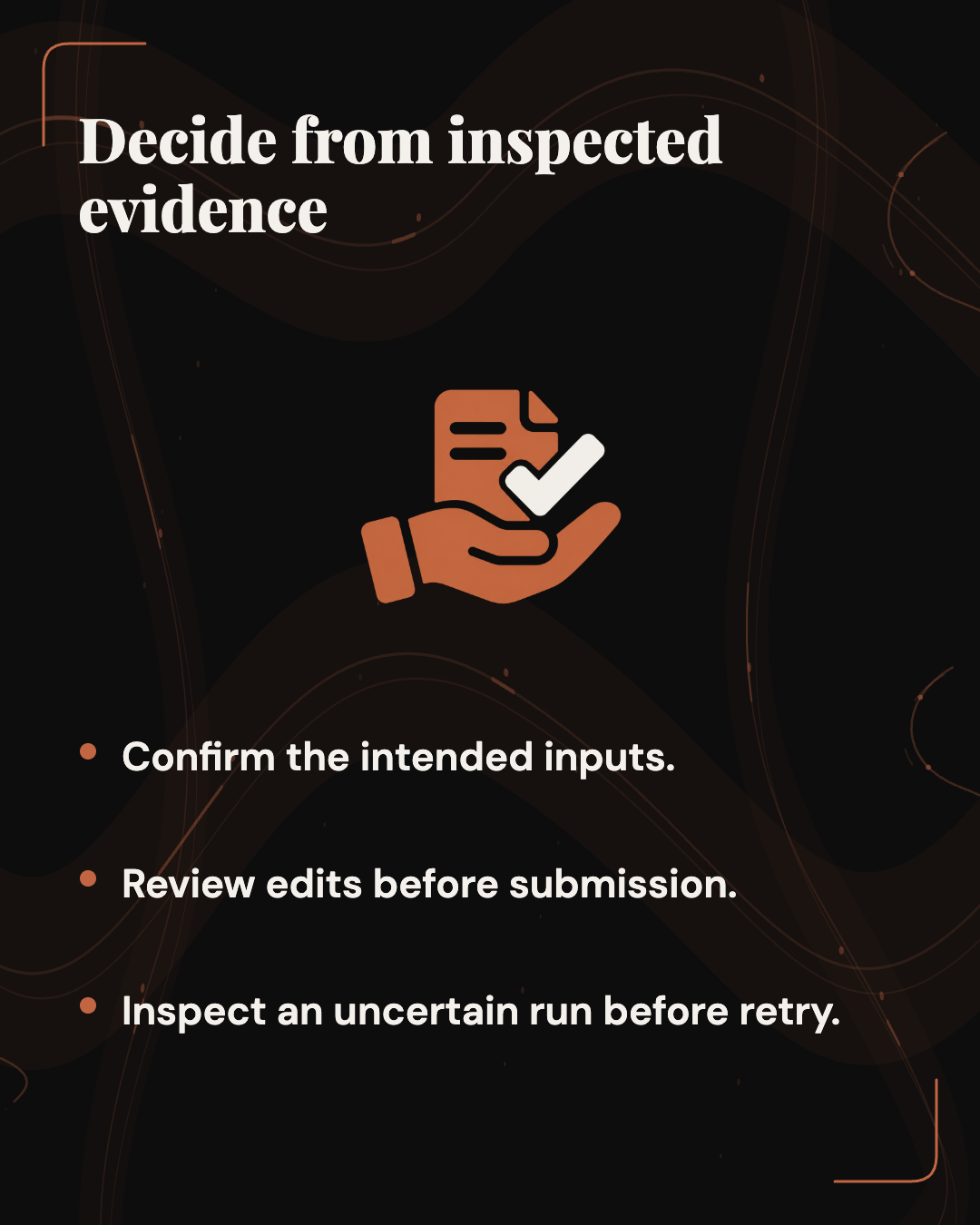
For low-risk drafting, automatic recovery may be suitable if the host visibly restores the intended inputs and produces a clear resulting run under the conditions you checked. Inspect the request sent, not just the answer. A plausible summary could still have come from the wrong attachment or different options.
For client-facing work, review the recovered file, references, and run settings before accepting the result. For an agent that can act in another system, inspect run history and the downstream record when a retry’s status is uncertain. That review follows the failure-consequence test in Rise Productive’s practical guide to deciding what to automate: the more consequential the action, the clearer its preview, record, and human decision point need to be.
If the draft changed, review it before submission. If the host shows a refusal but cannot restore the inputs, reconstruct the request from your starting record rather than assuming retry will recover them. When the host cannot show whether a run started, treat that uncertainty as part of the decision to resend, especially when the agent could change another system.
The release describes useful parts of a recovery path: save the refused turn, retain retry context, compare the held draft, and coordinate the resend. Whether that path is dependable for your work is a host-specific judgment. You need to see what was saved, confirm what will be sent, identify changes, and tell whether a run began.
 View image detail
Checked for this article
Sources
Keep going
Related notes.

Automation and Agents
Google CC for Households: What Members Can Share and What to Check
Google says CC can turn selected household information into a shared brief, Calendar entries and Tasks. Here is how to assess the inputs, the plan and permission before outside action.
Read the article
Automation and Agents
Agent-Native 0.200.0: A Prompt Recovery Plan for Chat Hosts
Builder.io describes the pieces of setup recovery. This plan defines the host decisions and disposable checks needed to make a recovered request understandable.
Read the article
Automation and Agents
OpenClaw 2026.8.35: Check Whether Agents Deliver the Full Answer
OpenClaw reports fixes for delegated, CLI, and scheduled answers. Here is a proposed way to check what reaches each recipient and how to interpret the result.
Read the article