
Productivity
What an Energy-Aware Calendar Needs to Know About Your Day
The inputs, limits, and human review points that make energy-aware scheduling more useful than filling empty time slots.
On this page
- The problem is not an empty calendar
- Five inputs make the schedule useful
- 1. Existing commitments
- 2. A real task list
- 3. Task duration
- 4. Work-type preferences
- 5. Routines and protected time
- What the AI assistant actually did in the demonstration
- Wearables add signals, not certainty
- Keep four decisions human
- Priority
- Consequences
- Exceptions
- Consent
- A seven-day test you can run
- Design the day, then keep the right to change it
An energy-aware calendar needs more than a list of open time slots. It needs your existing commitments, the work you want to place, realistic task durations, your preferred times for different kinds of work, and rules for the parts of the day that should not move.
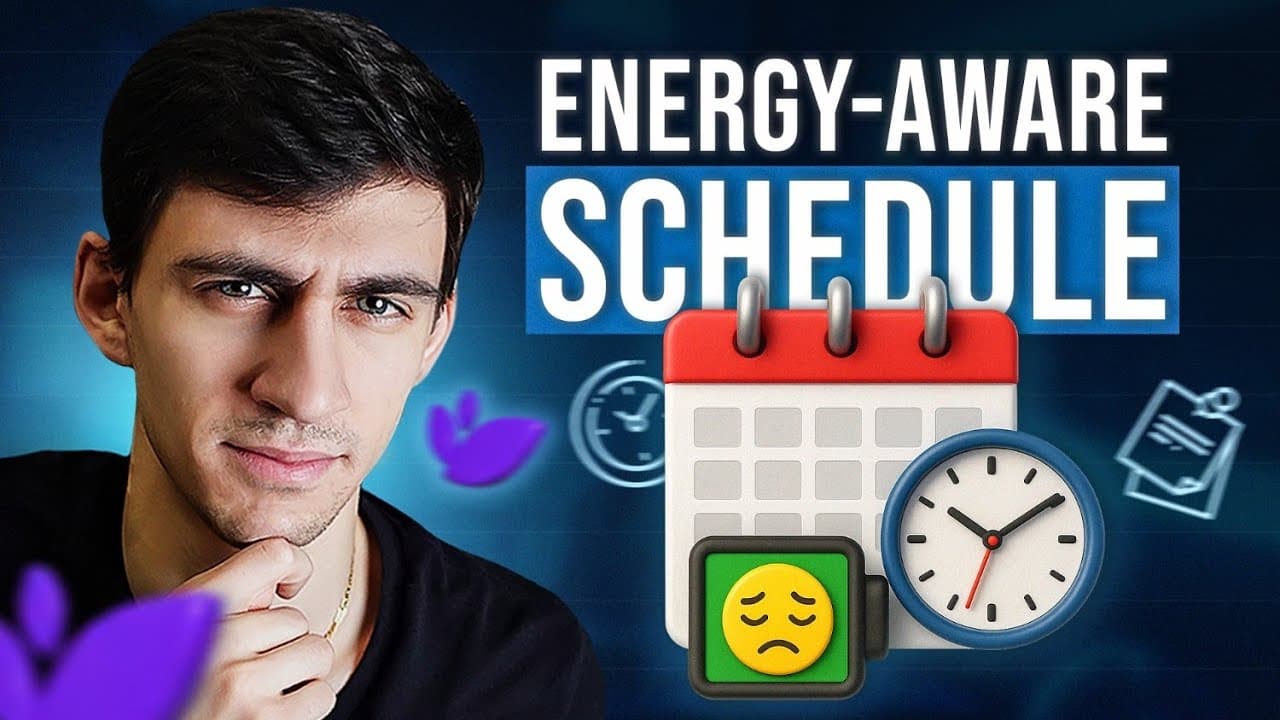
I walked through that setup in a December 2025 sponsored demonstration of LifeStack. The useful lesson is larger than one app: a scheduling system becomes valuable when it can distinguish focused work from light work, respect meals and routines, and still leave a person in control of the final plan.
Disclosure: the source video for this article was sponsored by LifeStack. The walkthrough shows the product configuration and output demonstrated in that recording. It is not an independent scientific test of productivity or health outcomes.
Most calendars answer one question: when is there room?
That is necessary, but it is incomplete. Two open hours are not always interchangeable. A demanding writing session, a routine inbox cleanup, and a difficult meeting may fit in the same sixty-minute box while asking for very different levels of attention.
The problem becomes visible when you plan exclusively around availability. Focused work lands in the afternoon dip. Administrative work consumes the clearest hour of the morning. Meals become optional. Every morning starts with another round of dragging tasks around the calendar.
An energy-aware system tries to add a second layer: what kind of work fits this part of the day?
That does not mean software knows your body better than you do. It means the system can use the preferences and signals you provide instead of treating every open slot as equal.
The LifeStack demonstration used five kinds of input. You can use the same structure when evaluating any scheduling tool.
The first step was connecting Google Calendar. This gave the scheduler a view of meetings and other events that were already fixed.
Without that context, an automated plan is just a second calendar waiting to conflict with the first. The scheduling layer needs a reliable view of commitments before it can place anything new.
LifeStack’s current site describes the product as a planner that uses sleep, recovery, and focus information to draft a schedule. It also lists iPhone, Mac, Android, and Chrome availability. Product details can change, so check the current product before relying on a specific integration or interface.
The demonstration brought tasks in from Trello. The point was not Trello itself. The point was to start with work that already existed instead of creating a separate list for the scheduler.
Every imported task still needed enough information to be schedulable. “Work on launch” is difficult to place. “Review the launch page for accuracy, 45 minutes” gives the system a job and a boundary.
This is where many planning systems quietly fail. They contain aspirations instead of executable work.
In the recording, I set a default duration of 45 minutes. That was a preference for the demonstration, not a universal focus interval.
A scheduling system needs some estimate because a task without a duration has no physical shape on a calendar. The estimate can be wrong. It only needs to be useful enough to place the first draft and easy enough to correct.
Defaults help with speed, but they should not erase obvious differences. A five-minute check and a two-hour edit should not inherit the same block because a settings screen asked for one number.
The demonstration assigned different energy preferences to focused work, light work, meetings, exercise, and social events. Focused work was associated with more energized periods. Light work was placed in lower-energy periods.
This is the central idea. The system is not merely sorting tasks by importance. It is matching categories of work to the times you believe are a better fit.
The preferences are hypotheses. Your calendar can help you test them, but the settings do not prove that every meeting belongs at a particular hour or that an afternoon block will always be low energy.
The setup also included work hours, meals, sleep, deep-work preferences, and a custom workout activity. These constraints stop the scheduler from using every open minute as inventory.
That matters. A plan that looks efficient because it removed lunch is not a better plan. It is a spreadsheet with a caffeine problem.
After the inputs were configured, the LifeStack assistant asked which tasks and routines to include. It then generated a schedule from the selected items, existing events, duration settings, and energy preferences.
The output placed the selected focused work and meetings into periods aligned with the configuration. I reviewed the proposed schedule before saving it.
That sequence is the important part:
- Gather current commitments.
- Select the work that belongs in today’s plan.
- Apply durations and category preferences.
- Generate a proposed schedule.
- Review it before accepting it.
The recording also compared the generated day with an earlier calendar view. That comparison showed how the configured preferences changed task placement. It did not establish a measured improvement in cognition, output, or health. It was a demonstration of scheduling logic.
LifeStack’s current product page says it can use sleep, recovery, focus, and wearable data in its planning. The 2025 video also described connections through health data from devices such as an Apple Watch or Fitbit.
Those signals can be useful context. They should not be treated as a diagnosis or a command. A poor sleep score does not understand a deadline. A high-energy prediction does not know that a difficult conversation needs preparation. Health and calendar data can help shape a plan, while the person living the day still decides what matters.
Before connecting a wearable or calendar, review the product’s current data practices and permissions. The product site states that users remain in control of their information, but you should make your own decision about the accounts and data you connect.
Even a well-configured scheduler should not own the whole day.
The system can place selected tasks. It cannot decide why one commitment matters more than another unless you provide that rule.
A task may fit an energy window and still be a bad move because another person is waiting, a deadline is fixed, or a mistake would be expensive.
Travel, illness, family needs, and surprise work are not configuration failures. A useful plan can be revised without turning the whole day into a game of calendar Tetris.
The final schedule should remain a proposal. Review what moved, what was omitted, and what the tool inferred before writing changes to the calendar you rely on.
You do not need a wearable or a new app to test the underlying idea.
For one week, record three things at a few points in the day:
- your perceived energy from low to high
- the kind of work you were doing
- whether the work felt appropriately placed
At the end of the week, look for a modest pattern. Maybe focused writing is usually easier before meetings. Maybe administrative work is fine after lunch. Maybe the pattern changes too much to justify a fixed rule.
Then change one scheduling decision for the following week. Move a recurring task, protect a meal, or group light work into a lower-energy period. Keep the adjustment if it helps. Remove it if it does not.
This is a proposed personal experiment, not a clinical protocol. The result is useful because it is yours.
Energy-aware scheduling is most useful as a planning lens. It asks whether the work, the time, and the person are a reasonable match.
Before assigning an important task to a high-energy window, decide whether that task should stay, change, or disappear. Our five-part Work Worth Doing test helps make that call.
The LifeStack demonstration showed one way to encode that lens with calendar sync, task sync, durations, category preferences, routines, and an AI-generated draft. The durable idea is the review loop. Give the system enough context to make a useful proposal, then apply the judgment it does not have.
You can watch the original walkthrough below, browse more practical demonstrations in the [video library](/watch), or explore the [courses](/courses) for the systems behind the setup.
Watch the original
See the system in motion.
My Calendar Knows When I'm Tired: Building an Energy-Aware Schedule That Actually Works
Demetri Panici ·
Try a related free tool
Plan My Day
List what you need to do and when you are busy. Get a realistic day, blocked out hour by hour.
Plan my dayChecked for this article
Sources
Keep reading
Related posts
AI in Practice
What Is Work Worth Doing? A Practical Test for What to Automate
A five-part test for deciding whether repeated work should be removed, simplified, automated with review, or kept human.
7 min read

AI in Practice
A Practical Atlassian MCP Pilot for ChatGPT and Codex Administrators
Use Atlassian's Read, Write, and Search controls to stage an MCP pilot, test real permissions, and decide what to expand.
18 min read

AI in Practice
Atlassian and OpenAI: Should Your Team Use Rovo, ChatGPT, or Codex?
Atlassian and OpenAI expanded their partnership. Compare Rovo, ChatGPT, and Codex by workflow, context, action, and what is available today.
16 min read