
Automation and Agents
OpenAI Agents API Browser Permissions: What Must You Verify?
An HTTP 202 can mean an Agents API browser approval was accepted without proving the task finished. Keep origin access, sign-in, action review, same-session recovery and system-of-record verification distinct.
On this page
- Keep four decisions separate
- Origin approval limits destination, not page content
- Give sign-in a separate owner and boundary
- HTTP 202 records an accepted decision, not completed work
- After a disconnect, recover the same session before retrying
- Verify completion in the system of record
- Use security research as context, not a product finding
- Test transitions before a real workflow
- Implementation checklist for a first client
- Verification is the closing transition
Short answer: An Agents API browser client should treat website-origin access, browser sign-in, approval of a consequential business action, and proof of the requested result as four different facts. The OpenAI Agents API computer-use guide documents origin access and sign-in as separate requests. It also states that HTTP 202 means an approval decision was accepted, not that navigation or the task completed. After a disconnect, retrieve the same session, inspect its current required_actions, recover the stream, and verify the result in the site or system of record before reporting success.
The browser capability announced by OpenAI on September 29, 2026 creates a client-contract question, not a reason to turn every browser prompt into a universal permission token. OpenAI’s DevDay recap says the Agents API now supports computer use. The implementation work is in the application around that browser session: connect asynchronous API signals to a permission model, show a truthful task state, prevent duplicate work after interruption, and define the evidence required to close the task.
This is a guide to that implementation contract. It does not claim a product-specific security defect in OpenAI’s managed browser, does not report first-hand testing or reliability results, and does not settle the separate question of when to choose a direct API, an OpenAI-hosted browser, or developer-run UI. For the broader decision about where a computer-use agent should stop, see GPT-6 Astra Approvals: Where Should a Computer-Use Agent Stop?.
Key Takeaways- Origin approval establishes where a browser session may go. It does not authorize every consequence available on that site.- Browser sign-in is a separate request. A consequential write should have its own application-level review when policy requires it.- HTTP 202 means the approval decision was accepted. It is not proof of navigation, submission, or business completion.- Recovery starts by retrieving the same session and its current required_actions, then checking the external result before any retry.Keep four decisions separate
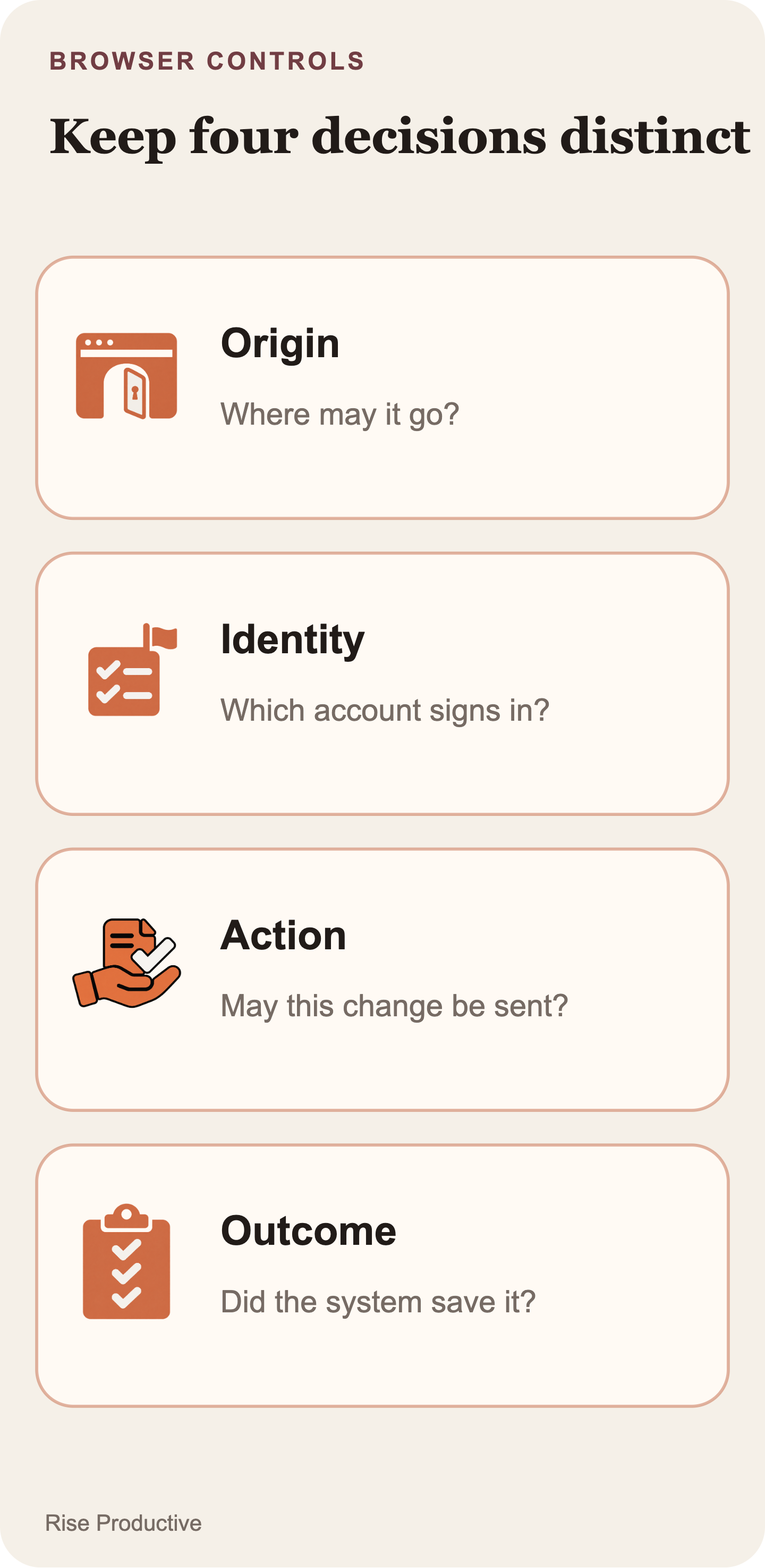
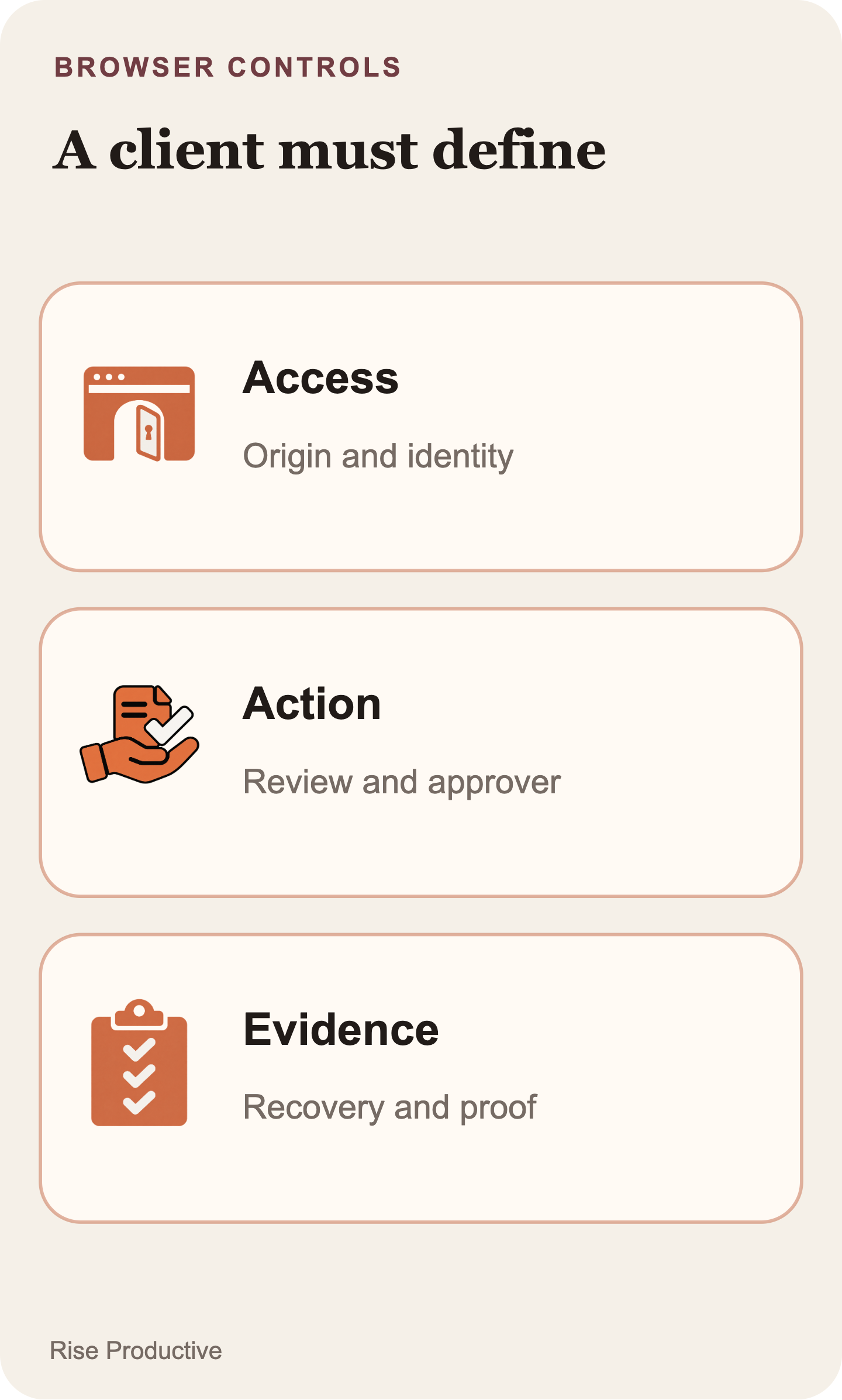
The most useful design move is to give the four decisions different names in the client and in its audit record. A person asking an agent to work has not necessarily approved every website, credential, or irreversible effect the work could encounter. The implementation should distinguish access, identity, action, and outcome.
- May this session access this website origin?: What it establishes: The application allowed browser access to a named origin for the current work.; What it does not establish: That all content on the site is trustworthy, or that every site action is authorized.
- May the browser use this sign-in flow?: What it establishes: The separately requested authentication step was approved or handled for this session.; What it does not establish: That the identity has only the needed privileges, or that a write is approved.
- May this exact consequential change be submitted?: What it establishes: A person or policy approved a described business action, if the application requires that control.; What it does not establish: That the destination accepted the change or saved the intended state.
- Did the task complete as requested?: What it establishes: A check found the expected result in the relevant system of record.; What it does not establish: That a future run may repeat the same action without a new check.
The first two rows reflect the documented session interactions. The latter two are application policy and verification work. Keeping that distinction visible prevents a misleading product claim: OpenAI’s origin-access request is not presented as a complete transaction-approval system. The client needs to decide which changes are consequential, what a reviewer must see, and how it will prove that a requested result occurred.
The guide is explicit about the hosted browser: origin approval does not enforce confirmation before each individual action. If a purchase or destructive change needs guaranteed human confirmation, restrict the hosted browser to resources that cannot perform it, or use a browser runtime the developer controls. A function tool that asks for confirmation depends on the agent calling it. An awaiting_action_review label in the client is a policy state, not an enforced browser stop by itself.
A hypothetical example makes the separation concrete. An agent may need app.example.com to prepare a customer-record update. Origin approval can permit the browser to reach that origin. A sign-in request can allow a named employee identity to authenticate. Neither fact should silently authorize changing a customer’s payment terms. If the action is consequential, the app can show the target record, proposed old and new values, and requested effect for a separate review. The task closes only after the customer system reads back the intended saved value.
That model also makes support investigations less ambiguous. “Approved” becomes too vague to be useful. “Origin access approved,” “sign-in pending,” “change review denied,” and “record verification failed” identify materially different states and owners.
 View image detail
Origin approval limits destination, not page content
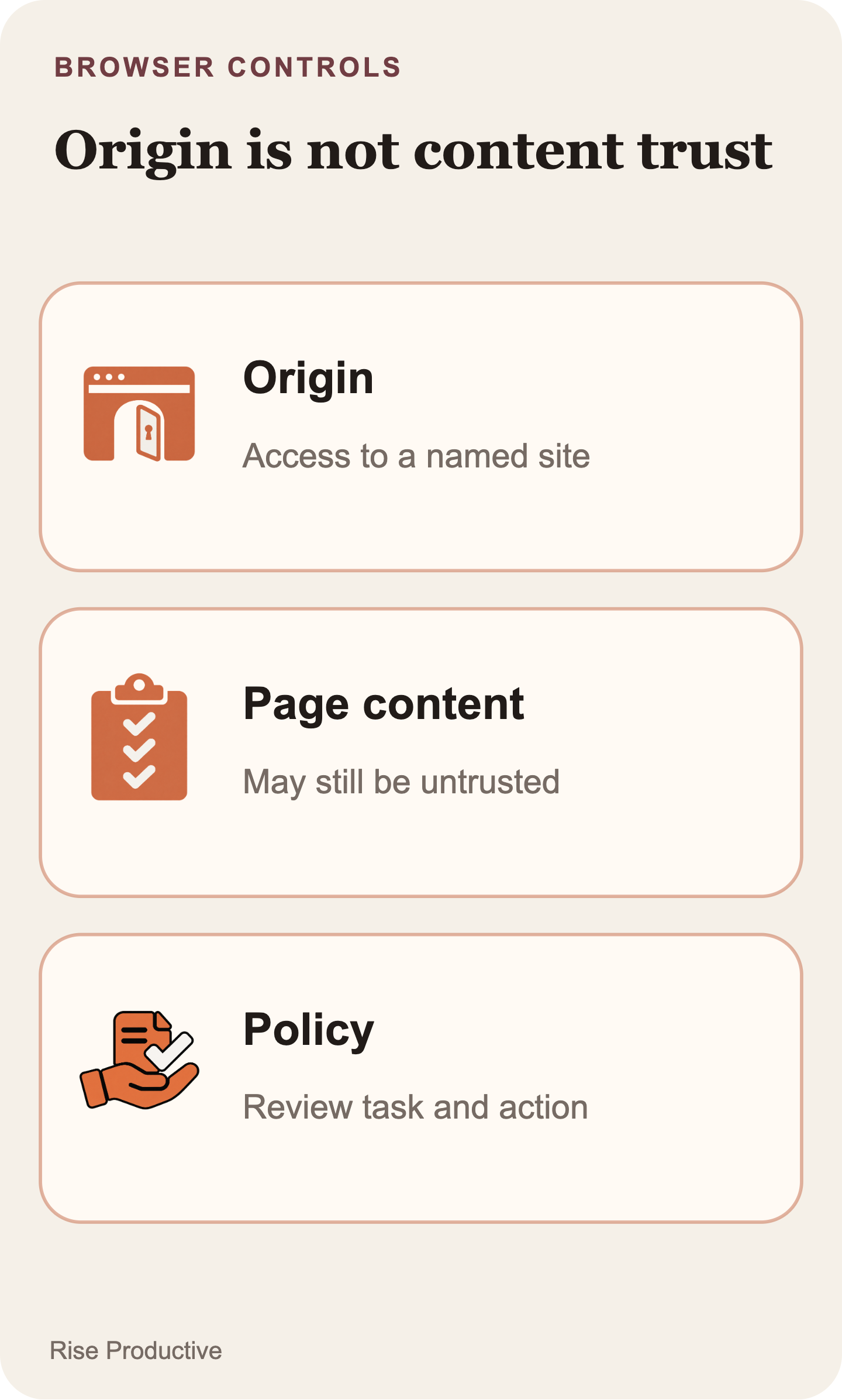
An origin is a useful boundary because it gives an application a specific destination to evaluate against the user’s goal and its own policy. The Agents API computer-use guide documents approval for each new origin. A useful approval surface therefore identifies the origin, why the current task needs it, the user or policy making the decision, and whether another origin would require another request.
That boundary is not a trust label for everything rendered by the page. An approved site can contain user-generated text, imported documents, messages, advertisements, links, or instructions that have nothing to do with the user’s task. Allowing the browser to reach a domain establishes where it may navigate. It does not establish that every instruction displayed there should influence an agent’s goal, nor does it grant every action the site exposes.
This is where the language in the interface matters. A generic prompt such as “Allow browser access?” asks a reviewer to infer too much. Instead, show a statement such as: “This session requests access to portal.example.com to retrieve the current draft. It does not authorize publishing the draft.” The wording makes the destination, job, and boundary inspectable. It also gives the user a chance to notice that the requested origin does not match the task.
Start with the smallest origin set that can do the selected work. A second destination may be legitimate, such as an identity provider reached during sign-in, but it should be evaluated when the workflow reaches it and not smuggled into an expansive allowlist for convenience. Associate the resulting decision with the task, session, origin, request ID, and time. That record is not a permanent site entitlement. It is evidence of a decision within one live workflow.
The guide’s approval examples also make session state important: the application handles pending approvals by request ID and removes controls for requests that are no longer pending. A front end should therefore derive its controls from the session’s present state rather than leave an old approval card active because it was once displayed.
 View image detail
Give sign-in a separate owner and boundary
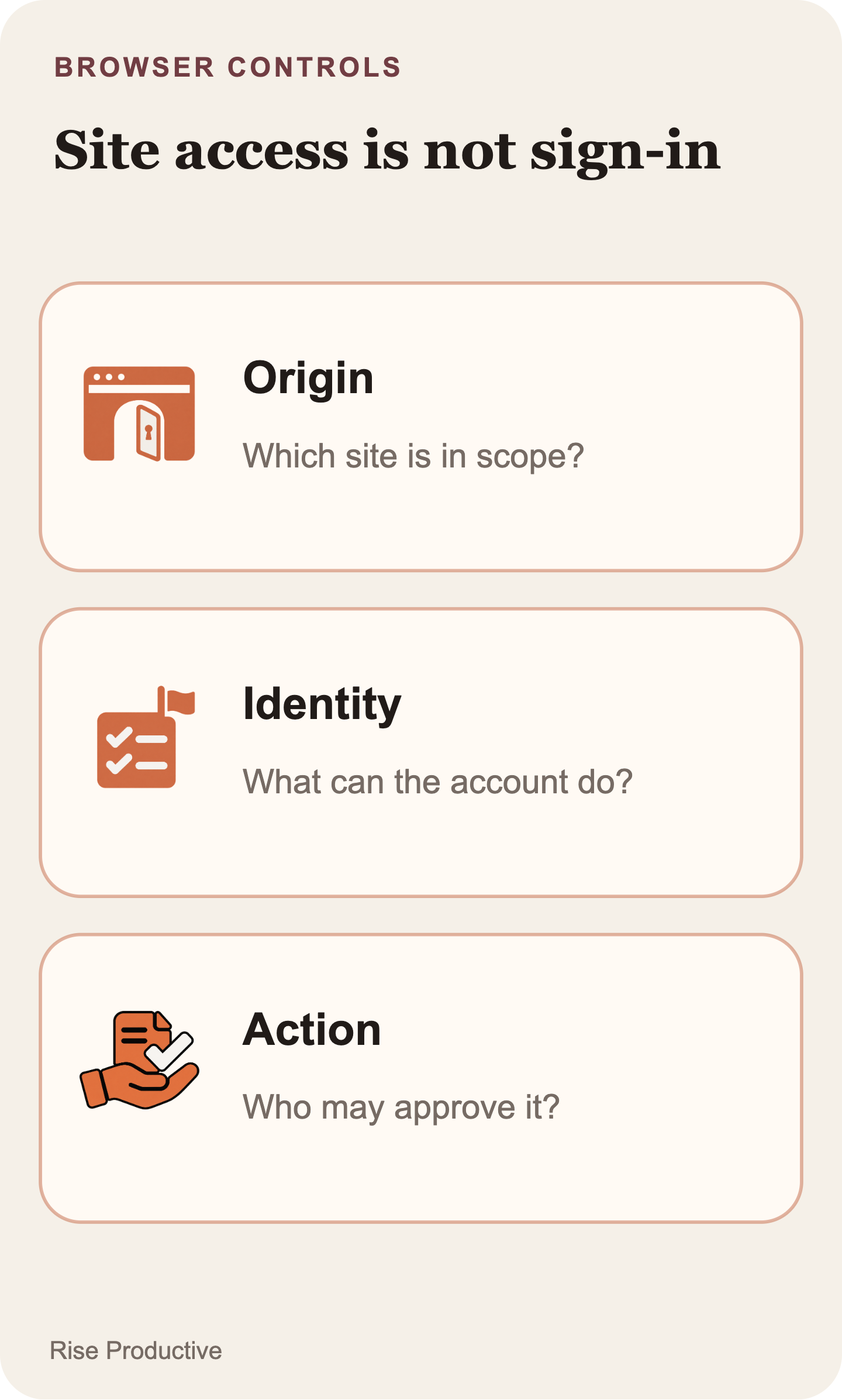
Browser authentication is distinct from origin access in the documented Agents API flow. Reaching a login page is not the same as using a credential, and a successful sign-in is not evidence that the resulting account is appropriate for the requested task. The computer-use guide treats browser sign-in as a separate request, which gives the client a useful point to make identity scope explicit.
Before the session begins, decide whose identity is in use. It may be a per-user account, a constrained service identity, or a synthetic test identity. The client should be able to answer what that identity can read, what it can change, who is authorized to invoke it, and how access is removed. Natural-language task instructions are not a substitute for those decisions.
The practical preference is the narrowest workable identity. A task that only needs to inspect a draft should not receive a credential that can publish it. A production account should not be the default for an early state-machine test. If the site offers only an account with broad privileges, that is a reason to reconsider the workflow or constrain it to draft-only work until an appropriate role exists.
Sign-in can also move the session into a state the agent and client did not expect. A redirect, expired session, multi-factor challenge, or failed credential step may leave the browser blocked rather than ready. The UI should report that observed state plainly. It should not convert a submitted authentication decision into a success message.
The guide warns that screenshots can contain sensitive page or account information. Keep screenshots and session activity available only to people who are authorized to see the underlying data, and avoid treating them as routine analytics payloads. Operational evidence should help reconciliation without becoming a second, poorly governed store of credentials or private records.
 View image detail
HTTP 202 records an accepted decision, not completed work
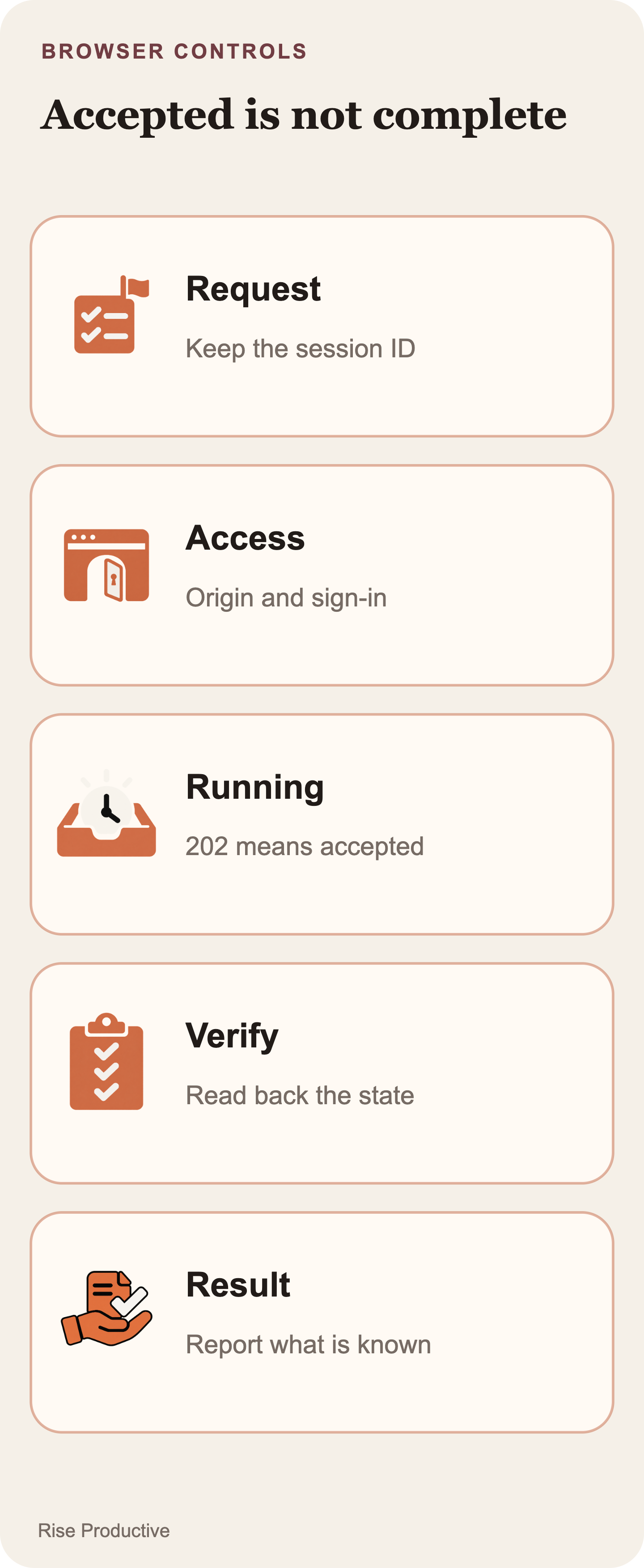
An HTTP 202 response is an acknowledgement of an approval decision, not a completion signal. The Agents API computer-use guide states that 202 means the decision was accepted. It does not prove that navigation finished, that the agent completed the next step, or that the external business effect occurred.
That distinction should shape every status message after an approval. “Approval received” and “continuing session” are truthful intermediate states. “Task complete” is not. After the response, the browser may still be navigating, waiting for the next page, encountering an error, or requesting another decision. The client has to keep reading the session and then evaluate its own success condition.
A product state machine can make the contract comprehensible without pretending that every label is a named API event. For example, an application might use created, awaiting_origin, awaiting_sign_in, running, awaiting_action_review, verifying, completed, failed, and cancelled. Alongside those product states, retain the actual session state, request IDs, and event identifiers supplied by the API. The first set explains the user experience. The second set makes later reconciliation possible.
Each state needs a narrow transition rule. awaiting_origin can move forward only when the current origin request is allowed. A denial must not quietly fall through to running. awaiting_sign_in must be able to show approval, cancellation, failure, or a new authentication requirement. running must remain distinct from completed. verifying should have a timeout, a user-visible uncertainty state, and a recoverable next step rather than a fabricated success toast.
The same rule applies to application-level action review. A label such as “Agent approved” conceals too much. “Access to portal.example.com approved” says what happened. “Publish change pending your review” says what is still unresolved. Precise labels keep an accepted approval from masquerading as a completed business process.
 View image detail
After a disconnect, recover the same session before retrying
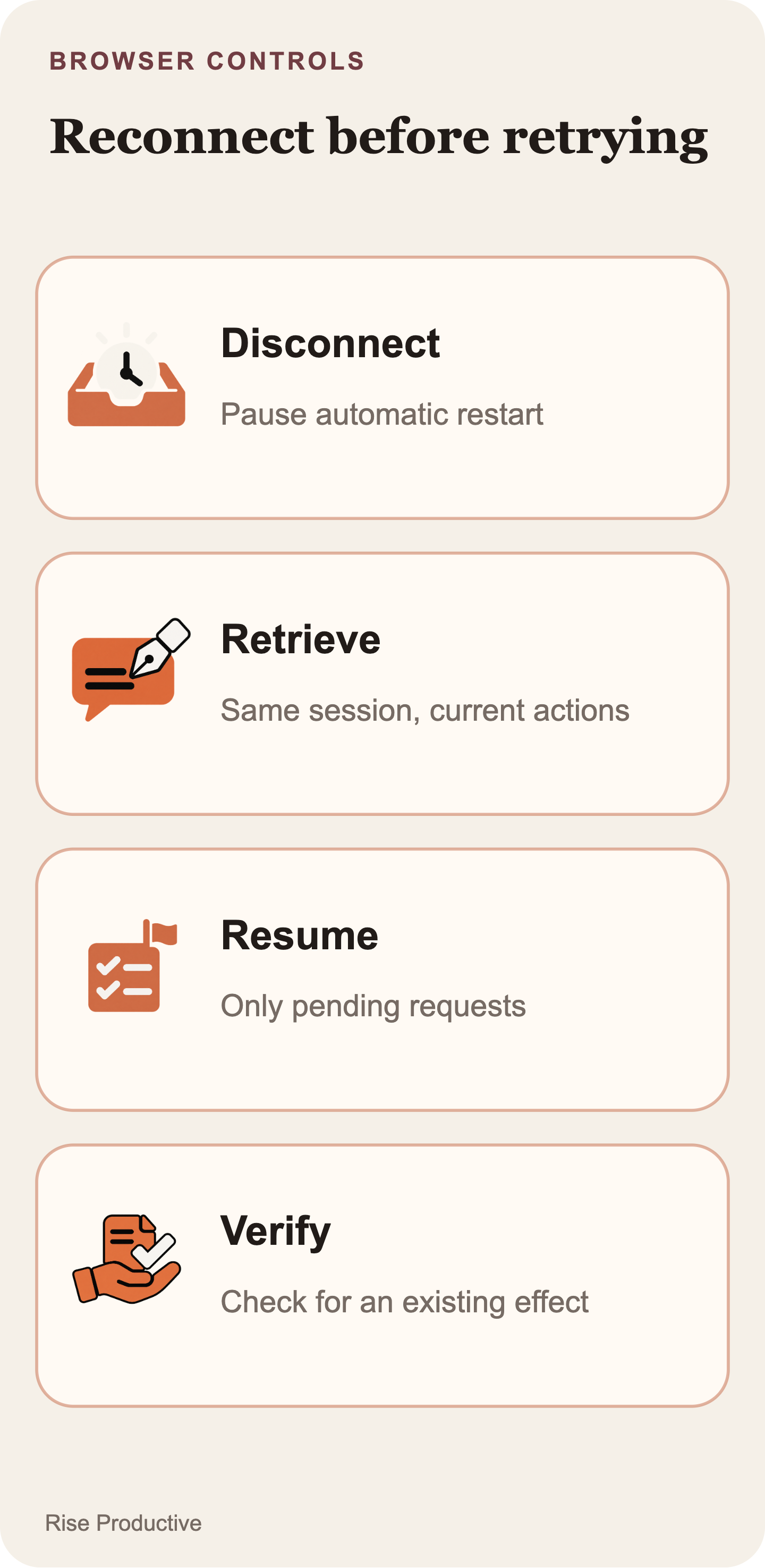
A disconnect creates uncertainty, not a fresh task. The safe default is to recover the existing session before considering any retry. The Agents API computer-use guide directs applications to retrieve the same session, inspect its current required_actions, recreate controls only for actions still pending, and recover the stream. It does not support treating a lost client connection as permission to resend the task or replay a previous approval decision.
This matters most around a write. Suppose the browser submitted a form immediately before the client lost its event stream. The session may still be running, the site may have saved the update, or the external service may have rejected it. Starting a replacement session and asking it to perform the same work again can create a duplicate submission. The client’s last rendered message is not the authoritative answer. The existing session’s current state and the system of record are.
A recovery path can be implemented as a deliberate sequence:
- Mark the local view as disconnected and disable any automatic “start over” behavior.
- Retrieve the stored session ID for the existing task.
- Inspect the session’s current
required_actionsand match request IDs to the approvals already recorded by the application. - Rebuild controls only for requests still pending. Remove or disable controls for requests no longer present.
- Recover the event stream for that same session and continue to observe it.
- Before retrying any external action, inspect the system of record to determine whether the requested effect already occurred.
The implementation needs durable correlation data before a real workflow begins. Store the application task ID, API session ID, approval request IDs, current client state, selected origin, authenticated identity reference where appropriate, and final verification receipt. Event IDs or a recovery cursor may also be useful when supported by the implementation. Retain the smallest amount of sensitive browser content necessary for support and compliance.
The critical behavior is what the recovery path does not do. It does not make a new session merely because the view disconnected. It does not automatically submit a response for a request that has left required_actions. It does not repeat a form submission merely because the prior status was unknown. If the session is terminal or cannot be recovered, the client should explain what is known, what is uncertain, and whether the external result may already exist.
For a write operation, add application-layer idempotency where the destination supports it or design an equivalent duplicate check. A browser click by itself does not provide exactly-once business semantics. The right retry decision comes after the session and destination have been reconciled.
 View image detail
Verify completion in the system of record
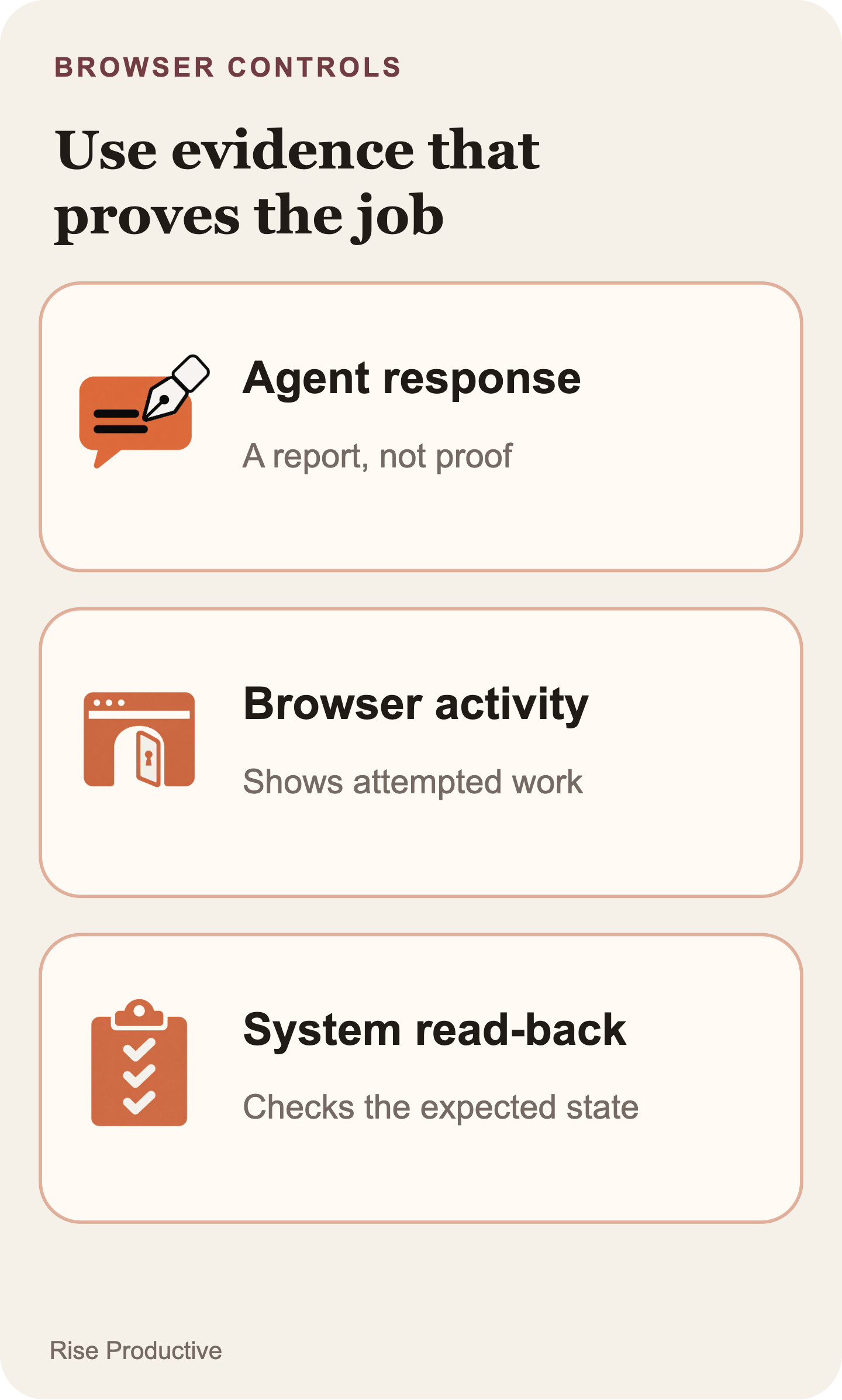
The agent’s final text is useful context, not sufficient proof of a business result. Define the success condition before the session starts, then select the strongest available check outside that completion sentence. If the task is to save a draft, reopen the draft and check the expected owner, status, and content. If the task is to prepare rather than submit a form, verify that it remains a draft. If the task is to change a field, read that field back from the system that owns it.
The verification must match the effect that matters. A screenshot can suggest that a button was clicked, but it may not establish that data was saved. A success toast can reflect a partial operation or an earlier state. Browser activity can show an attempted sequence. None is a substitute for a read-back that confirms the requested result.
For a consequential action, pair the review and verification records. Before the change, show the proposed target and values. After it, read the destination state back. Record who authorized the action, which session performed it, and what verification returned. If the read-back disagrees with the requested state, report a mismatch and keep the task out of completed.
The Agents API guide describes browser activity, including computer_use_call items and optional screenshot output, plus retrieval of saved activity and deletion of a finished session. That operational trail can help explain what the browser attempted. The external system of record remains the evidence that closes the business task.
 View image detail
Use security research as context, not a product finding
A browser workflow combines untrusted page content, an identity with permissions, and an agent that can take tool-mediated actions. Those elements need one threat model because a weakness in their combination can matter even when each element was reviewed separately.
OWASP’s AI Agent Security Cheat Sheet identifies risks including prompt injection, tool misuse, and data exfiltration in agentic systems. The WASP benchmark studies indirect prompt-injection attacks against web agents in a test environment. The Hidden Dangers of Browsing AI Agents analyzes a particular open-source browser-use project. These sources support a general security context for browser-agent design. They do not establish a vulnerability, failure rate, or security outcome for OpenAI’s newly announced hosted browser.
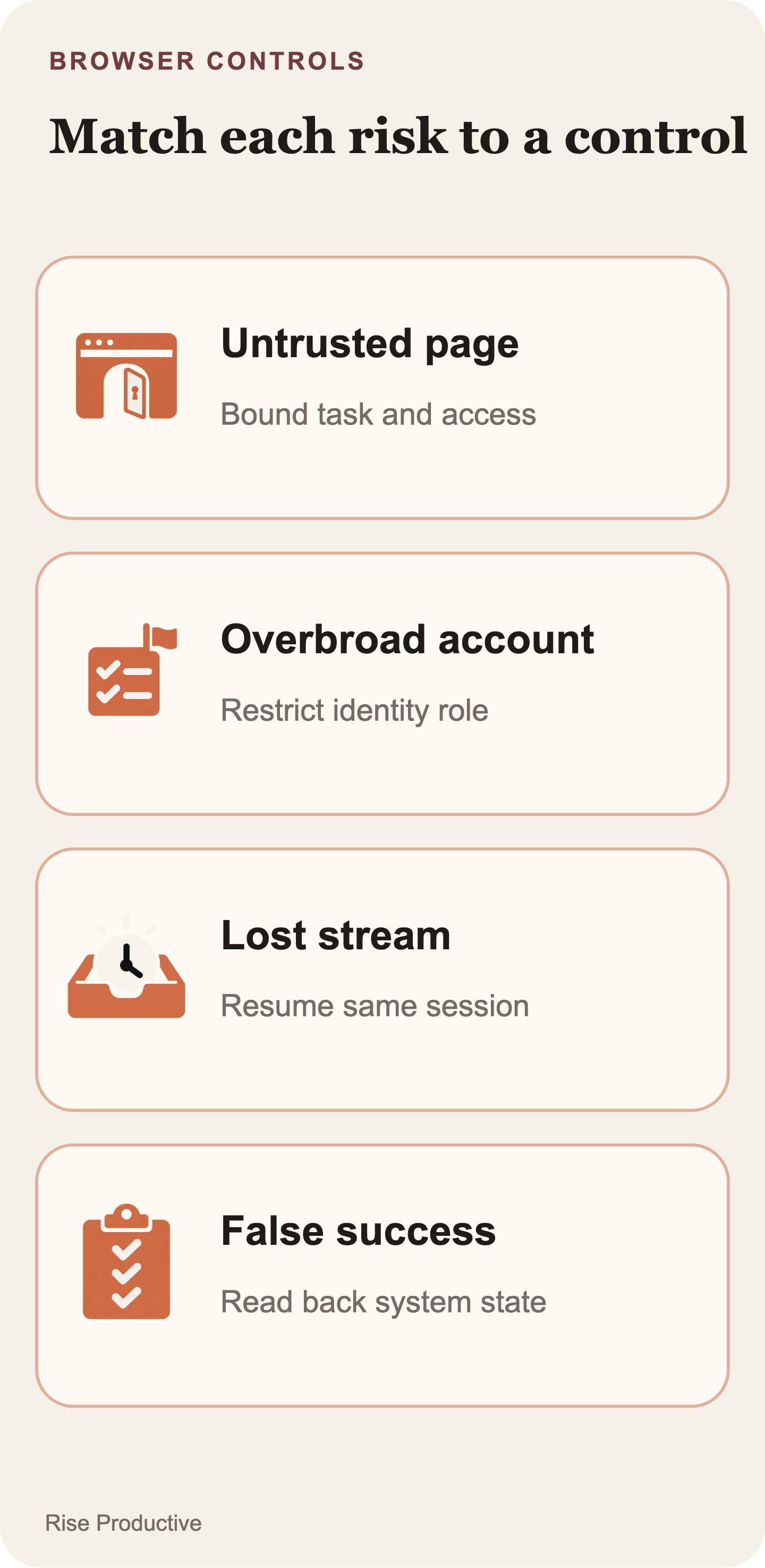
Translate that context into controls that can be reviewed. Keep the user’s task objective separate from page text. Do not let a webpage silently enlarge the authorized goal. Limit origins and the identity’s privileges. Treat extracted text, screenshots, and tool output as potentially sensitive. Require explicit review for consequential writes. Preserve enough audit evidence for recovery and incident response without retaining every secret or page detail by default.
A useful approval prompt also resists vague consent. “Approve session” is inadequate if the real effect is access to private records or a change to an external account. Name the origin or action, account context, intended effect, and available consequence. If the application cannot describe those details, it should pause for a narrower plan rather than ask for blanket consent.
 View image detail
Test transitions before a real workflow
The first pilot should test the client contract, not produce a public reliability claim. Use a non-production account and synthetic or low-impact data. For this hosted-browser pilot, choose resources that cannot perform consequential side effects; test guaranteed human confirmation only in a runtime where that stop is enforceable. No completion rate, cost result, or security assurance has been established for this newly announced feature in the reviewed sources.
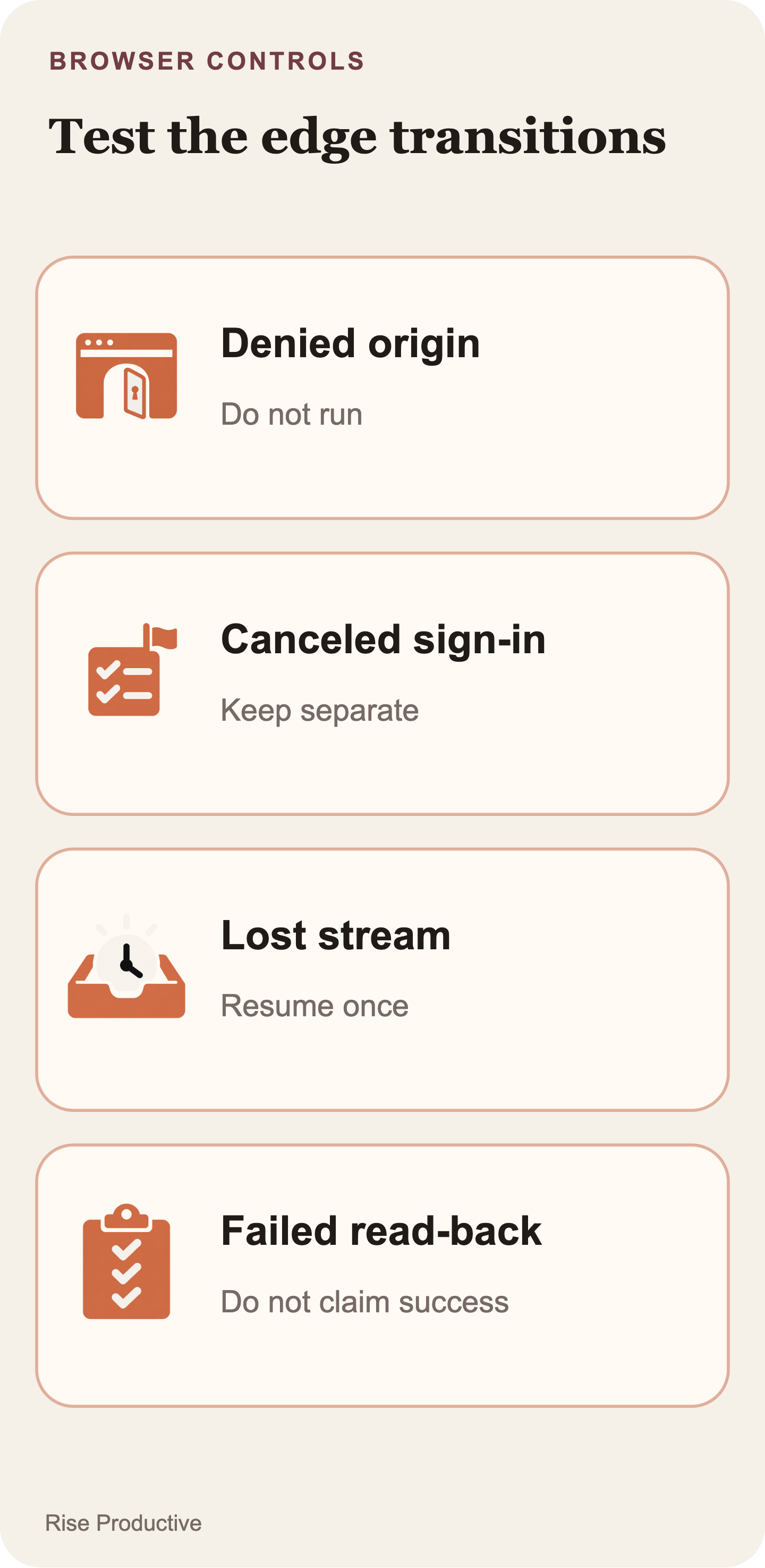
Write a case for every material state transition: denied origin, separate authentication request, user cancellation, multiple sequential approvals, stale approval control, event-stream drop, expired sign-in, an error after submission, and an apparent success that fails a read-back check. The ordinary path belongs in the set too, but the recovery and mismatch paths are what prove the wrapper can tell the truth under uncertainty.
For each case, specify the expected user message, allowed next action, retained evidence, and recovery behavior. When the client receives a 202 approval response, confirm that it remains intermediate until session progress and verification support a final state. When a session reconnects, confirm that the task is not sent twice. When an action leaves the pending set, confirm that its obsolete control disappears. When the external data differs from the expected result, confirm that the product reports a mismatch instead of success.
A contained security exercise should likewise avoid live customer accounts and production records. Its record should identify the environment, version, task set, data type, and limitations. A proposed pilot is not a performed benchmark, but it can expose whether the permission, recovery, and verification design is coherent enough for a real workflow.
 View image detail
Implementation checklist for a first client
Before enabling an Agents API computer-use workflow, answer these questions in implementation review:
- Which single task is in scope, and what user goal does it serve?
- Which origins can the session visit for that task?
- Who owns the account, what can it access, and can a narrower role be used?
- How are origin access and browser authentication shown and recorded separately?
- Which actions require human review, and what exact target and effect does the reviewer see?
- What does the UI say after an HTTP 202 approval response?
- How does the client retrieve the same session and inspect current
required_actionsafter a disconnect? - How does the workflow prevent an automatic duplicate submission?
- What system-of-record read-back proves the requested outcome?
- Which activity and screenshots are retained, who can access them, and when are they deleted?
- What status does the user see when the outcome cannot be verified?
If the team cannot answer the recovery, duplicate-prevention, and verification questions clearly, keep the first workflow draft-only or supervised. A browser capability is not an operating procedure. The procedure exists only when the client can name who may access what, who may approve which consequence, how the session resumes, and what proof closes the task.
 View image detail
Verification is the closing transition
The client contract is straightforward but intentionally strict: origin access, sign-in, consequential-action review, and proof of completion are separate facts. The documented session signals tell the application when it must respond, continue observing, or recover the same session. The application decides what each signal permits and what evidence is strong enough to report success.
That separation produces a more useful first implementation than a broad “approve the agent” control. It gives users a comprehensible permission boundary, gives support a recoverable record, and gives the product an honest state when an external result remains uncertain. In a browser workflow, completion is not the point at which an approval was accepted. It is the point at which the requested external state has been verified.
If you are still deciding whether a managed browser fits the task, read OpenAI Agents API: Is a Managed Browser Worth It?. That companion guide compares the hosted route with a supported API, a developer-run browser, and a human process. This article focuses on the controls to verify after choosing computer use.
Checked for this article
Sources
- OpenAI, DevDay 2026 Recap, September 29, 2026
- OpenAI API documentation, Agents API computer-use guide
- OpenAI, Introducing the Agents API, September 10, 2026
- OWASP, AI Agent Security Cheat Sheet
- Ivan Evtimov et al., WASP: Benchmarking Web Agent Security Against Prompt Injection Attacks
- Mykyta Mudryi et al., The Hidden Dangers of Browsing AI Agents
Keep going
Related notes.

Automation and Agents
Strands Decider 2B: Validate Confidence Before Automating Decisions
A confidence score cannot set your routing policy. Reviewed cases can show which mistakes an automatic rule would allow and how much work it would send to people.
Read the article
Automation and Agents
Strands Decider 2B: Which Agent Decisions Are Worth Handling Locally?
Strands Decider 2B selects supplied options locally. Use five questions and three worked cases to decide which agent choice merits a contained trial.
Read the article
Automation and Agents
What Does Anthropic’s 26% AI-Led Research Figure Measure?
Anthropic says Claude led 26% of its measured AI R&D work in August 2026. The figure depends on task ratings and staff-time weights; here is how to read it.
Read the article