
Automation and Agents
OpenAI Agents API: Is a Managed Browser Worth It?
OpenAI's managed Agents API browser adds another route for web tasks. This guide helps you decide when its execution boundary fits, what to compare, and how to test one workflow without overstating the announcement.
On this page
- Computer use is an addition to the Agents API, not its starting point
- Begin with the interface the task actually needs
- A managed browser is an execution-boundary choice
- The best first task is narrow, repeatable, and easy to inspect
- Compare the full workflow, not the polished click path
- Keep the pilot smaller than the business process
- The launch evidence supports a pilot, not a performance verdict
- Run one bounded browser-only pilot
- The decision rule is about fit, not feature excitement
Short answer: A managed browser is worth piloting only for one bounded task that genuinely has to happen through a website and can live inside OpenAI's documented hosted environment. If a supported application programming interface (API) can do the same work, start there. If you need to run and control the browser environment yourself, evaluate the separate Responses API computer-use route. The September 29 update adds an option. It does not establish that browser automation is cheaper, safer, or more reliable for your workflow.
That framing matters because a browser demo can make the visible click look like the whole job. It is not. The actual decision includes the interface the task requires, the execution boundary your team can accept, and the operating work left around the browser. A task can be technically possible through a website and still be a poor candidate for automation once exception handling, review, maintenance, and result checking enter the picture.
OpenAI announced that the Agents API supports computer use on September 29, 2026 (OpenAI's DevDay 2026 recap). That is a launch fact from OpenAI, not a benchmark of browser-task outcomes. The operator's question is narrower: does one browser-only task merit an OpenAI-hosted browser instead of a direct API or a developer-run browser workflow?
Computer use is an addition to the Agents API, not its starting point
The chronology is useful because it prevents the feature from being treated as an all-new agent platform. OpenAI introduced the Agents API on September 10, 2026, as a public beta for building cloud agents with the Codex harness. Its launch description covered long-running sessions, tools, context handling, and a choice among OpenAI-hosted, developer-owned, and partner execution environments (OpenAI's September 10 launch).
Nineteen days later, OpenAI said computer use had been added to the Agents API (OpenAI's DevDay 2026 recap). The addition is meaningful because a browser can now be part of a managed agent workflow. It does not erase the earlier environment decision. A team still needs to decide whether the provider-managed environment is appropriate for the task it wants to run.
OpenAI's current Agents API computer-use guide describes this route as an OpenAI-hosted browser (Agents API computer-use guide). That is a specific execution model. It should not be read as a promise that the feature operates a team's local desktop, reaches a private network browser, or reproduces a particular internal browser build. Those may be material requirements, but they are requirements to verify before architecture is chosen.
The useful mental model is simple: the Agents API is the broader agent harness; computer use is a new tool path within it; the hosted browser is one execution boundary. A product name alone does not answer whether that boundary fits the work.
 View image detail
Begin with the interface the task actually needs
The first decision is not whether a model can navigate a page. It is whether the website is truly the interface the workflow must use. Write the job as a concrete input, transformation, and result. For example: take a known public status from a portal, put the relevant fields into a draft, and stop before any external submission. That is a different job from “manage vendor operations,” even if both involve the same portal.
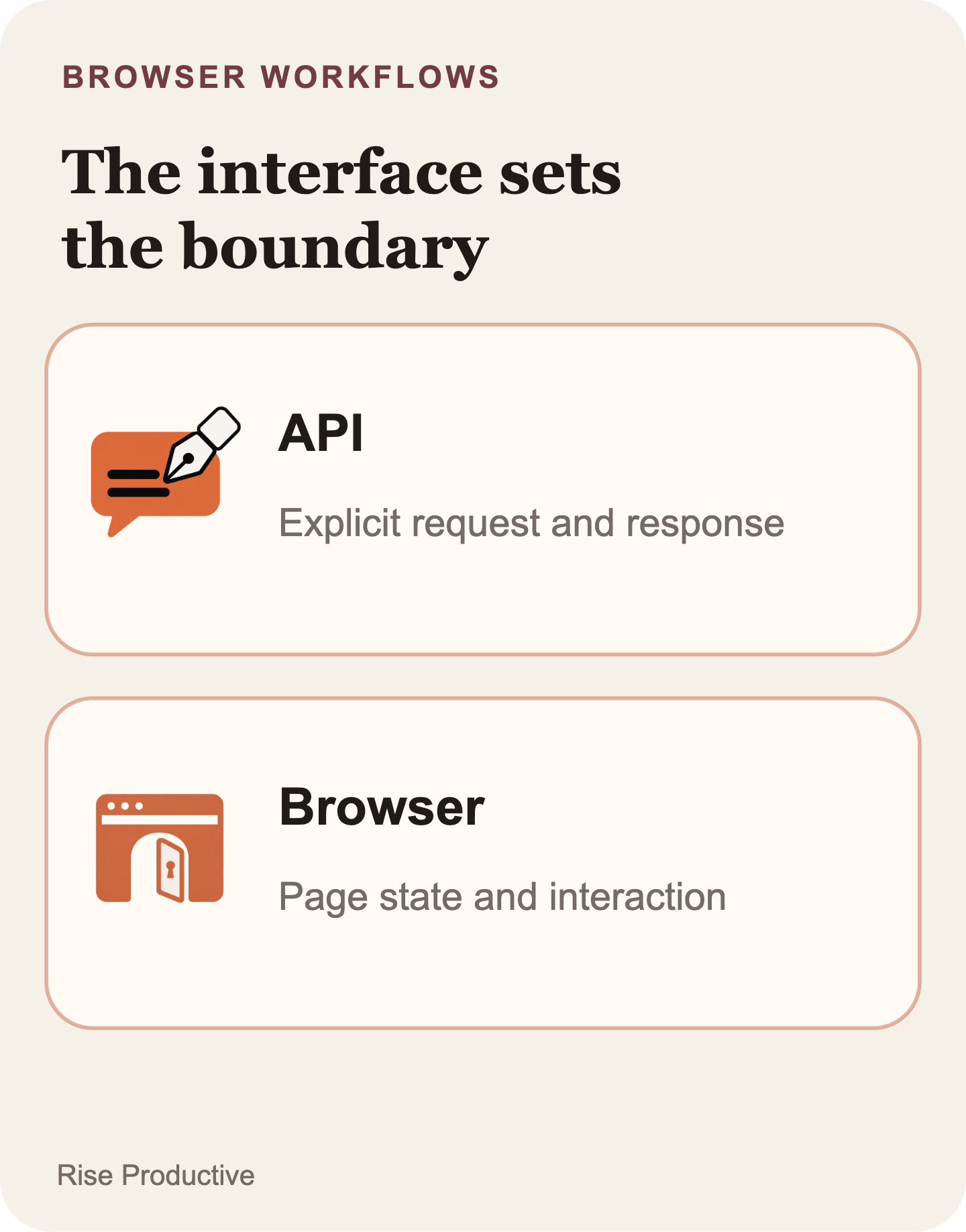
A supported API should usually be the first route examined when it provides the data and action the task needs. It gives the application an explicit integration surface to inspect: fields, authentication scope, response states, error behavior, and repeat handling. That does not make every API dependable. A poorly designed API can be brittle, incomplete, or operationally expensive. It does mean the team can evaluate a stated interface rather than asking a browser to infer its way through a changing page.
Browser interaction becomes a legitimate candidate when the site UI is the only workable path. A supplier portal may not expose the needed record through an API. A legacy business process may move through several screens with no supported integration. A user-facing system may combine information that the team would otherwise collect by hand. In those cases, the browser is not an ornamental substitute for an API. It is the required interface.
That condition is necessary, not sufficient. The task also needs a bounded result. “Collect the visible renewal date and prepare a note for review” can be assessed. “Keep the account current” hides interpretation, consequences, and exceptions inside a vague instruction. The second request is a business process. The first is a candidate task within one.
A useful comparison starts with four questions:
- Can a supported API perform the same read or update?
- If not, which exact website pages are necessary for the task?
- Does the task need an OpenAI-hosted environment, or does it require a browser and network boundary the team must operate itself?
- Can a person or system independently check the defined result?
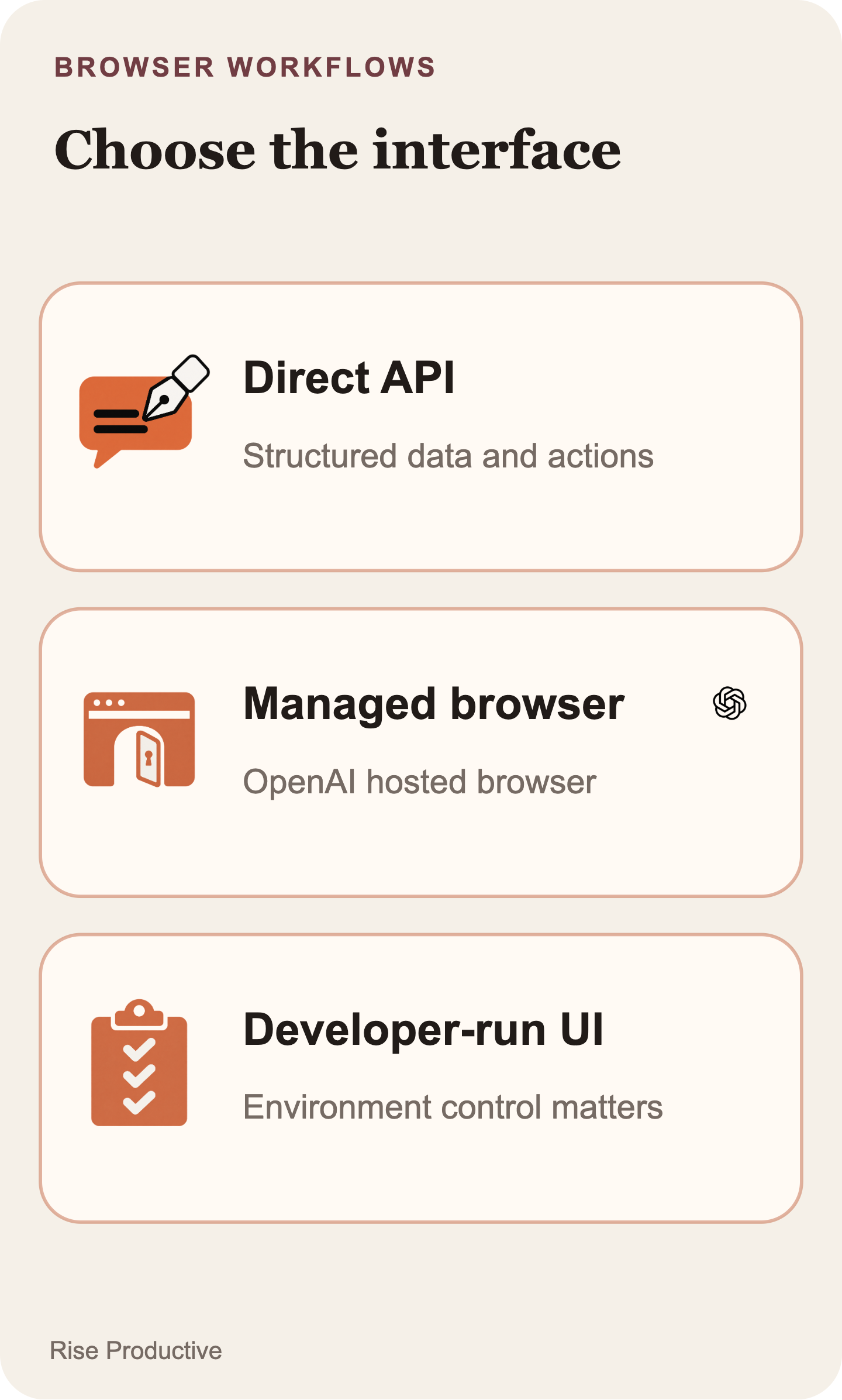
Those questions lead to a better choice than “API versus agent.” They separate a structured integration, the hosted browser, and a browser your team runs. Keep the work human when it is too rare or ambiguous to justify the setup.
 View image detail
A managed browser is an execution-boundary choice
The managed Agents API route is most interesting when a browser-only task is useful but running browser infrastructure is not itself a strategic requirement. OpenAI documents the Agents API browser as hosted by OpenAI (Agents API computer-use guide). That can reduce the amount of browser infrastructure a team has to own for the documented workflow. It also places the browser inside a provider-managed environment.
For some teams, that is a reasonable trade. They may value a managed execution path for a narrow portal workflow and have no need to maintain their own browser fleet. For others, the location and configuration of the browser are part of the problem. A task that depends on a private network route, a tightly controlled browser image, local files, or a particular surrounding runtime may point away from the hosted path.
The separate Responses API computer-use documentation describes a different arrangement in which the developer provides the execution environment (Responses API computer-use guide). That option can fit a team whose requirements make environment ownership necessary. It also means that the team has more operating responsibility to take on. Neither option is automatically lighter in total once the work needed to secure, maintain, and support it is included.
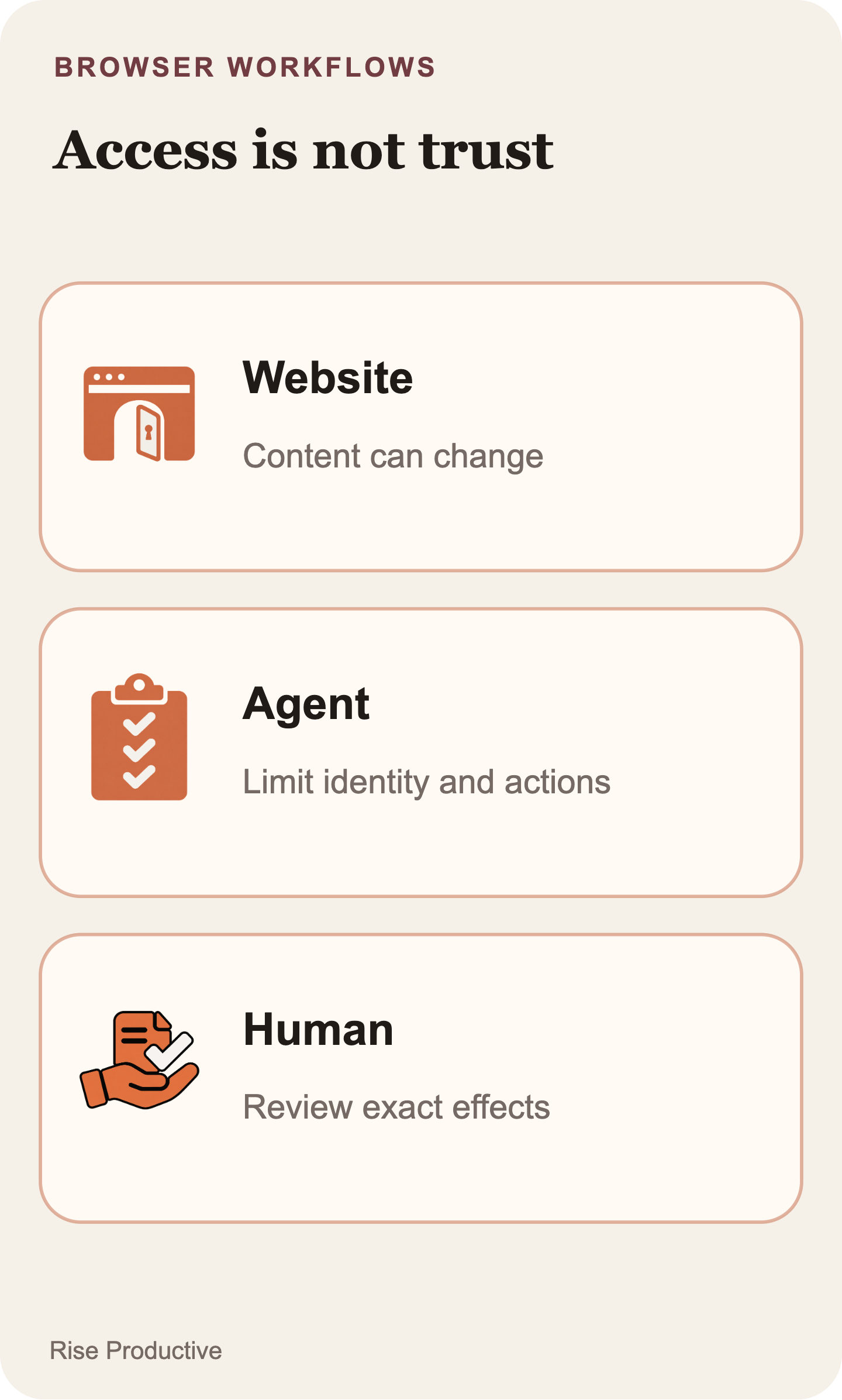
This is why “managed” should not be translated as “hands off.” It means the provider operates the documented browser environment. The application still needs a precise job definition and a bounded identity and action scope. It also needs review where the business process calls for it and a way to verify that the browser produced the requested result. The detailed implementation contract for access, authentication, recovery, and outcome verification is a separate engineering question. It should not be smuggled into this product-selection decision as if a hosted browser resolves it by itself.
The OpenAI guide states a specific limit: approval to access a website origin does not enforce confirmation before each action. If a purchase or destructive change must be blocked until a person confirms it, restrict the hosted browser to resources that cannot perform that action, or use a browser runtime you control. A function tool that asks the agent to request confirmation depends on the agent choosing to call it. Treat a proposed human review step as a policy until the execution boundary actually enforces the stop.
For a model-level discussion of when visual interaction may be preferable to an API, see GPT-6 Astra Computer Use: When Is It Better Than an API?. That article addresses a different product and should not be used as evidence of the Agents API's behavior.
 View image detail
The best first task is narrow, repeatable, and easy to inspect
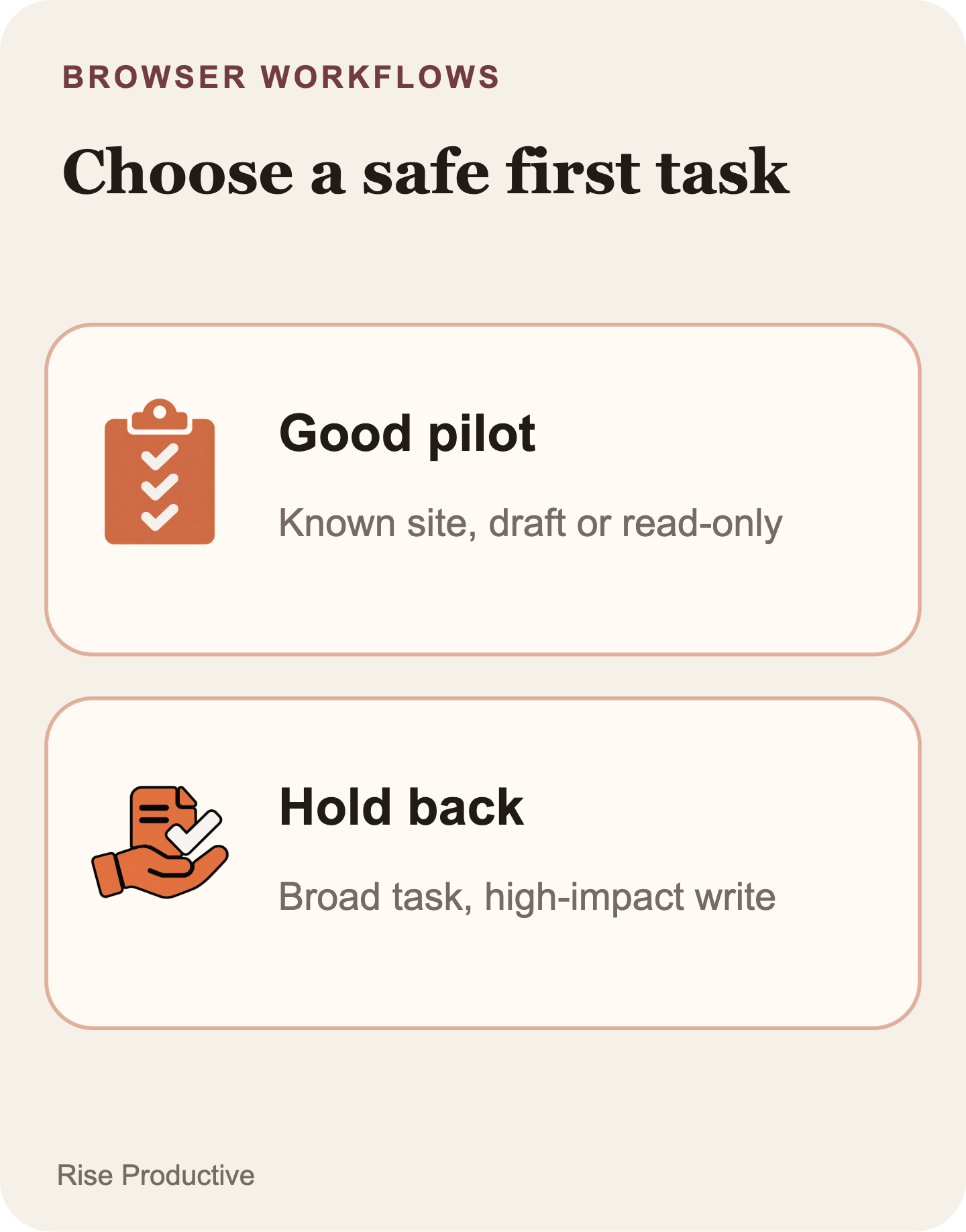
The most promising first pilot is not a grand automation program. It is one recurring browser-only task with a known start, a limited set of inputs, and a result that can be checked without guessing what the agent intended. That can be modest on purpose.
Consider a hypothetical operations task. A coordinator opens a vendor portal to find one specified service-status entry and copy three named fields into an internal draft. A teammate reviews that draft before anyone uses it. If the portal has no supported API, the browser is necessary. If the fields are known, the destination is a draft, and the reviewer can compare it with the portal, the team has a testable candidate.
The same portal could support a bad first pilot. “Review the account, decide what matters, update our customer commitments, and send any needed messages” bundles retrieval, interpretation, account changes, and external communication. The browser does not make those decisions less consequential. It merely gives the workflow another way to reach the screens where they occur.
A strong first candidate has several properties:
- The website is required because a supported direct interface does not serve the task.
- The pages, inputs, and intended result can be described before the run.
- The workflow can stop at a reversible output such as a draft, proposed record, or review queue.
- A person or system can compare the result with a known source of truth.
- Exceptions can be named and excluded rather than quietly absorbed into a broad instruction.
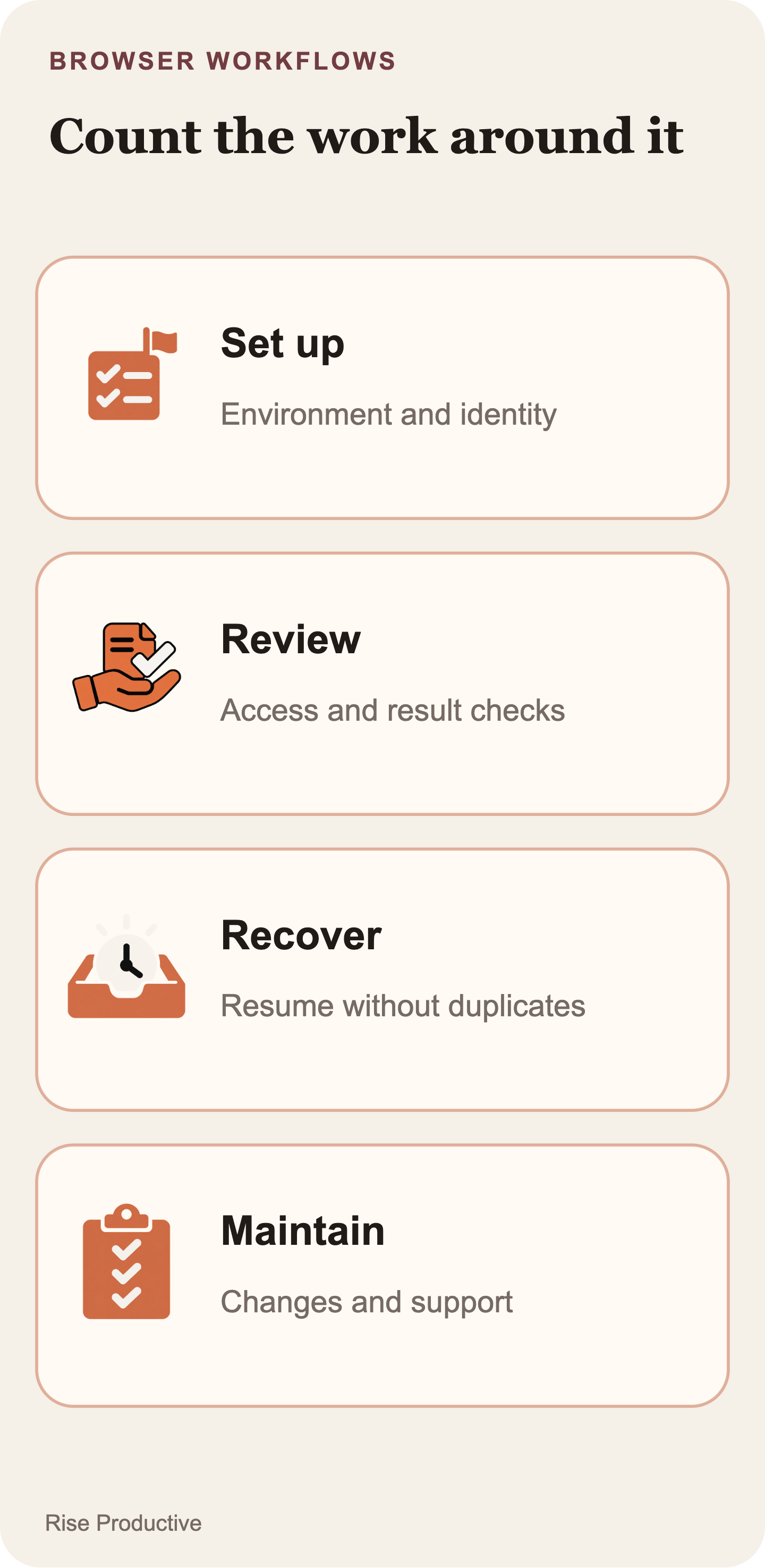
A weak candidate usually fails one of those tests. It may be performed so rarely that setup and maintenance exceed its value. It may involve a high-impact result, such as money movement, account recovery, permission changes, or a final external commitment. Or it may depend on judgment that is difficult to state, inspect, or reverse. None of those cases proves browser automation can never be used. They are reasons not to make them the first evidence for a new operating model.
The narrowness is also a kindness to the team running the pilot. A limited task gives failures somewhere useful to land. A wrong field, missing page state, or unexpected site change becomes a specific exception to investigate. An open-ended mandate produces a postmortem about everything at once.
 View image detail
Compare the full workflow, not the polished click path
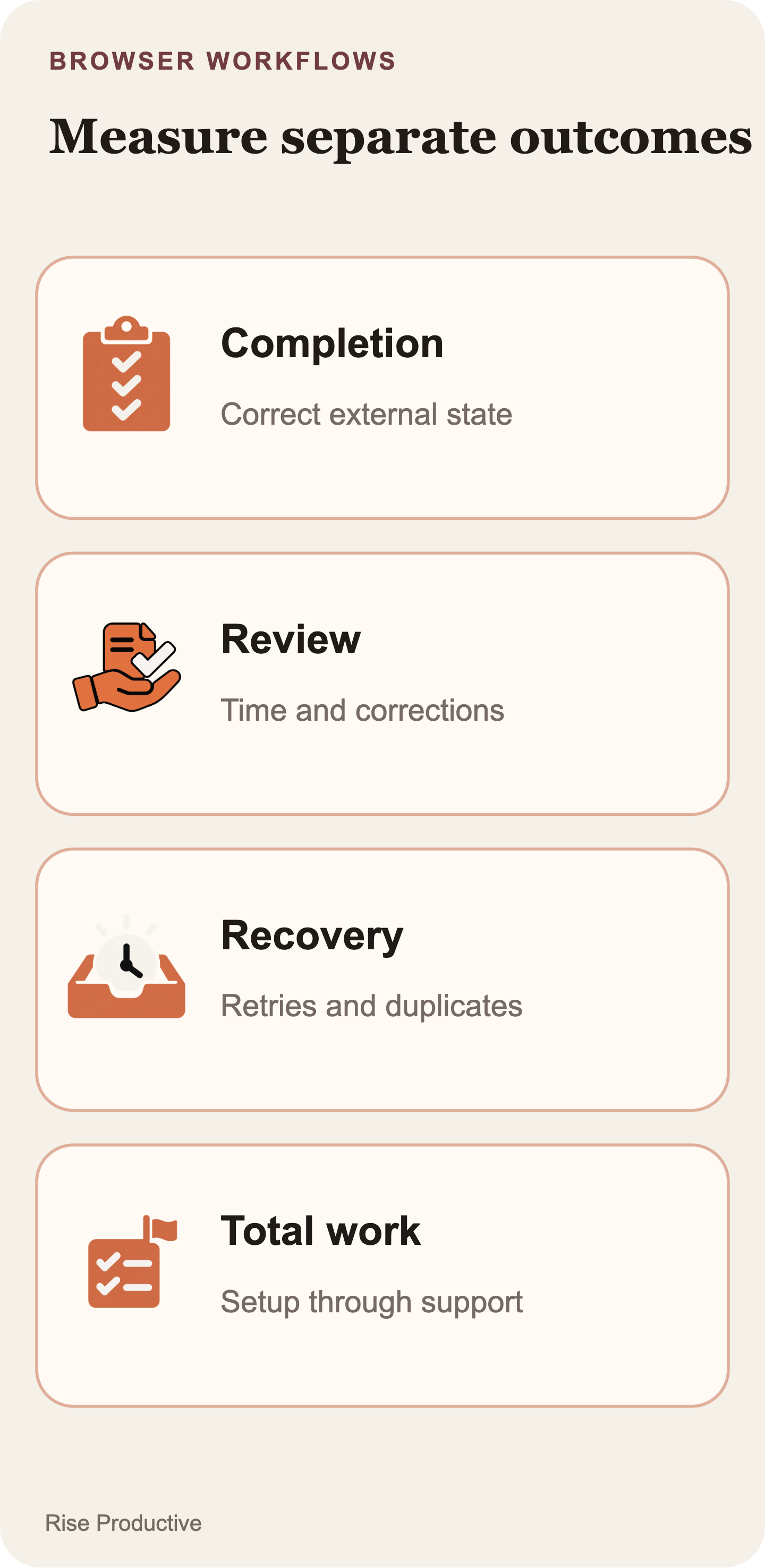
A fair evaluation compares the complete work required to reach a verified result. A browser demonstration typically highlights navigation and interaction. The operating cost lives around it: task setup, environment fit, exception handling, review, maintenance when the site changes, support, and the effort required to confirm that the final state is correct.
Use the same representative task set for each route. If there is a current human process, make it the baseline. If a supported API exists, include it. If a developer-run computer-use environment is a real option, include it only when the team can genuinely operate that environment. Do not give the browser path clean, familiar cases while the baseline receives the messy exceptions. That does not compare mechanisms. It compares two different workloads.
The comparison should keep distinct dimensions distinct:
- Interface fit: What to ask during the pilot: Does the job truly need the website, or can a supported API complete the same work?
- Environment fit: What to ask during the pilot: Is an OpenAI-hosted browser acceptable for this task, identity, and network boundary?
- Task definition: What to ask during the pilot: Are the input, allowed pages, stopping point, and expected artifact specific enough to inspect?
- Operating work: What to ask during the pilot: Who handles setup, site changes, exceptions, support, and monitoring?
- Review: What to ask during the pilot: What must a person inspect before the work advances beyond a draft or other reversible state?
- Result check: What to ask during the pilot: Which fresh read, saved artifact, or system-of-record state proves the intended outcome?
- Recovery cost: What to ask during the pilot: When the workflow is interrupted or uncertain, how much work is needed to establish the real state safely?
- Cost: What to ask during the pilot: What is the measured cost per verified successful task after model, environment, reviewer, and maintenance effort are all included?
The table is deliberately not a scorecard with a preselected winner. A stable API can be the right answer because its interface and repeat behavior are easier to define. A managed browser can be the right answer because the required portal has no suitable API and the task is contained. A developer-run route can be the right answer because control over the execution environment is non-negotiable. A human process can be the right answer because the task is infrequent or too variable.
Define success before anyone runs a test. For the hypothetical portal task, success might mean the correct record was used and the three requested fields appear in the draft. No unapproved external change occurred. The reviewer can also confirm the draft against the portal. “The agent said it finished” is not a success criterion. It is a status message that still needs an outcome check.
Measure elapsed time, but do not stop there. Record setup time, reviewer minutes, correction work, exceptions, site-change maintenance, and reruns. If the team chooses to measure a completion rate, keep the task mix and denominator visible. A small local pilot can help a team make a local decision. It cannot establish a general reliability claim for every website, task, or organization.
 View image detail
Keep the pilot smaller than the business process
The right unit of automation is often a subtask, not the entire business outcome. “Update a customer record” can conceal identity matching, duplicate resolution, field selection, note creation, customer communication, and case closure. Treating that bundle as a single browser instruction makes it harder to define what was authorized, what should be inspected, and what counts as a correct result.
Break the work into a start state, a bounded operation, a stopping condition, and a result check. A first pilot might retrieve an existing value and prepare a proposed update. A later, separately justified phase could evaluate whether a reviewed update should be committed. Keeping those stages separate lets the team learn whether browser interaction solves the actual bottleneck without treating an untested workflow as an end-to-end replacement for human judgment.
Website content is another reason to keep the scope narrow. OWASP identifies indirect prompt injection and excessive tool or identity privileges as general risks for AI agents that process untrusted content (OWASP AI Agent Security Cheat Sheet). Research on web agents has also demonstrated browser-agent attack scenarios in test settings (WASP benchmark paper; The Hidden Dangers of Browsing AI Agents).
That context does not establish a vulnerability, a failure rate, or a product-specific security defect in OpenAI's managed browser. It does support a conservative design posture. Treat page content as input, not authority. Keep the task and permissions narrow, use a limited identity where possible, and preserve a meaningful human checkpoint for consequential work. These are controls to test in an application design, not product guarantees.
For a related model-level discussion of review boundaries, see GPT-6 Astra Approvals: Where Should a Computer-Use Agent Stop?. The implementation mechanics for the Agents API remain a separate question from the managed-browser selection decision here.
 View image detail
The launch evidence supports a pilot, not a performance verdict
The reviewed source set supports a clear but limited account of the release. OpenAI's September 10 announcement establishes the Agents API baseline and its environment choices (Introducing the Agents API). OpenAI's September 29 recap establishes that computer use was added to the Agents API (DevDay 2026 Recap). The current guide documents the OpenAI-hosted browser path (Agents API computer-use guide). TechCrunch also reported the September 29 update (TechCrunch's coverage).
Those sources establish product facts and launch context. They do not provide an independent completion-rate study, a comparative error-rate test, a measured cost-saving result, or a security assurance benchmark for this newly announced browser feature. OpenAI's announcement is useful evidence of what OpenAI says it released. It is not evidence that a given portal workflow will succeed often enough, cheaply enough, or safely enough for a particular organization.
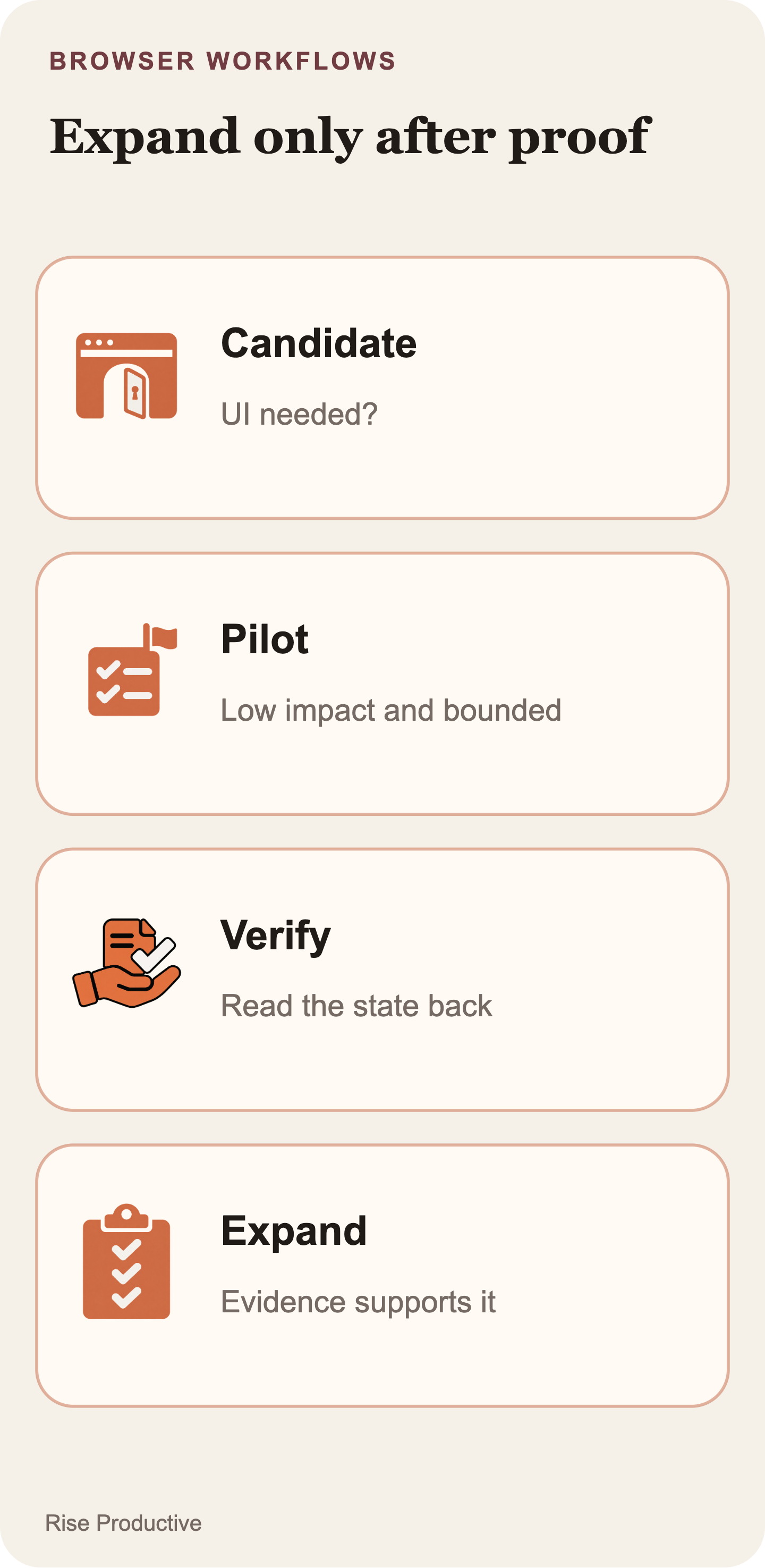
That boundary makes a local pilot more valuable, not less. It keeps the team from borrowing a performance conclusion that the available sources do not support. The pilot should earn the next scope increase with its own representative tasks, defined completion condition, and recorded correction work.
 View image detail
Run one bounded browser-only pilot
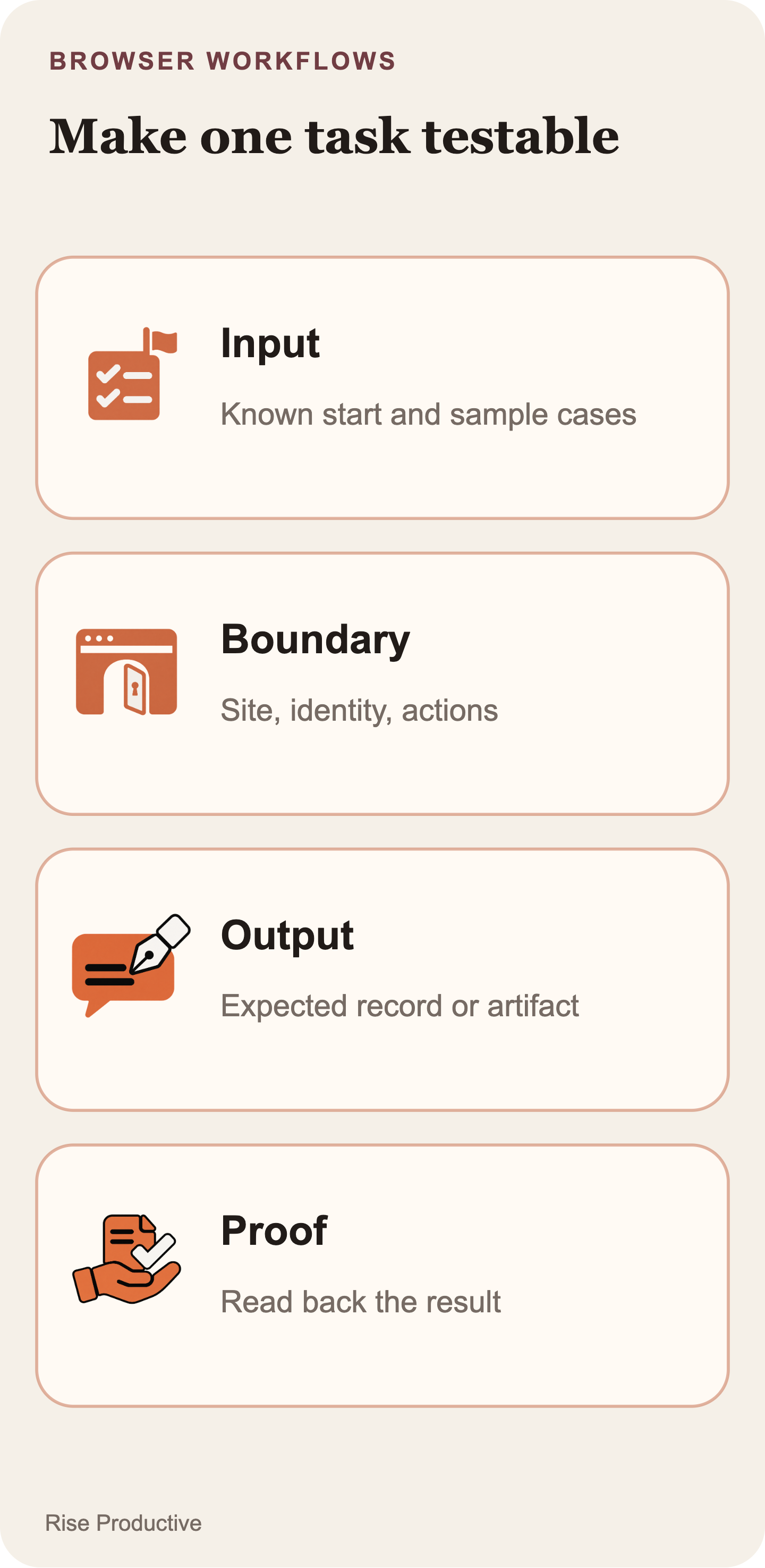
A useful pilot can fit on one page. Name the task, the user or team it serves, the specific site, the allowed pages, the inputs, and the expected result. State why a direct API is not suitable. State why the OpenAI-hosted environment is acceptable for this task. Then write the stopping point in terms a reviewer can recognize.
For the hypothetical portal example, the evaluation card could say: read one listed status entry, copy three named fields into an internal draft, stop before sending anything, and present the draft with its source reference for review. It would also name exclusions, such as records with ambiguous account identity, pages that require a different workflow, or any case that would require an external message. The point is not to make the pilot timid. It is to make its result intelligible.
Run the existing human process or an available API route against the same ordinary and exception cases. Capture the complete effort, not only the time spent in the browser. Then run the managed-browser candidate with a non-production identity or draft-only destination where the workflow permits. Record whether it stayed within the defined job, whether the artifact was correct, what the reviewer changed, and what it took to resolve uncertainty.
Use the results to make a bounded decision:
- Continue with the managed browser if the website is genuinely required, the hosted environment fits, the task result is independently checkable, and the measured operating effort is justified by the task.
- Prefer a direct API if it serves the same job with a clearer supported contract and less operational uncertainty.
- Evaluate a developer-run path if control of the browser or surrounding environment is a real requirement, and the team can own that operating burden.
- Keep the work human if it remains occasional, ambiguous, or too consequential to automate within the tested boundaries.
Do not turn a proposed threshold into an OpenAI recommendation. If a team wants a target for correction rate, review time, or total effort, it should set that target before the pilot and tie it to its own workload. The results are evidence about that workload, not a vendor-independent ranking of computer-use approaches.
 View image detail
The decision rule is about fit, not feature excitement
Choose the Agents API managed browser only when one bounded task truly requires a website, OpenAI's hosted browser is an acceptable execution boundary, and the team can prove the task's result after the browser work. Choose a direct API when it already provides the required data and action. Choose a developer-run computer-use environment when execution control itself is a requirement. Keep the work human when the real process is too infrequent, unclear, or high impact to make the tested automation worthwhile.
That is less dramatic than “agents can now use browsers,” but it is the useful consequence of the release. The new capability gives operators another way to handle browser-only work. It does not remove the need to choose an interface deliberately, define a small job, and measure the full effort needed to reach a verified result.
For the implementation side after choosing computer use, read OpenAI Agents API Browser Permissions: What Must You Verify?. It covers origin access, sign-in, approval states, recovery, and outcome verification. This article focuses on choosing the execution route.
Checked for this article
Sources
- OpenAI, DevDay 2026 Recap, September 29, 2026
- OpenAI, Introducing the Agents API, September 10, 2026
- OpenAI API documentation, Agents API computer-use guide
- OpenAI API documentation, computer use for the Responses API
- TechCrunch, OpenAI gives Codex reusable cloud environments that work across devices, September 29, 2026
- OWASP, AI Agent Security Cheat Sheet
- Ivan Evtimov et al., WASP: Benchmarking Web Agent Security Against Prompt Injection Attacks
- Mykyta Mudryi et al., The Hidden Dangers of Browsing AI Agents
Keep going
Related notes.

Automation and Agents
Strands Decider 2B: Validate Confidence Before Automating Decisions
A confidence score cannot set your routing policy. Reviewed cases can show which mistakes an automatic rule would allow and how much work it would send to people.
Read the article
Automation and Agents
Strands Decider 2B: Which Agent Decisions Are Worth Handling Locally?
Strands Decider 2B selects supplied options locally. Use five questions and three worked cases to decide which agent choice merits a contained trial.
Read the article
Automation and Agents
What Does Anthropic’s 26% AI-Led Research Figure Measure?
Anthropic says Claude led 26% of its measured AI R&D work in August 2026. The figure depends on task ratings and staff-time weights; here is how to read it.
Read the article