
Automation and Agents
Tencent Octop 1.0: A Self-Hosted AI Assistant for Small Teams?
Octop combines a self-hosted dashboard, agents, chat channels, connectors, coding tools and schedules. Here is how a small team can decide whether that consolidation fits.
On this page
- The 1.0 story is consolidation, not a single new trick
- What a small team could get from one control plane
- Decide whether your team is actually the audience
- Self-hosting means you own more of the operating decision
- Read the version labels carefully
- Run a one-task pilot before connecting the whole workflow
- Separate a fit decision from a product score
- Fit, hold or choose another architecture
- Make the first decision small enough to own
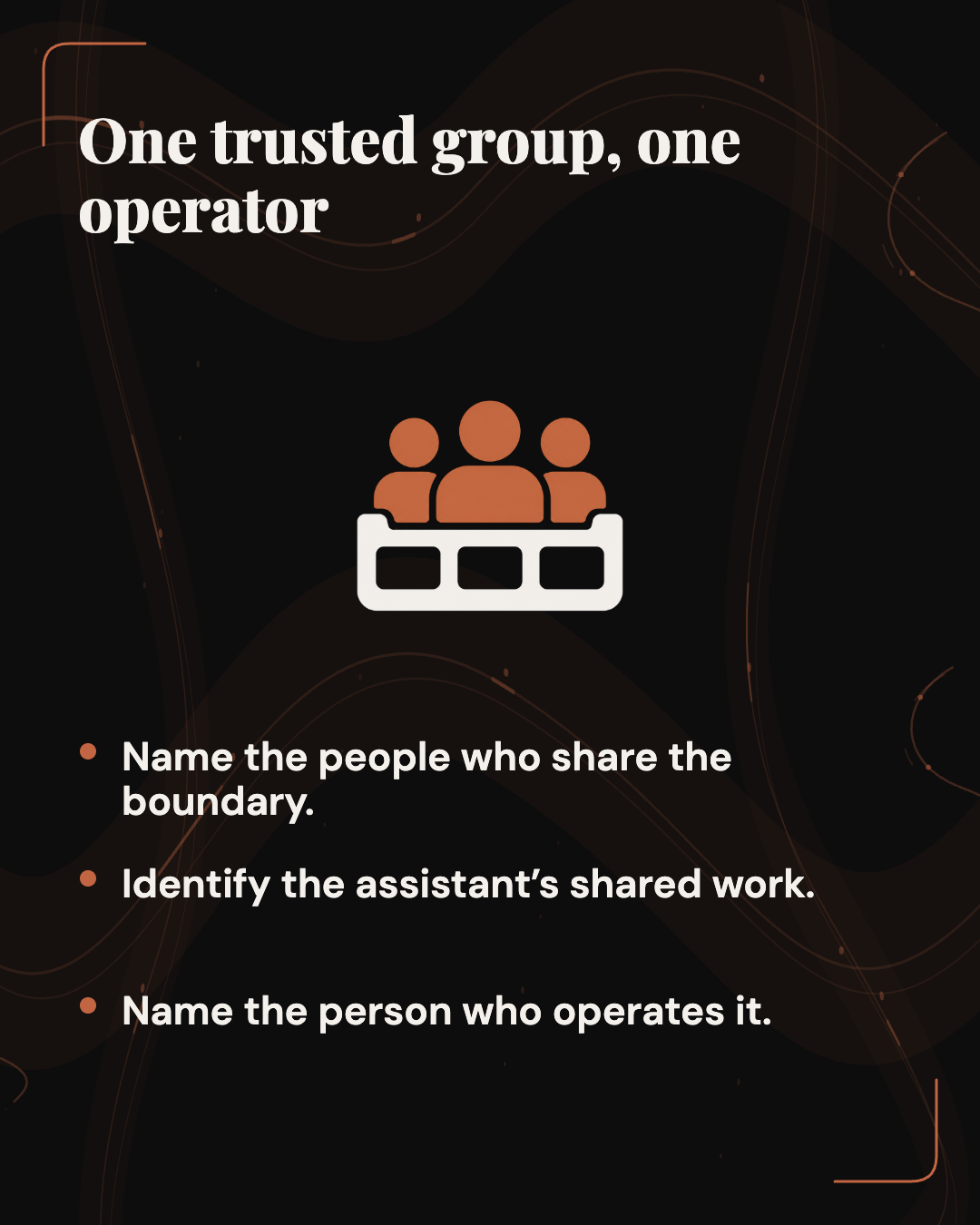
Octop may be worth a bounded evaluation when one trusted household or small team wants a self-hosted assistant and can name an operator for updates, credentials, integrations, backups and human review. The project brings a web dashboard, command-line interface, messaging channels, agents, scheduled tasks and integrations into one service. That breadth may simplify a connected workflow, while concentrating more systems and credentials under one operator. (Octop's 1.0 release; the version-pinned README, v1.0.1)
 View image detail
For a team considering it, the decision is whether a single trusted group can operate the service, understand where information flows, and keep the first use case narrow enough to evaluate. The project describes a household and small-team model. It does not present that as a hosted service for unrelated customer organizations. No Octop build or test was run for this article, and the available external install review covers an earlier version. This is a fit framework, not a product certification.
The 1.0 story is consolidation, not a single new trick
Octop's 1.0.0 release announcement calls the release general availability and lists a small set of release changes. The broader product story comes from the project documentation: Octop groups several ways of working with assistants behind one control plane. The README describes a web dashboard, a CLI, chat integrations, HTTP, server-sent events and WebSocket interfaces, plus schedules and agent workspaces. It names SQLite as the default control-plane database and PostgreSQL as an option.
That combination is more consequential than a new feature toggle. If the same service can receive a prompt from a dashboard, messaging bridge or scheduled task, then it can serve different rhythms of work without requiring a separate assistant product for every surface. A person might explore an issue in chat, save a document to an agent's workspace, and schedule a report. The software's appeal is a connected environment, rather than any one channel in isolation.
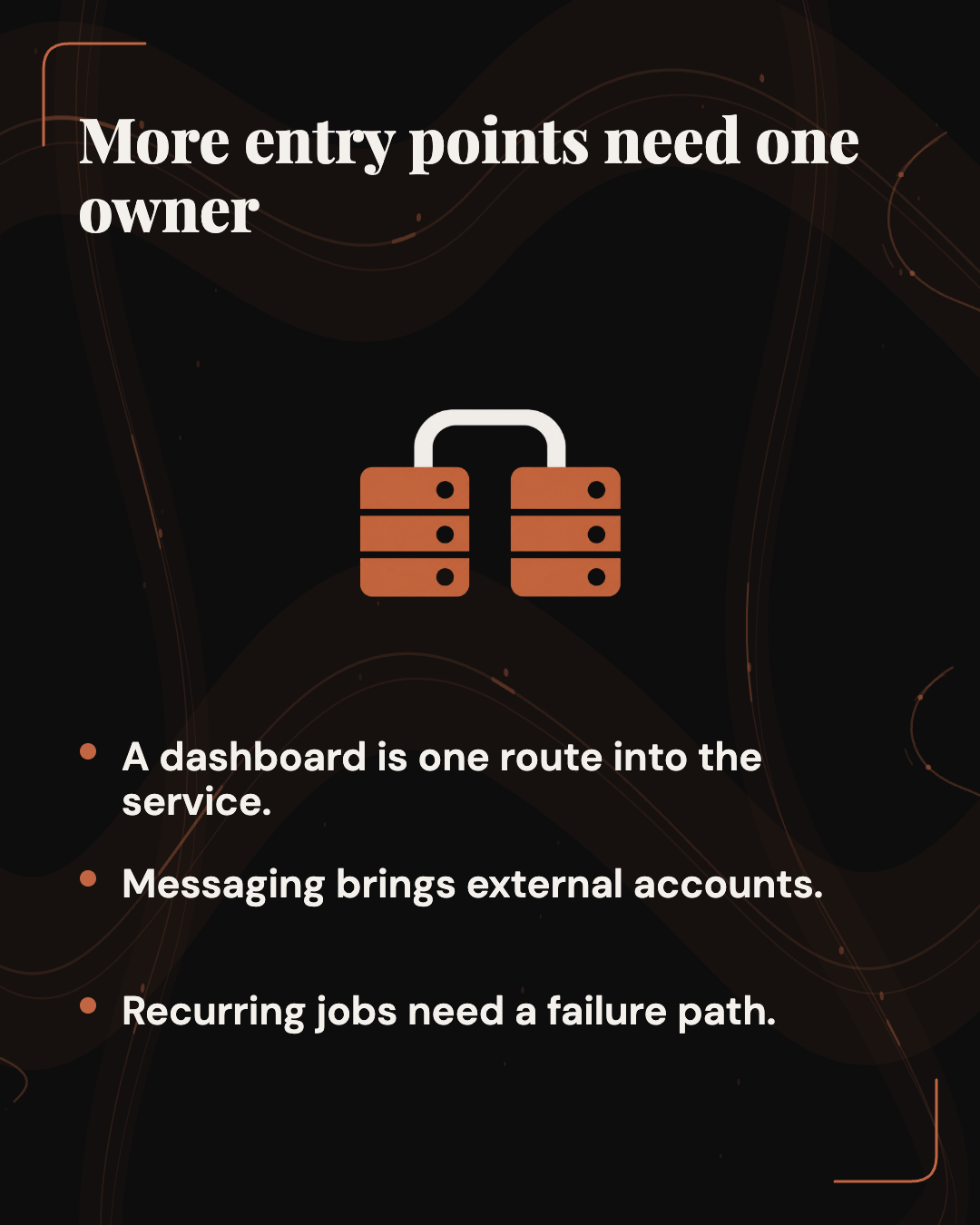
The trade is that connected surfaces share an operating boundary. The README says Octop routes web, messaging and cron through one in-process processor, with its state rebuilt from the database when the service starts. That may be straightforward for a small deployment. It also means the owner should understand service startup, database backup, channel setup, agent permissions and upgrade behavior as parts of one system. Consolidation reduces the number of separate dashboards a user must visit, but it does not eliminate operational work.
This distinction helps set expectations. A project can support many interfaces and still be a poor fit for an organization that needs strong boundaries among departments, customers or regulatory environments. A feature matrix answers “can it connect?” A fit decision also asks who can authorize a connection, who can see the resulting work, and who remains responsible when an integration or schedule fails. (Octop's architecture and feature overview)
What a small team could get from one control plane
The version-pinned v1.0.1 README describes several product surfaces. The web dashboard manages chat, agents, connectors, channels, cron jobs, a knowledge base, plugins, coding-agent connections and settings. The CLI offers service, user, channel, agent and backup commands. The project documents multiple agents per user, with agent workspaces and configurable providers, channels and schedules. Those are useful capabilities to assess against a particular team's job, not proof that a given job will finish correctly.
One possible fit is an internal operations group that wants a shared assistant for recurring, low-risk work. For example, an operator might ask an agent to summarize a folder of approved process documents, then have a human compare the summary with the original before sharing it. The example is hypothetical. It illustrates why persistent workspaces and a shared dashboard could be useful, while leaving the factual review with a person who knows the process. If the actual task requires current data from a provider, its permissions, refresh cadence and terms become part of the evaluation too.
Another possible fit is a developer or automation team that wants to experiment with a contained tool set. Octop documents MCP connectors and Agent Client Protocol support, including outbound delegation to coding agents. This can create an attractive path from a chat request to specialist tools. It also increases the consequence of defaults and configuration: each connection adds an identity, capability and data path that someone should understand. A team with a clear administrator and an agreed policy for development work may find that worth evaluating. A team looking for a zero-setup autonomous employee should read the configuration and approval requirements first.
The project's messaging integrations may matter for a group that already uses supported platforms. Its documentation names Feishu, DingTalk, QQ, Discord and WeCom, among others. Channel setup requires platform credentials. A connection can move the assistant closer to the conversation where work happens, but it also changes which messages may reach the service and which responses may leave it. The team should decide whether a private test channel is appropriate before connecting a broad company channel.
Scheduled tasks add another useful surface when the task is predictable and someone knows what “done” means. A schedule can produce a recurring status digest, but a recurring output should have an owner, a defined audience and a failure path. A good pilot may leave schedules switched off until the underlying request has been checked manually more than once. Automation is a later choice, not an automatic consequence of installing an assistant.
The value case is therefore operational flexibility. One team can explore whether agents, connectors and channels reduce friction across its workflows. The evidence available here does not establish that Octop saves a particular amount of time, works better than another product, or reliably coordinates every listed integration. A team's own bounded evaluation must answer those questions for the sources, users and tasks it cares about.
 View image detail
Decide whether your team is actually the audience
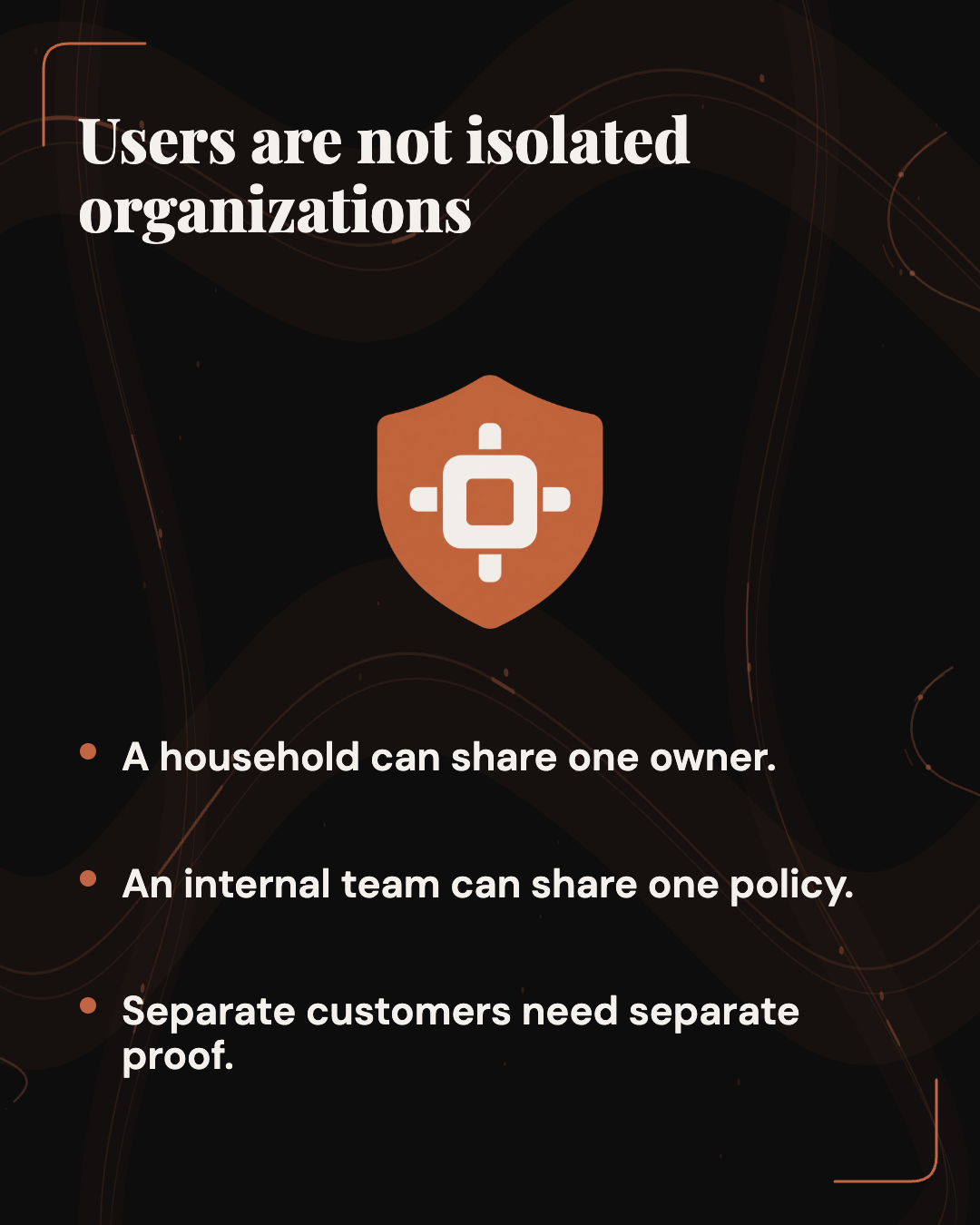
The README positions Octop for households and small teams. That statement is a meaningful product boundary. It should guide the architecture question before an administrator connects data. “We have multiple logins” and “we host unrelated organizations” describe different requirements. User accounts inside one deployment do not automatically mean each account has an independently governed tenant boundary.
An independent reviewer of an earlier Octop version made this distinction directly. In a September 16 sandbox review of a v1.0.0-era commit, the reviewer described the product as suited to a household or small internal team and warned against treating it as a multi-tenant service. The reviewer tied that concern to a still-open project issue asking for tenant-level organization entities and resource isolation. The issue itself describes how resources are currently associated with users and proposes tenant scoping as future work. This is evidence about a design request and a dated review, not evidence that users can access one another's data or that a vulnerability was demonstrated. (Independent Octop review; open tenant-isolation request)
For a family, lab, agency team or one department with a common owner, shared service may be exactly what the group wants. Its users can share the same deployment policies and a named administrator can set up the integrations. For a consultancy serving separate clients, a software service that hosts unrelated customers, or a business unit that needs strict separation from another unit, the standard “multi-user” label is not enough. The necessary question is whether the deployed version offers and tests the exact tenant boundary, resource ownership and administrative separation the organization requires.
If the boundary is unclear, separate instances may be easier to reason about than a single combined service. That is not a guarantee that independent deployments are secure. Each one still needs network controls, updates, access policies, backups and credential management. It is simply a different architecture that can make the intended group boundary more visible. A decision memo should state the owner, users, data classes, integrations and consequences if one user's context becomes available to another.
This test also prevents a common category error: “self-hosted” answers where an operator runs a service, while “single-tenant” and “multi-tenant” describe resource isolation between groups. A process may run on infrastructure under your control and still have a shared resource model that is wrong for your service. A product may separate personal workspaces and still not meet your legal, customer or technical boundary. Ask the project documentation, inspect the current code and tests, or obtain an answer from maintainers before using one instance to serve organizations that do not trust one another.
 View image detail
Self-hosting means you own more of the operating decision
Octop's README says its configuration, chats, workspaces and credentials live under ~/.octop/ by default. SQLite is the default control-plane database, with PostgreSQL optional. The documentation also describes persistent Docker storage and environment variables. Those details help answer what the operator must protect and back up. They do not mean every interaction remains on the host: the assistant may connect to model providers, messaging platforms, OAuth services, MCP tools, remote storage or external coding agents.
The project's security policy states that operators are responsible for securing host and network exposure, rotating JWT secrets and administrator credentials, reviewing tool guard rules, and protecting model API keys and messaging credentials. This is a useful description of the responsibilities that accompany a self-hosted control plane. It is not an independent endorsement of the product's safeguards. A team should use the policy as a checklist for ownership and ask which items it can actually operate. (Octop security policy)
If the team cannot identify where API keys are stored, which process can read them, or who can rotate them, the pilot is not ready for real work. If an agent can access a browser profile or run shell commands, the owner should know which account is signed in and what the rules allow. If a connector accesses a source, its permission scope should be intentionally limited. The point is not that these documented integrations are inherently unsafe. The point is that connecting them changes the set of people and software that can affect the workflow.
The official README recommends Docker Compose for production and documents both desktop and other installation paths. The public repository also has a Helm deployment request, which remained open when checked. A small team should choose a supported, maintainable deployment surface rather than choosing one because it resembles a familiar platform. If a team requires Kubernetes and a tested Helm chart, a current issue requesting that route does not substitute for a chart or an operational support promise. (Octop's deployment instructions; open Helm request)
 View image detail
Read the version labels carefully
Octop 1.0.0's general-availability release was published on September 14, 2026. The release history places 1.0.1 on September 19 and 1.0.2b5 on September 29. At the current check, GitHub lists 1.0.2b5 as Latest and its release API marks it as not a prerelease. Its notes add a remote Octop bridge, a configurable Ollama download path and changes including mobile viewport fixes. The b-style tag name alone does not establish an update channel or a deployment guarantee. (v1.0.1 release notes; current release list and v1.0.2b5 notes)
This timeline matters because the available independent run predates those updates. MrKeyoor reports a clean sandbox install and build on a v1.0.0-era commit, but its tests remained near 6 percent when the 900-second limit ended. The reviewer reports that no failing assertion appeared in the captured tail and describes the test suite as unfinished rather than failed. That is a narrow, useful observation about one environment, not a test of the later 1.0.1 or 1.0.2b5 builds. The scan of dependencies also reported zero known advisories at the time of that run. A dependency scan is not a security review or a statement about current code. (review methodology)
When evaluating Octop now, inspect the chosen release record and the update policy the team will use. Record the exact version and build. Read the corresponding notes, install it in an isolated environment, and measure the task and operating questions that matter. Do not make one release's result stand in for another. Do not use the fact that an installer completed quickly as evidence that the application is reliable, secure or ready for customer data. Those are separate assessments.
A useful record can be simple: version and download source, environment, intended users, data used, integrations enabled, task performed, expected result, observed result and any reviewer correction. If the team did not test one of these items, leave it blank or mark it unknown. That makes an evaluation easier to repeat after an update. It also keeps an anecdote from turning into a general product claim in an internal recommendation.
 View image detail
Run a one-task pilot before connecting the whole workflow
Start with the smallest task that could prove fit. It should have a named user, a known source, a result a person can check and no automatic external action. Use a synthetic or non-sensitive sample where possible. Do not connect a full messaging workspace, personal browser profile or production credential just to see whether the dashboard loads. Establish the route to remove the account, clear test data and restore the previous state before introducing information that would be costly to lose or disclose.
A practical pilot brief can be one page. First state the decision: for example, whether a human reviewer finds a document summary useful enough to keep testing. Second name the approved sample documents and who owns them. Third define what counts as a useful summary, such as preserving named steps and linking each conclusion to the relevant source passage. Fourth list the exact version, model provider and channel used. Fifth say what is out of scope: no browser login, shell command, customer data, scheduled task or write to another system. Finally, name the person who will compare output against the source and decide whether to continue. This is a proposed Rise method, not a result from a test already performed.
Keep the first request narrow enough that the human can inspect it. If the task is summarizing three policy pages, the reviewer can check each claim, notice omissions and confirm that the output is grounded in the supplied files. If the task asks a multi-agent group to research a live market, send messages and update a customer record, a mistake becomes difficult to attribute to the model, prompt, connector, schedule, permissions or outside source. Begin with a small set of moving parts. Add the next one only after the current result is understood.
Set a stop rule before running the task. Stop if the agent cannot show which source it used, if the output invents a requirement, if a connected account requests more access than the pilot needs, if test information appears in an unexpected destination, or if a human cannot explain what an agent was permitted to do. A stop rule should point to an owner and a next step. For example, “pause if the result uses a source other than the three approved pages; the document owner decides whether to update the source list.” A rule that only says “be careful” is hard to verify.
The pilot also needs a finish state. After the human review, document whether the task was useful, what changed during review and which question remains. If the summary is accurate but takes longer to verify than writing it directly, that matters. If it is useful only after adding more context, record which context belongs in the source and which belongs in the prompt. If the workflow works without a connector, do not add a connector for its own sake. The goal is not to maximize Octop's feature use; it is to establish whether one actual task benefits from the system at an acceptable operating cost.
 View image detail
Separate a fit decision from a product score
A team does not need to convert every observation into a rating. Instead, write down what matters and the evidence for each point. Does the intended group match the product's documented household/small-team boundary? Can one owner maintain the chosen deployment? Are the needed connectors available and supported in the exact workspace? Does the task have a known reference? Can reviewers inspect the result? Are provider and channel credentials scoped? Can the team back up, restore, upgrade and remove the service? Can it keep scheduled jobs and powerful tools off until needed?
Some answers are binary gates. If your service must isolate unrelated customer organizations in one shared deployment, unresolved tenant separation is a reason to stop and confirm the exact current behavior before proceeding. If the team cannot protect the host or rotate the administrator credentials, the problem is not a low score to average out against a convenient chat integration. If the team has only a single low-risk internal task, a large agent configuration may be more complexity than value.
Other answers depend on local context. A team that already manages a server and has a supported private network may find an additional self-hosted process routine. A solo operator who has never maintained a backup may find the ongoing responsibility more costly than a hosted service. Those are not judgments about skill. They are parts of the ownership calculation. A system that runs under your control is still a system someone must update, monitor and recover.
Compare alternatives on the same job rather than comparing feature lists. For one documented summarization task, a team might compare Octop with its existing assistant or with a private script. Use the same source sample, same definition of a successful answer and same human review. Count setup, correction and maintenance effort, not only how quickly the first response appears. If an alternative does not offer a feature Octop has, that could matter for the use case. If it lacks no required capability, extra surface area may be a cost instead of a benefit.
 View image detail
This framing avoids two common mistakes. A long feature list does not establish product-market fit, and an older install test does not establish present quality. The most honest product decision may be “worth a sandbox trial for one team, but not for our multi-client service.” That is more useful than calling any early-stage tool either a breakthrough or a failure.
Fit, hold or choose another architecture
Fit for an evaluation: one household or internal team shares a trust domain; an operator owns updates, credentials and backups; the initial task is low-risk and reviewable; required integrations can be tested with narrow access; and the team has a clear answer for who receives the output.
Hold: the source or model path is unclear, the person responsible for the host is unknown, a channel would expose more information than the test needs, the deletion behavior is not understood, or the team cannot restore a backup. In those cases, the next useful step is to answer the specific question with a test environment and the owner of that component.
Choose another architecture or separate instances: unrelated organizations need independently governed resources, your deployment requirement depends on unsupported infrastructure, or the operating burden exceeds the value of consolidating the workflow. The available public sources do not establish Octop's suitability for a multi-tenant hosted service. If tenant separation matters, do not infer it from separate logins.
 View image detail
The current documentation gives a practical starting point, but it cannot answer whether the service will work with your particular provider, network, data rules or team. Before committing, check the exact release and its notes, the update channel you intend to use, and the policies that apply to your deployment. A user report or an independent sandbox review can reveal a question worth testing. It cannot certify an environment it did not inspect.
Make the first decision small enough to own
Octop 1.0's appeal is a connected, self-hosted assistant environment for one household or internal team. That setup deserves a pilot only when someone owns its credentials, updates and backups, and another person can check the output.
Before a pilot, define one task and approved inputs, keep other tools and data sources off, and name the operator and reviewer. Continue only if the result is useful and inspectable. If the team cannot maintain the boundary or explain the result, keep real work out of the service.
For a related framework on deciding when an AI workflow is worth making repeatable, see Rise's Work Worth Doing test. The question here is narrower: does this deployment fit the people, data and task you can actually support?
For the operator's step-by-step readiness checks, continue with what to check before putting real data into Tencent Octop.
Checked for this article
Sources
Keep going
Related notes.
Automation and Agents
Inside Codex Alpha 10: Incremental Tool Catalogs and Code Mode MCP
How Codex Alpha 10 tracks changed tool declarations in Responses Lite and keeps Code Mode MCP resource helpers available, with the source and access limits.
Read the article
Automation and Agents
Agent-Native 0.187: Where Should Tool Approvals Resume?
A source-based review of how embedded app approvals reach their paused run, with proposed checks for the bridge, message route and receiving action.
Read the article
Automation and Agents
Agent-Native 0.187: Check Interrupted Writes Before Retrying
When an agent loses a write response, the destination may already have changed. A source-based guide to reconciling the action before retrying.
Read the article