
Automation and Agents
Codex Cloud Environment Access: A Practical Sharing Checklist
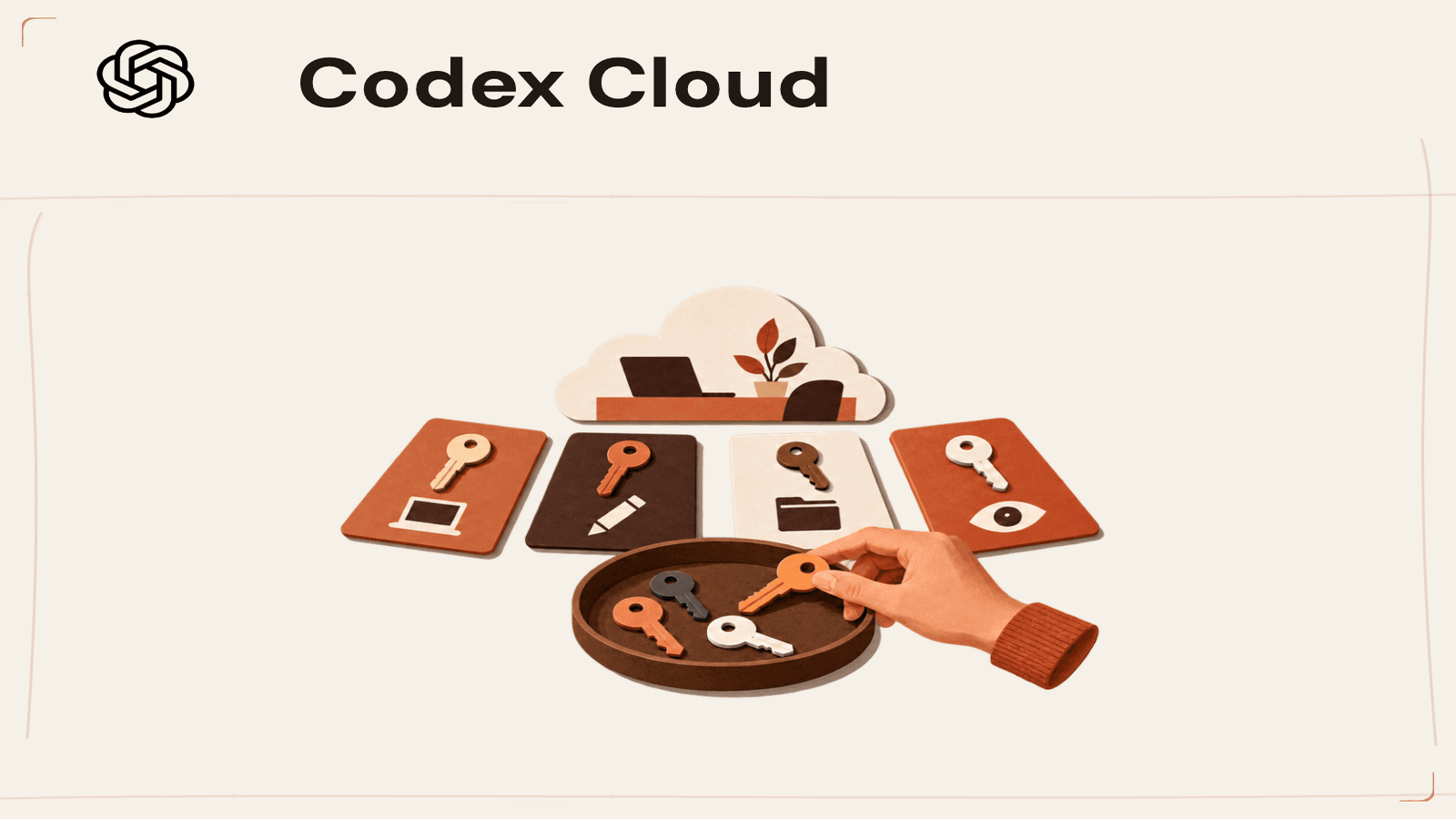
Sharing a prepared environment is not the same as sharing a teammate's task. It can still make prepared files, credentials or connected resources available, so check the access path before rollout.
On this page
- Start by naming the object being shared
- A person, an environment, a task and a repository are separate principals
- Prepared files deserve a real review
- Credentials have more than one path
- Network access is a policy, not a checkbox
- Environment editing is another permission boundary
- A rollout checklist that is specific enough to use
- A compact access review worksheet
- What the seven-day note actually means
- Keep the promise narrow and the evidence visible
- Sources and further reading
A reusable coding environment sounds like a tidy way to get everyone started from the same setup. Before sharing one, though, separate the things that are easy to blur together: the prepared environment, each person’s task workspace, the GitHub account used to fetch code, files and credentials inside the environment, network destinations, and permission to edit the environment itself. Each is a different access question.
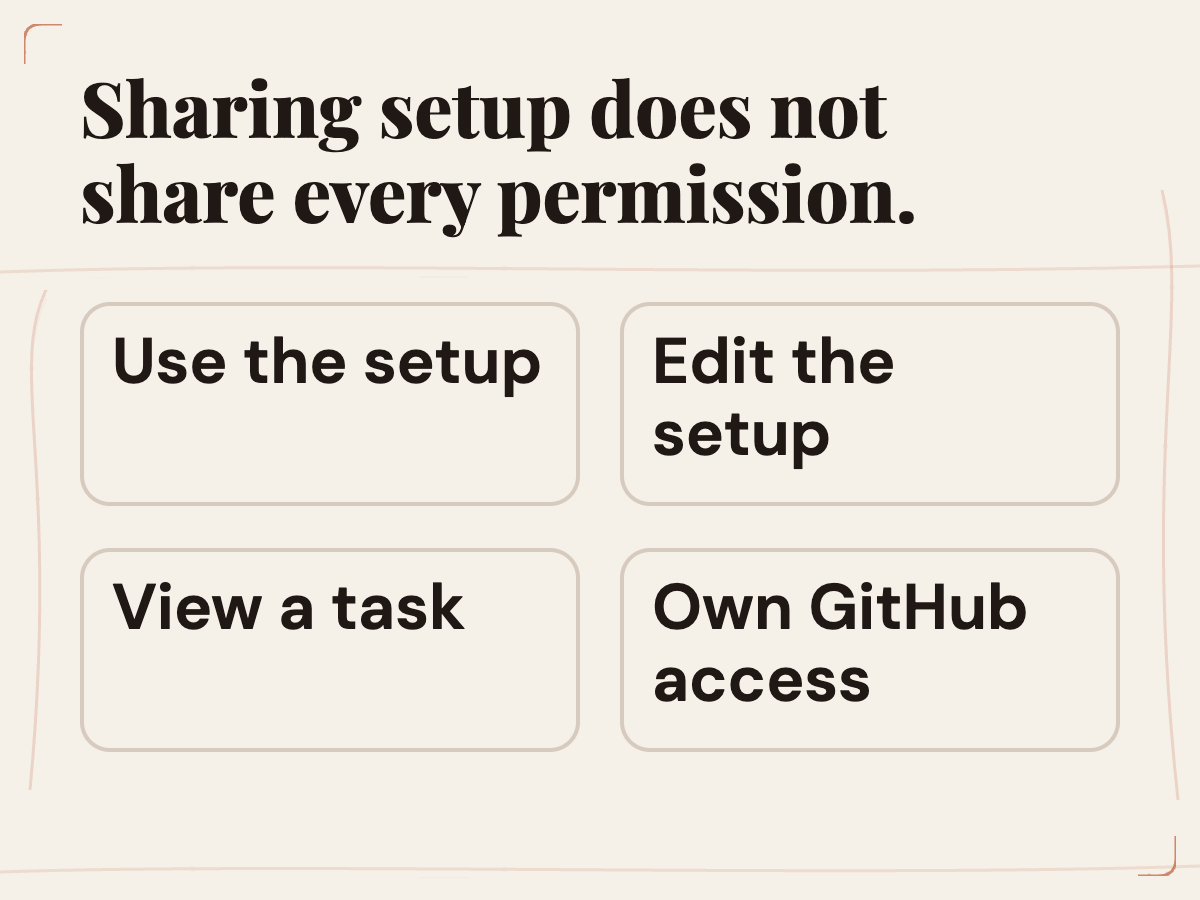
As of October 2, 2026, OpenAI’s Codex Cloud Help Center guide says Enterprise environment sharing makes its prepared setup available to authorized workspace members. Features are gradually rolling out, and plan and workspace controls still determine availability. It also says that sharing does not give coworkers access to another person’s task or automatically let them edit the environment. Those boundaries are useful. They do not remove the need to examine what the prepared files and any environment-owned connections can access.
The decision is not “Is sharing safe?” in the abstract. It is “Which people should be able to start tasks from this setup, with which repositories, data, tools, credentials and network destinations, under which workspace policy?” Answer that question at the level of one environment. Then document the result so a later change does not silently broaden the original decision.
 View image detail
Start by naming the object being shared
In the product documentation, an environment is a reusable setup for Codex Cloud tasks. It combines repositories, dependencies, tools and access settings. An administrator or creator prepares and reviews that setup, then publishes it for use by new tasks. That does not turn every task into a shared folder. The prepared setup is the reusable starting point; task work happens in isolated workspaces.
This distinction prevents two opposite mistakes. The first is assuming that coworkers can browse or modify another person’s task merely because both can use the same environment. OpenAI says they cannot get that access from environment sharing alone. The second is assuming that because tasks are isolated, the environment contains nothing sensitive. OpenAI specifically warns that prepared files and environment-owned credentials or connections can give teammates access to shared resources. Both statements must be held together.
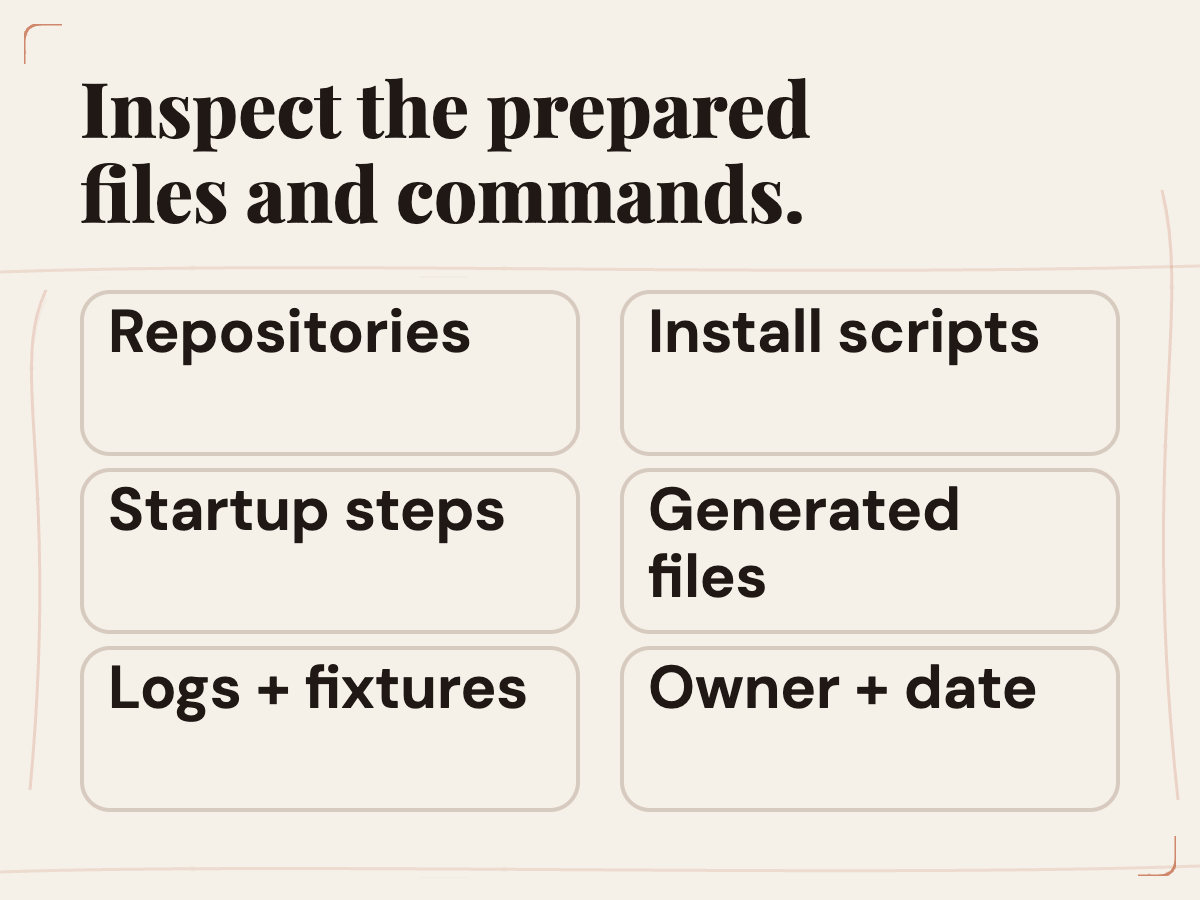
A practical review begins with an inventory. Which repositories are selected? Which files are included in the prepared filesystem? Are there generated assets, local configuration files, sample data or documentation that should not be broadly available? Which commands run at install or startup? Which external services do they touch? Which account owns each connection? What permissions does that account carry? The answers define the actual exposure better than the name of the environment.
Do not treat a familiar label like “dev” or “staging” as proof that everything inside is harmless. Labels are useful only when they match contents and permissions. A cloud setup can be named after a test project while still containing a token capable of reaching a production resource. Verify the configuration itself and the resource owner’s expectations.
 View image detail
A person, an environment, a task and a repository are separate principals
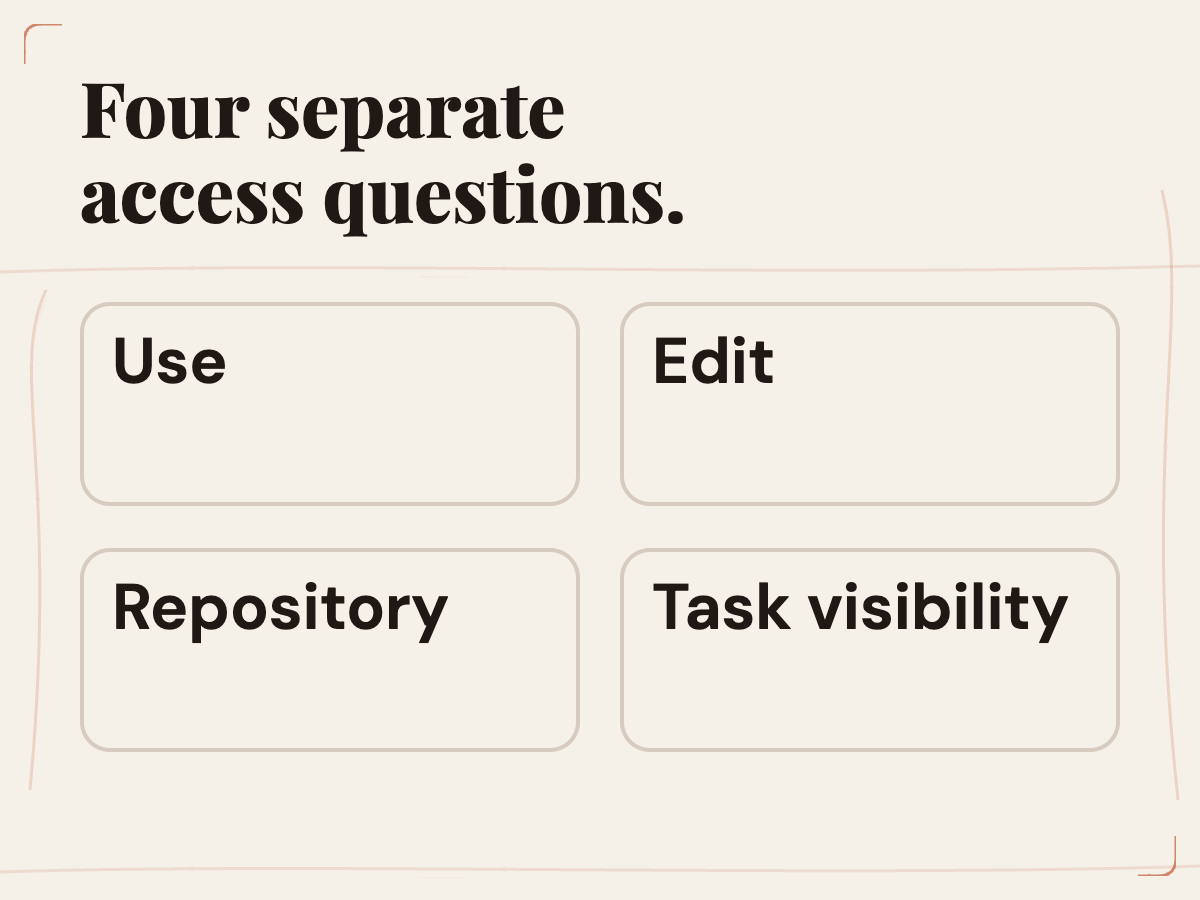
Think of the path as several actors and objects. A workspace member may be authorized to use a published environment. The environment has prepared files and configured access. A new task starts with its own isolated workspace from that setup. The task may connect to one or more repositories. A user’s GitHub connection determines that user’s repository rights. Organization policies may limit tools or network access. Permission at one layer does not automatically imply permission at every other layer.
OpenAI says each person uses their own GitHub connection. Environment access does not replace repository permissions or the task’s Git setup. That means sharing an environment is not a shortcut for granting repo access. If a coworker can use the setup but their GitHub identity cannot read a repository, the environment does not simply grant it on their behalf. Likewise, a person's permission to edit the repository does not necessarily give them permission to change the published environment configuration.
When investigating a reported access problem, identify the failing stage. Is the person unable to select the environment? Can they start a task but not fetch the repository? Do dependencies install but a service fail to start? Does a push fail because the GitHub connection has different rights? Does a network call fail because an allowed-domain rule blocks it? These are different problems and have different owners. Avoid fixing them with a broad permission change before you know which boundary failed.
 View image detail
Prepared files deserve a real review
In ChatGPT Enterprise, environment sharing makes the prepared setup available to authorized workspace members. Availability and access controls depend on the plan, rollout and workspace settings, so verify that the feature is enabled for the intended users before planning a rollout. Then inspect what setup means in practice. Read the repository list. Review install and startup instructions. Check whether the preparation step copies or creates files containing private values, local paths, debug output or customer data. Look for logs and sample fixtures that may reveal information beyond what the intended group should see. Consider whether scripts fetch dependencies from external sources or write artifacts to persistent locations.
Prepared files and configuration are part of the object being reused, so inspect their contents rather than inferring them from a label. The relevant question is not only what the user interface displays as a summary, but what a new task can actually read and run. A setup report can help, but its existence does not replace a human review of the project’s intended access. For the broader question of which work should be automated and where a person should retain judgment, see Rise’s five-part automation test.
Keep the prepared baseline narrow. Include the tools the recurring task needs. Avoid baking unrelated repositories or personal development material into a broadly shared environment. If two groups need different permission levels, do not assume one shared setup is simpler than two deliberately scoped environments. The small cost of maintaining distinct configurations may be preferable to giving every user a setup with more access than the job requires.
Finally, identify who owns the prepared files after publication. When the project changes, someone should know whether to review and republish the environment. A published starting point that is no longer maintained can drift from the repository and confuse both users and agents. The same lightweight change note can record the reason for an update, the changed files or commands, and the test that was rerun.
Credentials have more than one path
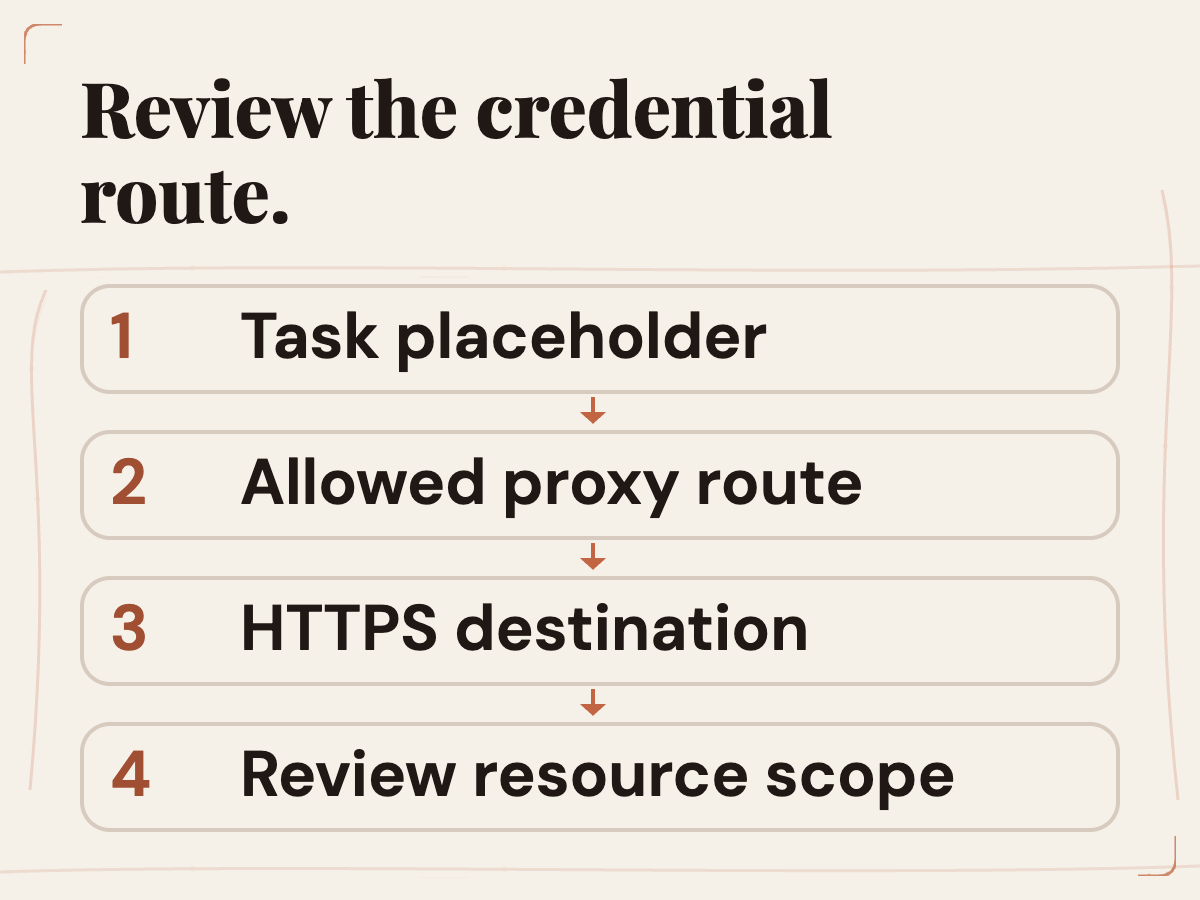
OpenAI’s environment-variable and network-secret documentation describes two separate configuration mechanisms. A program reads an environment variable directly. For documented network-secret delivery, programs receive a placeholder and the proxy substitutes the protected value for an allowed destination over HTTPS on port 443. These mechanisms solve different needs; do not choose one simply because it seems more convenient.
The Help Center adds a sharing detail: environment-owned credentials or connections can provide access to shared resources, while personal vault values are not copied to teammates. That is an important boundary, but it is not a blanket statement that every credential is personal or that every shared resource is protected by the same mechanism. The environment owner should list which secrets exist, who owns them, which resources they can reach and whether the task truly needs them.
Prefer a credential scoped to the narrow task and resource. Confirm that its allowed destinations are as narrow as practical. Remove values no longer used by the setup. Do not put secrets into source files, setup notes, logs or generated image placeholders. Avoid pasting a real token into an issue description while trying to explain a failed connection. If the documented mechanism cannot enforce the separation your team requires, keep the environment private or do not use that credential in the cloud workflow.
A secret can be technically hidden from a script while still granting the script meaningful authority. Review the capability, not only the display format. Ask: what can a task do with this value? Can it read customer data, make a change, incur a charge, publish content or alter a system? Who can authorize that action? What evidence appears in logs? Does the task need that full power, or can a narrower read-only scope work?
 View image detail
Network access is a policy, not a checkbox
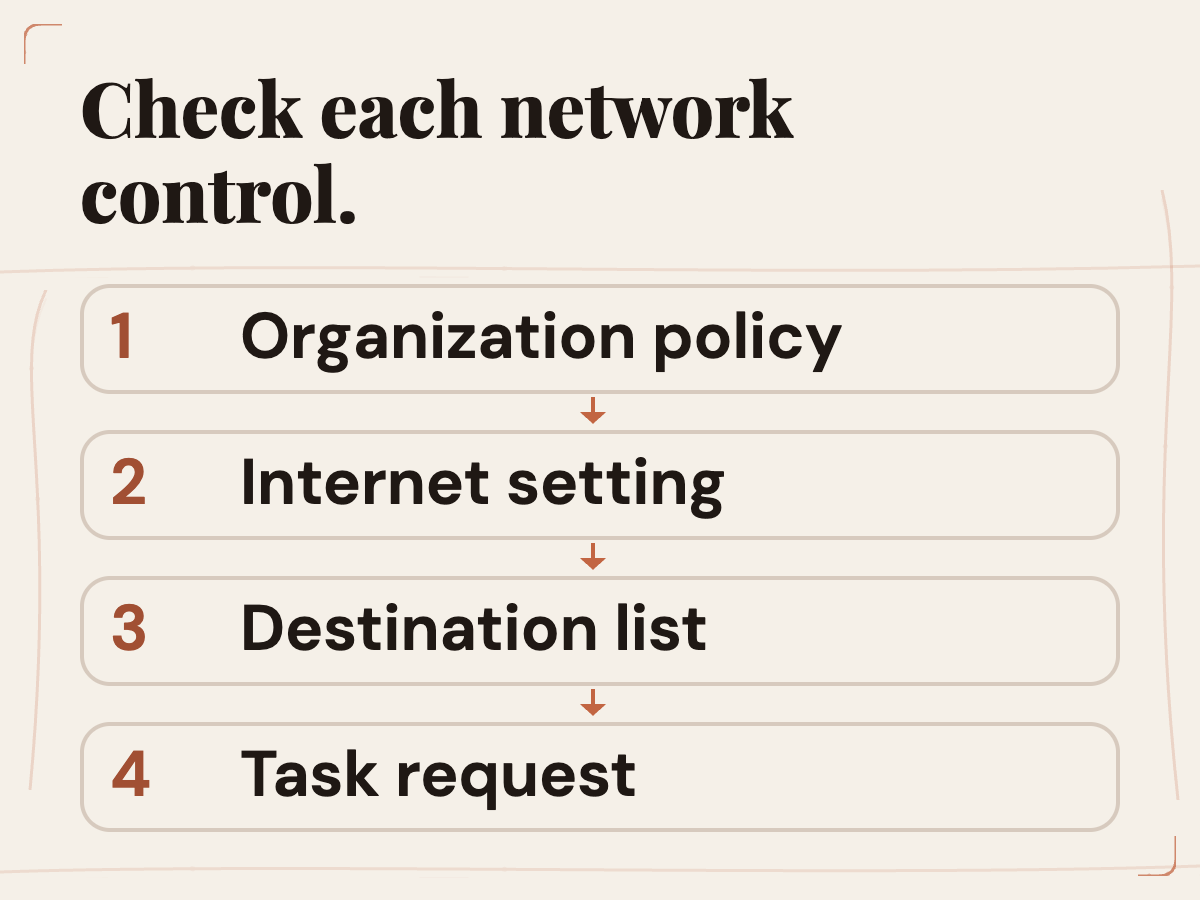
Cloud environments include settings for internet access, package managers, allowed domains and network secrets. The official Agent Security section says workspace requirements apply alongside the domain settings saved with each environment. That means an environment-level decision may sit inside a broader workspace rule. Review both. A setting that looks permissive in one view may be constrained elsewhere, and an organization-wide policy may change without every environment owner changing their setup.
Make a destination list for the task: package registries, source hosting, test services and any API endpoint the workflow truly needs. For each, ask whether the request is read-only, authenticated or able to change state. If an agent can reach arbitrary internet hosts, consider the data it can send and the instructions it can receive. Treat that as a review of the proposed configuration, without assuming a specific product exploit.
Do not widen access to solve an undiagnosed failure. First determine whether the problem is a blocked package registry, missing repository permission, incorrect DNS, a required service that was not started, or a domain that policy intentionally prohibits. Ask the workspace administrator when the applicable Agent Security rules are unclear. Keep the error, destination and time so the policy owner can make a narrow decision.
 View image detail
If the task genuinely requires wider connectivity, note the reason, owner and duration. Recheck it after the work ends. Access rules often outlive the ticket that justified them. A small record of why a destination is available can keep a reusable environment understandable and make future review faster.
 View image detail
Environment editing is another permission boundary
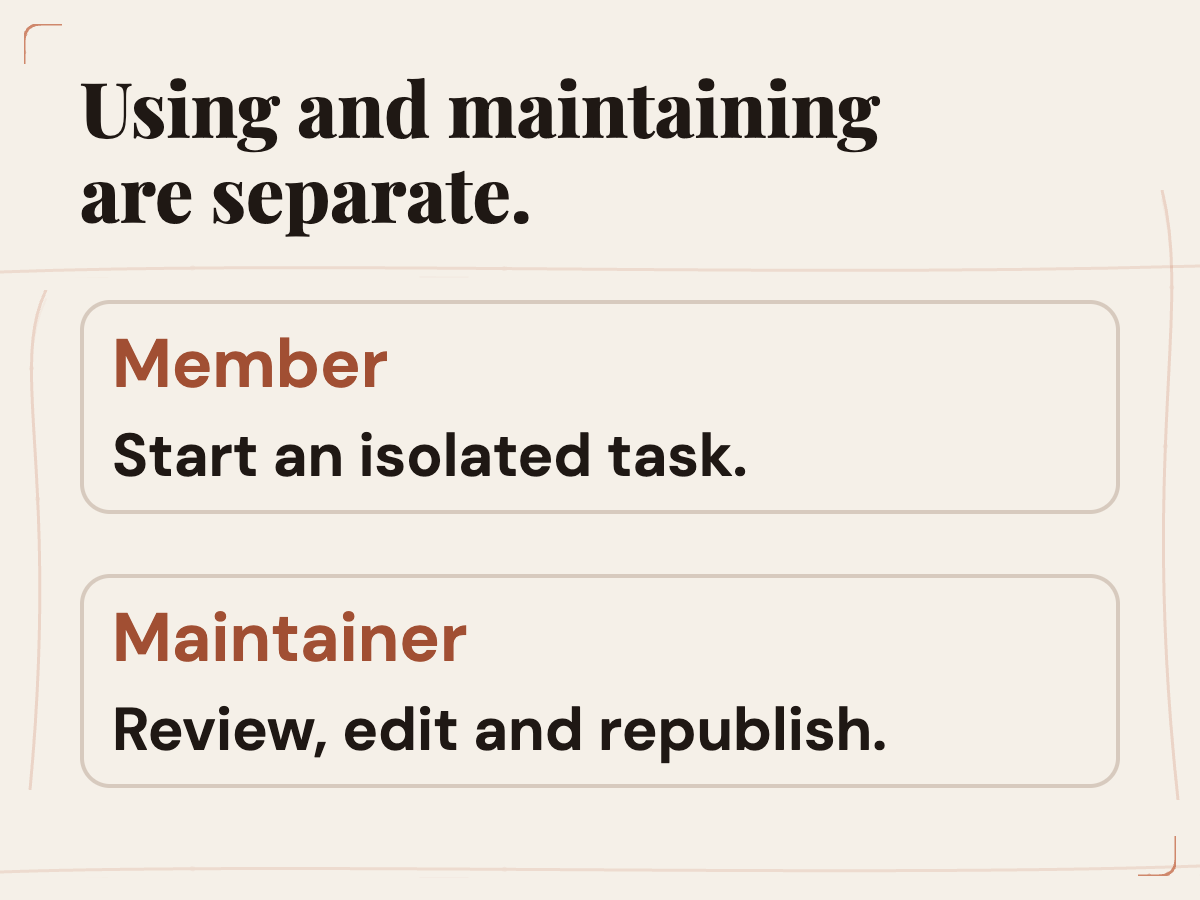
Being able to use an environment and being able to change it are separate questions. The Help Center says environment sharing does not automatically grant editing rights. For a related team review pattern covering audience, repository scope, app identity and approval boundaries in a different product, see Rise’s GitHub Copilot administrator checklist. That separation is useful for operational control. A broad group may need to launch tasks, while only a smaller set of maintainers should change repository selection, startup logic, credentials, network rules or the published filesystem.
Keep edit access limited to people who understand the setup and are responsible for its effect. Before republishing, review the difference and check what it changes for future tasks. Existing tasks retain their own saved state; new tasks begin from the newly published setup. Communicate that timing clearly so a user does not expect a task already underway to inherit the new configuration.
An environment change can affect many future tasks even if the change itself seems small. Adding a tool may alter command behavior. Updating dependencies can change test results. Adding a repository can expand the code available to each new task. Changing a network destination can change what the setup is able to contact. That does not mean every environment update requires a large formal release process. It does mean the reviewer should name the effect and run a test that is relevant to it.
Use the principle of least change: alter only what the task needs, preserve a known-good state where possible, and verify the result before publication. If the environment is shared across teams, include the people who own the repositories, services or network policies that the update touches.
A rollout checklist that is specific enough to use
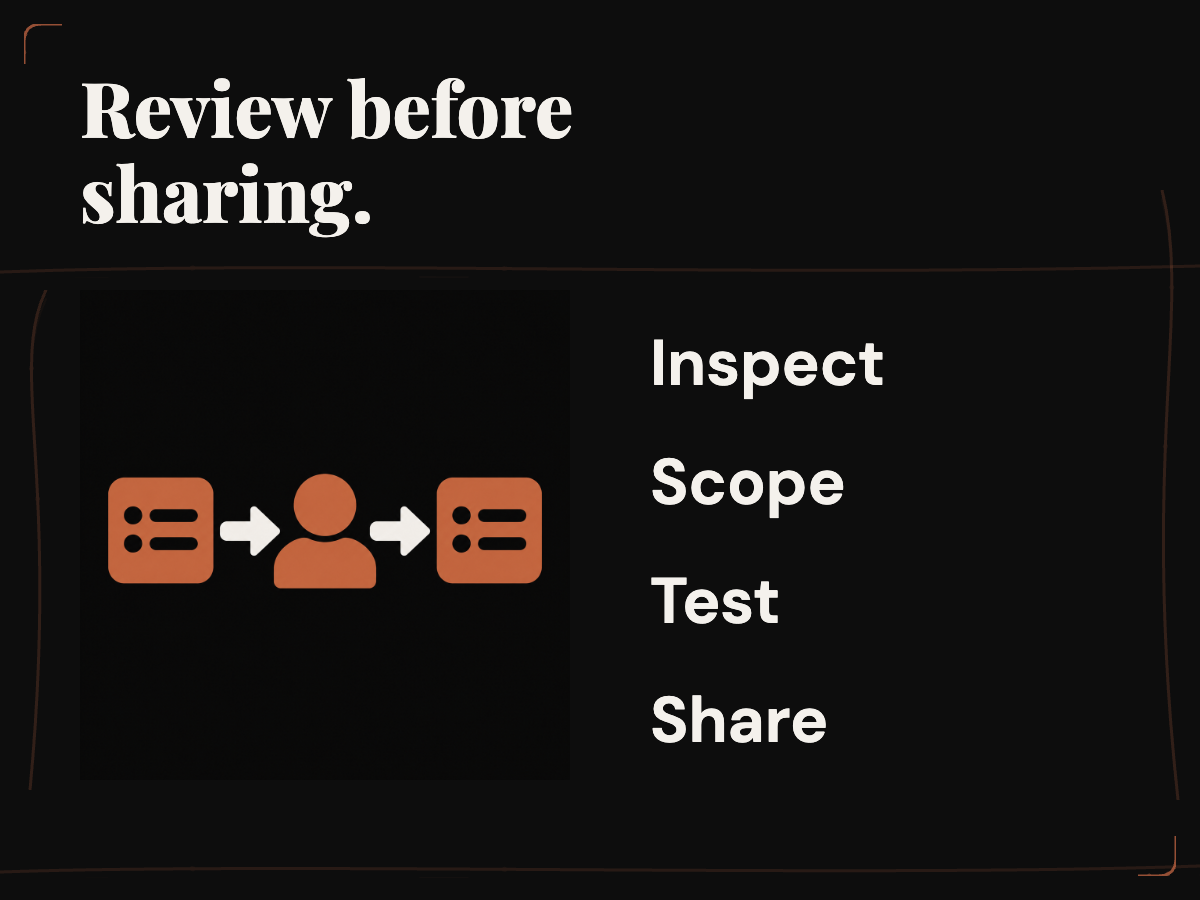
Before sharing, write down the intended audience and task. Confirm that every selected repository belongs in this setup and that the audience has its own valid repository permissions. Inspect the prepared files, scripts and logs. List environment-owned credentials and connections, state what each can access, and confirm there is no raw secret in source or output. Review network destinations and the workspace’s Agent Security policy. Decide who may edit and republish. Test the prepared workflow using a new task, then record what succeeded and what did not.
Keep the first rollout narrow. Start with a small authorized group and one low-risk, bounded task. Ask users to report which step failed rather than simply saying “the environment did not work.” Track whether the issue involved the environment, the task, the person’s GitHub connection, a service, network policy or the task instructions. A narrow launch creates useful information without turning an uncertain setup into a default used by every project. Teams weighing separate shared-workspace patterns can also read Rise’s guide to organizing ChatGPT Spaces without losing context.
After the trial, ask whether the setup delivered the promised boundary: could people start their own tasks from the prepared state without seeing another person’s task? Did repository access respect each person’s account? Were credentials and network destinations limited to the stated need? Could maintainers explain how a new publication affects future tasks? These are questions to verify in the team’s actual configuration, not conclusions this article can certify from documentation alone.
 View image detail
 View image detail
A compact access review worksheet
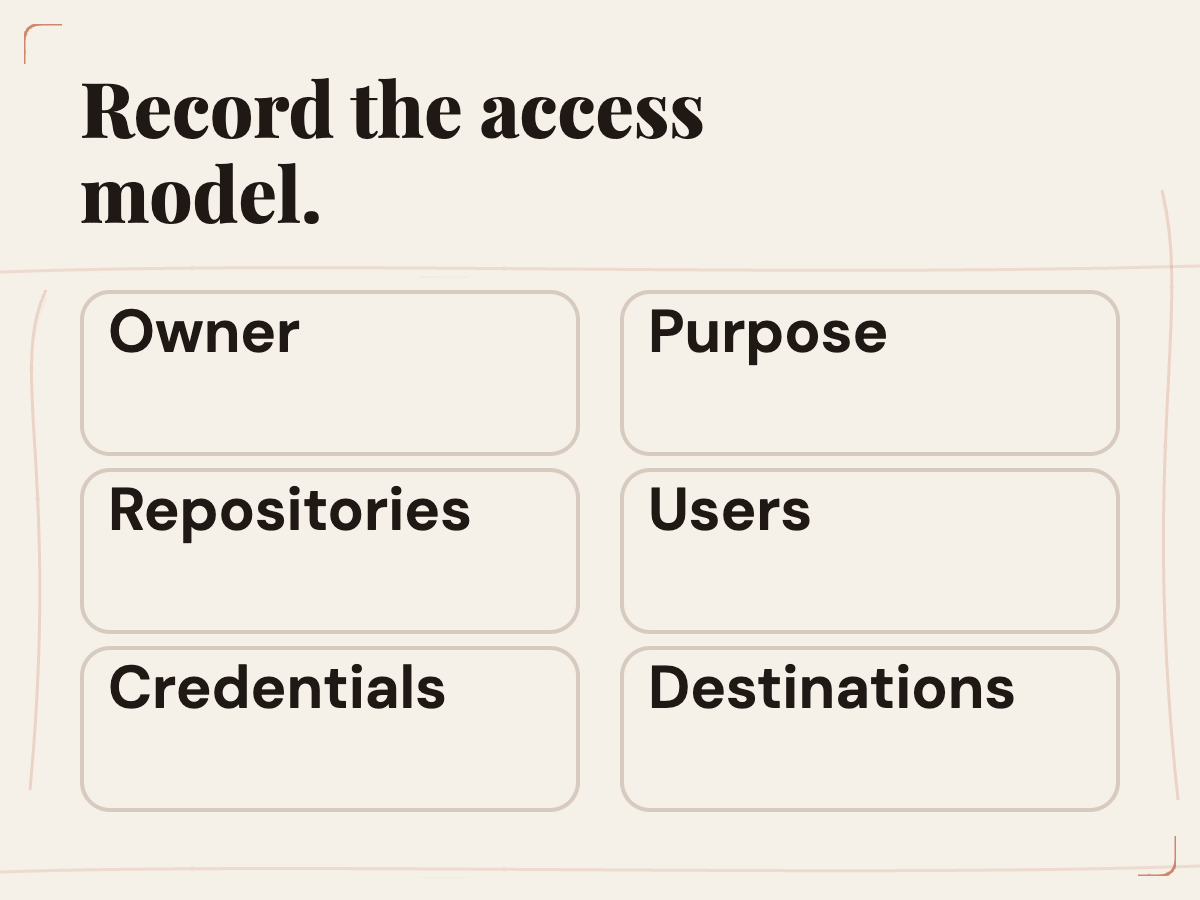
Group the review note by the person who can answer each question. That makes missing information easier to assign than a long, undifferentiated checklist:
- Owner and purpose: environment name, maintainer, intended task and reason it needs a shared setup.
- Prepared state: included repositories, prepared files, install and startup commands, and the revision that was tested.
- People and permissions: members allowed to start tasks, maintainers allowed to edit, and each user’s expected GitHub rights.
- Credential authority: connection owner, resource, permitted operation and personal or environment-owned delivery. Record the purpose without copying the value.
- Destinations and policy: required services and domains, applicable Agent Security rules, and the person authorized to change them.
- Verification and next review: test task, actual result, unresolved failures, review date and the event that should trigger another check.
The worksheet should not contain secret values. It records what a credential is for and where it is allowed, not the credential itself. If policy information changes, update the note with the source and owner. If the setup has no credential or network access, say that clearly. A simple “none required for this task” is more useful than leaving a blank field that may mean either unknown or unused.
Review triggers can be practical. Revisit the note when the repository list changes, a new external service is added, credential scope changes, a setup script changes, an organization rule is updated or a user reports unexpected access. Choose a cadence that fits the sensitivity of the work, but event-driven review matters because a static annual check may miss a consequential change next week.
This worksheet is a proposed team practice, not a requirement from OpenAI and not proof of compliance. It helps make decisions legible and gives a reviewer a starting point. Teams should use their established security, legal and vendor processes for sensitive data or regulated work. OpenAI’s current data restriction says Codex in the cloud is not covered by the OpenAI BAA and must not be used for protected health information. That is a firm boundary for organizations handling PHI.
What the seven-day note actually means
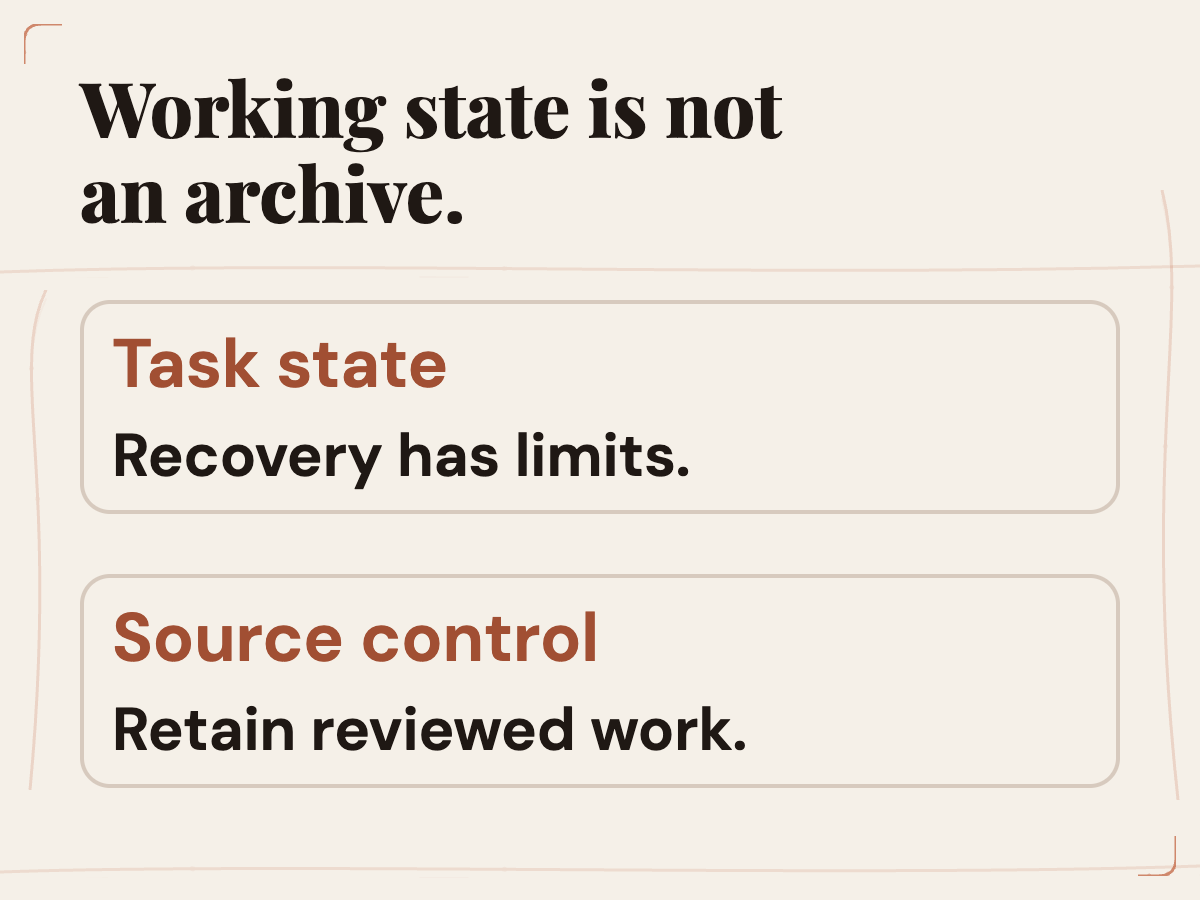
The Help Center’s saved-state explanation says the default saved virtual-machine state is recoverable for up to seven days after the last start of a turn or task resume. It clarifies that this period describes saved VM state, not conversation-history retention. This is worth explaining in a rollout because people may otherwise treat the task’s working files like permanent storage or mistake recovery time for a record-retention policy.
Commit important work to source control and retain the artifacts your team needs according to its own policies. Do not use a cloud task’s saved state as the only copy of valuable changes. If the task disappears or its VM state is no longer recoverable, Git and deliberate artifact storage remain the right continuity mechanisms. The exact operational consequences can depend on the workspace and product behavior, so link users to current documentation and use the original task when continuing work.
 View image detail
This retention detail belongs in the access conversation because data access includes where files go and how long a working state may be recoverable. Ask whether the task handles material that should not be present in that environment, whether the saved state is appropriate for the project, and how changes move back into reviewed source control. Do not conflate “available from mobile” with “stored forever.”
Keep the promise narrow and the evidence visible
The claim you can verify is precise: Enterprise environment sharing lets authorized coworkers use the prepared setup; it does not by itself share a person’s task or grant environment-edit permission. At the same time, prepared files and environment-owned credentials or connections may expose shared resources, and repository access still depends on each person’s own GitHub connection. Network and workspace policies also matter. Those are the boundaries the administrator should validate.
This checklist cannot tell you whether a specific configuration is secure without inspecting it. Follow the review path: inventory the prepared state, separate the permissions, examine credential authority and destinations, test a new task, and document the decision. A narrow environment with a clear owner is easier to reason about than a broad one whose permissions are inherited from assumptions.
If the team can explain who can start a task, who can edit its environment, which repository actions are possible, which credentials exist and where the task can connect, then it has a concrete basis for sharing. If one of those answers is unknown, keep the rollout limited while you find out. Use those answers to set a scope the environment owner can maintain and explain.
Sources and further reading
Checked for this article
Sources
Keep going
Related notes.
Automation and Agents
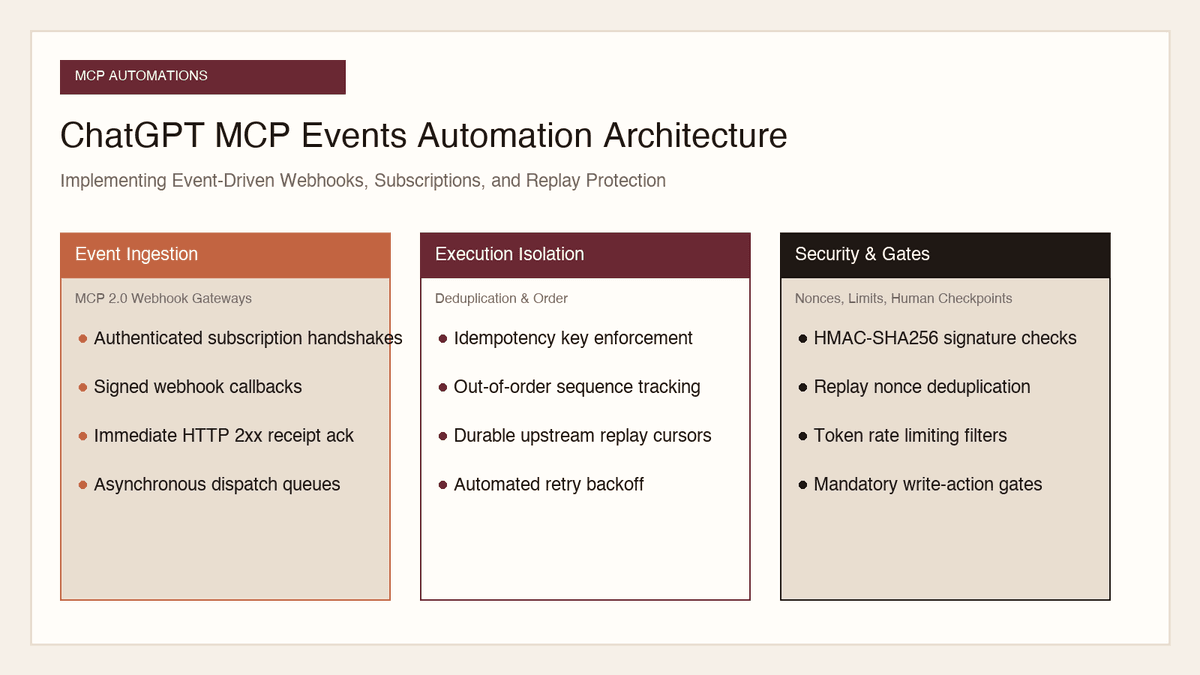
How to Implement MCP Events in ChatGPT: Event-Triggered Automations
Autonomous conversational agents no longer need to rely on wasteful polling loops. Here is how to implement event-triggered automations using ChatGPT MCP Events.
Read the article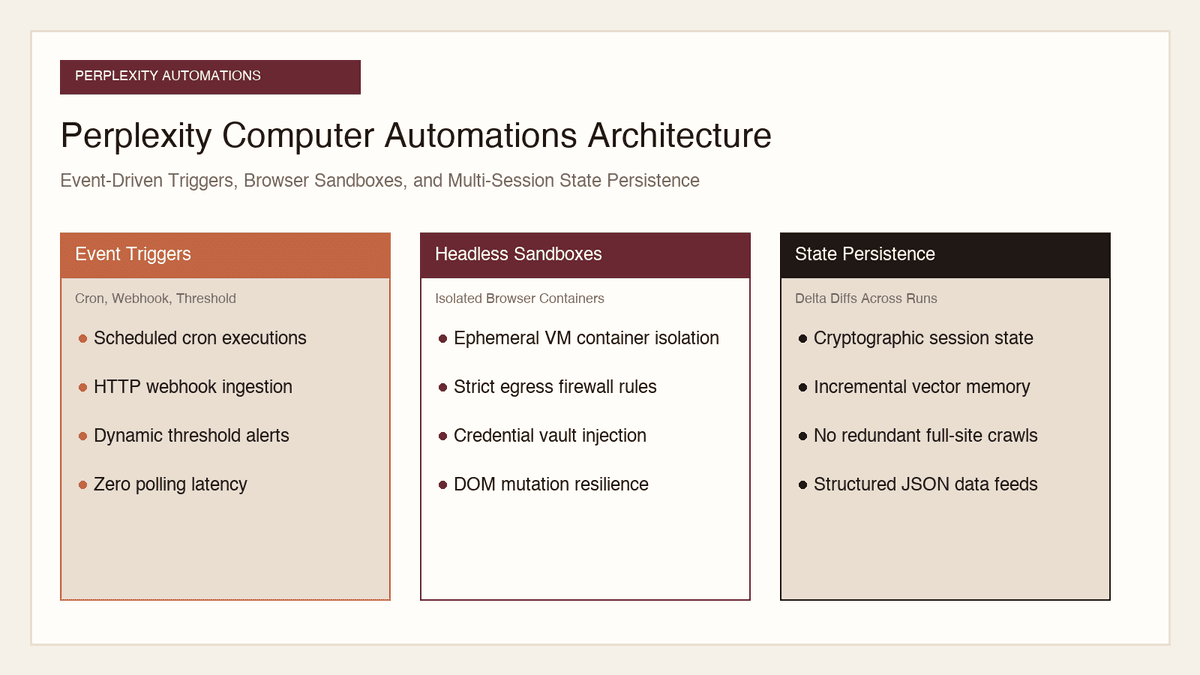
Automation and Agents
How to Build Recurring Web Automations with Perplexity Computer
Web scraping scripts break whenever a layout shifts. Here is how to build durable, recurring web automations using Perplexity Computer and persistent state.
Read the article
Automation and Agents
How to Benchmark Classifier Models: Latency, Cost, Determinism
Evaluating AI classifiers requires looking beyond static accuracy. Here is how to benchmark probability calibration, latency percentiles, and unit economics.
Read the article