
Systems and Workflows
DeepSeek V4.1 Flash Migration: Check Model Aliases
DeepSeek's release plan changed. Verify what each model identifier resolves to, test the behaviors your agent relies on, and keep rollback simple.

On this page
- A release plan is not the current routing contract
- First locate every place the model can be selected
- Use an explicit name, then verify it resolved as expected
- Build the migration test around your agent's contract
- Match the conditions that can change behavior
- Roll out in stages, with a reversible path
- A short release checklist
- Example: a visual agent that checks weekly reports
- Do not “upgrade” by replacing every string
- What this migration can and cannot establish
The short answer: Use deepseek-flash when you intend to call current V4.1 Flash, then verify what your provider and client actually resolve. The older Flash aliases route to V4.1 Flash for compatibility, while DeepSeek V4 Pro remains a separate API model. Inventory every caller, run the same task-specific regression set, and keep a tested rollback before expanding traffic.If your application is ready to call DeepSeek V4.1 Flash, the current API model name is deepseek-flash. DeepSeek also says the retired deepseek-v4-flash and deepseek-v4-flash-vision-exp names are still accepted for compatibility and now serve V4.1 Flash. Those aliases do not preserve the old model. The current API documentation lists deepseek-v4-pro separately, and DeepSeek's change log says V4 Pro API service continued after September 14, 2026, with its billing unchanged.
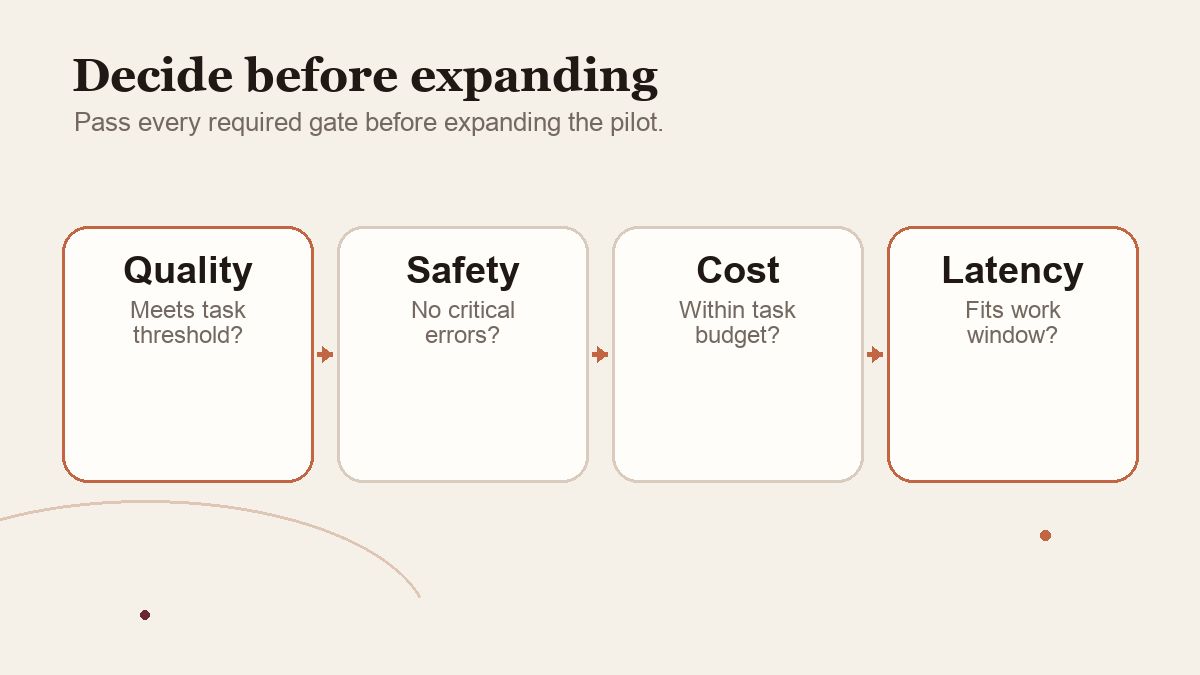
Start by checking every identifier the application can send, its current provider route, and the features your agent relies on. A configured string or release headline alone cannot establish runtime behavior.
The distinction matters because DeepSeek's September 10 announcement described a planned future period in which V4 Pro requests would be routed to V4.1 Flash. The current change log and pricing page say DeepSeek continued V4 Pro service instead. A release page can accurately describe what a company planned on one day while another current page records the later operational decision. If your integration was configured from the original wording, audit it against the current source instead of assuming the plan happened.
This is a migration checklist based on public documentation checked October 2, 2026. I have not changed or run a production DeepSeek integration. The test cases below are proposals, not measured outcomes. Before an actual migration, reopen DeepSeek's current change log and pricing page, since identifiers, prices and compatibility windows can change.
 View image detail
A release plan is not the current routing contract
The September 10 DeepSeek release page announced V4.1 Flash with native multimodal visual understanding, new architecture and lower rates. It also said that beginning at 04:00 UTC on September 14, requests to deepseek-v4-pro would route to V4.1 Flash at Flash rates until V4.1 Pro launched. The current API change log now says the company decided, in response to demand, to continue providing V4 Pro API services after that date with billing unchanged. The current Models & Pricing table likewise shows V4 Pro as a model distinct from deepseek-flash.
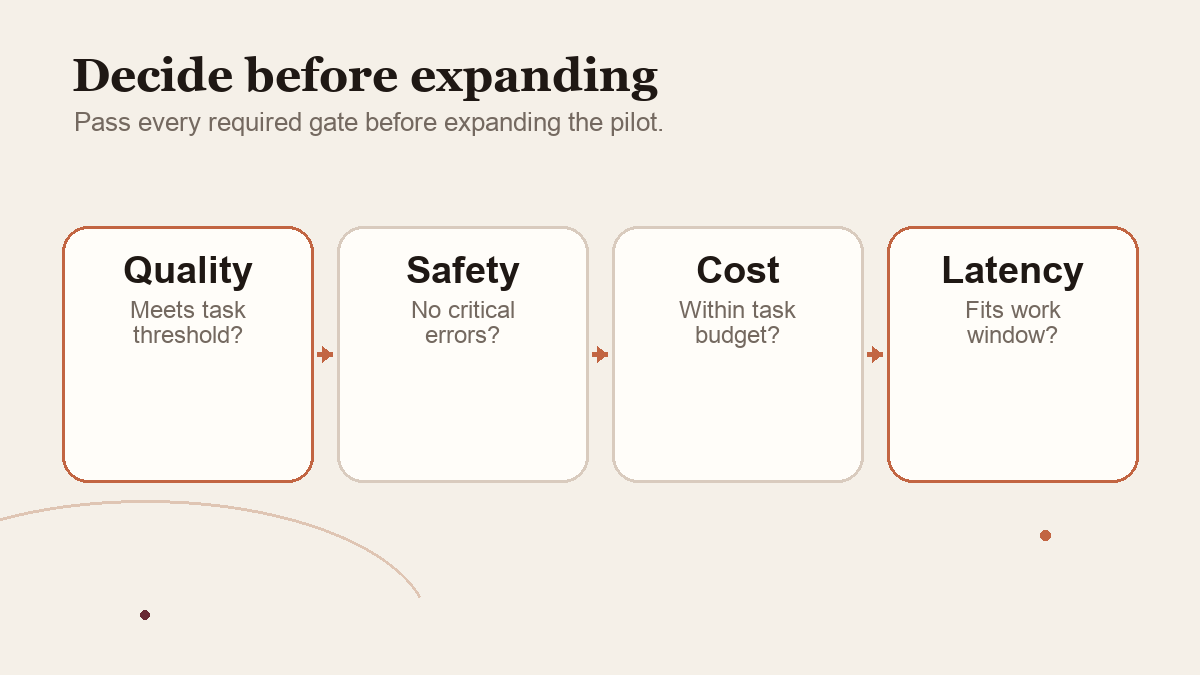
Date both statements in the migration note, then verify cached configuration against current API documentation and whatever response details the provider exposes.
DeepSeek identifies deepseek-flash as current V4.1 Flash and says the old Flash names are temporarily routed there. The reviewed page gives no expiry date or immutable snapshot guarantee. Record the configured name, endpoint, time, request settings and available response metadata; if no resolved build is exposed, mark lineage unknown rather than claiming a version pin.
 View image detail
First locate every place the model can be selected
A model migration often touches more than the string beside an API call. Start by locating how your application chooses the provider and model. Check source configuration, environment variables, deployment settings, provider adapters, routing rules, fallbacks, retry handlers, agent definitions, test fixtures, scheduled jobs, staging and production. Inspect secret references without printing or copying secret values into a migration report.
If your app has a central model registry, inspect the effective configuration that reaches the running service, not just the registry's default. If model selection is embedded in an agent framework, find the framework's default when no model is specified. If traffic can fail over to another provider or model, inspect the fallback list and confirm whether it will route to V4.1 Flash, V4 Pro, or a different service. A primary path can be correct while an unattended retry silently uses an unexpected fallback.
Record each use as a tuple: service, environment, provider, endpoint, configured model identifier, source of the identifier, fallback identifier, and owner of the change. If an app has more than one workflow, make a row for each. A single global search is a useful start, but dynamically assembled names, remote config and UI selection can hide a dependency. Follow the runtime path until you know which identifier is sent for the task under test.
Keep the inventory privacy-safe. A version-control diff should show a parameter name or secret reference, not an API key. Test logs need enough information to identify the route and evaluate the behavior, but they should not retain unnecessary prompts, customer information or screenshots. Store only approved synthetic or scrubbed material in a migration trial.
Use an explicit name, then verify it resolved as expected
For a new V4.1 Flash integration, use deepseek-flash. In a non-production call, verify the identifier emitted after client-adapter transformations and inspect available provider evidence. A successful response proves connectivity, not stable model lineage. If no resolved build is reported, record the version as unknown.
A configured name is the value sent by the app; an alias is a provider-mapped name; a model version is a target identified by documentation or runtime evidence. An adapter may transform these values, so inspect the effective request rather than relying on source configuration alone.
The same general concern appears in other model ecosystems. Google Cloud's model-alias documentation describes an alias as a mutable named reference that can be reassigned to another model version. That is not DeepSeek documentation, and DeepSeek may implement its names differently, but it illustrates why teams should ask whether a name is fixed, mutable or temporarily supported. Google's migration guidance also recommends documenting evaluation requirements and repeating relevant tests for an upgrade. Those are general migration principles; they do not tell us how DeepSeek's internal routing works.
For a practical example from a different API, see Rise Productive's guide to pinning or following a Perplexity Agent API Profile. Its versioned configuration is not the same thing as DeepSeek's model name, but it illustrates a neighboring release decision: know which shared configuration changed, what remains caller-controlled, and how to return to a tested baseline.
 View image detail
Build the migration test around your agent's contract
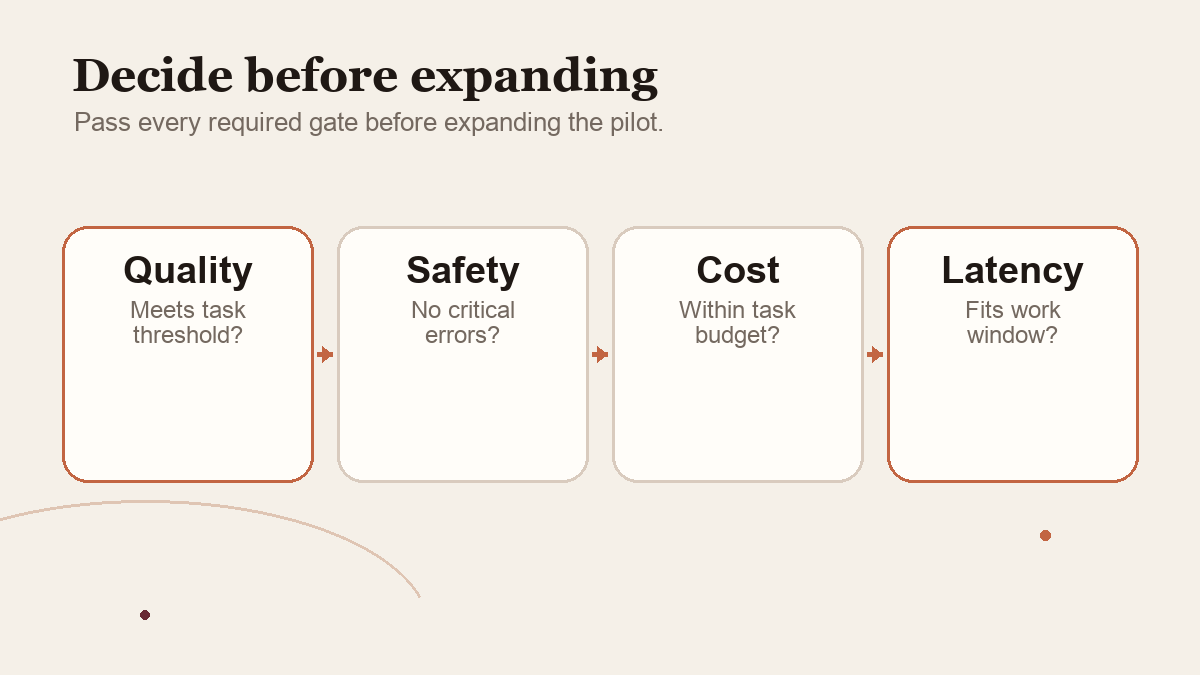
“The API call succeeds” is not an adequate migration test. The model can return a 200 response while misunderstanding an image, choosing an unsuitable tool, producing invalid structured output or generating a result that creates more review work. The test contract should describe what the application expects the model to do and what the surrounding code will allow.
List the behaviors the deployed agent depends on. For a visual workflow, test that the model can receive the image representation your integration actually sends, distinguish the relevant region, handle a crop or resolution edge case and stop when the image is ambiguous. For tools, test that it emits the expected tool name and valid arguments, handles tool errors and uses the result rather than guessing. For structured output, test schema-valid output, omitted fields, unexpected values and parse failures. For long context, test the context length you actually use and whether critical source details remain grounded, instead of testing only an artificial maximum.
Include ordinary and boundary cases. An invoice-like synthetic form could test amount and date extraction. A dashboard screenshot might test a visual observation with a clearly visible date range. A deliberately unclear screenshot tests whether the agent asks for clarification instead of inventing a value. A tool timeout tests whether it retries safely or reports the task as incomplete. A prompt that should be refused or escalated checks whether your existing guardrail still behaves as expected. These are test ideas; no result is implied.
The suite should also preserve business logic outside the model. If a downstream system requires an account identifier to match a known pattern, test that validation independently. If the agent must wait for a person before committing a write, verify the write path remains blocked until approval. A new model can change response structure without changing your intentions. The application must enforce critical requirements rather than relying entirely on the model to remember them.
 View image detail
Match the conditions that can change behavior
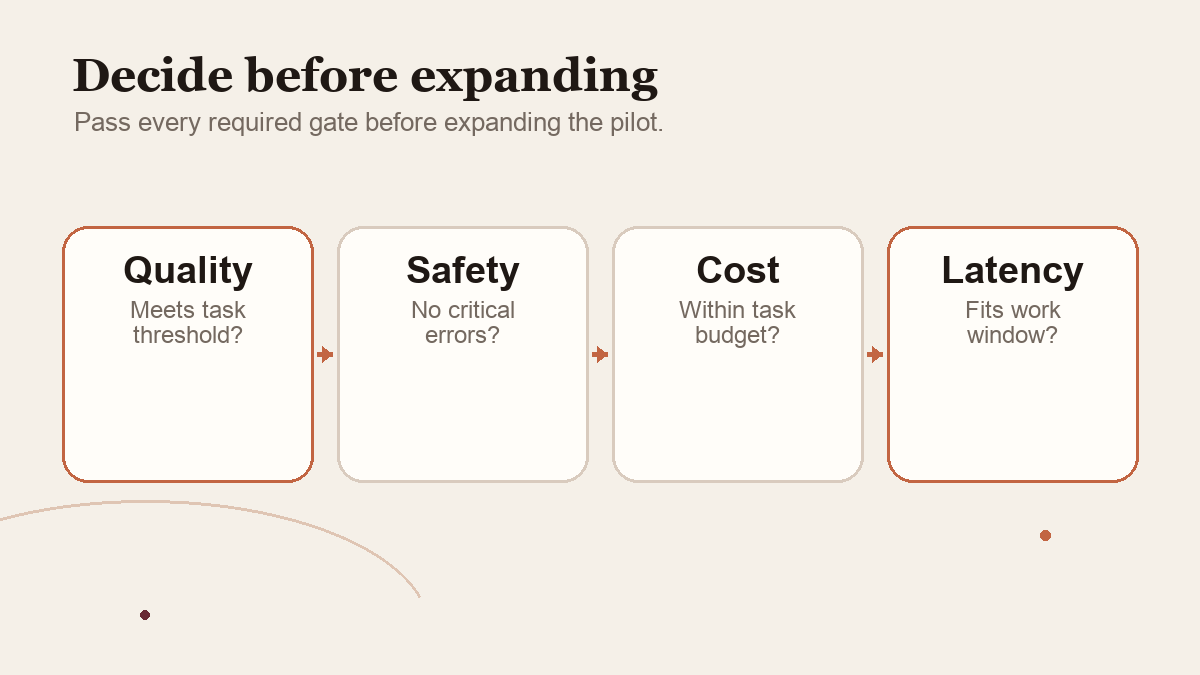
To attribute a difference to the model configuration, hold the rest of the task as steady as practical. Use the same input corpus, expected outcomes, system and user instructions, tool definitions, permissions, timeout, retry count, stopping rule, output schema, reviewer rubric and application version. Record settings such as reasoning effort, sampling controls, maximum output and image handling. The provider's API supports thinking and non-thinking modes, and the pricing documentation describes current defaults. If you let one model use one setting and another a different one, treat that as a configuration comparison rather than a clean model-only test.
An exact match is not always possible. Different model endpoints can support different features, parameter conventions, tool-calling formats, image limits or usage fields. Make a table showing each matched condition and each exception. Explain why the exception exists. Do not make a claim that an API path was held constant if the provider or adapter changes it for the new model.
Use the same review rubric with examples of accepted and rejected outputs. Have a person inspect any field that can materially affect a decision. If a model's fluent writing makes it look more convincing than its evidence warrants, score factual support and task completion separately. If reviewer disagreement changes whether a task passes, reconcile the rubric before deciding which model is ahead.
Cost also needs comparable records. At the October 2 check, the current DeepSeek page showed peak and off-peak schedules and separate cache-hit, cache-miss and output rates. The schedule can affect a same-token request by a factor of two, before the cache ratio and output volume are considered. Log request time and usage records, not only a price estimate from a dashboard summary. If the comparison provider exposes a different token taxonomy, record the mapping and its uncertainty instead of forcing its categories into DeepSeek's labels.
For each run, retain at minimum the configured model name, provider endpoint, date/time, request settings, task ID, tool-call count, retries, result status, review outcome, latency and token-use details made available in the API response. Add image usage and external service costs when reported. If the service does not expose a field, use unavailable, not zero. Zero is a result; unavailable means you could not observe it.
Roll out in stages, with a reversible path
Run the initial comparison offline or in a sandbox. When evidence supports a change, select the lowest-risk production cohort or task type and keep the prior working configuration available. Shadow execution can help compare outputs without letting the new route act on live state, provided your data governance permits sending those inputs to the model service. A canary can reveal operational differences on limited traffic, but it is not a reason to skip pre-release regression tests.
Choose alert conditions before rollout: critical task errors, invalid tool arguments, degraded acceptance rate, latency beyond the job's limit, increased retries, unexpected usage, missing usage fields, or a rise in human correction time. Define who will pause the rollout and how the configuration is reverted. A rollback should be a tested configuration change, not an assumption that a retired alias will route to the old version forever.
The deployment choice should remain attached to the task, too. Rise Productive's test for deciding what work is worth automating asks whether a routine step can move safely into a system while its consequential judgment stays with a person. That boundary still matters after the API identifier changes.
Do not base the rollback path on deepseek-v4-flash returning the old Flash model. The current documentation says that legacy identifier routes to V4.1 Flash. That name is therefore unsuitable as a way to pin V4 Flash under the current published behavior. If the exact older model behavior is a release requirement, ask whether the provider still offers a supported versioned endpoint or preserve a separate provider/model option known to be available. The sources reviewed for this article do not establish that the old Flash model can still be selected directly.
Keep migration observability after the canary. Compare outcomes by task family and route, not just whole-account averages. If a change degrades only image tasks or only a fallback path, aggregate success can hide it. An alert should say what moved: configured identifier, endpoint, environment, time, acceptance rate, failure category and task set. Avoid storing user content in an alert unless your privacy process requires it.
 View image detail
A short release checklist
Before changing an active application, write a one-page decision record with answers to the following:
- What is the intended model?: Evidence to retain: Current official model name, endpoint and source checked date.
- What does the app send now?: Evidence to retain: Environment-safe configuration inventory, including fallbacks and defaults.
- What does the provider say each name resolves to?: Evidence to retain: Current docs and response or provider evidence where available. Mark lineage unknown if it is not observable.
- What changes in the workload?: Evidence to retain: Input modality, tool definitions, reasoning settings, output limits and schema differences.
- Did the regression suite pass?: Evidence to retain: Test-set revision, run configuration, task-level results, reviewer rubric and critical errors.
- What will it cost?: Evidence to retain: Usage records, rate window, retries, external charges and review labor.
- How will release proceed?: Evidence to retain: Canary group, alert thresholds, owner, stop rule and tested rollback option.
- Is customer data handled appropriately?: Evidence to retain: Approved data source, retention and access controls. Do not put credentials in the report.
This record makes the migration reviewable by someone who did not watch the rollout. It also prevents a familiar problem: the engineer remembers switching the model name, but not which fallback, prompt version or rate window produced the result.
 View image detail
Example: a visual agent that checks weekly reports
Imagine an agent that reads a chart screenshot and prepares a short draft answer for an operations manager. A safe migration test would use a synthetic report set with known values, date ranges and chart labels. It would include several ordinary charts, a changed layout, a cropped axis, a mislabeled month, an unreadable screenshot and one report where no answer can be supported. The expected result would include both the answer and the part of the image that supports it. A reviewer would score accuracy and evidence separately.
The agent's tool access could remain read-only during the trial. The test would not send answers to the manager automatically. If the model suggests a value, the app would check that the relevant time period and source region are present. If the screenshot is ambiguous, a high-quality result could be a request for a clearer image rather than a guess. This acceptance rule is a design recommendation, not a result of a DeepSeek test.
Compare the same synthetic files, prompt, parser, review rubric and output budget; freeze image resizing or OCR where possible, and mark endpoint differences. Log the sent identifier, usage, time window, retries and review minutes. An internal canary can prepare limited drafts while a person verifies each value. Stop for a critical mismatch, missing evidence or materially higher review time. Diagnose parser, orchestration and review failures before attributing a problem to the model.
 View image detail
Do not “upgrade” by replacing every string
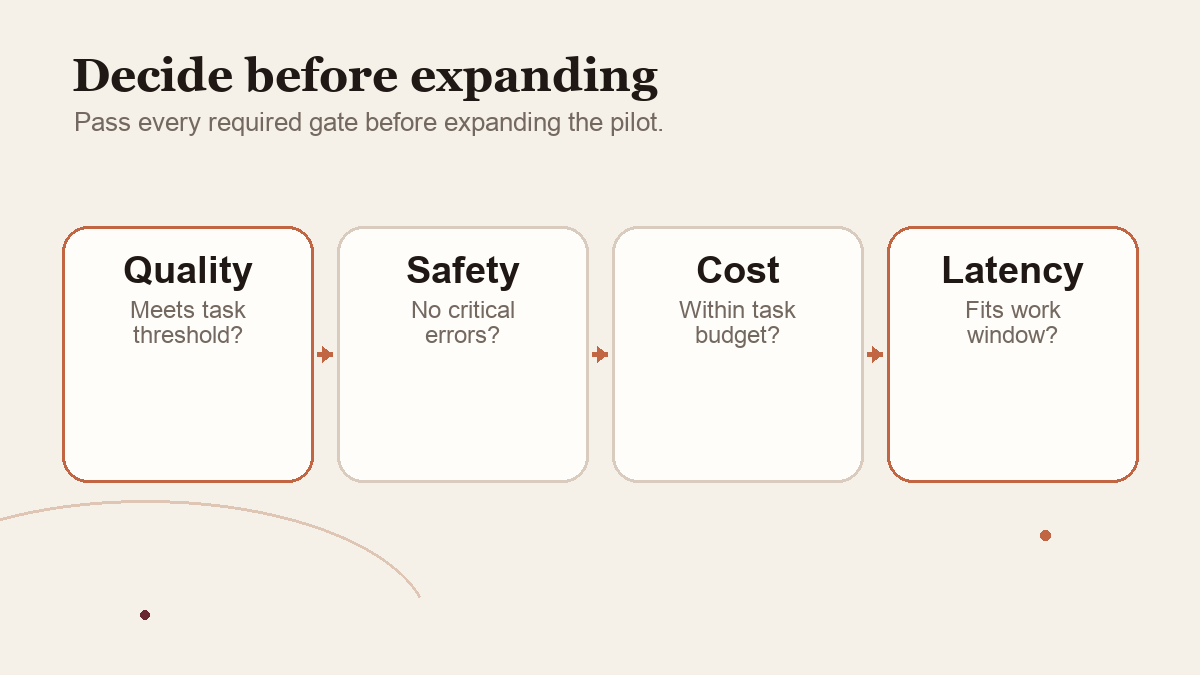
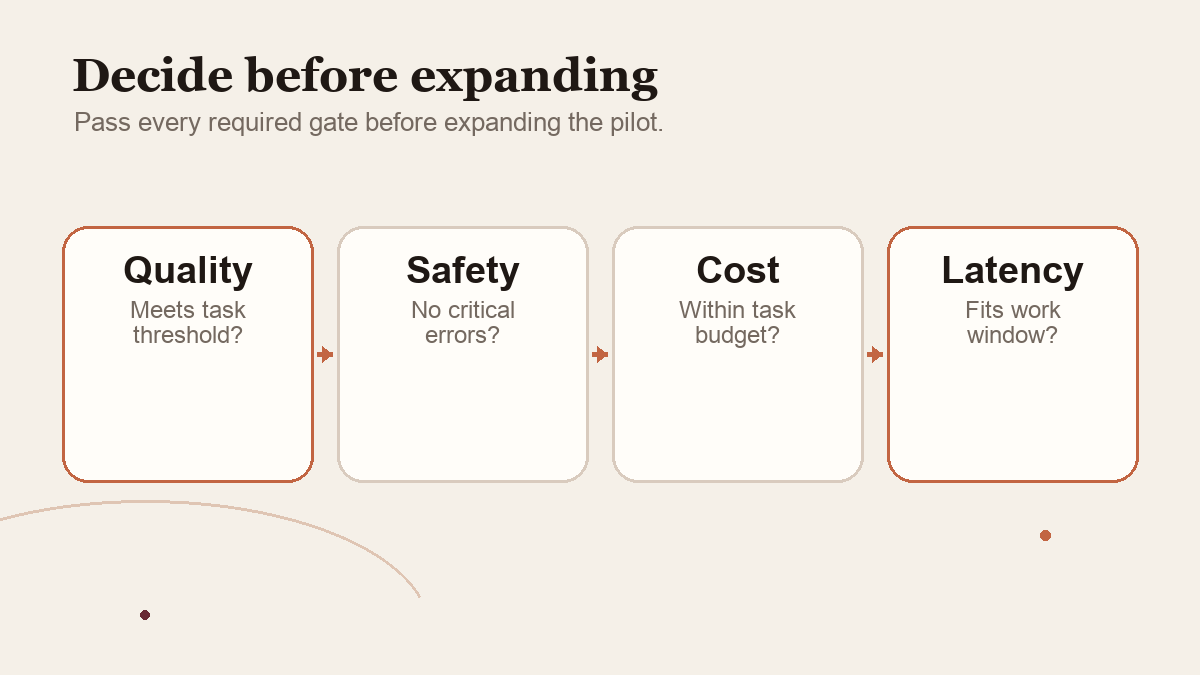
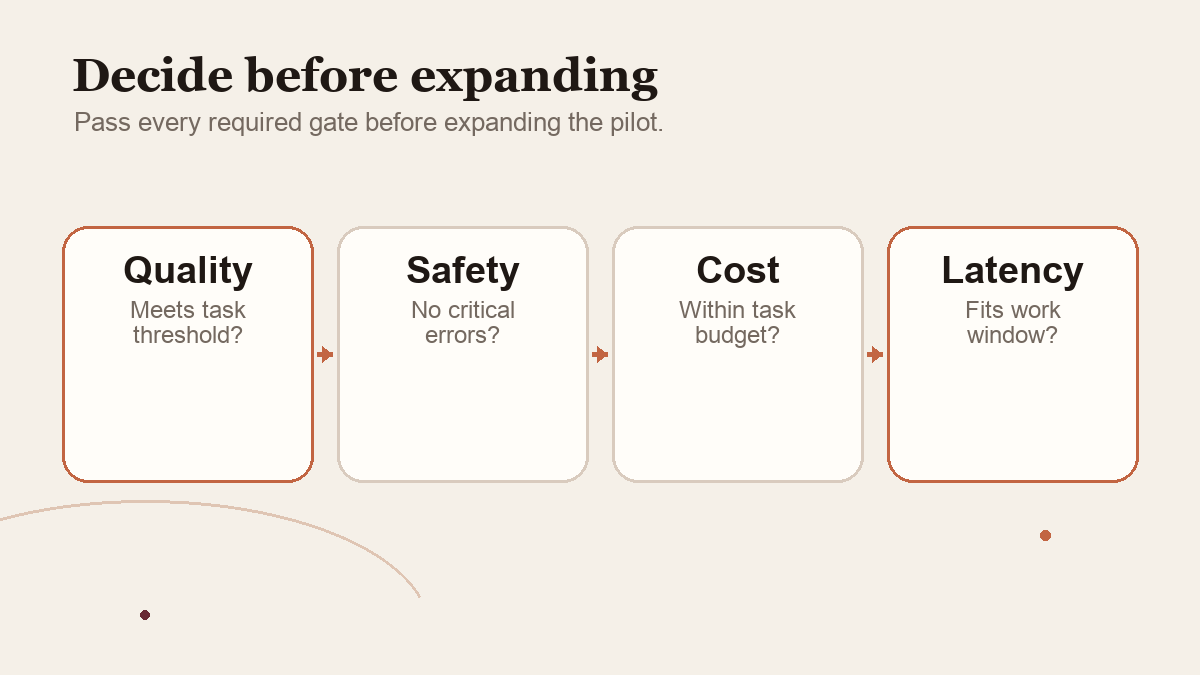
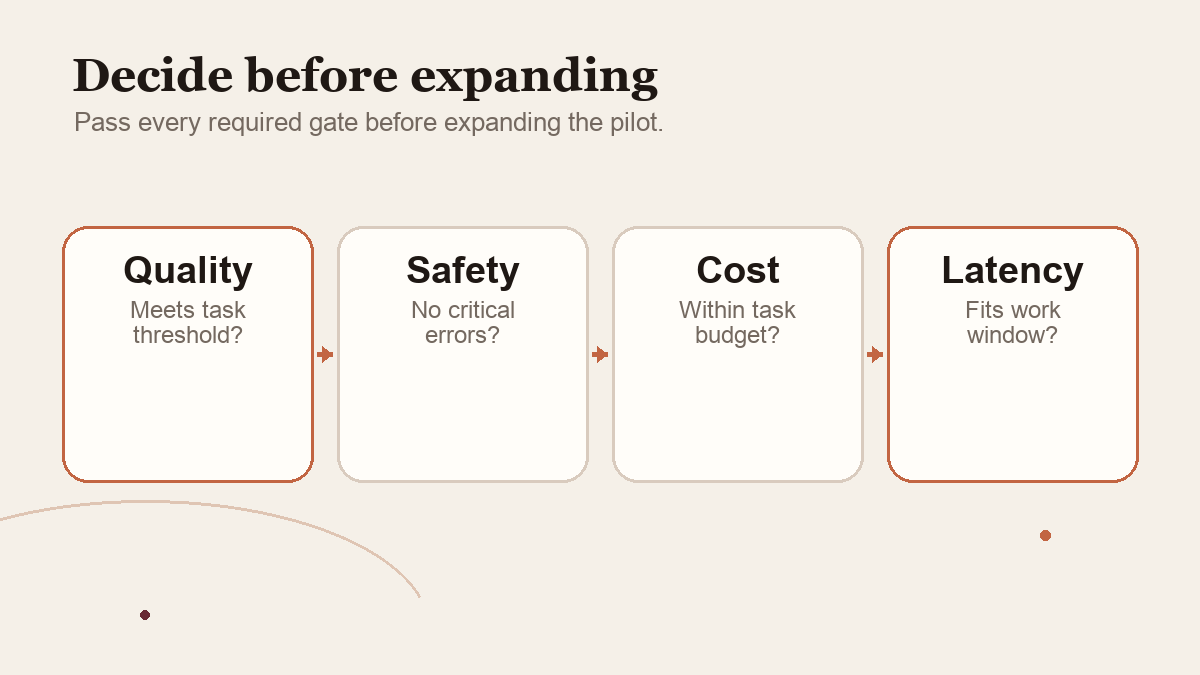
Avoid a global search-and-replace: V4 Pro remains separate from V4.1 Flash, and adapters or fallbacks can change the effective route. Classify each use by intended model, image need, provider router, environment and fallback, then test only the intended route. Record the resulting behavior in a release note. This checklist is guidance, not permission to edit a system.
What this migration can and cannot establish
Current documentation does not prove how your account, SDK or intermediary router handles a request. Verify the endpoint and access policy, record unknown model lineage, and keep monitoring after a canary: a test suite covers only its sample, and a limited rollout cannot undo an irreversible action. Before changing the route, capture the configured name, endpoint, fallback, test revision, task results, usage and review cost, plus the person who can stop or reverse rollout. A successful response alone does not prove the intended model served the request.
 View image detail
Checked for this article
Sources
Keep going
Related notes.
Systems and Workflows
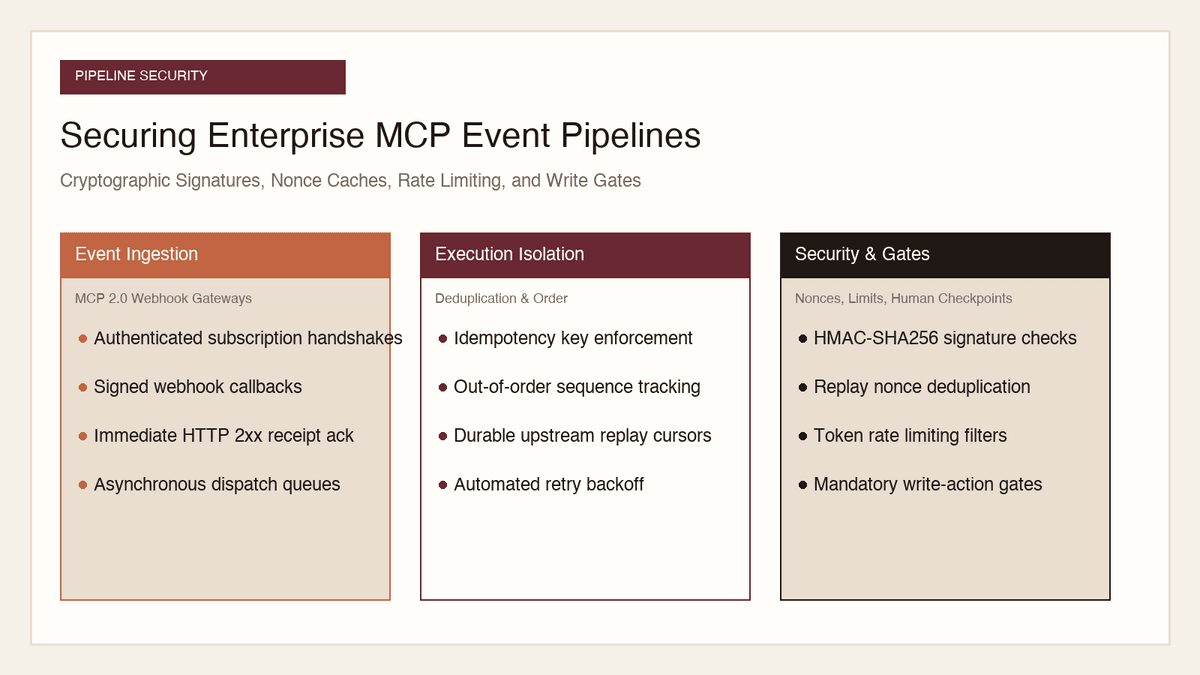
How to Secure MCP Event Pipelines: Signatures, Nonces, Rate Limits
Opening inbound webhook ingress to autonomous AI agents creates severe attack surfaces. Here is how to secure MCP event pipelines with signatures, nonces, and gates.
Read the article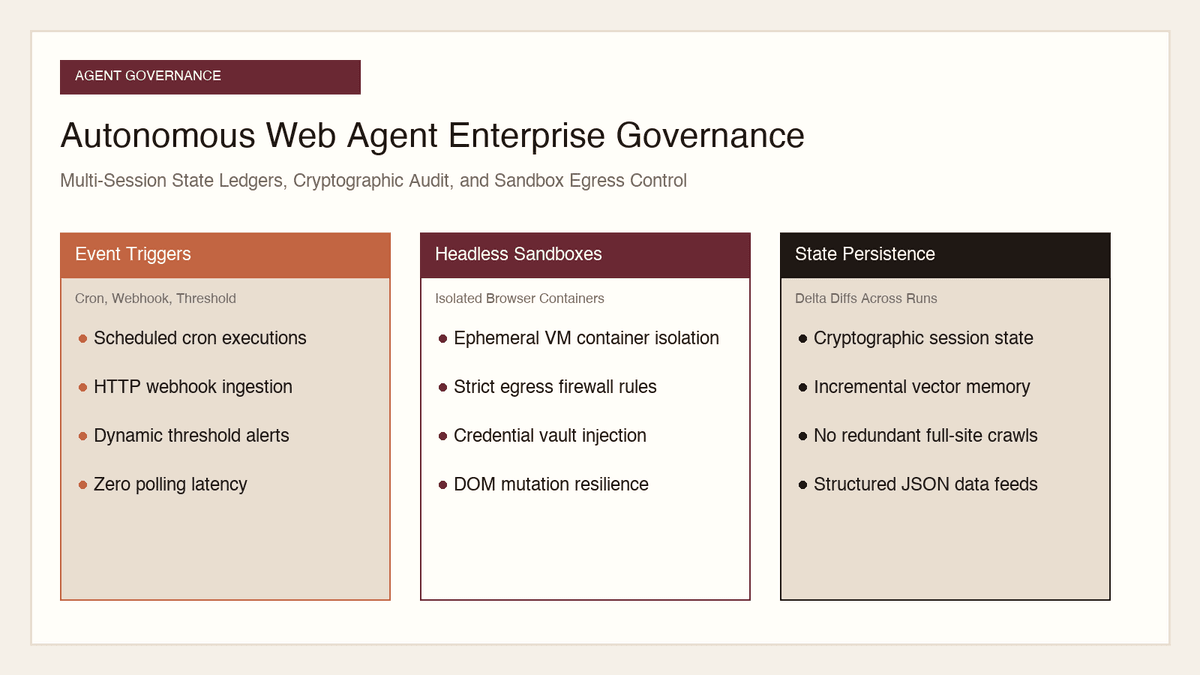
Systems and Workflows
How to Govern Autonomous Web Agents: Session State, Audit, Security
Allowing autonomous browser agents to navigate the open internet creates severe liability. Here is how to govern multi-session state, audit logs, and egress security.
Read the article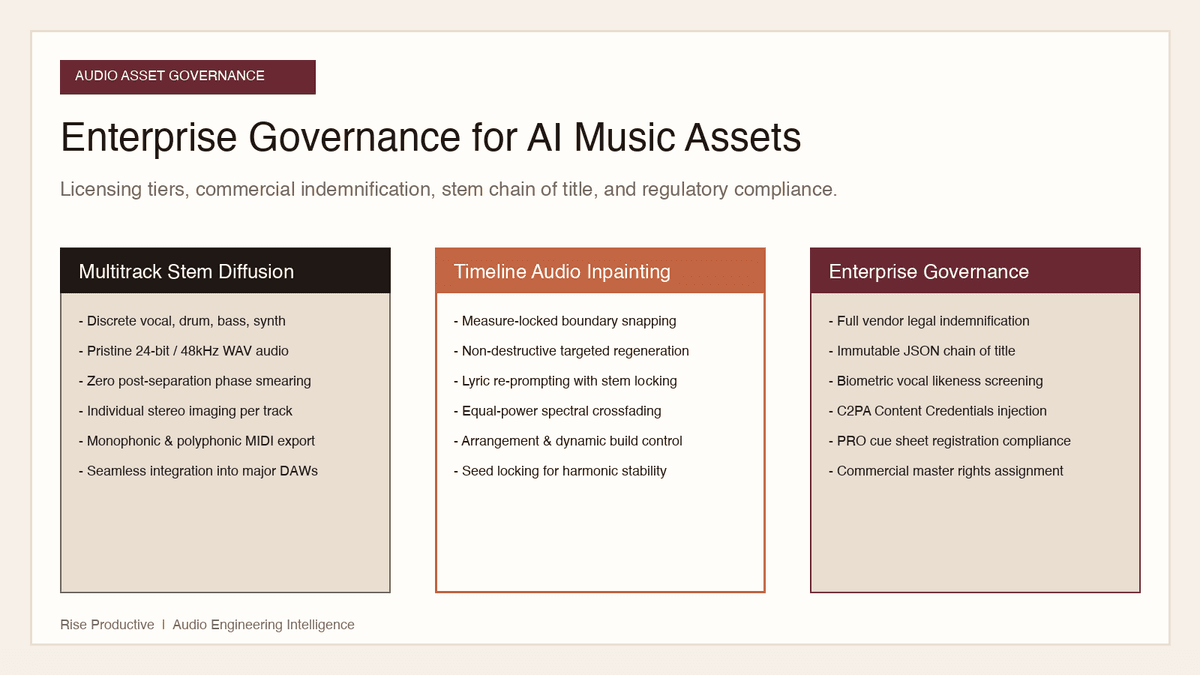
Systems and Workflows
How to Govern AI Music Assets: Licensing, Stems, and Ownership
Deploying generative music in commercial campaigns creates serious legal exposure. Here is how to govern licensing tiers, stem copyright, and voice likeness risks.
Read the article