
AI in Practice
ChatGPT Images 2.5 for Brand Work: Reference-Led Edits
ChatGPT Images 2.5 may make reference-led editing more reliable. A repeatable source, edit, inspect and approve loop still matters more than trusting a promising output.
On this page
- What changed in ChatGPT Images 2.5
- Reference fidelity is a production problem
- Build a reference packet before opening the editor
- Write the edit as a small contract
- Change one thing at a time
- Review the whole image, not just the edited area
- Use a clear accept, revise or rebuild gate
- Independent evidence supports testing, not a blanket verdict
- Design a small test before changing the production process
- Keep a lightweight asset trail
- Put human judgment where the consequences are
- What we can and cannot conclude
- Sources
Category: AI in Practice Byline: Demetri Panici Meta title: ChatGPT Images 2.5 for Brand Work: Reference-Led Edits Meta description: Use ChatGPT Images 2.5 for reference-led brand edits with a human-reviewed workflow: what to lock, what to change, and what to inspect before approval. Excerpt: ChatGPT Images 2.5 may make reference-led editing more reliable. A repeatable source, edit, inspect and approve loop still matters more than trusting a promising output.
Use ChatGPT Images 2.5 as one step in a controlled brand-asset workflow. Start with a rights-cleared reference and state what must stay fixed. Request one focused edit, inspect the whole image, then have a person approve the exact file before it enters a campaign. OpenAI says Images 2.5 improves reference preservation and multi-turn editing. Those claims are a useful reason to test it, not evidence that every logo, face, layout or product detail will survive every edit.
That distinction matters. An image can look polished while subtly changing the one thing a brand cannot afford to change: a mark's proportions, a label, a person's distinctive feature, or the relationship between two objects. The workflow below is designed around that gap between an attractive image and an approved asset.
Key Takeaways- Treat OpenAI's reference-preservation and speed statements as vendor claims, then test them on the work you actually make.- Separate approved source details from the one change you want, and keep each edit focused.- Inspect the complete image at delivery size, then have a person approve the specific final file.
What changed in ChatGPT Images 2.5
OpenAI announced Images 2.5 on September 8, 2026. Its release announcement describes sharper detail, faster generation, more precise editing and better reference fidelity. OpenAI says the system is more likely to preserve subjects in reference photos and follow editing instructions over multiple turns. It also describes product additions in ChatGPT: Sketch for drawing a visual reference, templates for formats such as flyers, comments placed on images to guide edits, and prompt sharing.
Those statements combine a model update and product-interface features. They should not be collapsed into a single claim that all Images 2.5 workflows behave the same way. ChatGPT's Sketch, comments and templates are ways a person can guide work in that product. The API exposes image models and developer controls. A creator using the ChatGPT interface and a team building an API pipeline have different inputs, state, controls and responsibilities.
OpenAI reports that generation latency is lower by up to 50 percent compared with Images 2.0. “Up to” is a ceiling, not a guaranteed improvement for a particular prompt, account or output size. The appropriate expectation is that the vendor reports a faster system and that the reader measures whether it is faster on the work they actually do. A one-off fast result does not establish a predictable turnaround time.
Reference fidelity is a production problem
Creators often think of image quality as a question of whether a picture looks good. Brand production has a harder question: does the output remain recognizably and intentionally connected to the approved source? That means keeping important visual identity while changing only the requested setting, crop, background, styling or layout.
A source image may contain a person, product, logo, clothing, packaging or a carefully staged composition. Not all of those elements have equal importance. If the assignment is “show this product on a pale studio background,” the product silhouette and label may be fixed, while light direction and background can change. If the assignment is “create three scenes using this mascot,” the mascot's face and palette may be fixed while the scene changes. The human brief needs to make these distinctions explicit before the model receives an image.
An image tool can make an edit easier, but a team still needs to decide which reference is approved, what may change, and who signs off on the final file. For a related example of bringing AI work into a human review path, see the ChatGPT Pages team-review workflow.
That is why a usable workflow starts with records rather than a clever prompt. Keep the original reference, the edit request, the output, the decision, and the final asset connected. When a later revision arrives, the team should be able to see what was intentionally changed and what was meant to remain untouched.
Build a reference packet before opening the editor
Start with the exact input the work is authorized to use. Record where it came from, who supplied it, whether the intended use is permitted, and whether it includes personal or customer data. If a client supplied the file, check the agreement and ask the responsible owner when the permission is unclear. This is an operating safeguard, not legal advice; a product feature cannot answer a rights question.
 View image detail
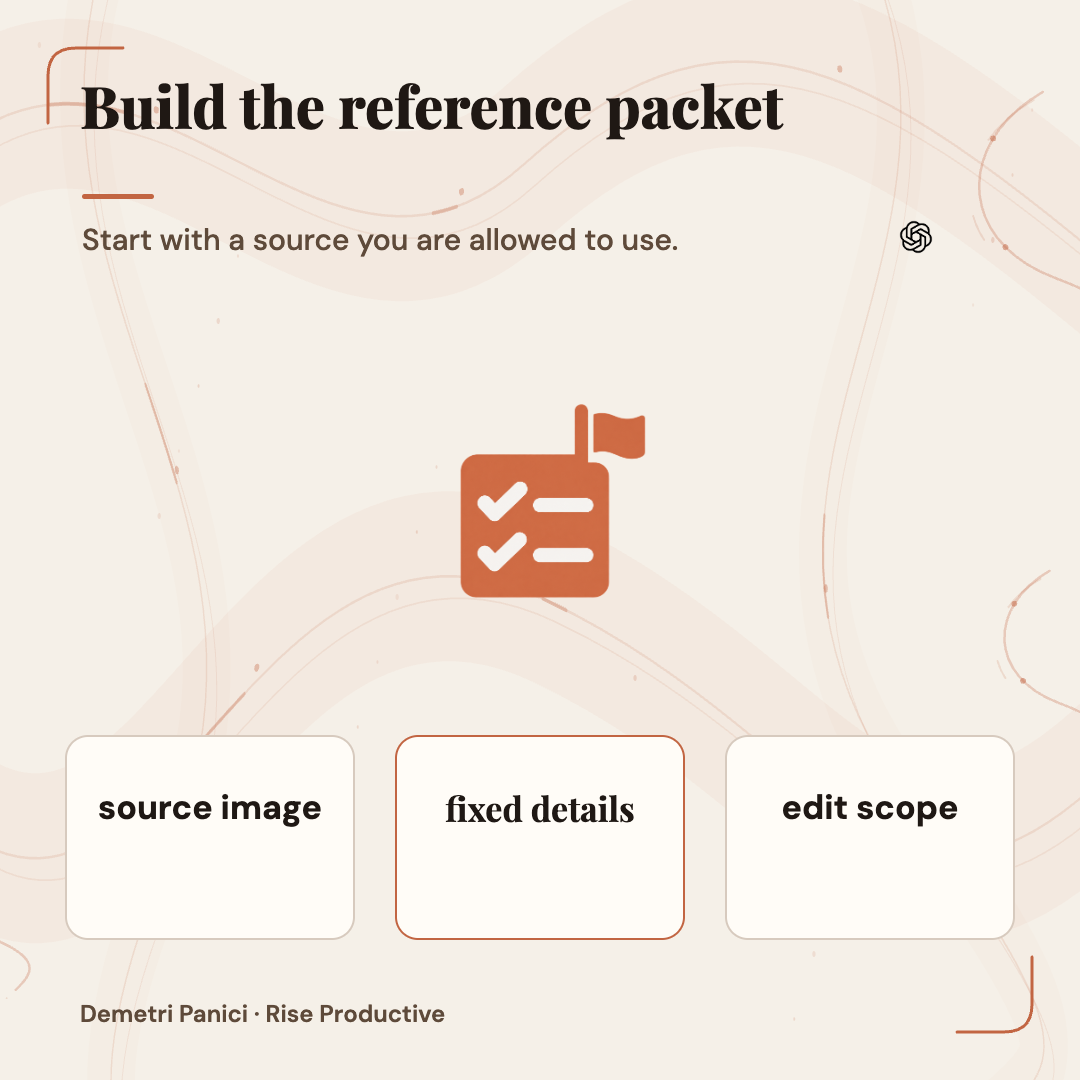
Then separate the packet into three parts. First, keep the approved source image itself. Second, list locked properties: identity, logo geometry, product shape, label copy, colors that have to match, subject count, pose, or any other detail whose change would invalidate the result. Third, list editable properties: environment, surface, lighting, secondary props, crop, or a specific region. Use plain language. “Keep the brand on-model” is vague. “Keep the supplied wordmark's spelling, proportions, color and placement unchanged” can be inspected.
If an official logo file exists, use the genuine asset as a reference or add it through a deterministic design tool after image generation. Do not ask an image model to redraw a logo when exact brand geometry matters. A generated imitation may appear close at a glance while altering spacing, letterforms or proportions. For Rise's own graphics, the same rule applies: official marks stay authentic, and original Rise illustrations should be supplied from the reviewed symbol library rather than hallucinated by the image model.
Finally, define what would make the image unusable. Examples include altered text, changed product controls, an added object, missing fingers that matter to the scene, a new logo, a changed face, incorrect product packaging, clipped edges, or a background that confuses the subject. A specific failure list prevents a team from approving an image just because it looks attractive in a thumbnail.
Write the edit as a small contract
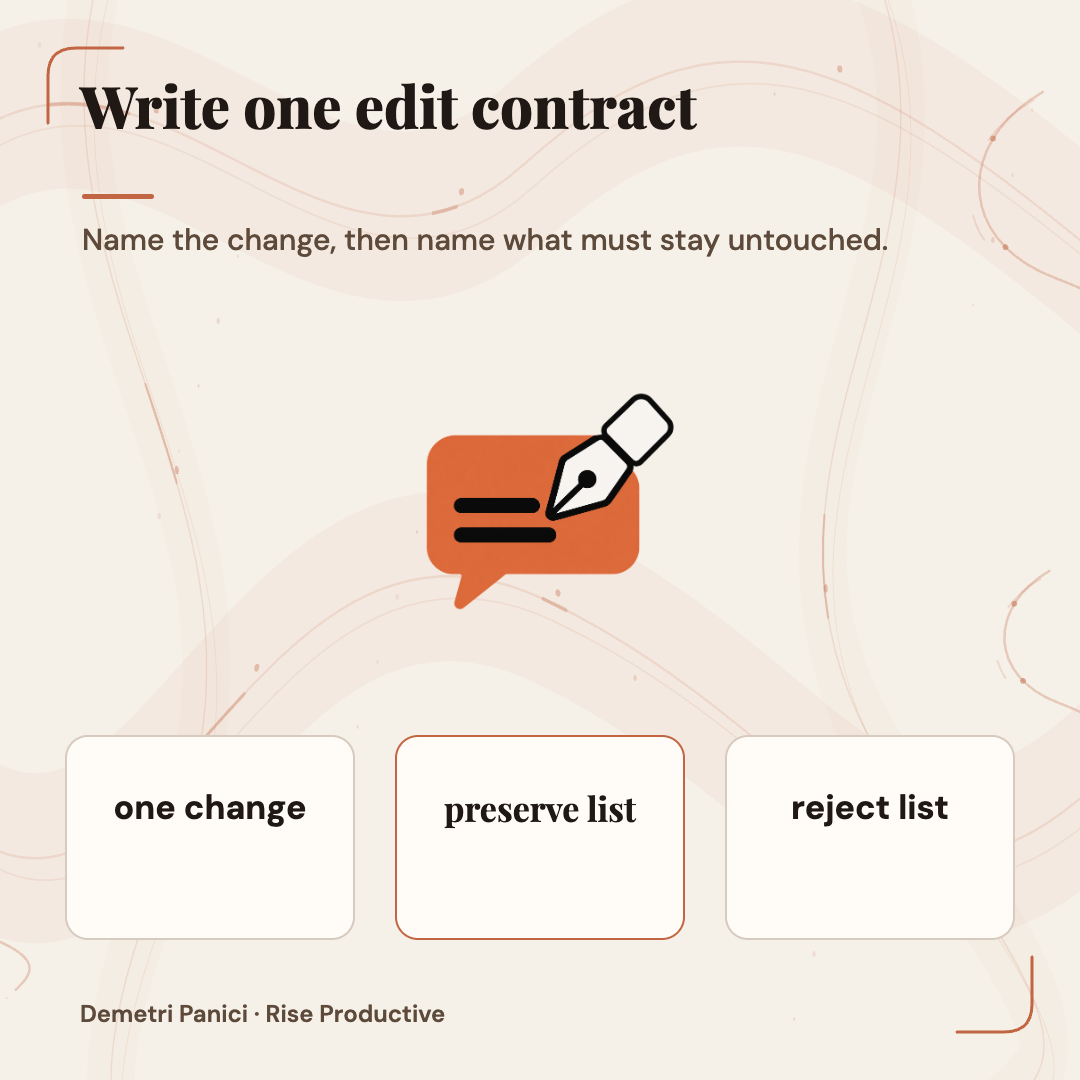
An image prompt does not need to be a paragraph of adjectives. It needs to name the subject, the requested change, the details that must remain, the output context, and the constraints. OpenAI's current prompting guide recommends identifying what should change and what should stay the same, refining one thing at a time, then inspecting the result. That is a useful contract structure even when a person, not an automated system, makes the final decision.
 View image detail
A practical template is: “Using reference 1, change [one specific thing]. Preserve [short list of fixed properties] exactly. Do not add [known failure modes]. Keep [composition or output ratio] suitable for [destination]. Return one candidate for review.” The wording will vary, but the separation between change and preserve should remain visible. If the desired edit is too complex to describe in one sentence, divide it into stages.
This is not a magic syntax. A model can still misread an instruction, make a plausible but inaccurate substitution, or change an area outside the requested region. A longer prompt can add ambiguity when it mixes several unrelated edits. The contract exists to make the request reviewable and to create a clear reason to reject an output that crosses a boundary.
Save the prompt alongside the source asset and output. A brief written instruction gives a reviewer something to compare with the result. It can also reveal when one edit changed the assignment: perhaps a background adjustment accidentally turned into a product restyle, or a set of three campaign images drifted into different color treatments.
Change one thing at a time
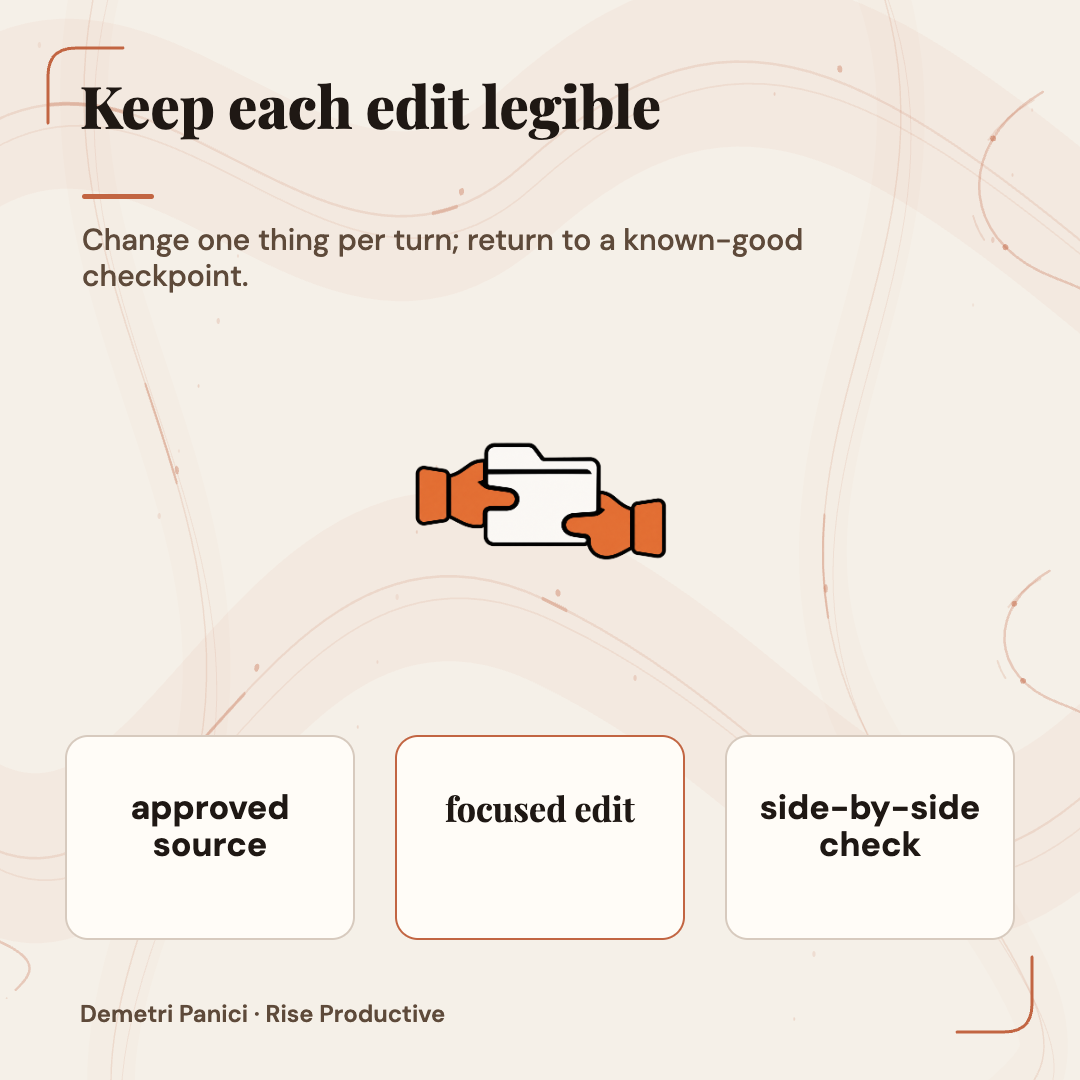
Treat each iteration as a separate proposal. If the first output has the right composition but the wrong label, request a label correction without simultaneously changing the lighting, crop and background. If a second edit is needed, keep the first result and its prompt. This makes it easier to identify which instruction introduced a defect and gives the reviewer a visible sequence rather than one opaque final file.
 View image detail
OpenAI says Images 2.5 is more consistent across multi-turn edits. The phrasing describes the intended improvement; it does not promise perfect preservation through an arbitrarily long chain. A preprint evaluating Images 2.5 on four forgery-oriented tasks found fewer changes to surrounding receipt text in one defined local-edit setting. It did not find the target field more often correct. Its repeated-edit and fine-print tasks showed no measured gain. Those tests do not establish that ordinary brand production fails. They do show why “the model preserved the rest” deserves inspection instead of assumption.
For a sequence of edits, inspect not only the final image but also whether the subject remains consistent from one step to the next. A final result can be appealing while carrying forward an earlier mistake. Keep a known-good checkpoint. If an edit unexpectedly changes identity, composition or product details, returning to the approved reference may be better than adding another repair prompt on top of uncertain state.
A creator can also stop early. If an output meets the brief after one edit, continuing because the tool offers another iteration creates another opportunity for drift. The purpose of iterative editing is to meet the assignment, not to use every available turn.
Review the whole image, not just the edited area
The first pass should ask whether the requested change happened. The second should ask what else changed. Compare the original and output side by side at the same scale. Inspect the subject's edges, logo, typography, small labels, shadows, background, crop, object count and details near the edit boundary. A local change can disturb the surrounding pixels or create a seam that is easy to miss when the image is viewed as a small preview.
 View image detail
For an image with text, read every word at full size and check spelling, numbers, punctuation and alignment. For a product, check the actual silhouette, buttons, packaging and brand details rather than the general category. For a face or mascot, look at the distinctive details that make it identifiable. For a transparent asset, inspect the alpha channel and edges against both light and dark backgrounds. A checkerboard preview or white page background is not proof of transparency.
Next, inspect at the size where the asset will be used. A hero may need to crop cleanly on a phone, while a small social preview has less room for labels. Ensure the face, product or important text is not cut off by a responsive crop. Keep the original file and any approved crop; do not assume a single composition works at every ratio.
Then ask a person who did not write the prompt to inspect the output when the asset is high stakes. The requester may be primed to see the intended correction and overlook a collateral change. A reviewer should be able to say which reference, which instruction, which constraints, and which file they approved. “Looks good” alone is not a useful audit trail.
Use a clear accept, revise or rebuild gate
A team can treat each candidate as one of three states. Accept only when the requested edit is present, fixed properties remain intact, the file meets its destination's practical requirements, and the reviewer knows which version is being approved. Revise when the source and target are clear but a bounded detail needs one more attempt. Rebuild when the model has changed identity, geometry, copy or composition enough that another local patch would compound uncertainty.
 View image detail
The gate keeps creative exploration separate from production approval. People can make experimental versions, but those images should not silently become official campaign files. Store experimental outputs in a clearly marked working area. The approved asset should have a stable filename or identifier, a known source, a revision, a decision and a human owner.
A review checklist should be proportionate to the risk. A mood-board image for a private planning session may need a quick visual check. A product photo with a regulated label, a customer testimonial portrait, an employee image, or a paid advertisement may need brand, legal, consent or accessibility review from the appropriate person. The model's output confidence cannot stand in for the organization's responsibility.
If the workflow includes a required disclaimer, an exact offer, a claim or a pricing detail, render that text outside the generated image when possible and inspect the final assembled design. This gives a designer direct control of the words instead of asking the generator to approximate them. It also reduces the chance that an image model produces a nearly correct label that is difficult to spot in a social crop.
Independent evidence supports testing, not a blanket verdict
OpenAI's release materials are the best source for what the company announced. They are not independent validation of every performance claim. Independent reporting offers another kind of evidence. Axios's hands-on report describes its early use of Images 2.5 to transform a cat photo, sketch tattoo changes and explore a branded merchandise idea. That hands-on account suggests that reference-led creation and focused edits can be useful creative interactions. It is a small set of tasks, not a systematic comparison across industries or a proof that a logo is production-ready.
 View image detail
The independent arXiv study offers a more controlled but narrower view. It compared Flare and Sunburst with earlier GPT Image 2 behavior on fixed-answer edit tasks involving receipts, repeated changes, product placement and small text. Its authors reported fewer detected changes to surrounding text in one defined receipt-editing condition, but no detectable improvement in getting the target field correct. They did not find a measurable advantage for repeated editing or fine print. The paper also describes limits in its detection results. It is a preprint, its tasks focus on manipulated-document scenarios, and its findings should not be stretched into claims about all commercial creative work.
The two sources point to a better question than “Is Images 2.5 good?” Ask what type of edit your workflow needs, which mistakes would matter, and whether your own review process catches them. A good tool may still be unsuitable for a specific label, campaign asset or subject. A controlled test can expose that boundary before a deadline makes it expensive.
Design a small test before changing the production process
If Images 2.5 is new to your team, choose a representative but rights-cleared test set. Include routine and difficult assignments. For example, test an approved mark against a new background, a product with small details, a face that must stay recognizable, exact copy, and a multi-turn edit sequence. Don't use customer data or someone's likeness simply because it is convenient. Select fixtures the team is permitted to use and record their source.
 View image detail
For each fixture, write the expected changes and prohibited changes before prompting. Reuse the same source, request, output size and comparison conditions when comparing the current method with Images 2.5. Repeat enough times to notice variation rather than selecting only the best output. Keep the rejected outputs; they contain evidence about failure modes that the winning image hides.
Have reviewers score concrete criteria. Did the intended object change? Did all fixed details remain? Is text correct? Is the composition suitable for the destination? How many revisions were needed? Did a reviewer accept the image? How long did the complete cycle take from input to approved file? The unit that matters is not generations per minute. It is usable, reviewed output under the constraints of the actual assignment.
This is a proposed test, not a Rise benchmark. Use your own permitted assets, reviewers and acceptance rules. If Images 2.5 fails on one category, keep it for other categories only if those pass; one result does not settle every use case.
Keep a lightweight asset trail
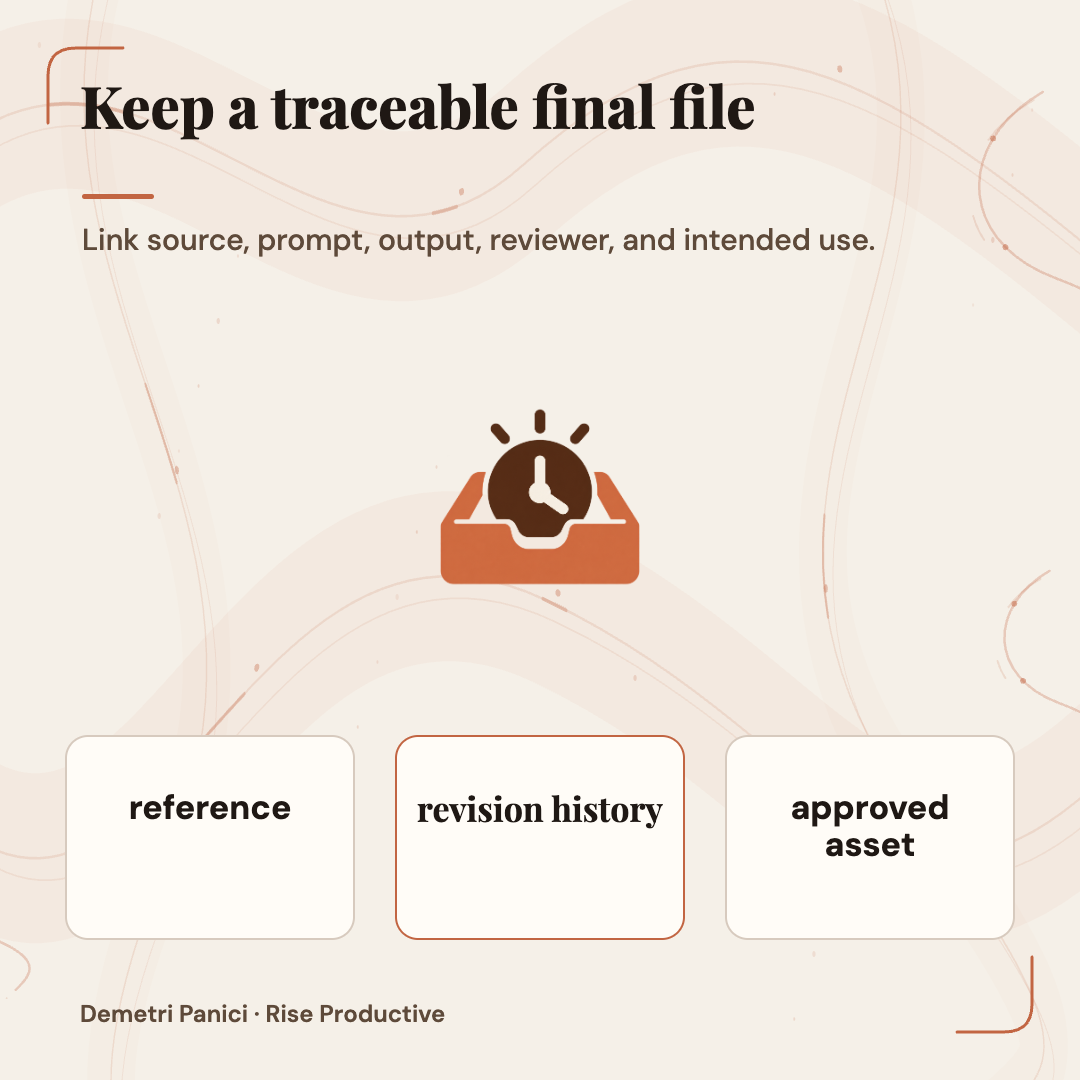
A useful record need not become a large approval bureaucracy. For each production candidate, preserve the original reference, the prompt or edit instruction, the model and product surface, the output file, key reviewer notes and final disposition. If the workflow has a campaign brief, link the file to that brief. Keep revisions distinguishable so a previous version is not mistaken for the approved one.
 View image detail
The person reviewing should see the complete assignment and the image at the actual delivery dimensions. Review should include the caption, crop and adjacent page where those change the meaning. A product image that appears accurate by itself could mislead when placed beside a claim the source does not support. The asset review therefore includes context as well as pixels.
Where an image depicts a real person, team members should know which reference was used and whether their consent covers the intended context. If a picture represents a customer, permission and policy need to be considered before prompts are sent to a third-party service. This article does not offer a legal interpretation of those obligations. It recommends building the permission check into the intake instead of treating it as cleanup after the image is generated.
For a small creator, the trail might be one folder with the source, prompt, result and a short approval note. For a larger team, it could be a content system with roles, revision history and logs. The mechanism can vary. The invariant is that the organization knows which file is approved, for which use, and by whom.
Put human judgment where the consequences are
Not every image needs the same level of review, and not every generation needs a formal gate. The point is to notice where automated assistance ends and human responsibility begins. A draft thumbnail for an internal brainstorm is different from a paid campaign. A reversible background concept is different from an altered customer photo or product label. The review should follow the potential consequence, not the novelty of the model.
This fits the practical distinction in Rise's guide to deciding what work to automate. A repeated task can benefit from a system while its important decision stays with a person. In an image workflow, the model can propose and revise. The human can decide whether the result represents the brand faithfully and is appropriate to use.
A human check should be specific. Instead of asking only “Would you use this?”, ask “Did the approved mark stay exact? Does this crop keep the product's true shape? Did this revision preserve the customer's identity? Is the text source-approved? Does the composition still communicate the intended promise?” These questions make taste and responsibility visible without pretending they can be reduced to a button.
When confidence is low, label the output as a candidate and ask the owner of the brand or subject to inspect it. When a critical feature is wrong, reject it. The ability to revise an image quickly is useful only if the team remains willing to stop iterating and choose another route when the output cannot be trusted.
What we can and cannot conclude
The launch provides a credible reason to try a reference-led workflow. OpenAI describes improved preservation and editing; Axios reports positive early hands-on experiences; a controlled paper reports a limited improvement in a specific local-edit measure and no measurable gain in several other tested tasks. Those findings are compatible: a useful creative update can help on some tasks while failing to deliver a broad guarantee.
No source here establishes that Images 2.5 preserves every brand element, removes the need for designers, or reduces a particular company's production time. Before planning a rollout, confirm current ChatGPT image availability and controls, API access and pricing in the account you will use.
The useful takeaway is “make it easy to check what the model changed.” Start with a permitted source and name what should move or stay. Change one thing per turn. Inspect the full file and approve a known version. The tool can contribute speed and variation. The person still determines whether the image is accurate, appropriate and ready to represent the work.
That is a practical way to experiment without turning experimentation into accidental publication. It leaves room for better image tools while protecting the small details that make creative work recognizable as yours.
Sources
Checked for this article
Sources
Keep going
Related notes.
AI in Practice
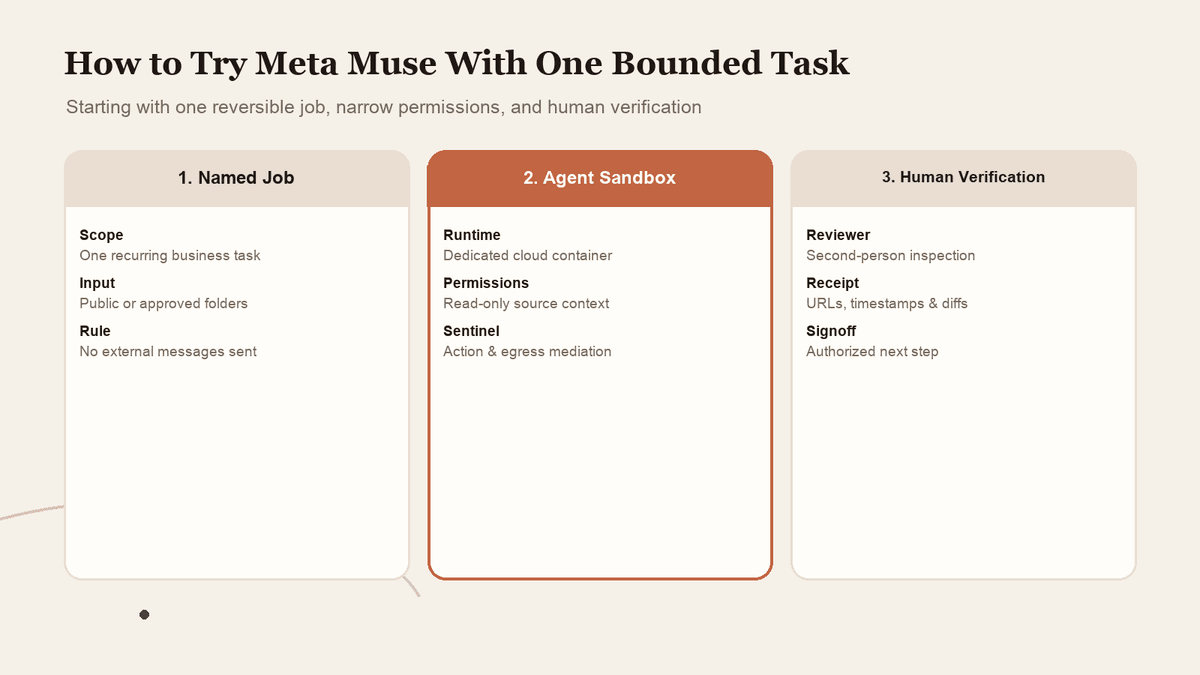
How to Try Meta Muse With One Bounded Task and Limited Access
A personal agent can look useful long before you know whether you should connect everything. Start with one reversible job, narrow permissions, and verified completion.
Read the article
AI in Practice
ChatGPT Sites and Connected Apps: Who Can See What?
A shared Site does not make every coworker\x27s source account the same. Map the separate controls, test a normal member\x27s path, and make access understandable before rollout.
Read the article
AI in Practice
ChatGPT Sites Plugins: How to Scope MCP Tools Before You Share
A ChatGPT Site can host a supported plugin, but the useful question is what its tools should be allowed to do. Here is a practical contract-and-test process before you share.
Read the article