
Systems and Workflows
GPT Image 2.5 API: Choose Flare, Sunburst, or ChatGPT
Choose an image workflow by where people need to review and revise, not by the model name alone. Then compare Flare and Sunburst on identical work.

On this page
- Decide where the human interaction belongs
- Separate the product from the model
- Map the workflow before writing code
- Build a fair model comparison
- Compare the work, not only the response time
- Calculate total cost per accepted image
- Keep API and approval boundaries explicit
- Learn from independent evaluation without overreading it
- Roll out one workflow, not a model everywhere
- A decision table for the first implementation
- Choose the workflow that keeps control visible
- Sources
Category: Systems and Workflows Byline: Demetri Panici Meta title: GPT Image 2.5 API: Choose Flare, Sunburst, or ChatGPT Meta description: Compare GPT Image 2.5 Flare and Sunburst, plus ChatGPT and API workflows. Test quality, latency, cost per accepted image, and review needs. Excerpt: Choose an image workflow by where people need to review and revise, not by the model name alone. Then compare Flare and Sunburst on identical work.
If a person needs to explore an image through visual back-and-forth, start in ChatGPT. If your product needs one bounded generation or edit request, evaluate the Image API. If the product needs to carry a conversation through repeated image edits, OpenAI's Responses API supports image generation as part of a multi-step interaction. For the model choice, OpenAI positions GPT Image 2.5 Flare as the speed-first option and Sunburst as its quality-first option. Treat those as candidates to test, not a universal winner: compare them on the same real inputs and choose based on accepted output, total rework and cost.
A creator choosing a reference-image workflow in ChatGPT faces a different question from a product team embedding image generation. The team must choose where interaction state, asset permissions, failure handling and human review live. That orchestration decision shapes when people can intervene.
Key Takeaways- Choose ChatGPT, the Image API, or Responses by where people need to steer the workflow.- Treat Flare's speed-first and Sunburst's quality-first positions as test directions, not an automatic ranking.- Compare matched tasks using accepted output, response time, failures, rework, and measured cost.- Keep review, permission, revision history, and publication decisions in the host workflow.
Decide where the human interaction belongs
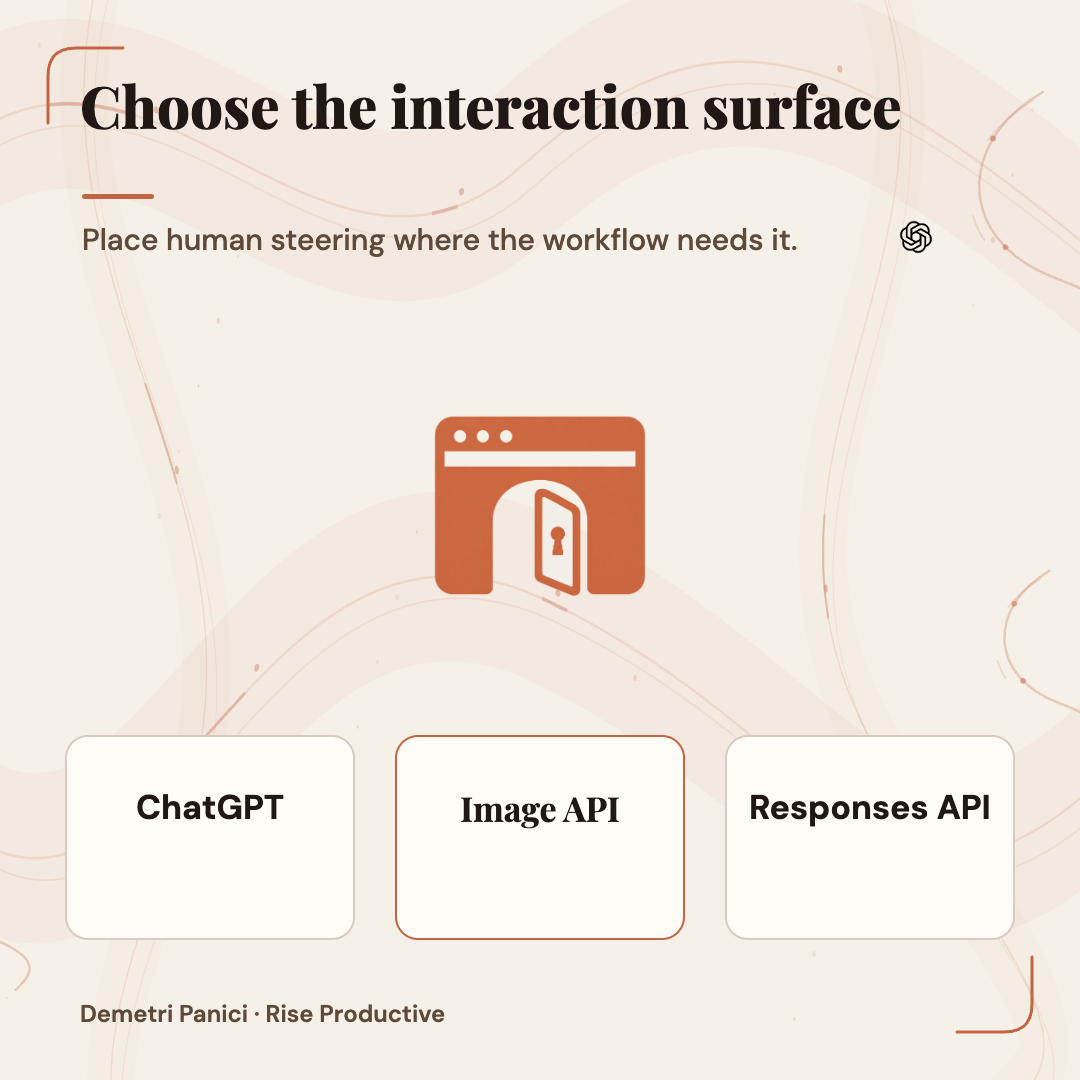
Begin with the job's shape. Does a person need to look at one image, point to a region and explain a correction? Is the request submitted once and reviewed after the response? Does the workflow involve several dependent edits that need a shared context? Does the user need to adjust and compare alternatives before selecting a final version? Those are different product needs even when each ends in a PNG or JPEG.
 View image detail
OpenAI's image-generation guide separates its Image API from the Responses API. The Image API supports generation and edits and can be a fit for one prompt that produces one asset. Responses provides image generation as a tool within a conversation and supports image inputs and outputs in context. OpenAI describes this as enabling multi-turn editing. That fact does not make Responses automatically better. It only means the API offers a different way to structure a conversational workflow.
ChatGPT is yet another experience: a person operates the interface and can use the product's available image controls. That may be appropriate when the task is exploratory, when users are already comfortable in ChatGPT, or when a human should direct every revision. It may be a poor fit when a customer expects an image to appear automatically inside your own application or when you need programmatic queueing, consistent metadata, service-level monitoring and application-specific permissions.
Make this choice before comparing raw model quality. If the workflow's main requirement is human steering, a head-to-head model score cannot answer where that steering should happen. If the workflow is a scheduled banner generator with no conversation, a conversational API may add architecture that the use case does not need. First describe the handoffs, then choose the narrowest surface that can support them.
Separate the product from the model
The names can be confusing. ChatGPT Images is the user-facing feature. GPT Image 2.5 Flare and GPT Image 2.5 Sunburst are API model variants, introduced by the OpenAI announcement. OpenAI says both offer the generation, editing and speed improvements, while describing Flare as the faster everyday option and Sunburst as an additional precision option for detailed creative tasks, with longer generations.
OpenAI's image-prompting guide gives a useful starting sequence. If an existing workflow meets its quality bar, test Flare for a possible latency benefit. If a complex use case falls short, test Sunburst first. If Sunburst satisfies the bar, then evaluate Flare on the same prompts and inputs. The instruction is not to choose the more expensive-sounding name by instinct or assume the model with the largest quality label will always produce an acceptable result. Test a workload, then inspect.
A model version does not define the complete product experience. The API exposes parameters such as size, quality, output format and background. A host application decides what prompt to assemble, which references to attach, how to retain state, which users have permission to make requests, where files are stored and which outputs require approval. A model test that ignores those surrounding components can make a weak system look good or a useful model look unreliable.
When teams say “we evaluated Images 2.5,” ask what exactly they evaluated. Was it ChatGPT, the Image API or Responses? Which model ID and dated version? What settings? What references? Did they test a single generation or a long revision chain? Did a person review the actual output? A clear scope is necessary before any conclusion is transferable.
Map the workflow before writing code
Draw the process from request to approved file. A practical map starts when a user submits a brief. The host checks permissions and required fields, then sends the prompt and reference to the model. A reviewer accepts, revises or rejects the candidate. The approved asset is stored with its source, metadata and revision. Some workflows may omit steps, but each omission should reflect the risk and the user's actual need.
 View image detail
Then mark where image state lives. In a conversational product, previous generations and edits can be part of the interaction context. In an application built around single-shot generation, the host may need to preserve reference IDs, prompts and output relationships itself. The API documentation describes Responses as supporting image generation in multi-turn flows. It does not mean your application has solved asset history, approval state or retention merely by calling that endpoint.
Also mark who is allowed to act at each point. Can any account upload a reference? Can an editor send another prompt after a design has been approved? Who can publish the output to a live page? Which actions need another person's review? Should a failure return a safe error, a retry, or a draft for manual handling? These questions are product decisions. They cannot be delegated to the image model by using a particular endpoint.
This process map often reveals that the biggest gap is not image quality. The business may have no approved asset library, no stable brief format, no way to tell a draft from a final, or no owner for reviewing AI-edited output. Building a service around an inconsistent process will make that inconsistency faster. Stabilize the small necessary inputs first.
Rise's guide to turning Notion into a live-updating CMS, CRM and database is relevant when a team needs a maintained source for structured records and linked operational views. It does not describe an Images 2.5 integration; use it for the separate design question of how a workflow's source records stay connected and reviewable.
Build a fair model comparison
Write the acceptance test before selecting prompts. Choose sample jobs that represent actual output: perhaps a reference-led product variation, an illustration that must retain a specific composition, a crop with important text, or a background adjustment where other details must remain stable. Only use references the team is permitted to send to the selected service. Include easy and difficult jobs, not just a showcase prompt that the team already knows the model handles.
 View image detail
Run the same task through the candidate models. Keep the prompt, reference image, resolution, output format and relevant quality setting constant where supported. If an option is not available in a model or surface, record the difference rather than quietly changing more than one variable. Repeat the task enough to capture variation. A single excellent output says little about how reliably the next request will pass.
Define the acceptance check with the people who own the result. For example, the product shape may need to stay exact and all requested copy must be readable. The composition must stay within an agreed tolerance and meet the target aspect ratio. A reviewer must accept the file without a prohibited change. Avoid a vague “quality” score if the business needs specific properties.
Log accepted and rejected outputs. A useful table could include task ID, model and model version, endpoint, prompt hash, source-reference ID, settings, response time, failure type, number of revisions, reviewer decision, reason for rejection, and total measured usage. The table should let a future reviewer understand why the team chose a model. It should also make a later model change comparable with a documented baseline.
This is a proposed pilot, not a Rise benchmark. Use representative work and your team's acceptance rules; otherwise the result measures the test fixture rather than the job.
Compare the work, not only the response time
Latency is important when a person is waiting. But one fast response is not the end-to-end turnaround time. A request may fail, return an image that needs several revisions, require resizing, enter a review queue or be rejected because of a small but consequential mismatch. The number that matters to operations is closer to time and cost per accepted output than time to a first image.
 View image detail
Track both response time and the full human-involved path. Record how long the request took, how many retries it needed, how many outputs were rejected, whether a person had to repair the output in a separate tool, and how long approval took. If Flare is quicker but requires more review or rework on your task, its speed advantage may not reduce the total work. If Sunburst takes longer but passes a high-value requirement more often, its role may be justified. Those are hypotheses until your own observations show them.
OpenAI's launch announcement says Images 2.5 generation can be up to 50 percent faster than Images 2.0. That is a vendor-reported upper bound against a specific predecessor. It is not a comparison of Flare with Sunburst on your inputs, a service-level promise or evidence of an overall production cost reduction. OpenAI's prompting documentation says results depend on prompts, references, dimensions and settings. The same quality label does not guarantee the same output quality between models.
A good pilot records distributions, not just a best case. Note typical and slow requests, failure or timeout behavior and the number of samples. Report results by task type so one easy job does not hide a weak category. If a model is not reliable for fine copy, for example, the workflow may still be useful for art direction with typography added later in a deterministic design tool.
Calculate total cost per accepted image
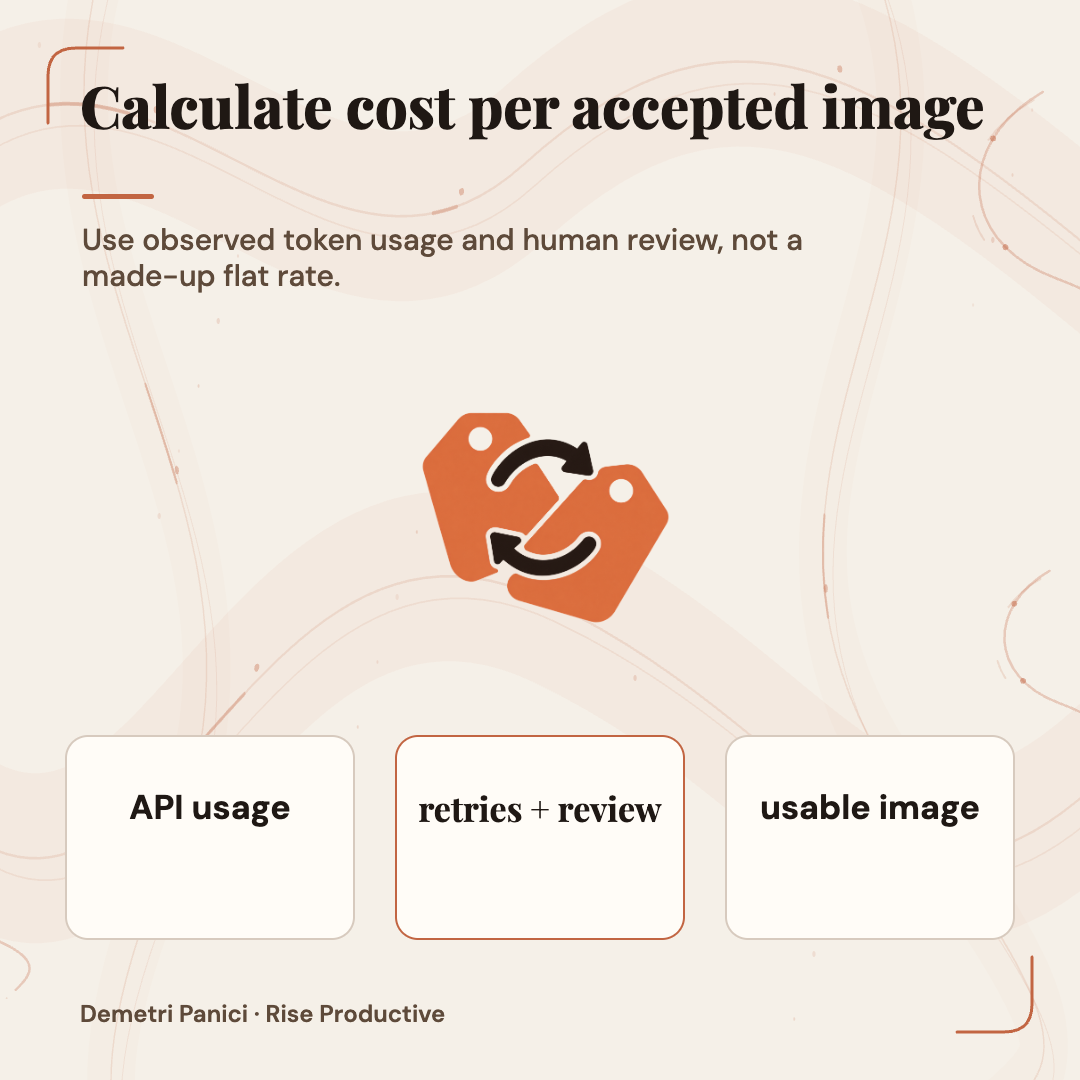
The OpenAI pricing page lists the same Standard token rates for both GPT Image 2.5 models: per million tokens, $5 text input, $1.25 cached text input, $8 image input, $2 cached image input, and $30 image output. These are token rates, not a fixed charge per image; usage varies with the request and output. The Batch API offers 50% lower costs for eligible asynchronous requests with a 24-hour turnaround, so do not apply Standard rates to a Batch estimate. Cached input pricing applies only to the Responses API image-generation tool, not direct Image API requests.
 View image detail
A team should calculate observed API spend from its own request records, then add the work that happens around each output. Consider retries, discarded candidates, human review, editing outside the API, storage, image processing and any costs of integrating and operating the service. Not every cost needs to be allocated perfectly on the first pilot. But if the team compares only the price for a single output token, it may choose a low-rate route that creates more expensive review work.
Use a simple denominator: accepted, usable images. If a task costs ten cents in calls but eight of ten candidates are rejected, the raw per-generation price hides the rejected work and review time. Conversely, an expensive candidate that usually passes on the first try might be economical for a high-stakes asset. A full calculation requires actual usage, human hours, acceptance rate, throughput and deadline; do not invent the result before measurement.
Compare at a fixed task mix. A model can have a good average while struggling on the asset type the business cares about. Calculate separate figures for the relevant task categories and disclose whether human review time is included. Keep values dated because model prices, version names and access policies can change.
If an image tool is provided as part of an existing subscription, account for that actual plan and any usage limits rather than declaring it free. A subscription, API token rate and staff time are different cost structures. The right comparison includes the complete workflow the team would actually operate.
Keep API and approval boundaries explicit
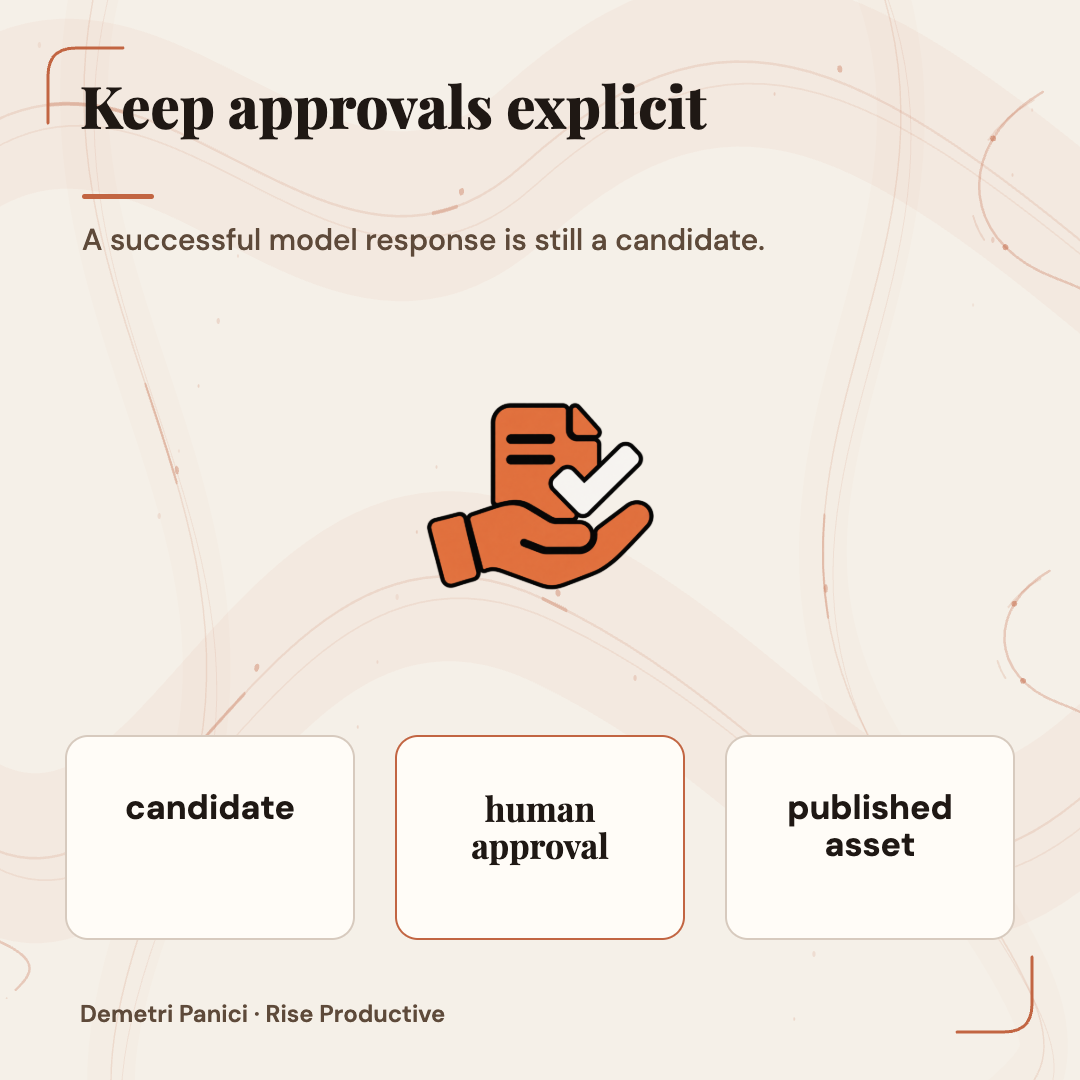
An image API call is one component in a host application. The host should validate the request, attach authorized inputs, present a preview, handle errors, store approved output and control any consequential action. Keep explicit states such as candidate, reviewed, approved and published; a successful generation response alone should not publish a file. Teams comparing interface-driven and API workflows can also use this computer-use versus API decision guide.
 View image detail
At minimum, give each output a stable identity and relation to its source references and prompt. Decide who can upload, prompt, approve and publish. Make rejected and superseded outputs distinguishable. Ensure the reviewer sees the output at a useful scale and can compare it with the source. If the content contains a logo, product detail or exact copy, provide an explicit inspection step instead of assuming an image model's return code reflects visual correctness.
Think about failure paths before making the model call automatic. What if a request times out after creating a result? Could a retry produce a duplicate or a different candidate? What if the prompt contains a missing reference? Can a user ask for one more change after the original reference has been discarded? How will the system respond when the output fails a review? A workflow should explain its state rather than leaving the user to guess.
The system card and public docs remain vendor-authored material. They are useful for the product's stated controls and safety information, but they are not an independent audit of your deployment. A team handling sensitive assets should inspect its actual data flow, access policies, retention and approved destinations. The specific configuration must be checked in the account and environment that will run production requests.
Learn from independent evaluation without overreading it
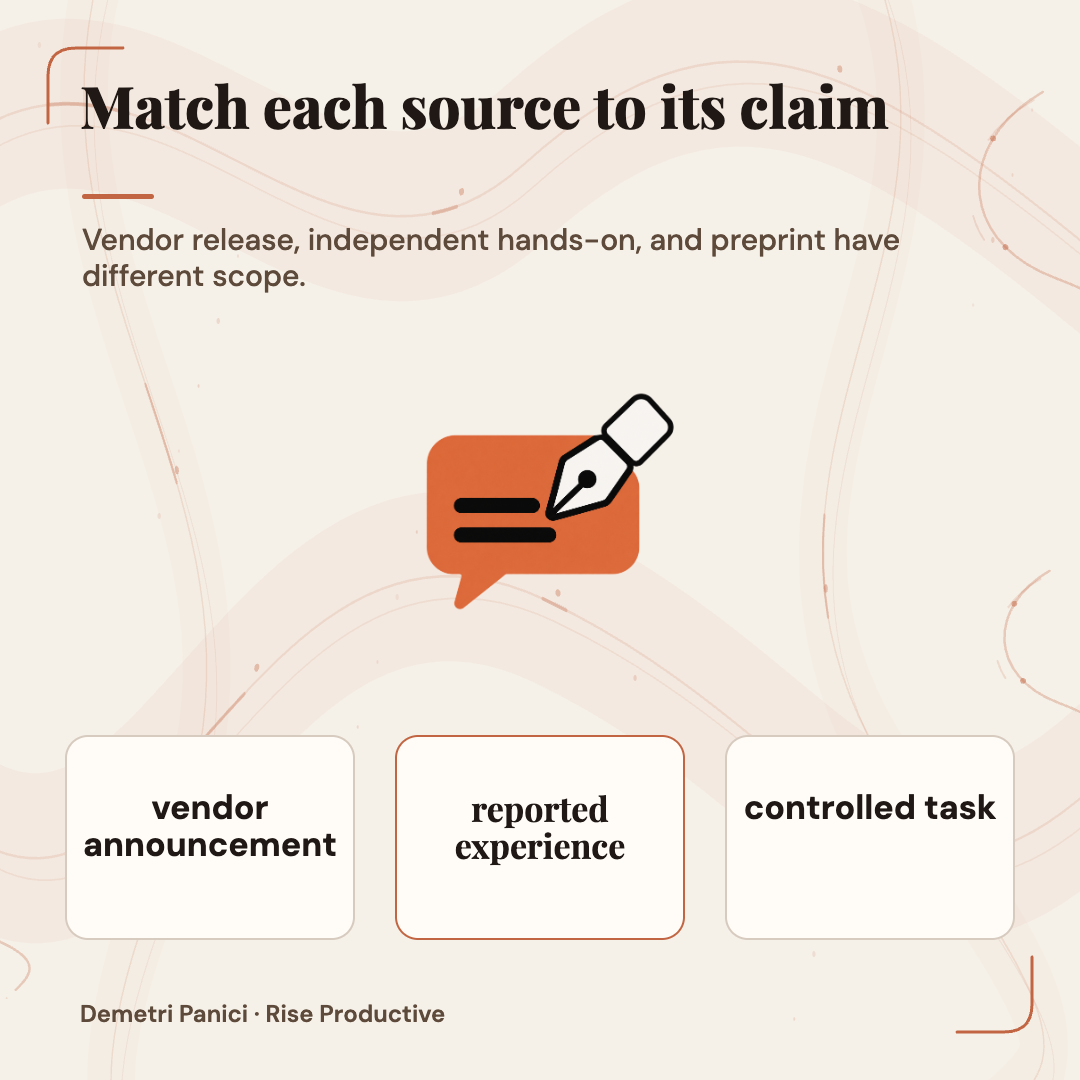
A September arXiv preprint tests Images 2.5 on fixed-answer forgery tasks. It compares Flare and Sunburst with same-week GPT Image 2 baselines, and reports a narrow improvement in preserving surrounding receipt text in one setup. The target values were not more often correct, and the authors did not measure a gain on repeated edits and small-print rendering. This is not a general creative workflow benchmark; it is a caution about what an advertised improvement means when success can be checked against known answers.
 View image detail
The study is still useful to an API buyer because its experimental posture is reusable. Match baselines on prompts and inputs. Define correctness before the call. Inspect collateral changes as well as the target. Report an improvement only for the task and conditions that were actually tested. That is a stronger practice than selecting examples after the model produces them and calling the most attractive output a win.
Axios's launch-day hands-on report offers a different kind of context. Its reporter tried image transformations, a tattoo edit and branded merchandise. The article describes successful creative iterations but also comments on the ethics of training data and artists' compensation. Those tasks are exploratory and the sample is small. The article cannot prove a team's API throughput or brand-fidelity rate. Together, independent reporting and a scoped preprint give readers more than the vendor announcement alone, while leaving many operational questions unanswered.
A second arXiv paper collected 3,478 images from 2,440 posts across eight sources during the first 51.1 hours after launch, then studied detector behavior. Its authors distinguish attribution tiers and state that caption claims and host records are evidence of reported use, not independently verified generator identity. The bounded source mix and launch window make this a snapshot, not a census or causal benchmark. For teams, the lesson is simple: your own request logs and input/output records are better evidence of which endpoint your application called than an attribution claim inferred from an image found online.
Roll out one workflow, not a model everywhere
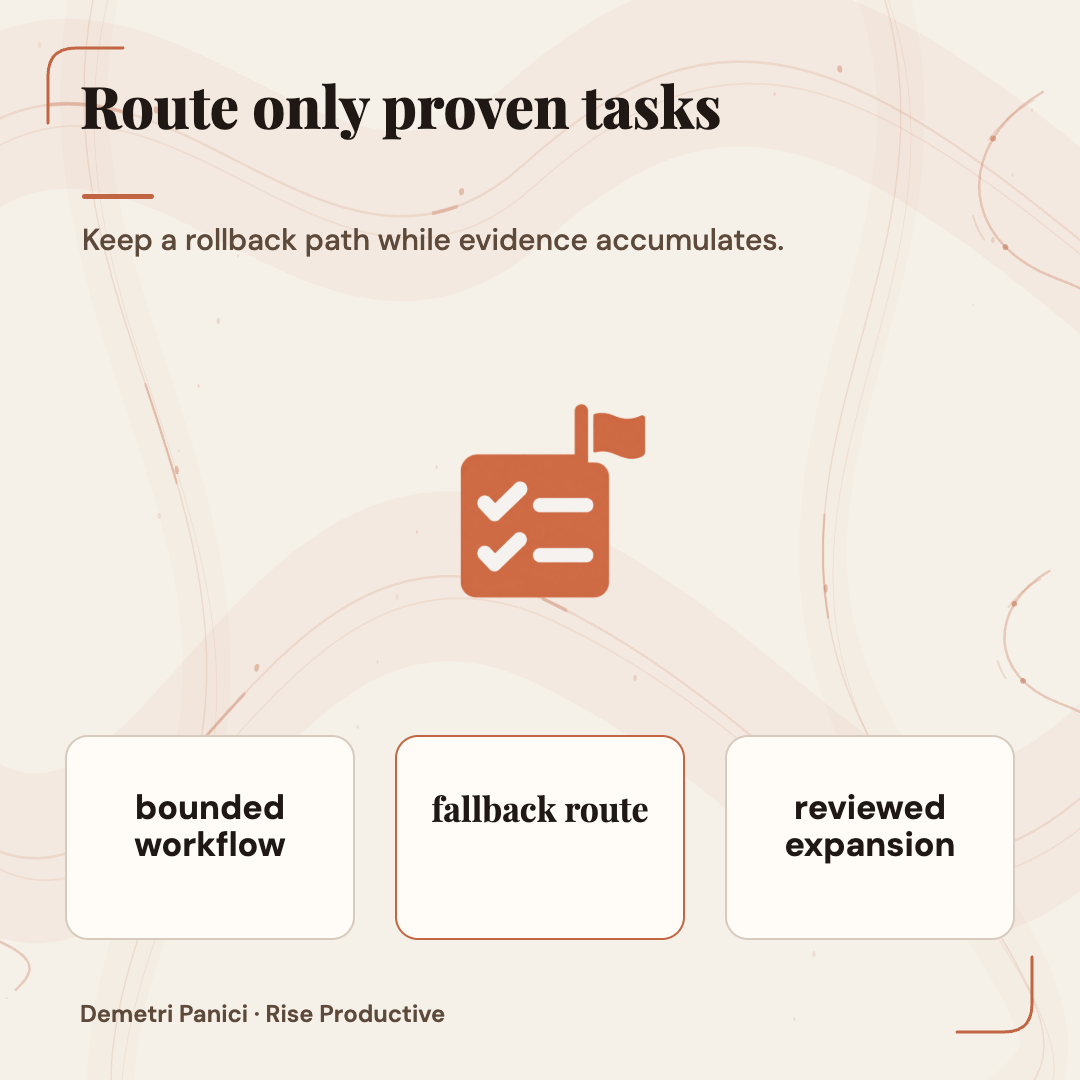
After the pilot, choose a limited workflow with clear boundaries. Route only the tasks that passed review to the new model. Keep the current method available as a fallback while the team gathers evidence in production. Establish a rollback trigger before launch: for example, an unacceptable increase in rejected brand details or a persistent delay in approval. Set the threshold based on the team's real tolerance rather than adopting a generic industry percentage.
 View image detail
Watch results by asset type. A team might find that a model is useful for scene variations but that exact product copy should be laid in later by a person or template. Another might use the API to create background candidates while a designer owns final typography and composition. The workflow need not be all-or-nothing. A model can own the rough, reversible work while a human remains responsible for claims and final identity.
Keep the prompts and reference inputs under version control appropriate to the sensitivity of the material. If a prompt changes, record that change with the model and settings. Otherwise, a quality difference between two releases may actually be caused by a new instruction. This is especially important when prompts are updated to fix one defect and inadvertently allow a previously stable detail to change.
Review again when the model, API, account access, pricing, product policy or application changes. Release notes and documentation explain what the provider says changed; a fresh representative test shows whether your system still meets your own bar. A once-passing evaluation does not guarantee an indefinitely stable production path.
A decision table for the first implementation
- A person explores ideas and steers changes visually: Start by evaluating: ChatGPT; What must remain in the pilot: Account and feature availability, source permissions, manual approval, and export trail
- One bounded image generation or edit from an application: Start by evaluating: Image API; What must remain in the pilot: Input validation, reference tracking, review state, retries and measured usage
- User-facing iterative image editing in an application: Start by evaluating: Responses API; What must remain in the pilot: Conversation state, permission boundaries, revision history and a clear stop/approve control
- Everyday throughput with latency priority: Start by evaluating: Flare; What must remain in the pilot: Quality threshold first, then latency and cost per accepted output
- Complex task where quality is the unmet requirement: Start by evaluating: Sunburst; What must remain in the pilot: Same prompt and inputs as baseline, explicit inspection and cost/latency tolerance
The table is a starting point, not a recommendation that one API always belongs to one class of company. The exact user experience, asset category and consequences decide what to test. The same team may choose ChatGPT for early art direction, an Image API call for a repeatable isolated transformation and a Responses flow for a user-facing sequence.
If your current Image 2 workflow is already acceptable, OpenAI's guide recommends beginning with Flare to see whether the quality bar can be maintained while improving latency. For a difficult use case where existing quality falls short, it says to establish Sunburst's quality first, then test Flare against it. That is a rational order because it tests against the requirement instead of chasing model novelty.
Choose the workflow that keeps control visible
A team considering GPT Image 2.5 should ask where a person needs to steer the work and what the system must preserve. ChatGPT, the Image API and Responses API support different product shapes. “Which model is best?” comes later. Flare and Sunburst offer a speed-first versus quality-first direction from OpenAI. Neither model label answers how reliably your users will get an approved asset.
A fair pilot uses rights-cleared references, the same tasks and settings, multiple attempts, explicit review criteria and a record of full human-involved work. It compares output quality, response time, failures, revisions and cost per accepted image. If the system misses, repair the correct layer: prompt, reference, review rubric, model, endpoint or workflow. Do not add a more powerful model to compensate for an unowned process.
No local API trial was run for this article, so the sources do not establish which model is faster for your prompts or what an accepted output will cost. Verify access and usage in your developer account, then test with permitted assets.
A good integration makes the decision visible. It records where a candidate came from, what was changed, what passed inspection and who approved the final file. The best result is not simply the most impressive image from a model. It is an image the workflow can produce, review and use responsibly without losing track of the human decision that made it ready.
Sources
- Introducing ChatGPT Images 2.5 : OpenAI
- Image generation : OpenAI API
- Image prompting : OpenAI API
- GPT Image 2.5 pricing: OpenAI API
- Batch API: OpenAI API
- Exclusive: Hands on with ChatGPT's new image editor : Axios
- ChatGPT Images 2.5 on Forgery Tasks : Raj et al., arXiv:2609.13617
- ChatGPT Images 2.5 in the Wild : Raj et al., arXiv:2609.15100
Checked for this article
Sources
Keep going
Related notes.
Systems and Workflows
How to Secure MCP Event Pipelines: Signatures, Nonces, Rate Limits
Opening inbound webhook ingress to autonomous AI agents creates severe attack surfaces. Here is how to secure MCP event pipelines with signatures, nonces, and gates.
Read the article
Systems and Workflows
How to Govern Autonomous Web Agents: Session State, Audit, Security
Allowing autonomous browser agents to navigate the open internet creates severe liability. Here is how to govern multi-session state, audit logs, and egress security.
Read the article
Systems and Workflows
How to Govern AI Music Assets: Licensing, Stems, and Ownership
Deploying generative music in commercial campaigns creates serious legal exposure. Here is how to govern licensing tiers, stem copyright, and voice likeness risks.
Read the article