
Creator Workflows
Qwen Image 2.1 RGBA: Can It Replace Background Removal?
Native transparency could remove a separate extraction step. The useful test is whether the saved layer works in your actual design, with less repair and a clear delivery handoff.
On this page
- Start with the layer your design actually needs
- A checkerboard is not proof of transparency
- Define one bounded evaluation brief
- Compare the whole route with your existing method
- Inspect the edge on backgrounds that reveal it
- Guide an edit without accepting unrelated changes
- Treat reference support as an input limit, not a fidelity score
- Keep a reproducible record of the generation path
- Measure the accepted asset, not the attractive attempt
- Turn a failed layer into a specific next action
- Package the layer so another person can use it
- Choose one asset family before changing the workflow
- Sources and further reading
It can remove a separate extraction step when the saved image has useful transparency and the subject fits the brief. Check its alpha, edges, unchanged details and final export before calling it a usable replacement. The documented capability is not evidence of a measured reduction in cleanup.
A generated image with a clean background and a usable transparent layer are different deliverables. The first might look excellent in a preview. The second has to sit on another background, survive resizing and retain the details the design needs. That distinction makes Qwen Image 2.1 interesting: its September 20 release documents native transparent RGBA generation, editing of transparent layers and subject extraction within one model. A creator could potentially skip the separate step that cuts a generated subject out of its original scene.
The opportunity is practical, but conditional. This article uses the original repository and model card checked on October 3, 2026, plus the PNG format specification and a narrow independent local demonstration. This is a source-based analysis. No Rise checkpoint generation or benchmark was performed; the workflow below is a proposed evaluation. Also resolve permission before using local weights: the published Qwen Research License grants use of model materials for research or evaluation and requires a separate license for commercial use. A successful image does not change that grant.
Start with the layer your design actually needs
The official model card describes one model for text-to-image generation and image editing. It documents transparent generation, layer editing, photograph subject extraction and several ways to guide local changes. Those are meaningful capabilities to investigate. They do not establish that every output has clean alpha, that every reference stays faithful or that a generated subject will suit your design without further work.
Choose the actual layer you want to deliver. It might be an original mascot, a decorative object or a research mockup that needs a separate background. Define what belongs to the subject and what belongs to the surrounding design. A sticker-like object can tolerate a simplified silhouette. A product cutout may depend on precise geometry, surface details and shadows. A person's hair presents another edge problem. Treating all three as one generic “transparent image” hides the criteria that will decide whether the result is useful.
A narrower brief helps identify what the model is responsible for. It might generate the original object and its alpha. Exact typography, official logos and layout can remain separate, deterministic layers. That division is particularly useful when brand identity must stay accurate. Generating an official mark inside an illustration introduces a fidelity problem that native transparency does not solve. Keep authentic identity assets intact rather than asking the model to recreate them.
A checkerboard is not proof of transparency
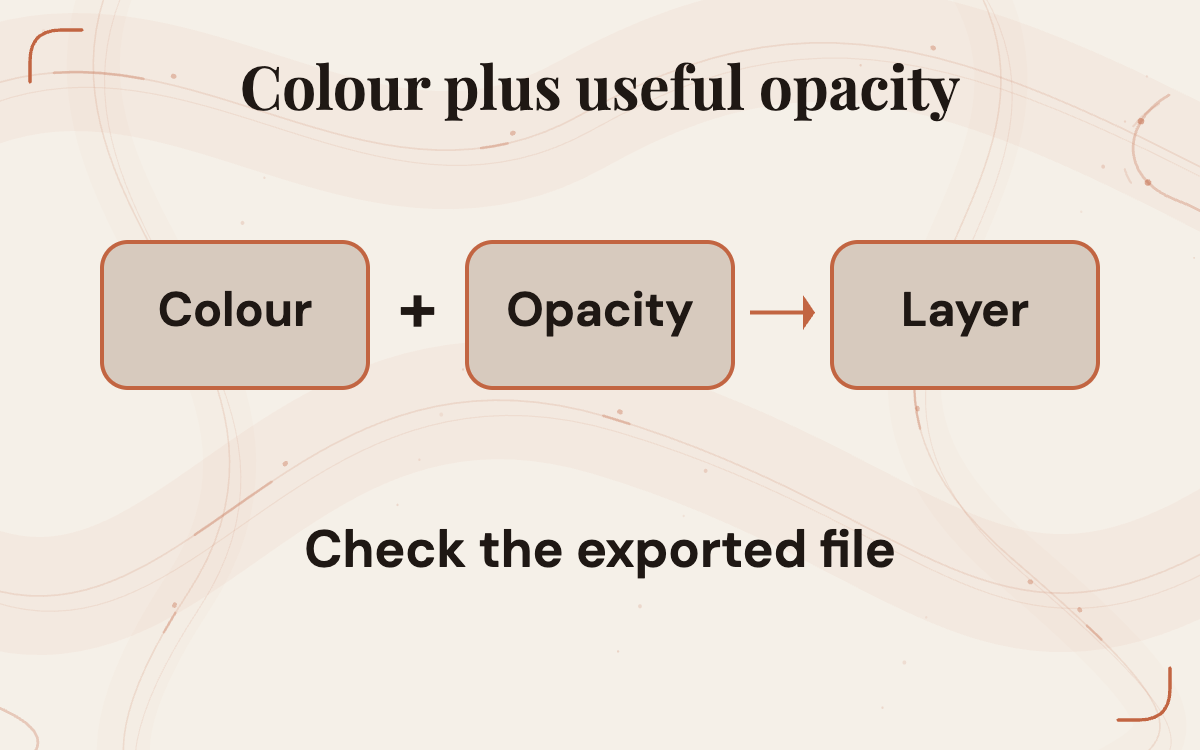
RGBA means red, green and blue colour information plus an alpha channel. The W3C PNG specification explains that alpha determines opacity: fully transparent pixels reveal the background, fully opaque ones cover it, and intermediate values allow partial blending. It also notes that a four-channel image can have every pixel fully opaque. The presence of an alpha channel alone therefore does not prove that the subject has been separated usefully.
Look at the saved file, not just the model's preview. A checkerboard is often the image editor's way of showing transparent areas. It can also be painted into an ordinary opaque picture. Put the file on a solid background and change that background. If the checkerboard moves with the subject, it is part of the image rather than an indication of transparency. If the exported file includes a real transparent area, the background underneath should become visible there.
This acceptance check applies to any promised transparent asset. It does not describe an observed Qwen failure. Inspect the channel or transparency view in the editor your team actually uses, then view the composition normally. A file can pass the format check and still have a rough silhouette, accidental holes or unwanted translucent material. Useful alpha requires both the file behaviour and the visual result.
There is a narrow independent check of the capability. Loop Forge published one local Qwen Image 2.1 output with its prompt, settings and downloadable RGBA file. Its reported pixel inspection found transparent, opaque and partly transparent areas. That supports real alpha in this example. It does not show that the layer fits another brief or that cleanup is consistently lower.
 View image detail
Define one bounded evaluation brief
Start with noncommercial evaluation material whose use is appropriate under the published terms. A fictitious paperclip mascot for an internal layout exercise is easier to assess than a real customer campaign. Write down the subject, required details, allowed interpretation, canvas proportion and intended placement. Specify whether a shadow belongs in the layer, whether the object must face a certain way and whether any text should be excluded.
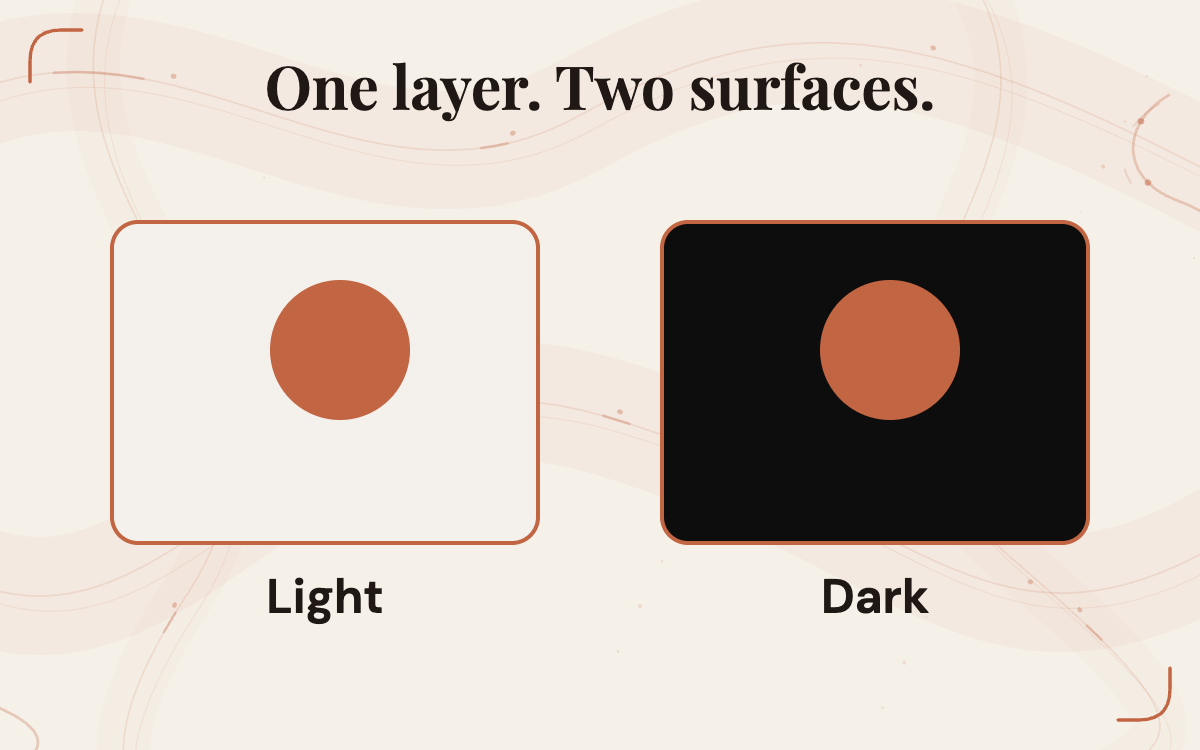
Then define the destination. The asset may appear on a warm cream background in a web card and a dark background in a presentation. Include those backgrounds in the evaluation because a faint edge can disappear on one and become conspicuous on the other. Set the smallest size at which the subject must remain recognisable. If a delicate detail is essential at thumbnail size, its presence in a large preview is not enough.
Keep the acceptance note short enough to use while inspecting an image. For example: one complete mascot; no baked backdrop; no invented text; the chosen small detail remains visible; the subject fits both layouts; and any repair is recorded. These are hypothetical criteria, not reported Qwen results. They give the reviewer something more specific than “looks good,” and they prevent the definition of success changing after a particularly attractive output arrives.
 View image detail
Compare the whole route with your existing method
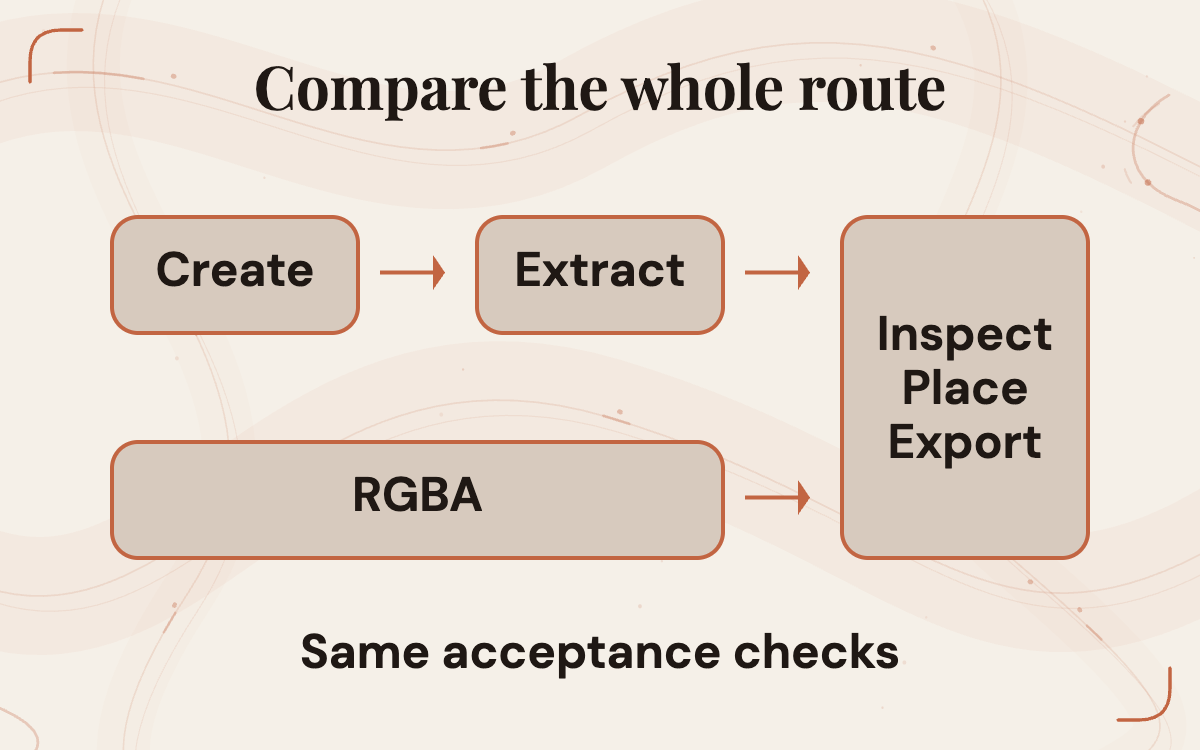
The fair comparison is between two complete paths to the same accepted asset. One path might generate an opaque subject and then remove its background with the current editor or extraction tool. The other requests native RGBA and carries the resulting layer through the same placement and export checks. Use the same brief and comparable source inputs. Preserve the original output from each route so the reviewer can see what was repaired.
Count the work after generation as well as the waiting time before it. Did someone remove a halo, recover a missing detail, redraw part of a silhouette or recreate a shadow? Did the model change the subject when asked to repair the edge? Did a file need conversion before the layout editor accepted it? Record failed attempts instead of keeping only the best-looking pair. The question is whether the new route removes work reliably enough for this asset family.
Do not infer a speed advantage from a one-step interface or a shorter-looking workflow diagram. One model invocation can require multiple reruns. A separate extraction step can be predictable and quick on the right input. Conversely, an acceptable native layer might remove a genuinely awkward manual operation. The result should be a local decision about the brief you evaluated. Rise's five-part automation test is useful for defining the work and the human check before adding another tool.
 View image detail
Inspect the edge on backgrounds that reveal it
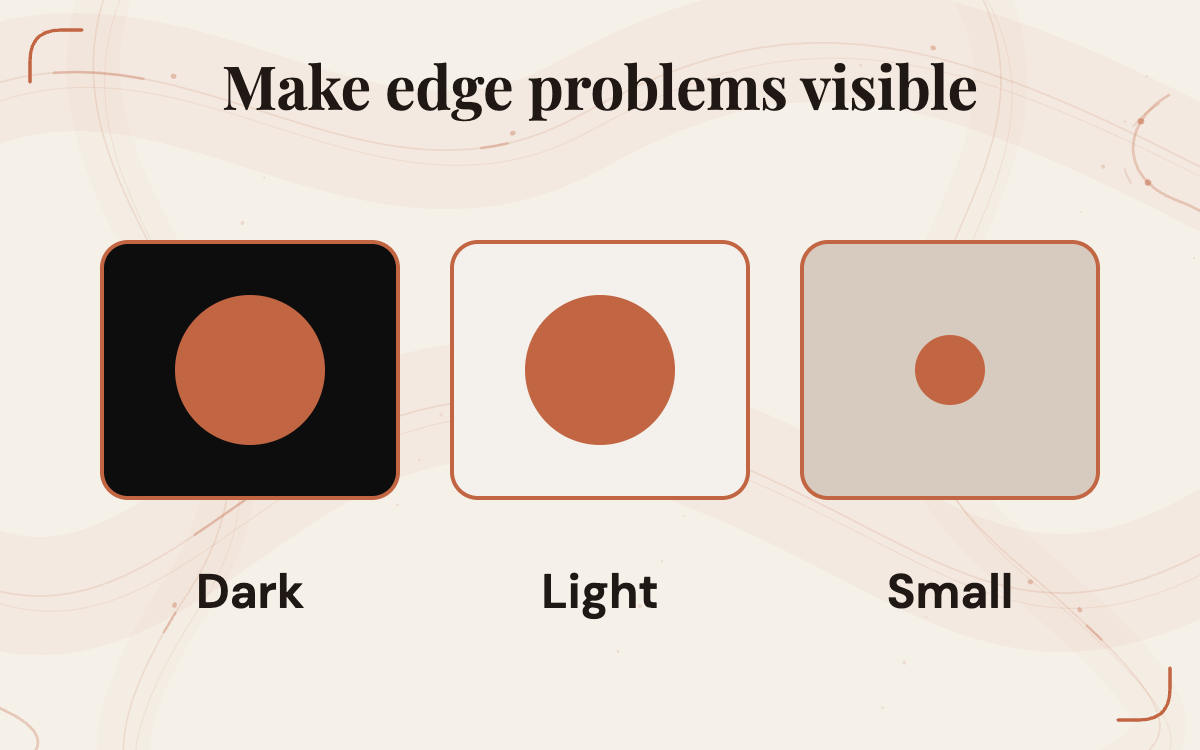
Place the subject on light and dark surfaces at the intended delivery size. Look for a fringe that suggests unwanted background colour, a hard outline where a softer transition was expected, gaps inside the subject and detached pixels. Zoom in to diagnose a problem, then return to normal viewing size to decide whether it affects delivery. A magnified imperfection and a visible defect in the finished composition are different observations.
Pay attention to the kinds of material in the brief. Thin stems, hair, translucent glass and soft shadows do not all need the same edge treatment. A simplified icon may look better with a decisive silhouette. A photographic object may require partial transparency around fine detail. Avoid deciding that one aggressive cleanup setting is correct for every subject. Record the material and the intended appearance so a later repair does not accidentally flatten useful detail.
Keep colour and transparency separate during diagnosis. An unwanted rim might involve the stored colour near the edge, the alpha shape or how the editor composites the layer. The W3C specification explains PNG's unassociated alpha representation, but the reader does not need to redesign the image pipeline to evaluate a file. The useful action is to inspect the asset in the actual destination and retain enough information to reproduce the observed defect.
 View image detail
Guide an edit without accepting unrelated changes
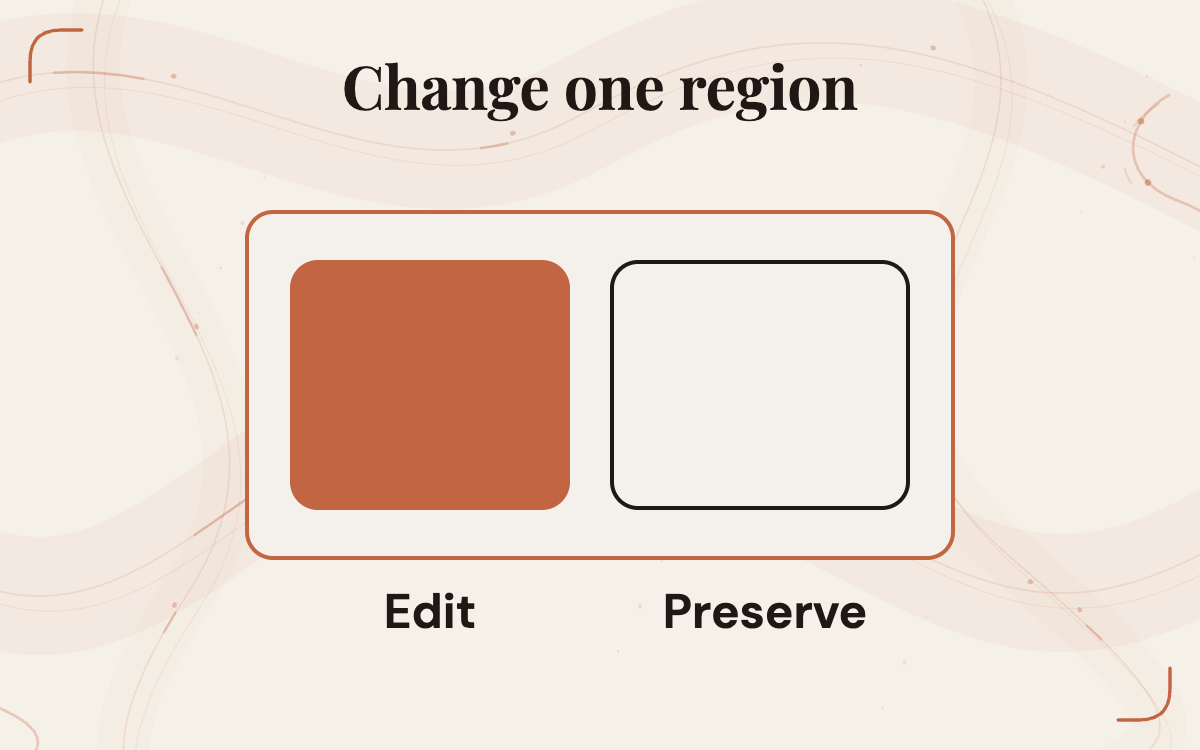
Qwen's documentation describes local editing guided by circles, painted annotations or separate masks. That creates a promising way to target a problem area. It is still a documented input method rather than a guarantee that the rest of the image remains unchanged. A repair is useful only when the intended change occurs and important details outside its scope stay acceptable.
Before an edit, save the original layer and state what should change. Perhaps the subject needs a cleaner edge around one handle, a simpler shadow or a removed decorative object. State what must remain: proportions, orientation, colour, distinctive details and alpha behaviour. After the edit, compare those retained features with the original. A beautiful new image is not automatically a successful correction if it changes the character or object the design already approved.
Use the smallest sensible request first. If a local correction repeatedly causes larger drift, return to the source and consider a different repair method. That could be manual cleanup or a new generation with a clearer brief. The choice depends on the observed cost and the importance of fidelity. Do not keep accepting wider changes simply because each version looks polished on its own. The asset's identity and role in the composition remain the reference point.
 View image detail
Treat reference support as an input limit, not a fidelity score
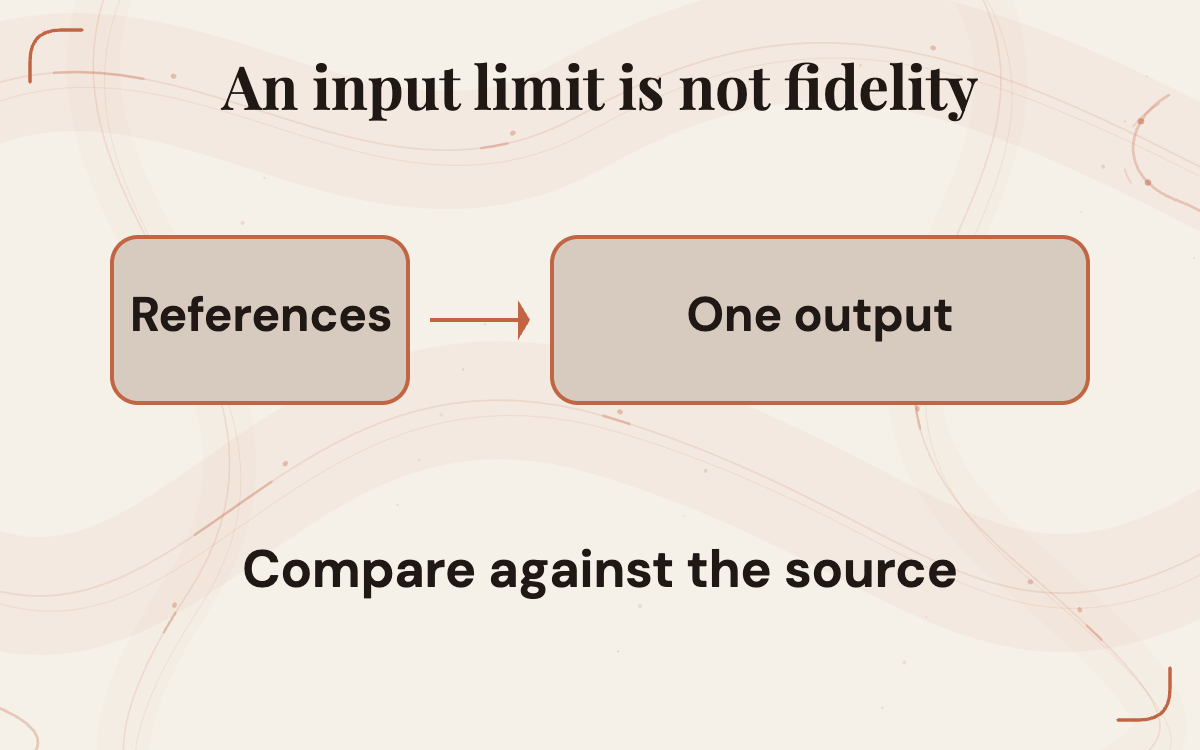
The model card and repository say Qwen Image 2.1 supports up to ten reference images. The repository includes a multi-reference composition example and claims improved identity preservation for people and products. Attribute that claim to Qwen. The declared number tells you what the model accepts; it does not tell you how many subjects it can reproduce accurately for your brief or how reliably their features remain distinct.
If the intended workflow needs references, record the job of each input. One may define the subject, another the permitted style and another the background relationship. An unnecessary reference can introduce an extra constraint or an unwanted visual influence. Avoid assembling a large reference pack simply because the limit permits it. Begin with the smallest set that communicates the task, then add inputs only when they answer a real ambiguity.
Inspect the details that matter to the destination. A product's handle, a mascot's outline or the orientation of an object may matter more than broad stylistic similarity. Compare the result with the actual source, not a memory of it. For people, use appropriately authorised inputs and keep resemblance review separate from aesthetic preference. A source-backed article cannot certify that a particular subject's likeness or product geometry is preserved without examining the resulting files.
 View image detail
Keep a reproducible record of the generation path
The release repository documents Diffusers and ComfyUI support, with example generation and editing workflows. Its code samples use CUDA and bfloat16, and show forty denoising steps. Those are documented sample conditions. They are not a tested installation on your computer, a universal hardware requirement or an estimate of how long your asset will take.
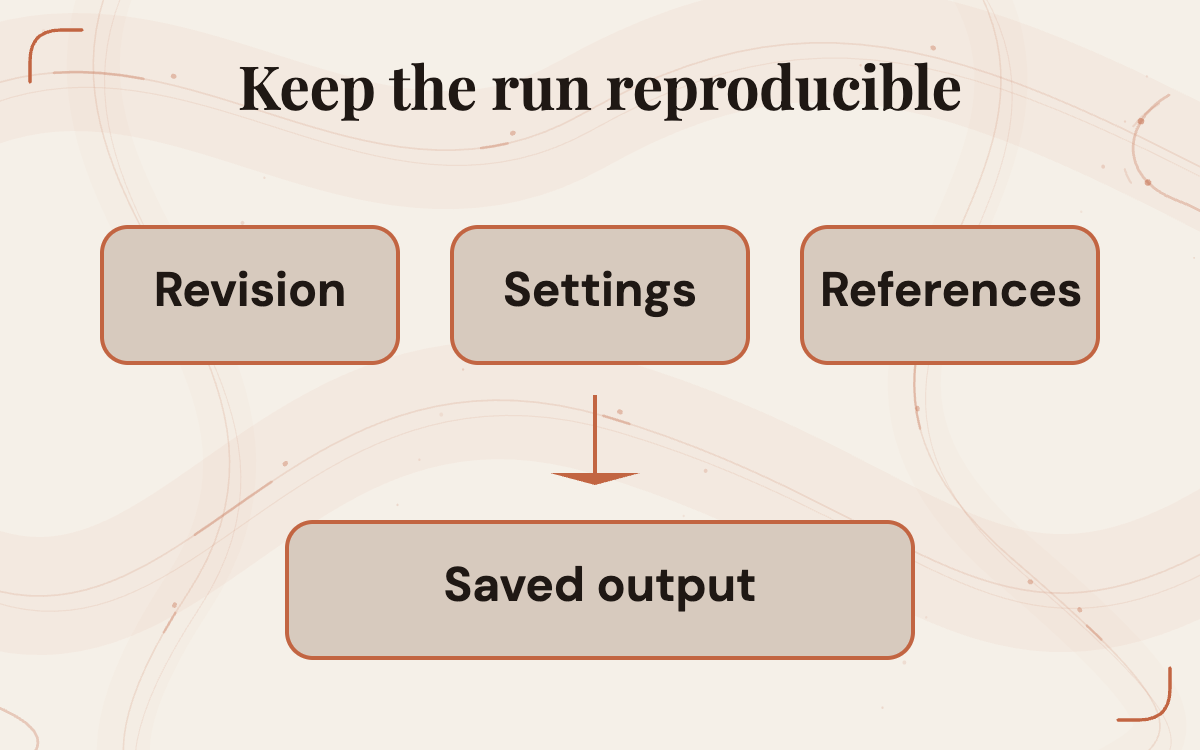
For an evaluation, save the exact model revision, runtime version, workflow, prompt, references, output size and generation settings. If you use Qwen's optional prompt-rewriting checkpoints, preserve the rewritten prompt too. The repository describes separate text-to-image and editing rewriters. A comparison can be misleading when one route silently expands the brief while the other uses the original short instruction. The rewriter is part of the operating path, not an invisible improvement to the same input.
Record any offload or cache configuration that affects the run. Qwen documents options intended to reduce memory pressure or redundant computation. Their presence does not establish performance on the actual machine. Keep the same settings for a comparable series where possible, and label a changed setting. The aim is enough information for another reviewer to understand why two outputs or timings differed, without turning the article into an unverified installation recipe.
 View image detail
Measure the accepted asset, not the attractive attempt
The unit that matters is an accepted asset ready for its intended layout. Generation time is one part of that unit. Add the attempts that were rejected, the time spent checking fidelity and transparency, the repairs, placement and export. If the workflow needs a specialist to inspect every result, include that person's effort. An inexpensive generation path can still create expensive review or cleanup.
Separate quality from convenience. An output that needs no extraction but misses a required detail has not solved the job. A slightly slower route that preserves the subject and exports predictably may fit better. A native RGBA route might be valuable for original decorative assets and less appropriate for exact product imagery. Keep that decision specific to the asset family.
Keep the results interpretable. Instead of one overall score, record acceptance, repair type and the decision it prompted. “Useful layer, but the shadow needed manual adjustment” is more actionable than “eight out of ten.” If timing matters, describe the machine, settings and sample scope beside the result. This article supplies no numerical benchmark, and a future local trial should not be presented as a general ranking of all image models.
 View image detail
Turn a failed layer into a specific next action
Consider a hypothetical evaluation of the paperclip mascot. The first output has a genuine transparent area but loses the small detail that identifies the mascot. That is a fidelity issue. Improving the background-removal step would not recover the missing content. The next action is to clarify the brief or reference, then inspect a new output against the same criterion.
Another output keeps the details but shows a bright rim on the dark layout. That is an edge or compositing problem. Inspect its alpha and neighbouring colour, attempt a bounded repair and count the work. A third layer works on both backgrounds but becomes unreadable when reduced for the card. That is a delivery-size problem. Simplify the subject or use a different composition rather than approving it because the full-resolution image is attractive.
These examples are proposed diagnoses, not observed defects from the checkpoint. They explain why “RGBA worked” is too broad a conclusion. Each failure belongs to a different part of the process and suggests a different remedy. A useful test leaves the team with an accountable next step: revise the brief, repair the edge, change the placement or stop using this route for that asset family.
Package the layer so another person can use it
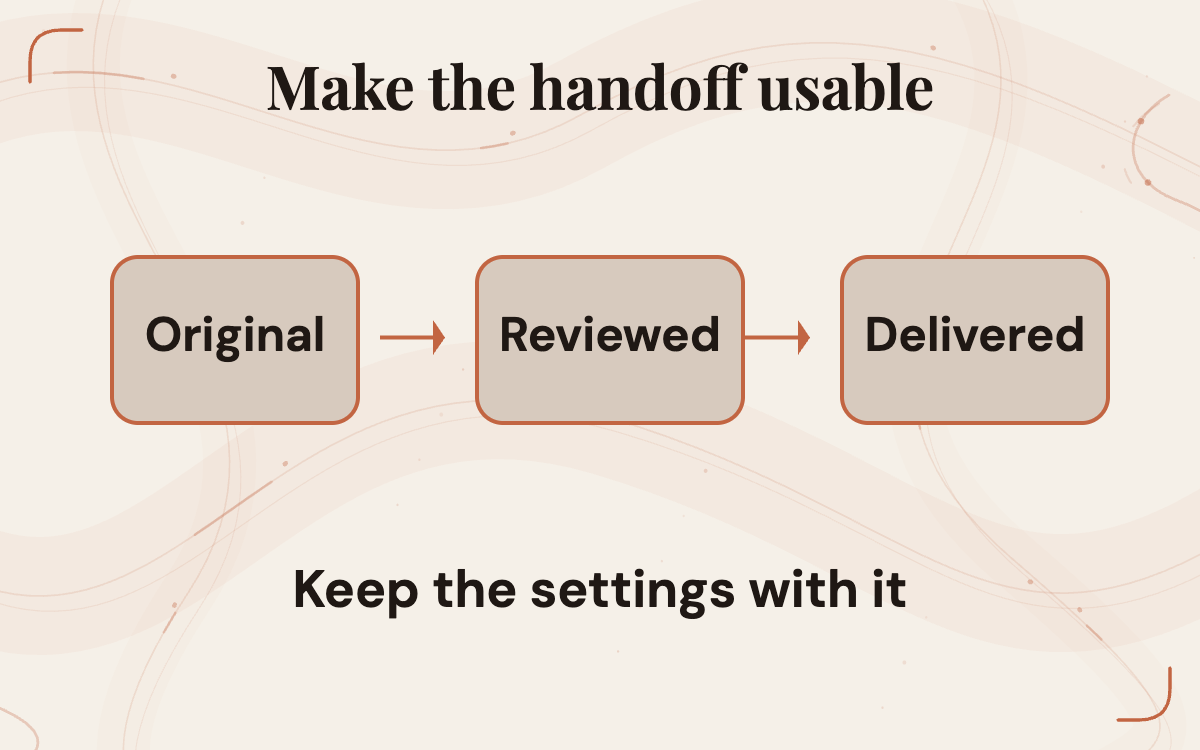
Once an asset passes, preserve its original output and the final derivative separately. Give the deliverable a clear name, record dimensions and transparency, and include the permitted placement and relevant source/reference information. If a repair changed the image, identify the repaired file as the one to use. A teammate should not have to guess which of several similarly named exports was actually reviewed.
Check the handoff through the final export. Place the layer in the real layout file, resize it, inspect its boundaries and export the format the destination needs. Reopen that exported file. If the destination deliberately flattens the final composition, that can be correct; keep the reusable transparent source separately. If the next person needs the alpha layer, sending only the flattened preview does not complete the handoff.
This is where the potential benefit becomes real. Native generation is interesting because it may produce something easier to reuse across layouts. The value disappears if the asset arrives without a known revision, reliable alpha or an understandable delivery record. A modest accepted-layer checklist can remove more confusion than repeatedly choosing between attractive previews. Keep it focused on the asset's actual purpose and the person who will use it next.
 View image detail
Choose one asset family before changing the workflow
Qwen Image 2.1 is worth investigating when a repeated creative task needs original subjects as separate layers, and the team can evaluate the published weights under appropriate terms. Its native transparency and editing support target useful parts of that work. They do not establish a universal replacement for background removal, a fidelity guarantee or a commercially permitted deployment by themselves.
Choose one brief and one destination pair. Compare native RGBA with the route you already trust. Retain every attempt, inspect the actual saved transparency, check unchanged details and carry the result through the final handoff. Decide which asset family, if any, should use the new route. Keep exact brand marks and critical typography in their own reliable layers.
Give the trial an owner and one acceptance note. Keep the native route when it delivers the required layer with less total repair and a reliable handoff. If it loses identity, creates difficult edges or fails the destination size, record which check failed and keep the current route while resolving it. That is a decision another person can act on.
Sources and further reading
Checked for this article
Sources
Keep going
Related notes.

Creator Workflows
Can Gemini 3.8 TTS Support a Reusable Voice for a Content Series?
A recurring Gemini 3.8 TTS voice needs rights, production access, multi-scene consistency, manageable review and usable source files. This article maps a pilot before a team commits to a series.
Read the article
Automation and Agents
Strands Decider 2B: Validate Confidence Before Automating Decisions
A confidence score cannot set your routing policy. Reviewed cases can show which mistakes an automatic rule would allow and how much work it would send to people.
Read the article
Automation and Agents
Strands Decider 2B: Which Agent Decisions Are Worth Handling Locally?
Strands Decider 2B selects supplied options locally. Use five questions and three worked cases to decide which agent choice merits a contained trial.
Read the article