
Automation and Agents
OpenAI Agents API Sandbox: Hosted, Self-Hosted, or No Environment?
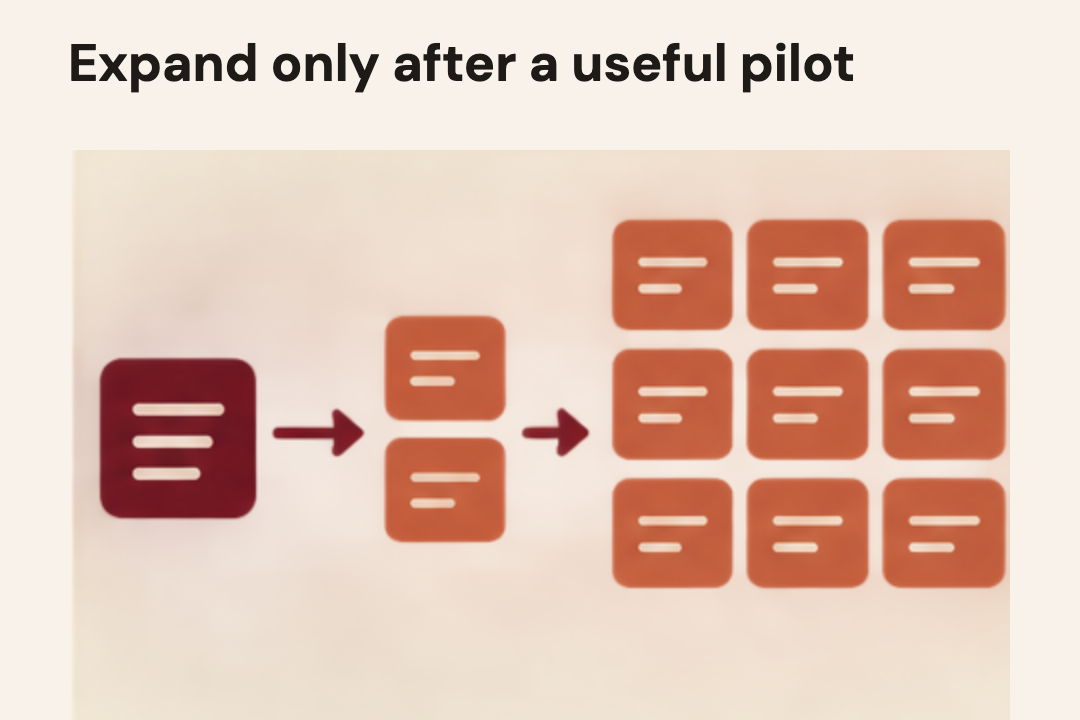
The Agents API separates its managed harness from the place code and tools run. Choose no environment, OpenAI-hosted, or self-hosted by deciding what your task needs and what your team can safely operate.
On this page
- Start with the job, not with the sandbox
- The three choices answer different needs
- No execution environment
- OpenAI-hosted environment
- Self-hosted environment
- Residency and retention are early filters
- Decide by responsibility, not by a security slogan
- Run a small, bounded environment test
- Calculate total cost and operational effort
- A practical selection rule
- What to verify before production
- Frequently asked questions
- Does a self-hosted Agents API sandbox make the service eligible for Zero Data Retention?
- Do I need a sandbox to use Agents API?
- Does an OpenAI-hosted sandbox have unrestricted network access?
- Should my OpenAI API key be placed in the sandbox?
- How do I know whether self-hosting is worth the effort?
Picking a sandbox is not a simple question of where you feel safer. It is a decision about what a task must be able to touch, what data may leave your systems, and who owns the machinery when a run stalls. OpenAI's Agents API lets the application choose an execution environment for the Codex harness. Current documentation describes no sandbox, an OpenAI-hosted sandbox, and a self-hosted sandbox connected to the service. Each option moves different responsibilities. None removes the need to limit tools, define a stopping rule, retain evidence, and recover a failed task.
This is the second decision in an Agents API evaluation. The first is whether a managed harness is useful at all. If your team has already decided to test it, this guide helps choose an execution boundary without confusing a self-hosted executor with a promise about API data residency. OpenAI currently says Agents API is US-only for data residency and is not eligible for Zero Data Retention, including with a self-hosted environment. Those constraints can decide the question before any container design begins. If you have not yet checked whether the task is a good automation candidate, start with the Work Worth Doing test before designing its sandbox.
 View image detail
Start with the job, not with the sandbox
Write down the task in one sentence. “Read a support ticket and draft a reply” is different from “inspect a repository, run tests, edit files, and open a proposed change.” The first may need only an application function or remote MCP tool. The second needs a workspace and some way to execute commands. If you begin by choosing a container, you can end up building operational machinery that the workflow never needed.
Then name the task's inputs and outputs. Is the agent reading public documentation, internal customer records, source code, or files with regulated data? Does it need to write a file, send an email, update a record, or merely return a recommendation? Which action would be difficult to undo? Who approves that action? These questions reveal the minimum useful access and the approval boundary. They also help separate a test harness from a production service.
A sandbox is not a complete security policy. It is one boundary in a larger system. The application still chooses which person can start a run, which tools are available, which records can be read, which actions need confirmation, how credentials are supplied, and how results are checked. A temporary environment can limit where code executes, but it cannot decide whether an authorized user should see a particular record. A network allowlist can constrain destinations, but it cannot make a prompt or tool safe by itself.
 View image detail
The three choices answer different needs
No execution environment
An Agents API session can be configured without an execution environment. That can still make sense when the agent uses remote MCP servers or application-provided function tools, and does not need the built-in shell, workspace or executor MCP surface. The application can expose narrow functions such as “retrieve order status” or “create a draft response.” The service can manage the session and orchestration while your application remains the place that performs those functions.
This option is easy to overlook because “agent” often brings a shell to mind. A shell is not required for every useful tool workflow. If the task consists of asking a model to call a small set of well-scoped application functions, adding a general-purpose environment may expand the available capability without improving the job. Keeping the tool surface narrow also makes it easier to review what a run can do.
No environment does not mean no risk, no state or no engineering. Your remote tool service still needs authentication, authorization, validation, rate limits, logging, and safe handling of tool results. You still have to prevent one user's run from reading another user's data. You must decide whether a function call is a preview, a draft, or a committed action. A powerful “do anything” tool can be riskier than a carefully isolated sandbox, even though it runs outside one.
Choose no environment when the job needs only controlled application tools and the application can keep those tools appropriately scoped. Do not choose it just to avoid thinking about the runtime. If the agent needs to inspect files, use a command line, run code, or retain a workspace, this choice may not provide the execution surface the job needs. Verify the actual current tool support and session configuration in the API documentation before implementing the pattern.
 View image detail
OpenAI-hosted environment
An OpenAI-hosted sandbox is a managed execution environment associated with the Agents API. The current guide describes configuration for packages, environment variables, network policy and execution. This may suit a test where a team needs a workspace quickly and does not want to build its own executor lifecycle first. It shifts some provisioning and environment operation away from the application team.
Hosted does not mean unrestricted or zero-configuration. You still have to decide what the sandbox can reach. Current documentation provides disabled, enabled, and restricted network access modes, including a domain list for restricted access. The right choice depends on task requirements. A code review that needs no outbound network should not receive broad internet access by default. A dependency installation job may need particular package sources. Record the exact destinations and why each is needed, then test what happens when an unlisted destination is blocked.
You also need a deliberate secret plan. Do not put the primary OpenAI API key into a sandbox environment. Current hosted-environment guidance describes using Vault for secrets that need to reach a sandbox. Decide which task-specific credentials are genuinely required, how they are scoped, who can request them, how long they are available, and how rotation works. A sandbox should not inherit a developer's entire shell environment merely because that is convenient during a demo.
Costs should be part of the test plan. The announcement says there is no separate Agents API fee, but model usage, tools and hosted sandbox execution have their own applicable charges. A task that loops, retries, installs packages or keeps an environment active can cost more than a single model call. Check current price documentation before deployment, measure a representative task, and record all included components. Do not extrapolate from a one-off test to monthly spend without a volume and failure model.
A hosted environment also has a lifecycle. Current guidance says an inactive sandbox may be deleted after an hour without a keepalive. Your application must be ready for a task that outlives a sandbox, a session that needs continuation, or files that need explicit persistence. Treat the workspace as temporary unless the current documentation and your test establish otherwise. Store required outputs in an approved location, verify that they arrived, and make cleanup behavior visible to the operator.
 View image detail
Self-hosted environment
A self-hosted sandbox lets your application connect a runtime it provisions and operates. This may be appropriate when an existing infrastructure or data-handling requirement calls for a controlled execution service, or when the team needs to own the runtime's lifecycle and files. But “self-hosted” describes the execution environment. It does not make the Agents API itself self-hosted, change which provider receives API data, or override the current residency and retention terms.
The application takes on more operational work. It must provision an executor, establish its connection, maintain environment authentication, track pending and connected states, handle failures, recover or reconnect when appropriate, preserve needed files, and shut down resources. The service has to report useful run state without exposing secrets. Someone has to decide whether a failed connection should retry, ask for human intervention, or stop. These are product decisions, not merely infrastructure tickets.
Isolation deserves a concrete design. Current self-hosted guidance recommends isolating environments by user or workload; shared environments share files, credentials and resources. Work out which boundary matches your threat model and cost constraints. If two customers can reach the same filesystem or credential set, a task-level instruction cannot compensate for the shared access. Test cross-run isolation directly with synthetic data before trying real customer work.
Network controls, service credentials and the executor boundary need the same attention. Keep the connection credential separate from application secrets, use scoped credentials where supported, and document who can create or connect an environment. Define allowed outbound destinations and logging retention. Include the executor service in incident response: who can disable it, inspect a suspicious run, revoke credentials and confirm deletion? If your team cannot answer those operational questions, self-hosting may add complexity without giving you a useful control.
Self-hosting may preserve choices about where the process and workspace run. That is a meaningful property, but it is not a blanket assurance about the complete data path. The API's current US-only residency and non-ZDR status still apply. Your application may also send prompts, tool results or artifacts through separate services. Map the data path end-to-end: API session, tool service, environment, logs, artifact storage, observability and backups. For each component, identify data categories, retention, access, region and deletion owner.
 View image detail
Residency and retention are early filters
OpenAI's current Agents API overview states the API supports US data residency only and is not eligible for Zero Data Retention, even if the sandbox is self-hosted. Keep those statements together. It would be misleading to say that a self-hosted workspace means data never reaches OpenAI. The Agents API is a service with its own control plane and data terms; selecting where execution runs does not rewrite those terms.
For some organizations, these conditions may make the decision straightforward: do not use Agents API for that workload until policy, legal and procurement owners confirm that the service is eligible. For others, a US-only boundary and the applicable retention terms may fit. This guide cannot decide that for your organization. Compare the current product documentation with your signed terms and internal policy, and verify the exact data categories involved. Do not infer policy approval from a successful sandbox test.
Also distinguish API session state from data your application owns. The documentation describes session state and artifacts, and includes deletion controls. Your own systems may retain copied inputs, generated outputs, audit events, logs, backups or analytics. Define a deletion map that follows a run's data from ingestion through each copy. Test deletion with a test account and confirm each component's behavior. A “delete session” button is not proof that all downstream copies have disappeared.
 View image detail
Decide by responsibility, not by a security slogan
The comparison below is a starting point, not a universal ranking.
- No environment: What the run gets: Remote MCP or application functions, without built-in shell/workspace; Main responsibility that remains with your application: Tool authorization, validation, data isolation and side-effect approvals; Good first fit: Bounded tasks that call a small number of narrow tools
- OpenAI-hosted: What the run gets: Managed execution workspace configured for the run; Main responsibility that remains with your application: Tool policy, network and secret choices, output persistence, spend and lifecycle handling; Good first fit: A reversible evaluation where managed setup matters
- Self-hosted: What the run gets: Execution through an application-provisioned environment; Main responsibility that remains with your application: Provisioning, connection, isolation, recovery, persistence, shutdown, plus API data eligibility; Good first fit: A workload with a specific runtime boundary and an operator able to own it
Do not read “managed” as “safe by default,” “self-hosted” as “compliant,” or “no environment” as “risk free.” Those are attractive shortcuts, but none names the controls that matter. A better question is: who owns each failure mode, and how will the operator know it happened?
Use a simple responsibility worksheet. For each row, name a person or team, the concrete control, and the evidence you will retain:
- Who decides which user can start a run?
- Who selects each tool and validates its arguments?
- Who approves external messages, purchases, or edits?
- Who controls network destinations and secrets?
- Who isolates concurrent users and tasks?
- Who stores outputs and determines their retention?
- Who sees a stuck run, and who can stop it?
- Who restores a required file after environment deletion?
- Who reviews a policy change or provider update?
If “the platform” appears in every answer, the design probably has unassigned work. Even a managed service depends on application policy and clear ownership. If every answer points to one developer, the system may lack operational coverage. Make the ownership visible before the first production task.
 View image detail
Run a small, bounded environment test
Choose one task with a clear success condition, low consequence and reversible output. An example is “read a small synthetic repository, run one test command and propose a patch without applying it.” Do not choose a high-stakes customer action just because it looks impressive in a demo. Keep the input fixed across environment options so you can compare the boundary, not changing task difficulty.
Write the expected outcome before running anything. Define what counts as correct, which files or records may be touched, which network destinations are allowed, whether an operator must approve, how a retry works, and what the agent should do when evidence is missing. Specify a timeout and a stop control. Decide which state must persist after the environment ends and verify the chosen storage location has the intended access.
Run a test matrix:
- Tool-only check. Use no execution environment if the task needs only one bounded application function or remote MCP action. Verify denied calls fail cleanly and the function cannot escape its user's scope.
- Hosted check. Use a temporary hosted environment with the narrowest network setting that can complete the task. Confirm it cannot reach an unlisted destination. Do not include a durable production credential.
- Self-hosted check. Only if a real requirement remains, provision an isolated test executor. Confirm that a second user's run cannot view the first run's files, that reconnection works, and shutdown removes or preserves files according to the written policy.
- Failure check. Interrupt a run, remove a test dependency, provide an invalid tool result, and attempt an unauthorized action. Observe whether the application pauses, recovers, asks for approval or stops.
- Deletion check. Trace a test value through the session, tool, environment, output and logs. Exercise the deletion path and record what you can and cannot confirm.
Record outcomes, not vibes. Useful measures include task success against the written rubric, invalid actions blocked, human approvals requested, retries, time to recover, operator minutes, environment cost, model/tool cost, and output completeness. This is not a claim that one environment is more secure or reliable. It is an experiment for your own task and configuration.
 View image detail
Calculate total cost and operational effort
A fair comparison includes more than the line item that catches your eye. Count model calls, tools, sandbox time, network services, logging, storage, retries and the labor needed to operate the path. The Agents API announcement says the API itself has no additional fee, but this does not make the workflow free. Current hosted documentation describes sandbox billing; verify the current rate and charging unit before evaluating it.
Then count engineering effort. For a hosted test, include environment configuration, domain policy, secret flow and output handling. For a self-hosted test, include provisioning, connection management, monitoring, incident response, recovery, patching and shutdown. For tool-only operation, include secure function design, authentication, authorization and the safeguards around side effects. These are different work profiles, not zero-versus-cost tradeoffs.
Measure the run from the operator's perspective. How many minutes did someone spend setting it up, reviewing the result, handling a failure and cleaning up? If setup takes longer than the task, that may still be acceptable for repeatable work, but you should see that clearly. Estimate monthly total cost using realistic volume and failures. A pilot with one successful run will not tell you the cost of a system with repeated retries or idle sessions.
 View image detail
A practical selection rule
Use no environment when the task needs only narrowly scoped application or remote MCP tools, and your existing services can safely own those actions. Keep the functions small, validate their inputs, and make approval rules explicit.
Test an OpenAI-hosted environment when a task truly requires a workspace or command execution, and you want to evaluate the managed harness without first building an executor. Keep network access restricted, use the current supported secret path, treat files as temporary until proven otherwise, and measure the actual costs and cleanup behavior.
Consider a self-hosted environment when a specific infrastructure or operations requirement calls for your team to own the execution boundary, and you have people and systems to provision, isolate, reconnect, inspect and shut it down. Confirm API-level data residency and retention eligibility independently. Do not select it just because the phrase “self-hosted” sounds like a guarantee.
If none fits the data terms, policy, expected control or operator capacity, do not force the Agents API into the design. An application-owned SDK loop, direct Responses API calls, or an existing workflow engine may fit better. The Agents API versus Responses API guide covers that earlier architecture decision. For the separate choice between graphical computer use and an API integration, see when computer use is better than an API. These are adjacent decision guides, not evidence that any option wins in your environment.
What to verify before production
Product documentation can change, and a public beta can change quickly. Reopen the current environment guide before implementation. Confirm the exact API status, available regions, retention and deletion conditions, sandbox timeout, network modes, secret integration, rate and billing rules, and supported execution lifecycle. Check your organization's own contracts and data policies with the responsible owners.
Finally, keep the evaluation reversible. Use synthetic or approved low-risk data. Limit scope, tools and network. Store only the artifacts you need. Have a human review changes that affect customers, money, access or records. Keep an operator stop control. If the task needs to recover after a sandbox disappears, write down the recovery path and test it before relying on it.
The useful decision is not “hosted versus self-hosted.” It is a map of capability, information flow and ownership. Choose the smallest execution surface that can do the job. Then prove, with one bounded task, that the application can limit access, observe progress, recover from interruption and clean up the data it created.
Frequently asked questions
Does a self-hosted Agents API sandbox make the service eligible for Zero Data Retention?
No. OpenAI's current Agents API overview says the API is not ZDR-eligible even with a self-hosted sandbox. Check current docs and your signed terms because product and contractual conditions can change.
Do I need a sandbox to use Agents API?
Not for every task. Current architecture documentation describes a none environment for workflows that rely on remote MCP or application function tools and do not need built-in shell or workspace execution. Verify available tools for the session you configure.
Does an OpenAI-hosted sandbox have unrestricted network access?
No. Current environment documentation describes disabled, enabled and restricted modes, including allowed-domain configuration for restricted access. Choose the narrowest mode that can support the task and test denied destinations.
Should my OpenAI API key be placed in the sandbox?
Current hosted-environment guidance says not to put the primary API key in the sandbox and describes Vault for necessary sandbox secrets. Check the current guidance and use narrowly scoped credentials for the specific task.
How do I know whether self-hosting is worth the effort?
Name the concrete requirement it satisfies, assign the executor lifecycle to an owner, and compare the full test against hosted and tool-only options when applicable. If the team cannot operate isolation, connection recovery and shutdown, the self-hosted choice may create more risk and work than it resolves.
Checked for this article
Sources
Keep going
Related notes.
Automation and Agents
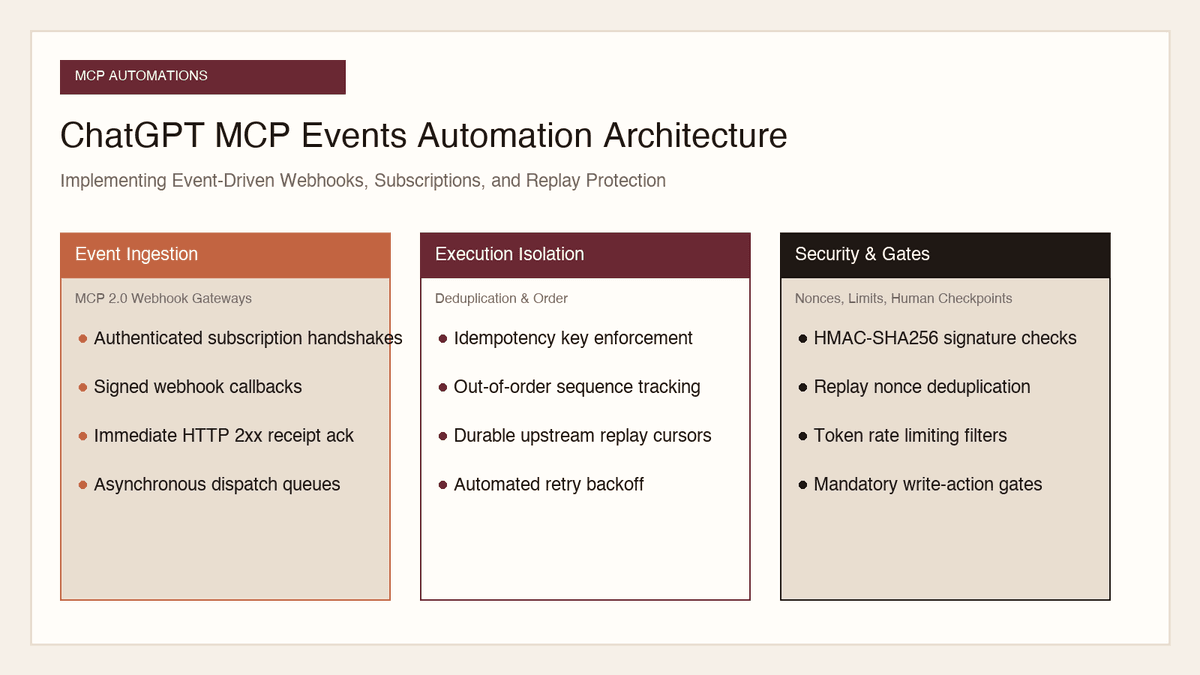
How to Implement MCP Events in ChatGPT: Event-Triggered Automations
Autonomous conversational agents no longer need to rely on wasteful polling loops. Here is how to implement event-triggered automations using ChatGPT MCP Events.
Read the article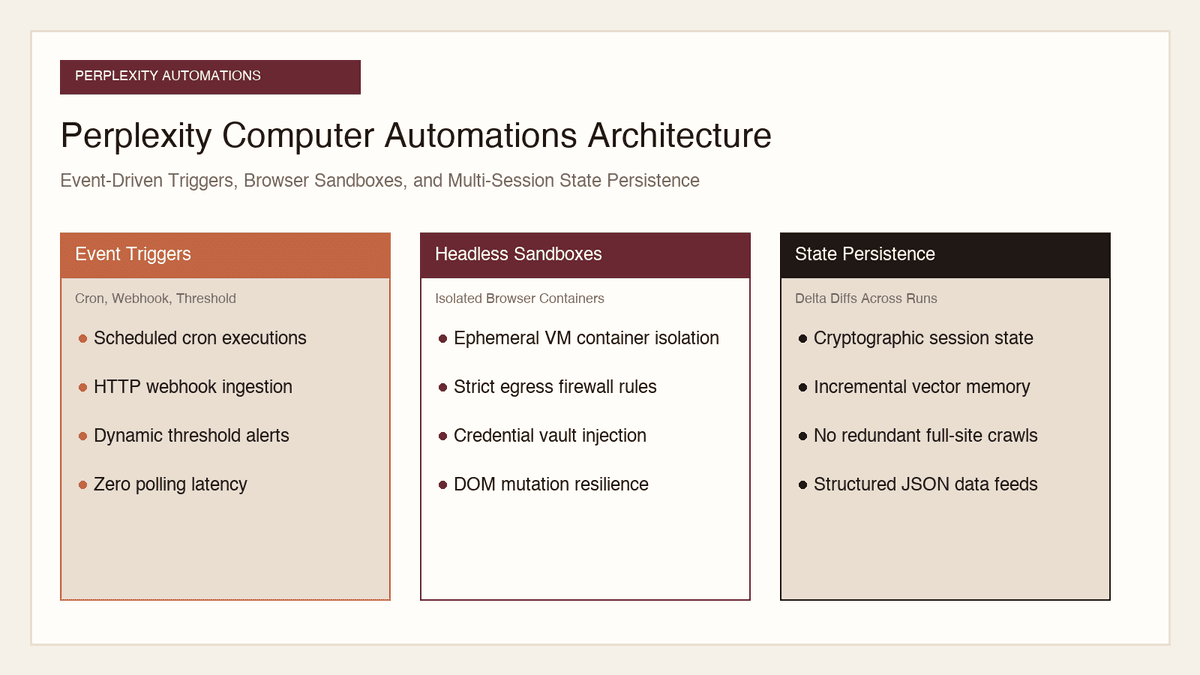
Automation and Agents
How to Build Recurring Web Automations with Perplexity Computer
Web scraping scripts break whenever a layout shifts. Here is how to build durable, recurring web automations using Perplexity Computer and persistent state.
Read the article
Automation and Agents
How to Benchmark Classifier Models: Latency, Cost, Determinism
Evaluating AI classifiers requires looking beyond static accuracy. Here is how to benchmark probability calibration, latency percentiles, and unit economics.
Read the article