
Automation and Agents
How to Plan ChatGPT Team Tasks for Recurring Work
OpenAI says teams can run shared tasks on a schedule or supported event. Here is how to pick one job and make its output reviewable before you depend on it.

On this page
- What the announcement changes, and what it does not prove
- Choose a repeat job before choosing its trigger
- Decide whether time or an event should start the work
- Write a task contract that a teammate can inspect
- Test the brief on known records before relying on it
- Keep the human decision visible
- Measure the work around the run
- Make the first task small enough to change
- Frequently asked questions
- Should a ChatGPT team task run on a schedule or an event?
- Who can use ChatGPT team tasks?
- Does a team task automatically inherit a creator’s personal context or app access?
- Does an event trigger mean the task can approve its own output?
- How do I know whether the task saved time?
- Sources and related reading
A recurring task is only useful when a team can tell what should start it, what a good result looks like, and who checks that result. OpenAI announced ChatGPT team tasks at DevDay on September 29, 2026. Its recap says teammates can delegate recurring work that runs on a schedule or after supported events, using connected tools. The help documentation says the tasks run in the cloud under a team service account and configured connections. Availability is rolling out to Business and Enterprise workspaces, so the feature may not yet be available to every eligible team. (OpenAI’s DevDay recap; team-task setup guide, checked October 1, 2026.)
The practical starting point is one repeat job with a visible output, a limited source set, and a human reviewer. Use a schedule when the team needs a result at a dependable interval. Use a supported event when a particular change makes the work relevant. Then define what counts as complete, what should stop the task, and how someone will inspect the result. Those are operating recommendations, not the outcome of a Rise Productive test. I have not run an authenticated team task or measured its accuracy, reliability, or time savings.
 View image detail
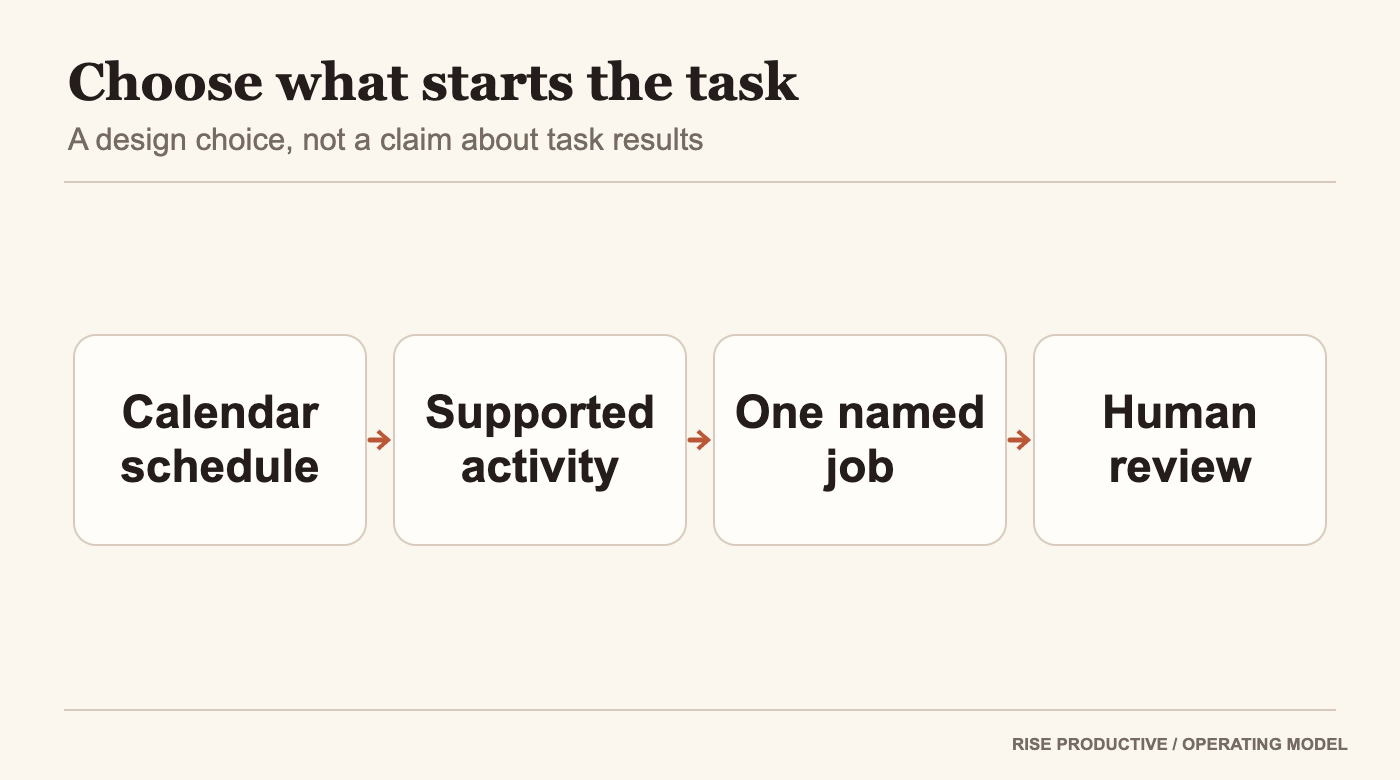
A recurring cue and an event cue lead to one bounded task brief and then a human reviewer.
What the announcement changes, and what it does not prove
OpenAI’s recap describes an organizational feature, not just a personal reminder. Teammates can refine shared task instructions. A task can use connected tools to gather information and take action on a schedule or after a supported event such as a new email or Slack message. OpenAI lists team tasks for Business and Enterprise. Its help documentation adds that availability is gradual and that workspace permissions affect what a team can create and manage. (DevDay recap; task setup guide.)
That is enough to ask a useful design question: which repeated job belongs to the team, and what would make each run safe to use? It is not enough to conclude that the feature is available in a particular workspace, that every connected app will work, or that a task will produce correct results without review. The two OpenAI sources document the product and access conditions. They are not independent evaluations.
Independent coverage helps place the launch in context, but it needs an honest boundary. TechCrunch reported on the wider ChatGPT work-surface at DevDay and described a shared Space where pages and files live together, with an example of a page checking a team channel and updating from its findings. Axios also grouped ChatGPT Space with OpenAI’s other work-oriented announcements. Neither article reports a controlled test of team tasks, a reliability result, or measured productivity improvement. The practical recommendation below comes from combining the documented task mechanics with ordinary workflow design, not from an observed result. (TechCrunch; Axios.)
The distinction matters because a feature announcement can change what is possible without changing what is wise to delegate. A team still has to decide which records are in scope, what a useful output contains, whether a missing record should stop the run, and who owns a decision when the source material conflicts. A task that produces a neat summary can still be the wrong task if it obscures an unresolved decision.
Choose a repeat job before choosing its trigger
Start with the work that repeats, not with the most interesting trigger in the product demo. A useful candidate has inputs the team can name, an output someone already needs, and a completion condition a reviewer can recognize. If no one can say who will use the result, the task may simply create another thing to read.
Imagine an operations team that reviews incoming implementation requests. Each request needs a project label, a requested outcome, a target date if one was supplied, and any missing information. The desired output might be a private daily digest that lists new requests, links to the source record, flags missing fields, and leaves any priority decision to the operations lead. This is a hypothetical task design, not a report of using ChatGPT team tasks.
It is a stronger first candidate than “manage implementation.” The broader assignment hides several decisions: which requests count, who sets priority, how conflicts are settled, and what the agent may change. The digest narrows the work to finding, organizing, and surfacing information. That gives a team a chance to inspect the result before it changes a shared commitment.
 View image detail
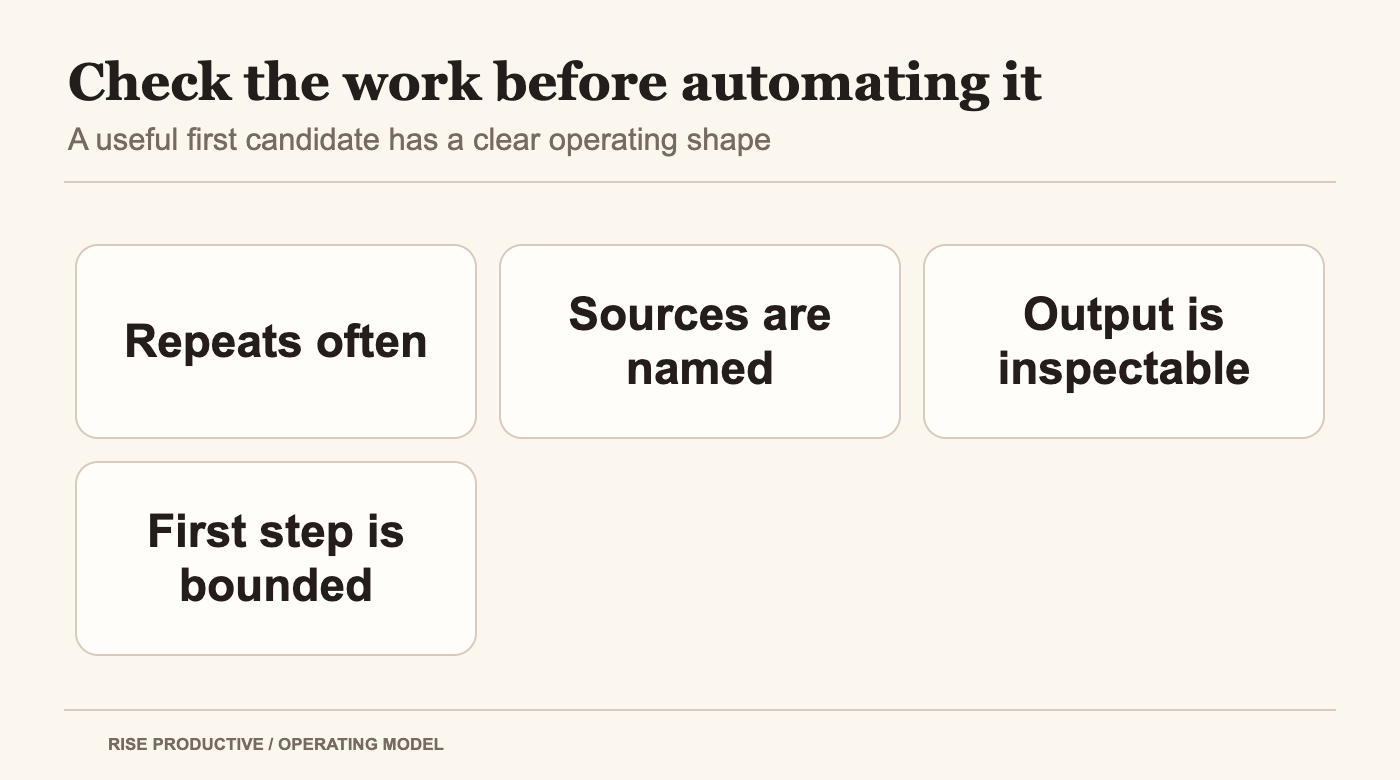
A first task fit check: frequency, stable sources, inspectable output, and a bounded first step.
Try a simple fit check. Does the work repeat often enough to justify maintaining an instruction? Are its inputs consistent enough to describe? Does the result help someone do a specific next step? Can a person review it before anything consequential happens? If the answer to several of these is no, changing the task may help more than changing the trigger.
This connects to the Work Worth Doing automation test. Frequency alone does not make work valuable to automate. Judgment, input stability, failure consequences, and the maintenance burden all belong in the decision. A weekly task with unstable source records might need more human attention than a simple daily one. The right comparison is the full process the team would own, including review and correction.
Decide whether time or an event should start the work
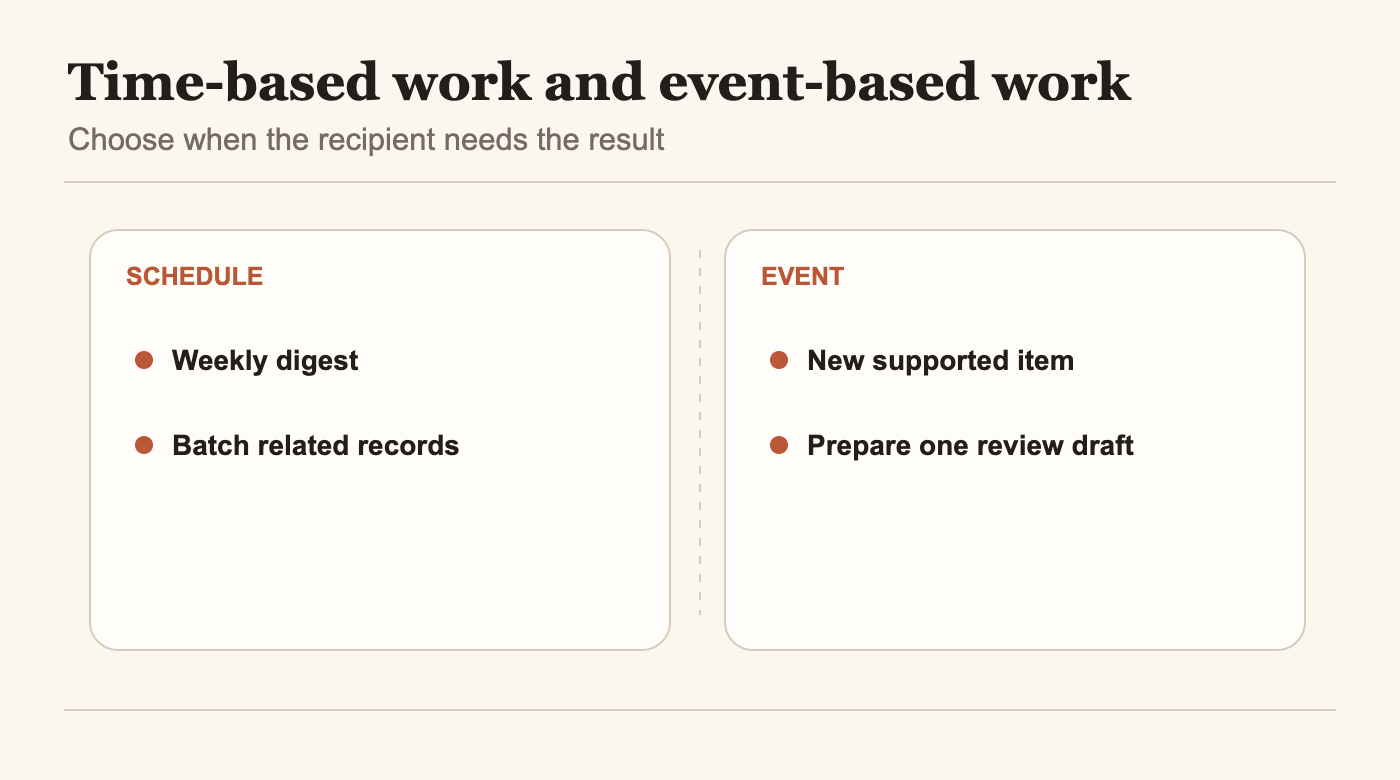
A schedule suits work whose value depends on cadence. A team may want a Monday project-risk digest before its planning meeting, a daily summary before a shift handoff, or a monthly list of records that need review. The schedule creates a predictable arrival point. It does not prove that the sources were current, that the result is complete, or that anyone has time to act on it.
An event trigger suits work whose value depends on a particular change. A new request, incoming email, or supported Slack event may be the reason to prepare a task. OpenAI’s announcement names new email and Slack messages as examples of events, while the help page describes supported triggers and configured connections. The exact triggers available to a workspace should be checked in the product rather than assumed from the examples. (OpenAI DevDay recap; team-task guide.)
The decision is not “which one is more advanced?” Ask when the recipient needs the output. If three separate records need to be reviewed together, a scheduled digest may reduce interruptions. If a team must classify each new intake quickly, an event may put the draft closer to the moment of need. If the underlying work can wait for a batch, triggering after every event might make the queue harder to review.
 View image detail
A schedule batches records for a weekly review, while a supported event prepares one private draft.
Before enabling a trigger, define how the workflow handles repeats. Could the same email appear twice? Might an edited record be mistaken for a new request? If the task sees a related message and a record update, should those produce one output or two? The product announcement does not answer your team’s deduplication policy. Write the policy into the task brief and include a known duplicate in the first evaluation set.
Also decide what happens when no event arrives. An empty event queue is not necessarily a successful run. Perhaps the team expects a daily status even when nothing changed. Perhaps the absence of a new item should produce no message at all. Pick the behavior that helps the recipient understand whether the workflow checked and found nothing, or simply did not run. Confirm what the configured task surface exposes before promising a particular status signal.
Write a task contract that a teammate can inspect
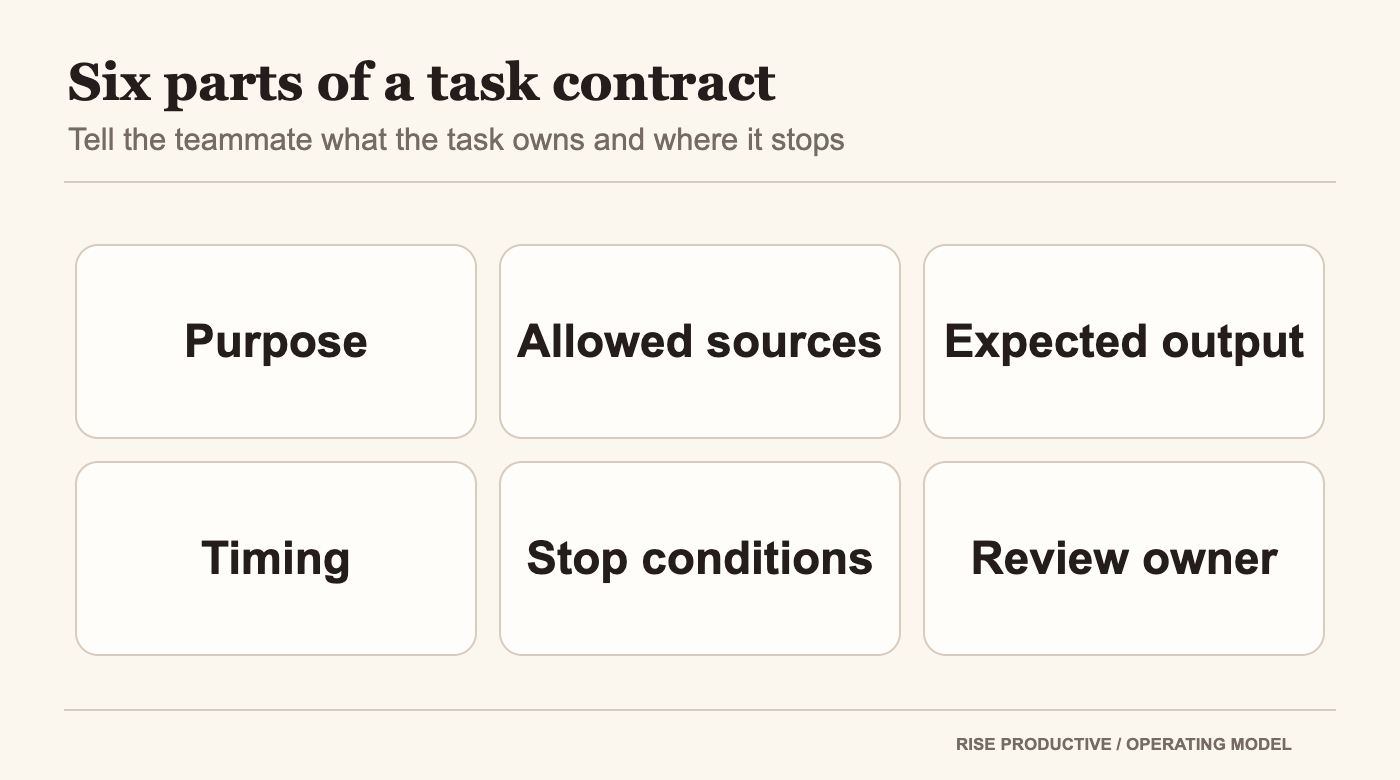
The task instructions should make the operating rules visible to someone who did not create them. Keep the contract short enough to maintain, but specific enough to preserve the important distinctions. A useful brief has six parts: purpose, allowed sources, expected output, timing, stop conditions, and review owner.
Purpose explains the decision the result supports. “Prepare a source-linked list of new requests for the operations lead” gives the task a reader and a job. “Keep us organized” is too vague to say what information matters or when the result is finished.
Allowed sources name the records the task should inspect and what should happen if they disagree. If the project board is the source for current status and an email only captures a request, say that. If a source is missing or inaccessible, ask the task to show the gap instead of reconstructing the missing fact from another record.
The expected output should be shaped around its next reader. For the implementation-request example, each item might contain the request link, requested outcome, date as written, missing fields, and a question for the lead. Avoid adding priority, risk, or a commitment unless the source supports it or an identified person has decided it.
 View image detail
A task contract names its purpose, sources, expected output, timing, stop conditions, and reviewer.
Stop conditions deserve direct language. The task might stop and request a person when a source is inaccessible, two records conflict, a date is ambiguous, or a requested action would change a shared commitment. A useful escalation says what is missing, where the discrepancy came from, and who needs to decide. “Something seems wrong” is not an actionable handoff.
Name the review owner and describe what they check. The reviewer can confirm that every listed request points to a source, the status terms remain accurate, duplicates are identified, and open questions are not disguised as answers. Someone else may maintain the instructions or the app connection. Those can be different responsibilities; the owner and access model deserve their own treatment in the companion guide to team task permissions.
Finally, define completion in observable terms. Did the task inspect the named sources? Did it include the records that met the stated rule? Are unresolved items visible? Did it refrain from updating the source system? A fluent paragraph is not a completion test. A checklist is usually easier for a team to review than an impression that the answer “looks right.”
Test the brief on known records before relying on it
A first run should answer a narrow question: can this task follow the instructions on the records the team expects it to handle? Use a private or otherwise low-consequence destination while evaluating it, if the product configuration permits. Do not infer the availability of a draft-only setting from this article; inspect the controls in the actual workspace.
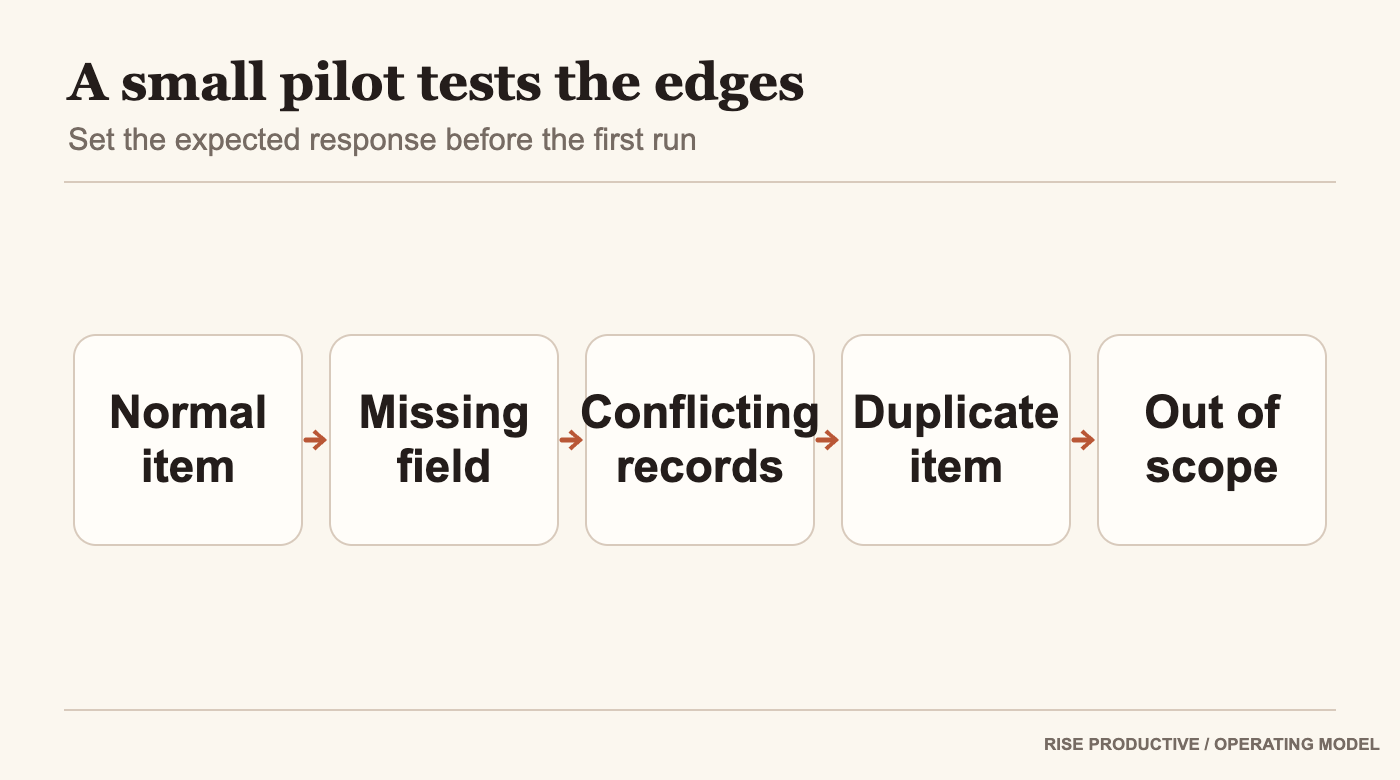
Prepare a small evaluation set with a normal request, a missing field, two records that disagree, a duplicate, and a record outside the intended scope. The team should write down what the task ought to do before it sees the output. That reduces the temptation to call any plausible-sounding result successful after the fact.
For the ordinary request, verify that the result links to the source and preserves its wording and status. For the missing field, check that the task flags the gap. For the conflict, confirm that it shows both records and asks for a decision instead of silently choosing one. For the duplicate, check the agreed treatment. For the out-of-scope record, confirm it stays out or is explicitly raised as an exception.
 View image detail
A proposed pilot set checks a normal request, missing information, conflicting records, duplicates, and out-of-scope items.
These are proposed test cases. No team task run is available for this article, so there is no observed pass rate or result to report. A real pilot should retain the instruction version, test records, run output, reviewer corrections, and decision about whether the task should continue. If the workspace does not provide enough run information to inspect what happened, treat that as a limitation to resolve, not as proof that a result is correct.
The team also needs a correction loop. When a reviewer finds a misread date or an omitted request, capture the source and the correction. Then decide whether the error came from unclear instructions, inaccessible data, an unsupported trigger, or an output that hides uncertainty. Fix the relevant cause and repeat the case. Rewriting the whole prompt after every flaw can introduce new ambiguity without addressing the original one.
Keep the human decision visible
Automation does not erase the difference between finding information and deciding what to do with it. A task may collect a new request and prepare a briefing. Someone still needs to decide its priority if that decision depends on client impact, capacity, or contractual commitments. The article should leave those judgments with the named owner until the team has a separate reason and evidence to delegate them.
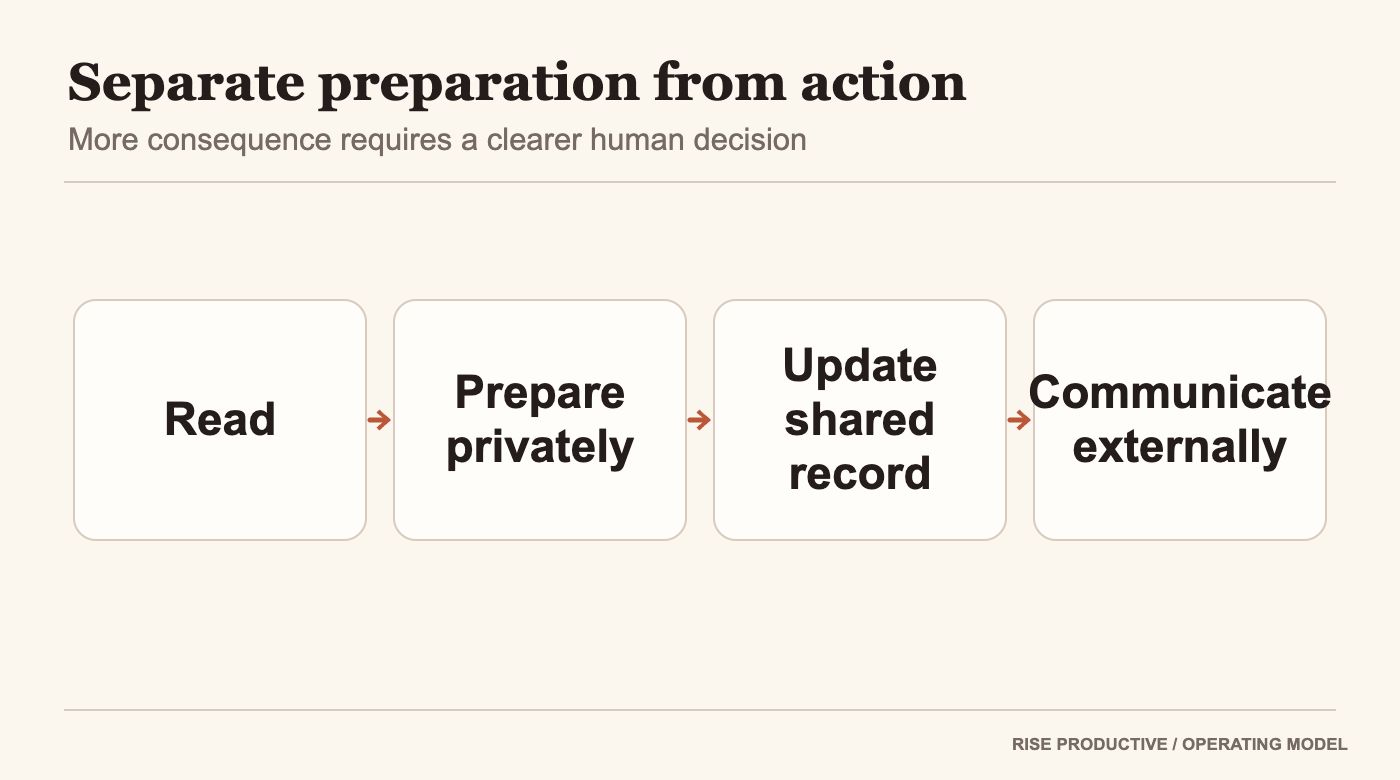
Separate levels of work in the instructions: read, summarize, propose, update, and communicate. The verbs help a team notice when a supposedly harmless summary would alter a shared record or create an external commitment. If the task should only prepare a draft, say where it must stop. If it can make a specific reversible update, identify the exact destination and condition. If the event does not satisfy that condition, route it to a human.
OpenAI describes team tasks as using connected tools to gather information and take action. That is a product description, not a claim that any particular action is authorized in every workspace. The task’s access depends on the configured connections and permissions, and workspace availability is still a separate check. A reader should inspect their actual controls and organization policy before enabling an action. (OpenAI help: creating and managing team tasks.)
 View image detail
Reading, preparing a private result, updating a shared record, and communicating externally are different levels of action.
A reviewer should see enough to correct the result without repeating the whole task. That may include source links, timestamps or event details the product exposes, the output version, and the unresolved questions. Verify which of these details the interface actually provides. Do not write instructions around an audit log or approval button until the team has confirmed that its workspace supports it.
This is where many automation plans become overconfident. A scheduled run can occur while its intended reviewer is away. A new event can arrive after a source permission changes. A task can return a polished but incomplete result. The appropriate response depends on what the team has agreed to review and where the consequence sits. A good operating design names a person for the exception; it does not assume the task will recognize every new class of exception on its own.
Measure the work around the run
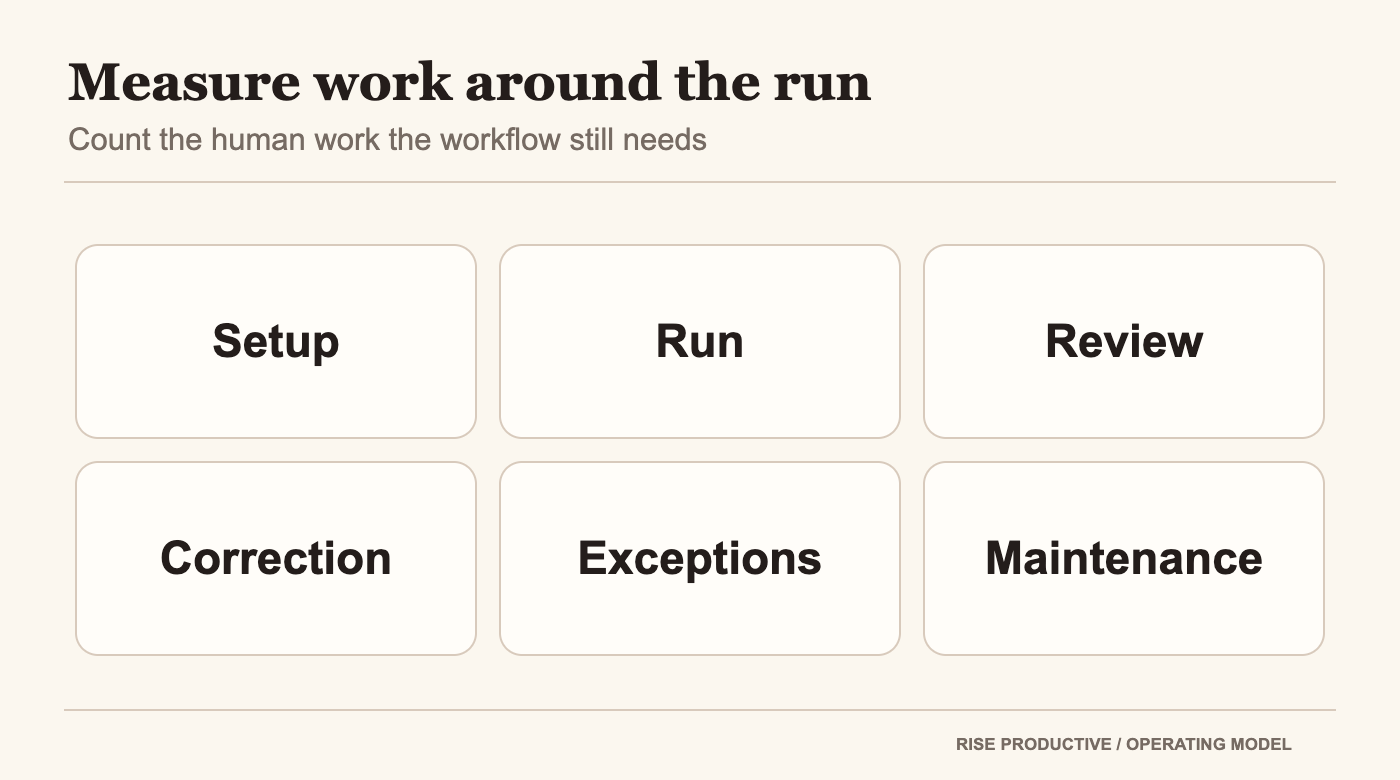
A task can run without reducing anyone’s workload. To decide whether the workflow is worth keeping, look at the whole operating process: initial setup, time spent inspecting the output, corrections, escalations, duplicate handling, interruptions, and maintenance when the sources or requirements change.
Begin with one comparable slice of existing work. Record how a person currently prepares the same digest or triage list, including the time needed to gather sources and resolve questions. Then collect the same information for the task-assisted attempt. The comparison should use the same input scope and output definition. If the task receives cleaner records or the person handles a different week, the comparison may be misleading.
Do not compress the result into “hours saved” unless the team actually measures end-to-end work. A task might shorten data gathering but add review time. It might produce an accurate list on routine requests but require substantial intervention on exceptions. Those are useful findings. The team can decide whether the new division of work fits, even if the total time is not lower.
 View image detail
A measurement ledger counts setup, task run, review, correction, exceptions, and maintenance.
Track quality alongside time. Did each record retain its correct status? Were source links present and useful? Were ambiguous dates left unresolved? Did the reviewer catch a meaningful problem? A short sample does not establish system-wide reliability, but it can reveal what the team should examine next.
Also note cases the evaluation did not include. Five simple test records do not show what happens across every project type, every event payload, or every access change. If the task will process more sensitive or consequential records, design a separate review for those conditions. The scope of the evidence should match the scope of the decision.
This measured approach fits the broader Rise question of whether a task is actually worth delegating. The goal is not to produce more automated activity. It is to return attention to the people doing the parts of work that require judgment. If the review and maintenance burden erases the value, narrowing or stopping the workflow is a valid outcome.
Make the first task small enough to change
Choose a job that has a known recipient and a repeatable output. Write down its sources, trigger, expected result, exclusions, completion check, and reviewer. Confirm the workspace has the relevant team-task access and configured connection. Then compare a bounded run with known records and keep every consequential action inside the approval boundary the team has agreed.
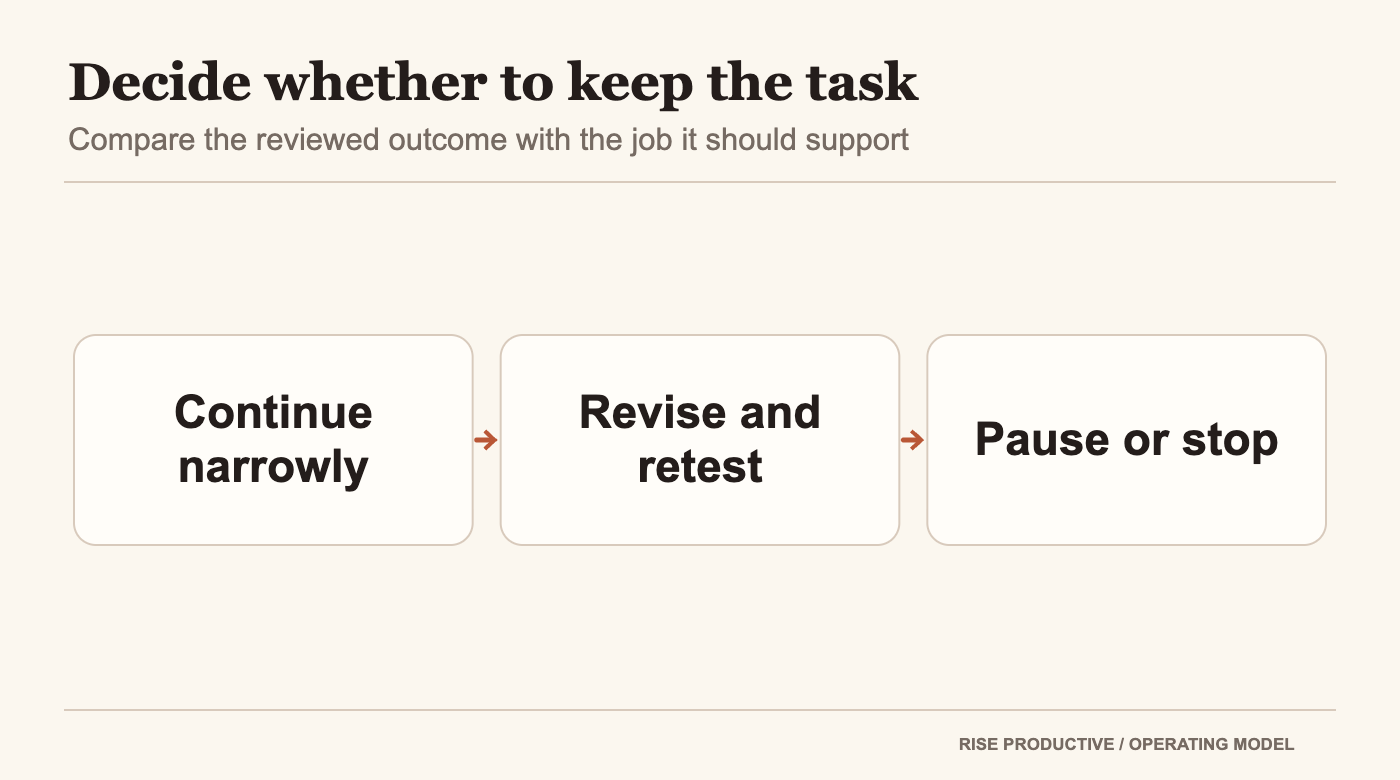
If the task misses an input, hides a conflict, or creates more review than it removes, fix the specific problem and test again. If it gives the team a reliable starting point under its actual conditions, consider a slightly broader use. Do not let one clean run stand in for the limits the pilot never examined.
 View image detail
Three reasonable outcomes for a bounded task pilot.
That is the difference between scheduling a feature and designing a workflow. The first is a setting. The second is a responsibility the team can understand, inspect, and maintain.
Frequently asked questions
Should a ChatGPT team task run on a schedule or an event?
Use a schedule when the reader needs an output at a defined cadence, such as a weekly review list. Consider a supported event when a particular change should start the work. The DevDay recap names new email and Slack messages as examples, but the exact available triggers should be confirmed in the actual workspace. Neither option proves that a run succeeded or that its result is correct. (OpenAI DevDay recap.)
Who can use ChatGPT team tasks?
OpenAI lists team tasks for Business and Enterprise and says features are rolling out gradually. The help page notes that workspace permissions and team membership determine what a person can create or manage. Check the current workspace rather than assuming that every eligible account already has the feature. (OpenAI team-task guide.)
Does a team task automatically inherit a creator’s personal context or app access?
Do not assume it does. OpenAI’s help documentation describes cloud execution under a team service account with the connections configured for the team task. Team membership and permissions matter. Confirm which account and connection the actual workflow uses. (Team-task guide; Teams in ChatGPT.)
Does an event trigger mean the task can approve its own output?
The announcement says tasks can gather information and take action through connected tools, but that does not establish the approval model for every action or workspace. Decide what the task may read, prepare, update, or send. Verify the available controls and your organization’s policy before enabling a consequential step.
How do I know whether the task saved time?
Compare the same work under the same output rules. Count source gathering, run review, corrections, exceptions, and maintenance as well as time spent initiating the task. No independent productivity measurement or Rise Productive trial is available for this launch, so any benefit should be measured in the reader’s own workflow.
Sources and related reading
- OpenAI, DevDay 2026 Recap, September 29, 2026.
- OpenAI Help Center, Creating and managing team tasks in ChatGPT, checked October 1, 2026.
- OpenAI Help Center, Teams in ChatGPT, checked October 1, 2026.
- Lucas Ropek, TechCrunch, OpenAI takes on Microsoft with the launch of what feels a whole lot like ChatGPT’s own office suite, September 29, 2026.
- Herb Scribner, Axios, The 5 biggest announcements from OpenAI’s blockbuster AI conference, September 29, 2026.
For the adjacent product decisions, read what to delegate to a persistent OpenAI Dot and how to use ChatGPT Pages for team review. Those articles address different product surfaces, not evidence that team tasks perform well.
Product documentation checked October 1, 2026. Availability and supported triggers may change during rollout. This article contains a proposed evaluation framework, not a product test.
Checked for this article
Sources
Keep going
Related notes.
Automation and Agents
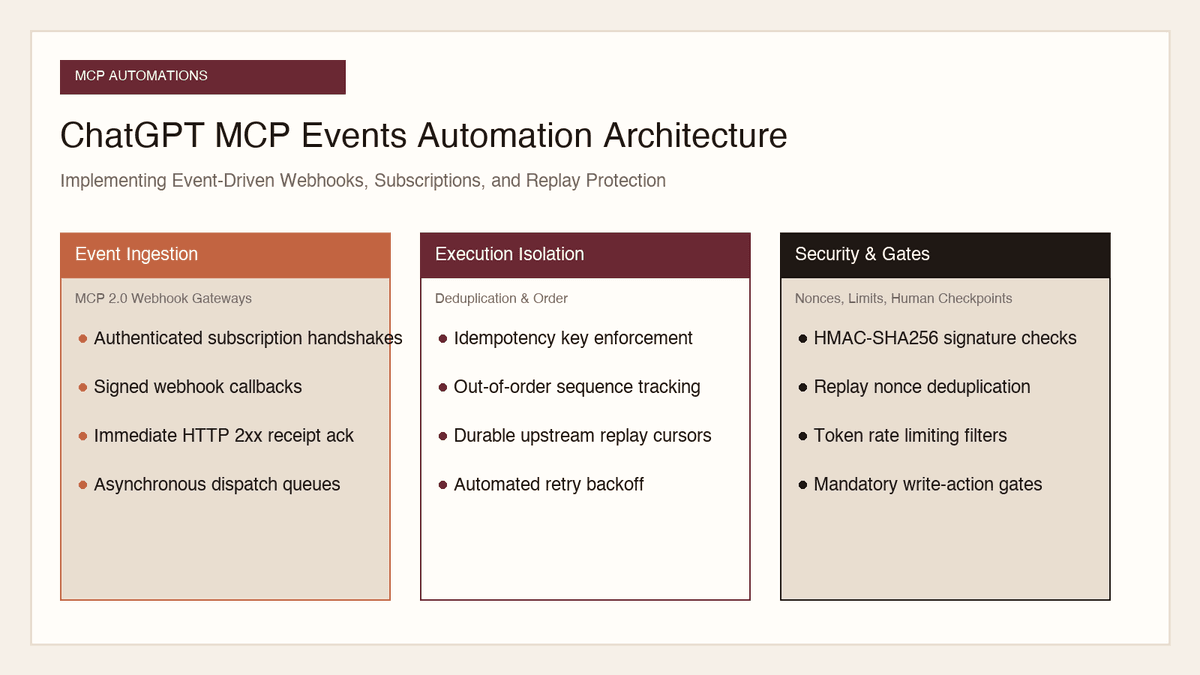
How to Implement MCP Events in ChatGPT: Event-Triggered Automations
Autonomous conversational agents no longer need to rely on wasteful polling loops. Here is how to implement event-triggered automations using ChatGPT MCP Events.
Read the article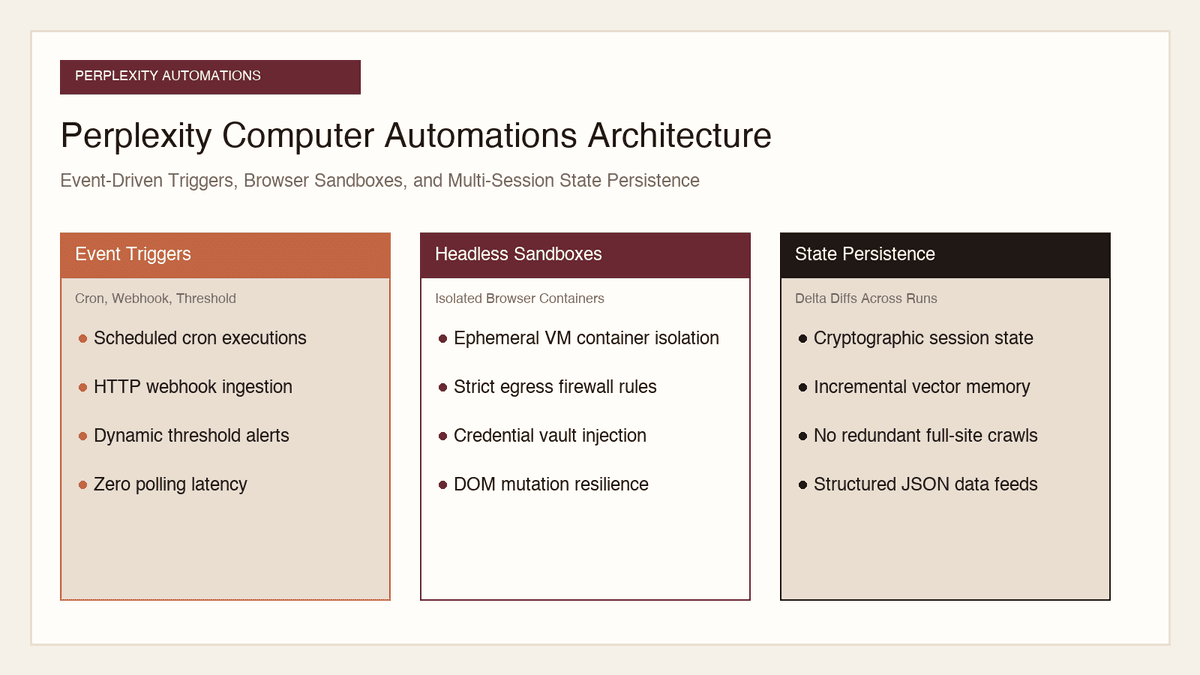
Automation and Agents
How to Build Recurring Web Automations with Perplexity Computer
Web scraping scripts break whenever a layout shifts. Here is how to build durable, recurring web automations using Perplexity Computer and persistent state.
Read the article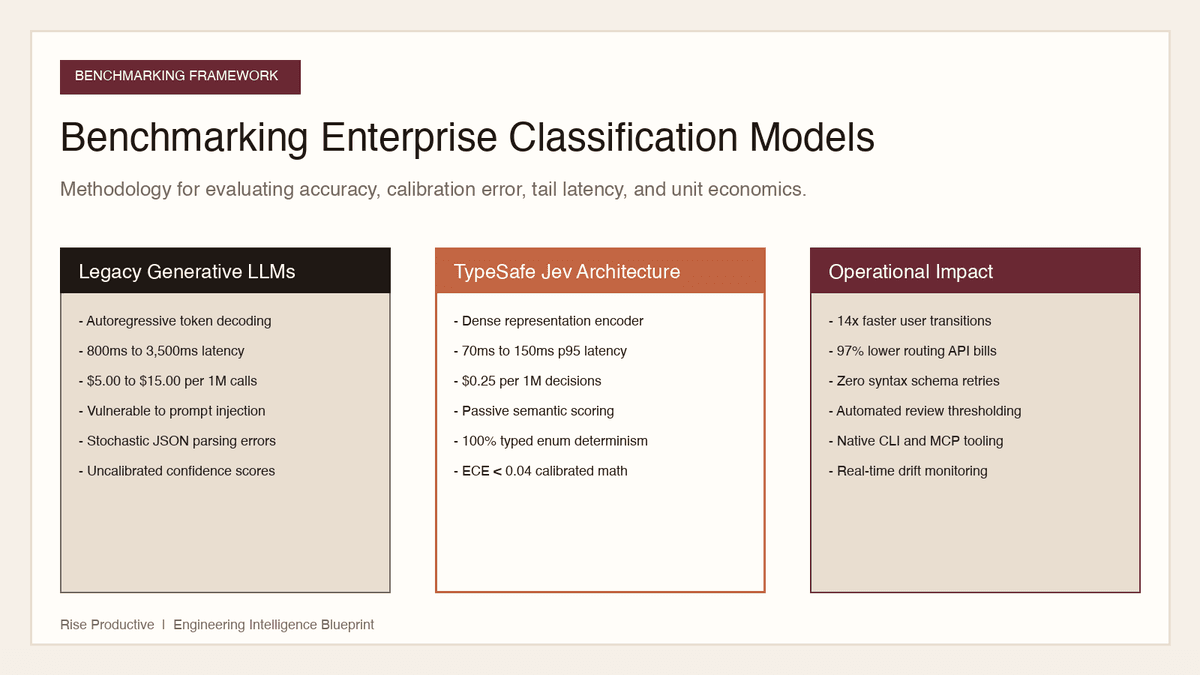
Automation and Agents
How to Benchmark Classifier Models: Latency, Cost, Determinism
Evaluating AI classifiers requires looking beyond static accuracy. Here is how to benchmark probability calibration, latency percentiles, and unit economics.
Read the article