
AI in Practice
Claude Docs and Slides: When Does One Conversation Help With a Report?
A practical pilot for deciding whether Claude Docs and Slides improves a report-to-presentation workflow, with source checks, baseline comparison and review criteria.
On this page
- What did Anthropic actually announce?
- Describe the job before you choose the tool
- When shared context is a reasonable fit
- Pick a bounded first task
- Run a comparison that could change your mind
- Review the document against its source material
- Review slides as an argument, not a stack of summaries
- Access, plan and usage are part of fit
- A practical go / revise / stop decision
- Sources
The best first job for Claude Docs and Slides is not “make my work easier.” It is one report or presentation task whose source material, decisions and final output you can inspect. A shared conversation may make it convenient to move from a question to an editable artifact, but Anthropic’s launch announcement and current help pages describe product behavior, not measured time savings or better decisions. Treat the announcement as a reason to test a bounded workflow, not as proof that the workflow wins.
That distinction matters if you are deciding whether to change how your team prepares a weekly update, research memo or client presentation. The practical question is not whether Claude can draft a document or create slides. It is whether a particular job can move through the tool without losing important source context, introducing errors that are hard to catch, or creating review work that outweighs the convenience. A good pilot gives you a way to answer that question using your own work.
Key takeaways
- Start with a repeatable report-to-presentation task whose source material and final artifact a qualified reviewer can inspect.
- Check account access, workspace policy and data rules before uploading work.
- Compare the current workflow with a bounded pilot, counting setup, review and corrections as well as drafting time.
 View image detail
What did Anthropic actually announce?
Anthropic announced that Cowork and chat are becoming one Claude experience, alongside Docs and Slides workflows that can produce editable artifacts. The September 16 announcement describes work within a conversation and ways to create or edit documents and presentations. Current help pages add practical detail about availability, permissions and limitations. Those are useful product facts, but they do not establish that the new arrangement outperforms a person’s existing tools or process. (Anthropic announcement; current Claude and Cowork help; Computerworld coverage)
The idea is straightforward: start in a conversation, work with files or other context, then produce an artifact that can be edited or exported. That gives a user a more continuous interface for a task that might otherwise jump between a chat window, a word processor and a slide editor. “More continuous” describes the interaction model. Whether it reduces friction for you is an empirical question, and “one interface” does not remove the need to decide what belongs in a report, whether evidence is strong, or who should approve the result.
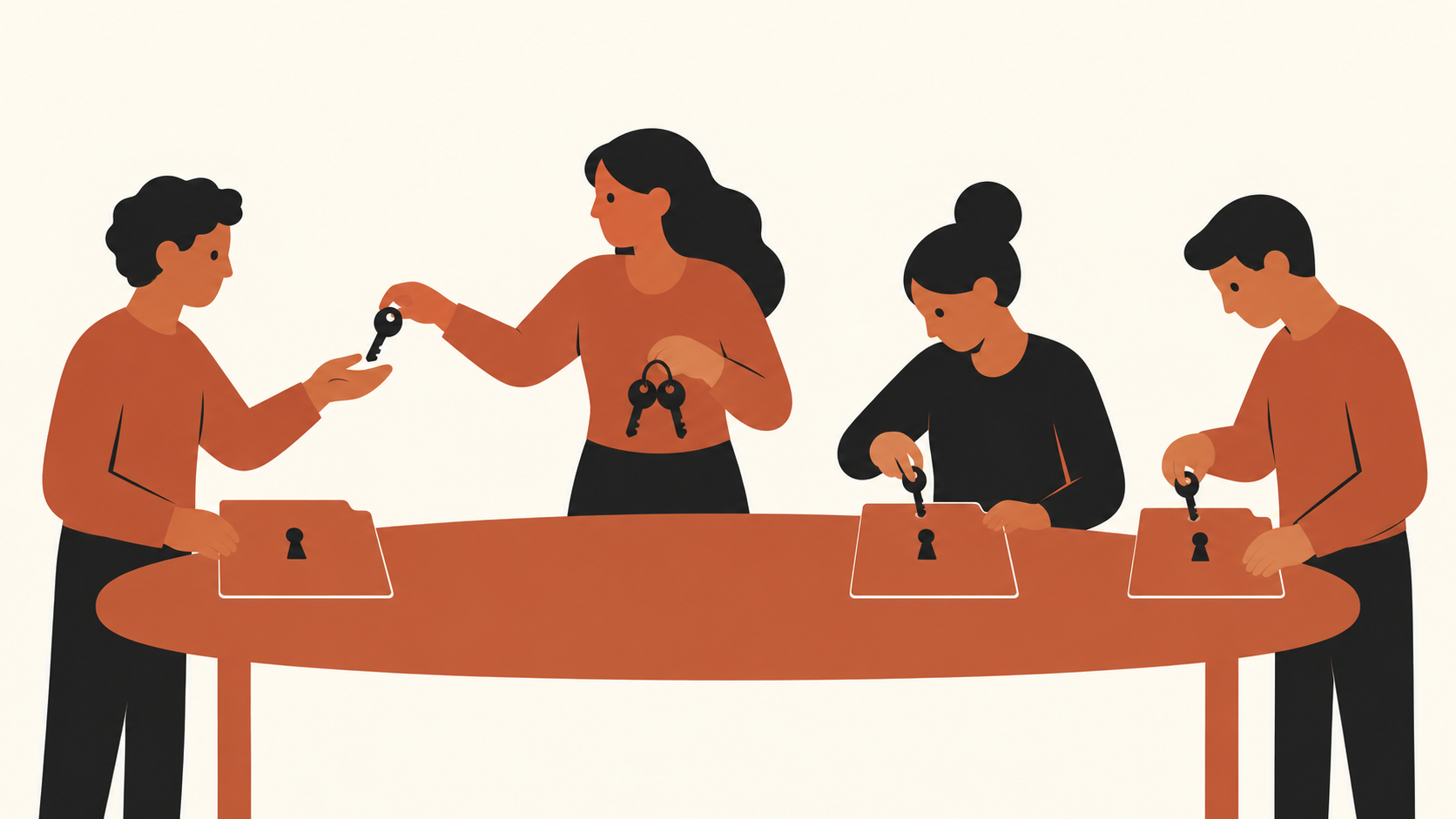
Availability is also not a single universal switch. Anthropic describes a gradual rollout, with access depending on plan and account. Current Docs guidance describes beta eligibility, administrator controls and unsupported configurations. A colleague may not see the same controls as you, even if both of you use Claude. Before choosing a workflow, check your own account and workspace policy rather than building a process around a feature someone else can access. (Claude Docs help; Artifacts and templates)
 View image detail
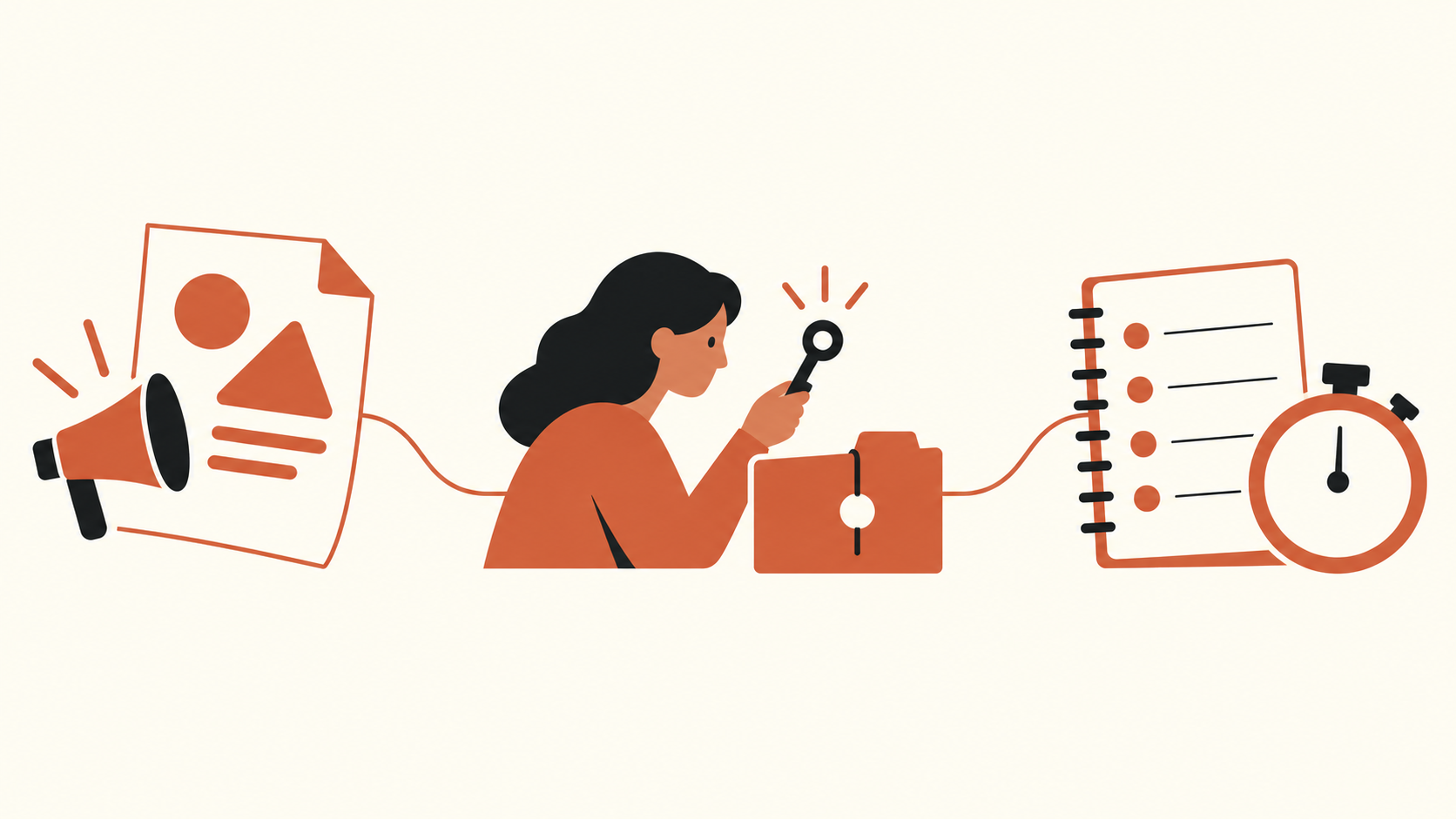
Independent outlets reported the launch, which helps establish that the announcement was covered as a product development. Their coverage is not a controlled evaluation of report quality, team adoption or business outcomes. This article therefore separates three things: what the vendor says is available, what a reader can verify in their own workspace, and what a pilot might show. Keeping those categories apart helps avoid turning a product announcement into a case study that has not happened.
 View image detail
Describe the job before you choose the tool
A report task is not one action. It is a chain: gather source material, establish what the audience needs to know, decide which claims are supported, structure an explanation, make a document, perhaps translate its argument into slides, and review the result. A tool can make one link in that chain feel smoother while making another link less visible. Write down the actual task before asking whether a new interface fits.
For example, imagine a team that prepares a weekly operations update. The raw inputs might be a metric export, a short set of project notes and last week’s report. The output might be a one-page summary and a five-slide briefing. The meaningful requirements are not simply “write a report.” They include which dates the metrics cover, whether a change is real or a data correction, how to distinguish a confirmed cause from a plausible explanation, and what decisions the reader is expected to make.
Those details create a better test than a vague request to generate a polished deck. Before the pilot, record the source set, the questions the report must answer, the numerical checks that matter, the expected audience and the approval step. Mark any sensitive or restricted information. If your current approach relies on formulas, spreadsheets, databases, document control or permissions outside Claude, include those dependencies in the workflow description. A visually attractive artifact is not a substitute for a valid source or approved process.
Then decide what “good enough to use” means. A report might need every figure to tie back to a source row, all dates to match, and the conclusions to distinguish measured changes from explanations. A deck might need a clear story, a chart that preserves scale, and a source note on each important claim. These are acceptance criteria. They should be specific enough that another reviewer could apply them without guessing what “looks good” means.
When shared context is a reasonable fit
One conversation is most interesting when the document and deck depend on context already established during the task. Perhaps you have described the audience, clarified a definition, uploaded several relevant source files and revised the central question. Carrying that context into an editable artifact may be more convenient than recreating it in a separate document tool. The product design invites that workflow; only a local comparison can show whether it is actually more convenient for your work.
Shared context can be useful when a reader needs to move between exploration and composition. You can ask a question about the material, refine the answer, and then shape a report or presentation from it. A correction to one part of the brief may inform later drafting. That continuity has value only if the system carries the right constraints forward. If an early instruction was ambiguous, repeated, or later superseded, the resulting document can inherit the ambiguity too.
This is why the “one conversation” metaphor should not be confused with a single source of truth. A conversation contains requests and generated text. It does not automatically become the approved dataset, the project record, or the sign-off trail. That task-first framing echoes Rise Productive’s five-part test for deciding what work is worth doing: define the job and its boundaries before choosing a tool. Keep the authoritative inputs identifiable. For a recurring report, that can mean retaining the dated export and a short record of definitions. For a decision deck, it can mean linking back to the approved memo or source table rather than relying on an unsourced narrative in chat.
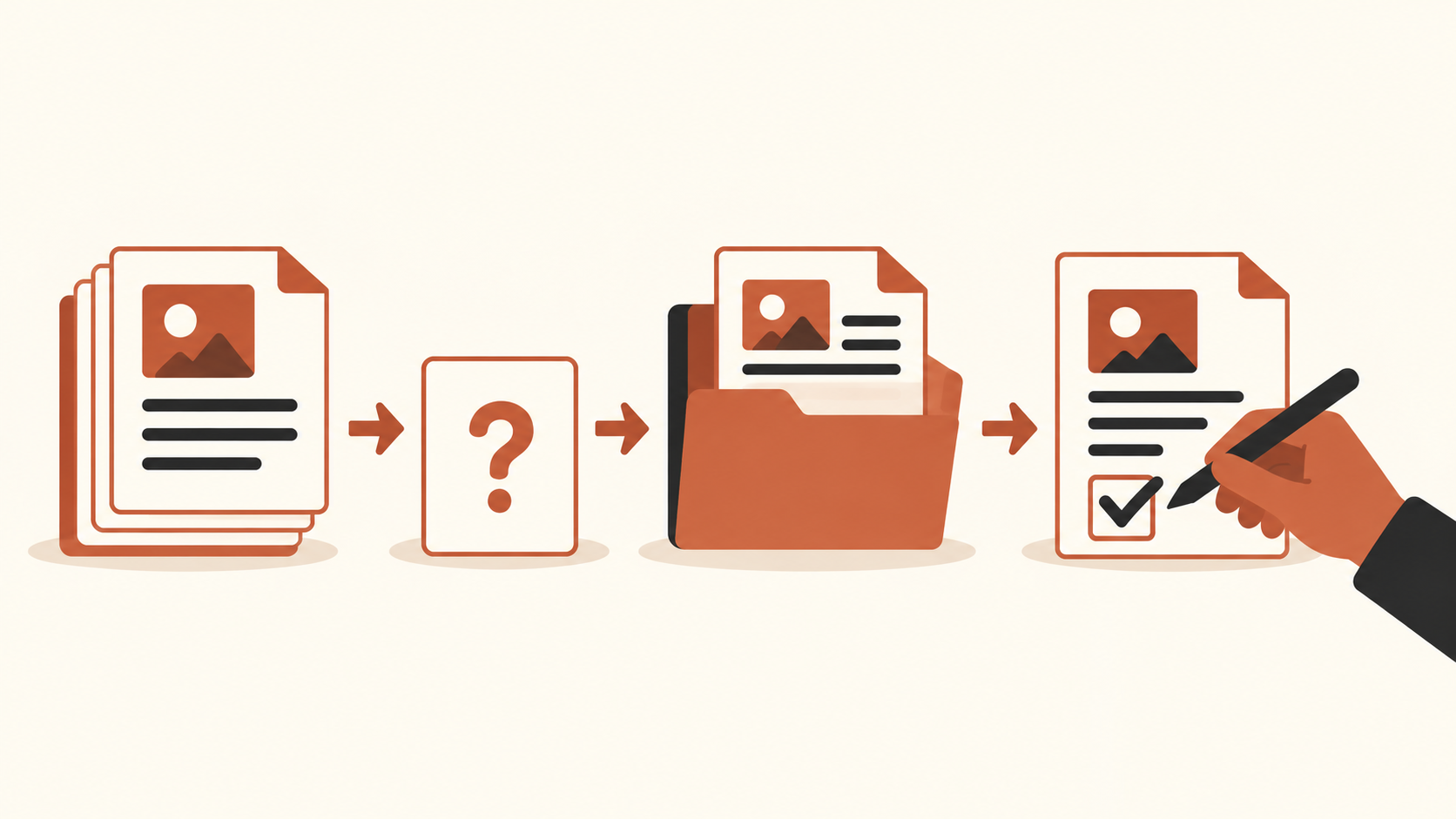
Another fit condition is that the output can be reviewed as an artifact. If you cannot inspect the final file, its sources, its calculations or its permissions, then a smooth drafting flow does not make the job safe. A simple first task should have a clear owner, limited input material, known audience, reversible output and a reviewer who understands the subject. Avoid starting with a regulated deliverable, irreversible external action, confidential packet or high-impact recommendation unless your organization has already approved that use and the necessary controls.
 View image detail
Pick a bounded first task
The goal of a pilot is to learn something useful without letting a tool’s novelty drive the scope. Choose an existing deliverable that happens often enough to compare, but is small enough to check completely. A routine internal update is usually easier to evaluate than a client-facing strategic recommendation. A short memo with a clear dataset is easier to inspect than a presentation that combines financial, legal and operational judgments.
Use four questions to screen possible tasks:
- Can you name the exact inputs? If the source set is incomplete or changes without a record, it is difficult to decide whether the output is correct.
- Can a qualified person check the important statements? If review requires expertise or access that is unavailable, the task is not ready for a useful pilot.
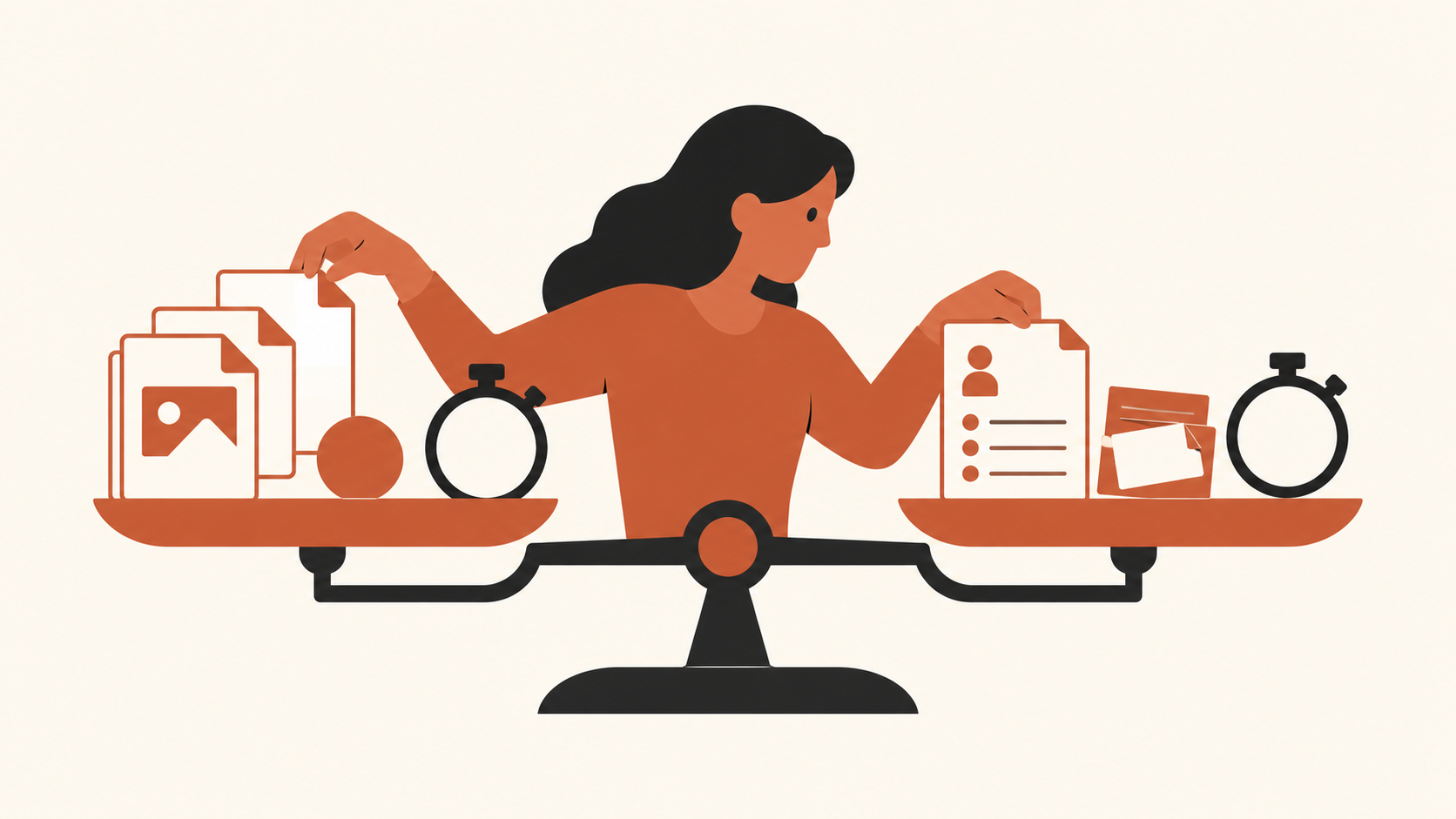
- Can you compare the output with a real baseline? A recent version made through your normal process is more informative than a memory of how long the job usually takes.
- Can you keep the test inside approved access rules? Account availability, data policy and sharing restrictions are part of the task, not setup trivia.
If one answer is no, choose a narrower job or repair the process before testing the tool. The right first task is not necessarily the most impressive one. It is the one where you can tell whether the result is acceptable and what caused it to succeed or fail.
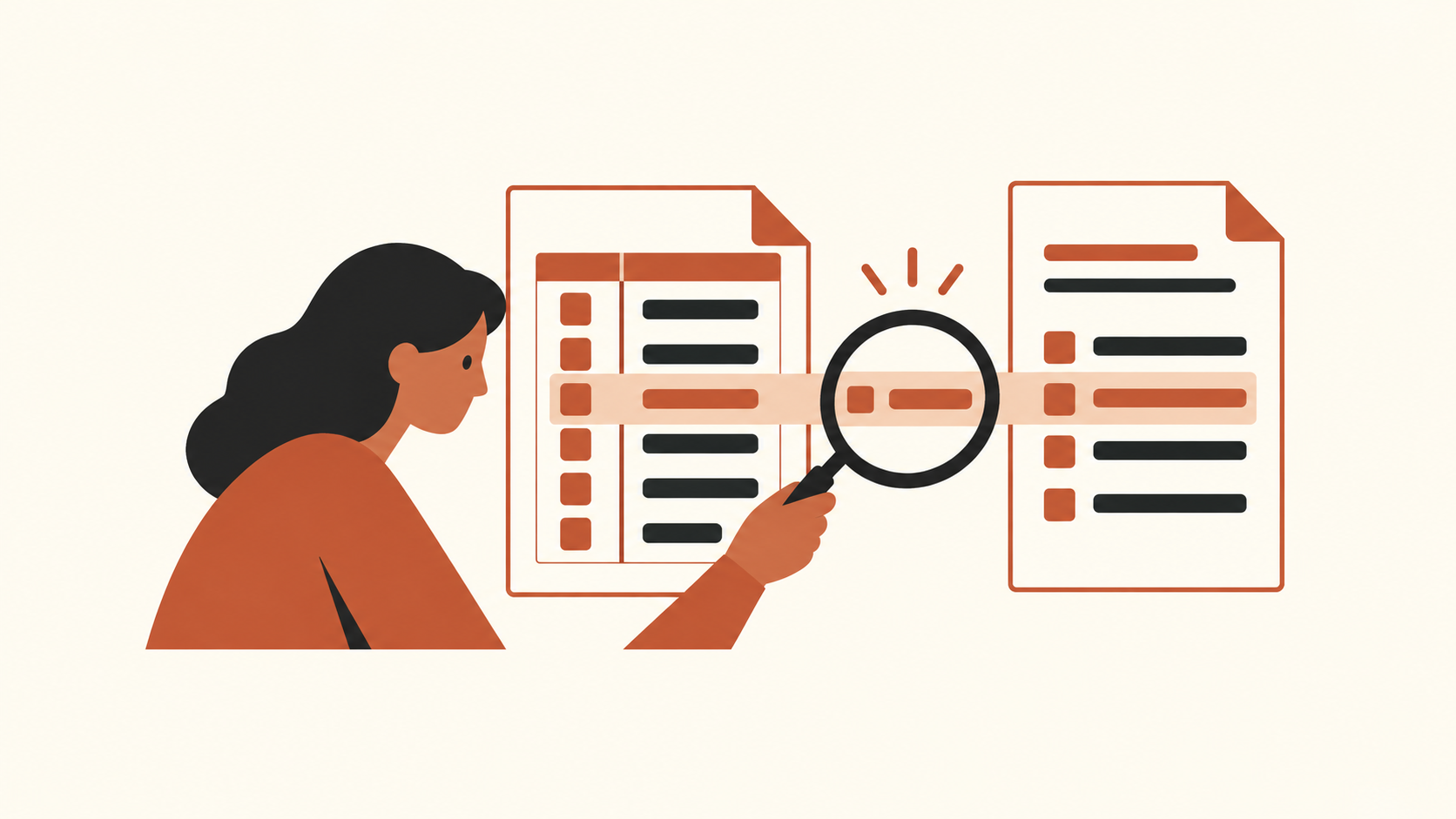
Suppose the report includes a chart. Define what the chart means before generation: measure, date range, population, denominator and source. If the presentation requires a recommendation, separate the facts from the decision criteria. If the document needs quotations, retain the source passage and check wording. If your current workflow depends on a spreadsheet formula, compare the formula output with the artifact rather than trusting a sentence that paraphrases the number.
 View image detail
You may also test a task that ends at a draft. “Prepare a review-ready first draft for the analyst” is a safer and clearer goal than “automatically send the finished report.” It assigns a human decision point and makes room for corrections. Unless the tool and workspace have been approved for autonomous external actions, stop before sending, scheduling or changing an authoritative record. Current Anthropic guidance describes check-ins and task behavior; it does not replace your organization’s own approval policy. (Claude and Cowork help)
Run a comparison that could change your mind
A credible pilot needs a baseline. Take a recent example created under your ordinary process, or run the current process on the same task if practical. Record the starting files, time spent by each person, the number and type of revisions, final corrections, handoffs and whether the intended reader could use the output. Do not compare an assisted task with a different scope or different source quality and attribute the difference to the interface.
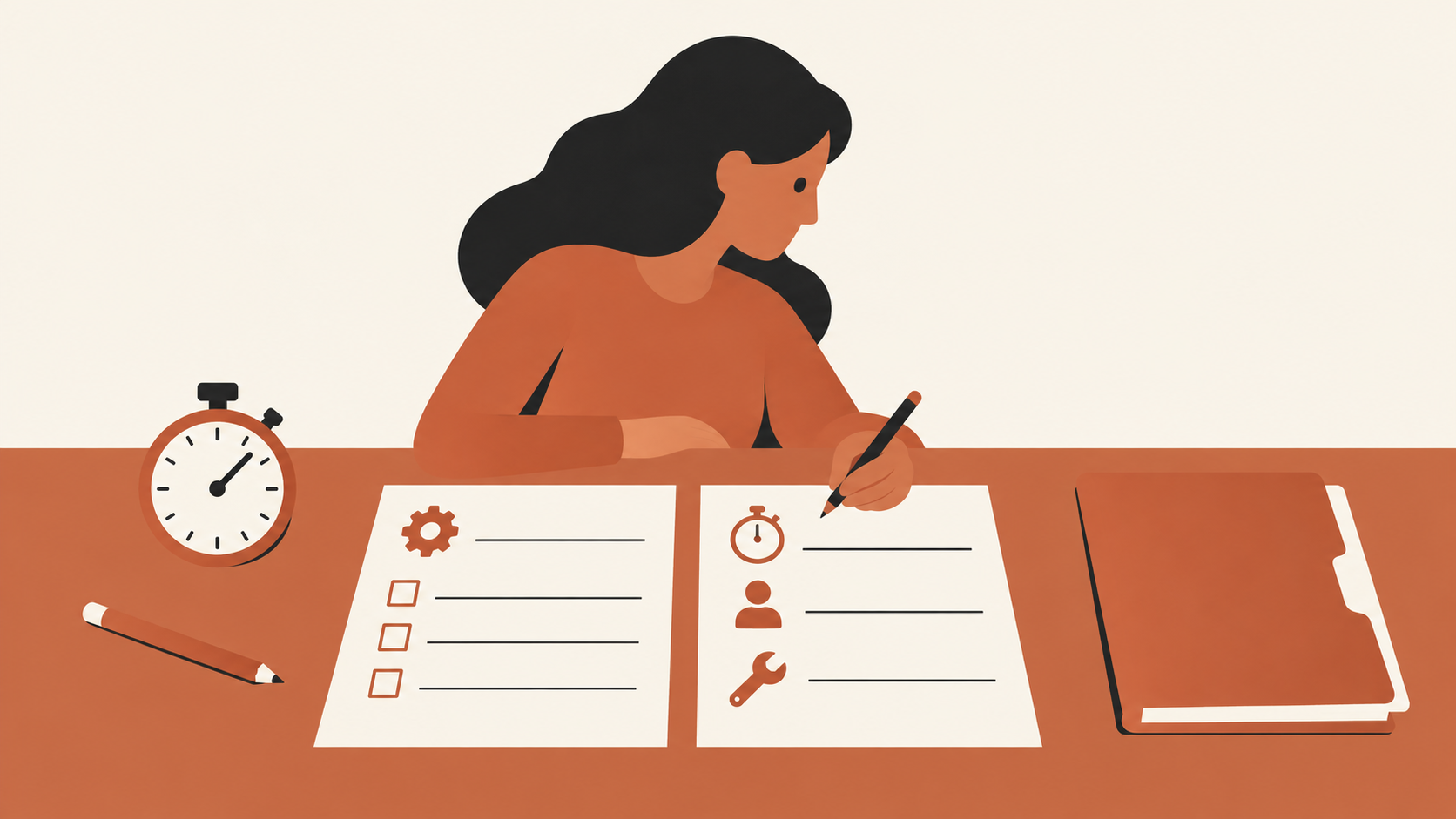
Decide in advance what you will count. You might measure elapsed time from intake to first review, active human minutes, factual corrections, missing source links, formatting repairs and reviewer acceptance. Distinguish one-time setup from repeated task work. Track corrections by severity: a punctuation repair and a wrong conclusion are not equivalent. Also record what the human did. If a person spends less time drafting but more time validating or rebuilding charts, report both parts of the work.
One trial can reveal obvious problems, but it cannot establish a general performance claim. Work varies, reviewers vary and the first attempt may include learning costs. If the task is repeated, use several comparable instances and preserve their source inputs. A pilot that produces one attractive deck is evidence that one deck was produced. It is not yet evidence of repeatable time savings, lower total cost, more accurate analysis or improved decisions.
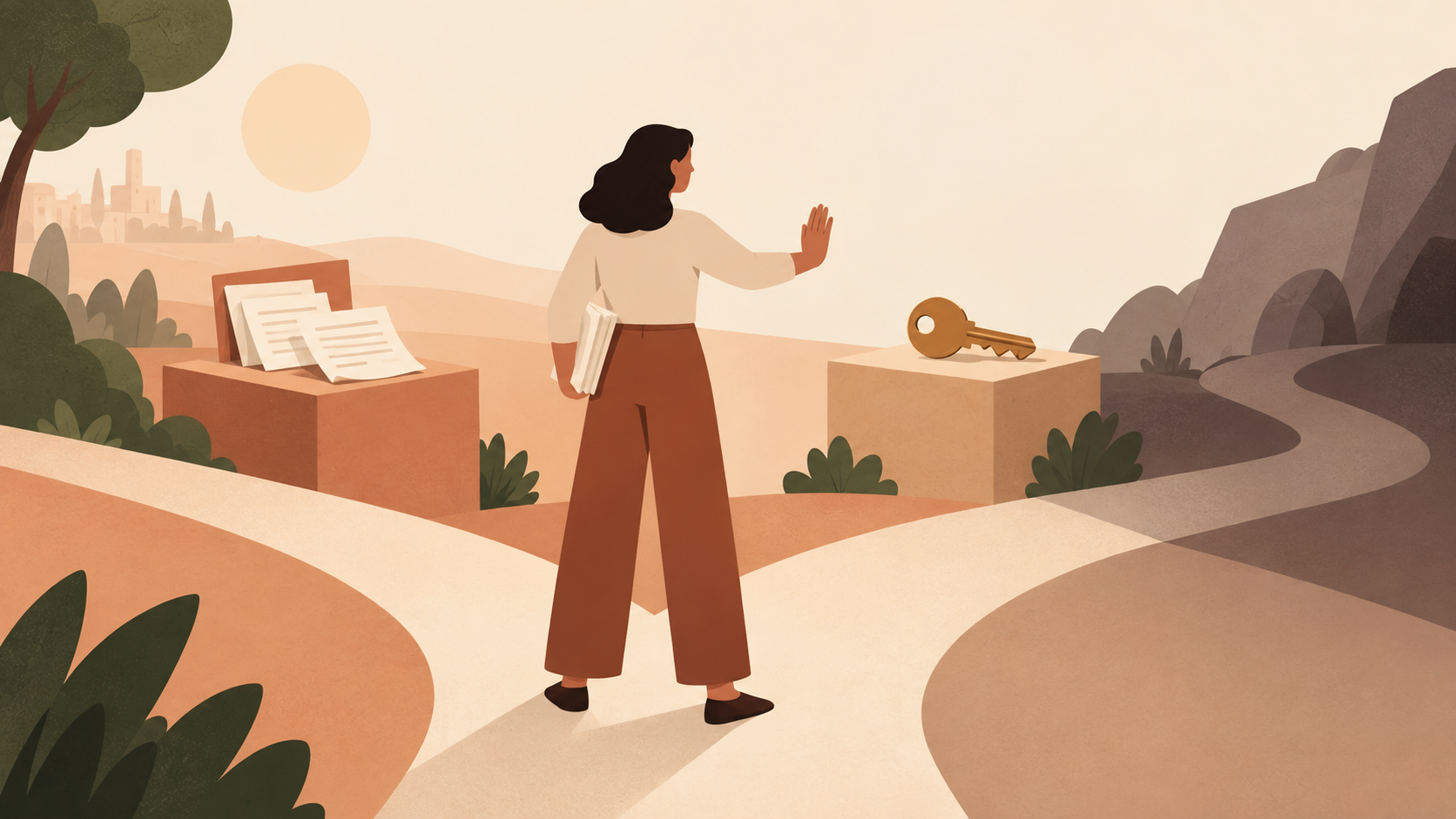
Set a stop rule as well. Stop if a required source cannot be traced, if the output invents or misstates a consequential fact, if sensitive material reaches an unapproved place, or if access requirements do not match the intended recipient. A stop rule makes “we will inspect it” operational. Without it, reviewers can feel pressure to accept a fluent result because time has already been invested in generating it.
 View image detail
 View image detail
For a second perspective on the handoff, see Rise’s guide to bringing AI drafts into team review. Its review questions also apply when a document moves into a presentation.
Review the document against its source material
The first review question is not whether the prose sounds confident. It is whether the document says what its sources support. Check names, periods, units, totals, ratios, definitions and qualifiers. A summary can be accurate in tone and still change the meaning by dropping “preliminary,” “estimated,” “among respondents,” or “as of this date.” If the report compares groups, verify that the populations and time windows line up.
Create a short claim checklist from the task requirements. Each consequential claim should point to a source location, a calculation or an owner who can verify it. Check every number against the underlying table or approved report. Recompute calculations rather than checking only the final sentence. Confirm that a historical trend uses consistent definitions across periods. If the output includes a recommendation, separate the facts that motivated it from the assumptions and values used to choose it.
Then review what the document omits. Did the source packet include a conflicting measure, a limitation or a relevant date? Is a missing field treated as zero? Does “no evidence found” become “evidence of no effect”? A clean summary often makes it harder to notice uncertainty because the rough edges have disappeared. Keep the uncertainty where a decision-maker can see it.
Finally, inspect the exported file, not just the draft in the editor. Confirm that headings, links, tables, footnotes and page breaks survive. Anthropic’s Docs guidance describes export options and current beta limits; validate the exact format you plan to distribute. If a colleague is supposed to continue editing, check that their copy is editable and that the owner knows which version is authoritative. (Claude Docs guide)
Review slides as an argument, not a stack of summaries
A slide deck makes choices about sequence and emphasis. Inspect whether the opening answers why the audience is there, whether each slide advances one part of the argument, and whether the ending leaves a clear decision or next step. The presentation should not merely shrink the report onto a set of rectangles. If one slide has three competing conclusions, the problem is not fixed by a more polished theme.
Check charts at full size. Read the axes, baseline, units, date range, sample, legend and footnote. Compare a chart’s values with the source table. Make sure the visual scale does not exaggerate a small difference. If the chart is derived from a source that may update, identify who owns refreshing it. Current Docs guidance says charts do not automatically update in some workflows, so a copied visual should not be mistaken for a live data connection. (Claude Docs guide)
Review speaker notes and citations too. A slide can make a cautious source sound definitive when its note is removed. Preserve attribution near the claim, not only in a final bibliography no one can connect to the chart. Ask a subject-matter reviewer to examine the most consequential slide independently from the person who drafted it. Then test the exported PowerPoint or PDF on the device or presentation environment where it will be used. Fonts, line breaks, embedded media and editable objects can change during export.
Useful visual review is concrete. Ask a colleague to state the main point of each slide after a quick read. If two readers infer different conclusions from the same chart, clarify the labels or the wording. If the deck uses an icon or illustration to imply evidence, remove that implication or put the evidence in accessible text. Design quality and factual quality are related because layout can direct attention, but neither guarantees the other.
 View image detail
Access, plan and usage are part of fit
Before expanding beyond a test, verify the workspace’s actual access. Anthropic’s current documentation describes gradual rollout and plan-specific access. Docs availability, enterprise controls and protected configurations may differ. Templates and artifacts can also have distinct requirements from the unified conversation itself. The person who can create a draft may not be the same person who can turn on a beta, share an artifact or approve a team workflow. (Unified experience help; Docs help; Artifacts help)
Plan allowance belongs in the comparison as well. Current help cautions that longer agentic work can use more plan capacity. Do not convert that into a cost-savings claim without tracking actual usage, the work required to prepare inputs, reviewer time and the cost of corrections. A task that produces a file quickly can still be more expensive if it needs extensive repair. A task that consumes more allowance may still be worthwhile if it replaces an approved, expensive process, but that conclusion needs local numbers and a consistent comparison.
 View image detail
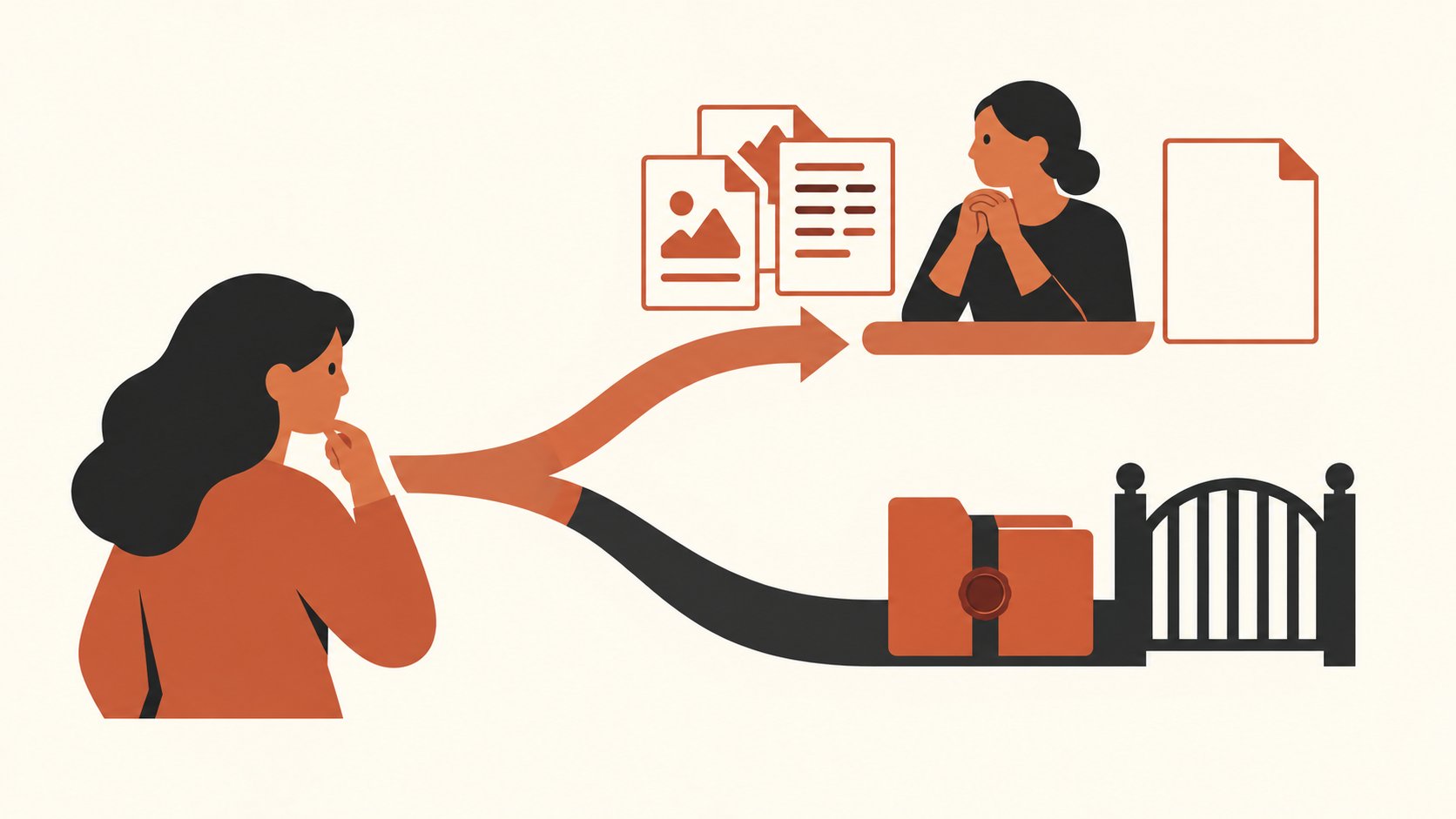
Data policy also changes the answer. A workflow can be technically available and still be inappropriate for a particular document. Check what information may be submitted, how the organization configures the account, who can access artifacts and whether exported files need to stay in a controlled repository. If the answer depends on a policy owner, ask that person before the trial rather than after a document has been shared.
A practical go / revise / stop decision
At the end of a pilot, separate the result into three decisions:
- Go to another bounded test if source checks passed, reviewers could identify and repair issues, access rules were met, and the comparison suggests a specific useful next question.
- Revise the task if the output was promising but the brief, source organization, acceptance criteria or review path caused avoidable confusion. Change one part, then repeat with a comparable task.
- Stop this use case if the source trail was unreliable, the workflow violated policy, the corrections were too costly, or the intended reviewers could not validate the output.
This is not a score for Claude in general. A task can be a good fit for document drafting and a poor fit for autonomous action. Your conclusion should name the workflow, the evidence collected, the plan and settings checked, and the date. If you later change the source process, template or model capability, rerun the part of the test that matters.
Anthropic’s announcement signals a product direction: a conversation can lead into editable Docs and Slides. Whether that is useful for your weekly report depends on the work around the artifact. Choose a task with a known baseline, stable sources and a reviewer who can check the result. Preserve the current process as your comparison, count human review honestly, and stop when evidence or permissions fail. If the assistant produces a sound draft and the total workflow gets easier in a repeatable way, that is a reason to test a second task. It is not a reason to skip the checks that made the first result trustworthy.
Sources
- Anthropic: Cowork is now Claude, September 16, 2026.
- Anthropic Help: Claude Cowork and Chat are one Claude, checked October 2, 2026.
- Anthropic Help: Get started with Claude Docs, checked October 2, 2026.
- Anthropic Help: What are Artifacts and how do I use them?, checked October 2, 2026.
- Computerworld: Anthropic tries to make Claude stickier with launch of Docs and Slides, September 17, 2026.
- TechCrunch: Anthropic merges Claude chat and Cowork in one interface, September 16, 2026.
Checked for this article
Sources
- Anthropic: Cowork is now Claude
- Anthropic Help: Claude Cowork and Chat are one Claude
- Anthropic Help: Get started with Claude Docs
- Anthropic Help: What are Artifacts and how do I use them?
- Computerworld: Anthropic tries to make Claude stickier with launch of Docs and Slides
- TechCrunch: Anthropic merges Claude chat and Cowork in one interface
Keep going
Related notes.
AI in Practice
Claude Docs Sharing: What to Check Before You Send a Work Link
A pre-send checklist for Claude Docs links: verify recipient access, workspace policy, document version, export and mobile limits before sharing work.
Read the article
AI in Practice
Qwen Image 2.1 License: What to Check Before Commercial Use
Publicly downloadable weights are not a commercial-use grant. A team needs to establish permission for its intended workflow, then evaluate the complete operating path and accepted-output cost.
Read the article
AI in Practice
Holo4 for Business: Check Licenses, API Data Terms, and Self-Hosting
Holo4's downloadable checkpoints have different weight licenses, while its hosted API has separate account terms. Learn what to check before choosing a route.
Read the article